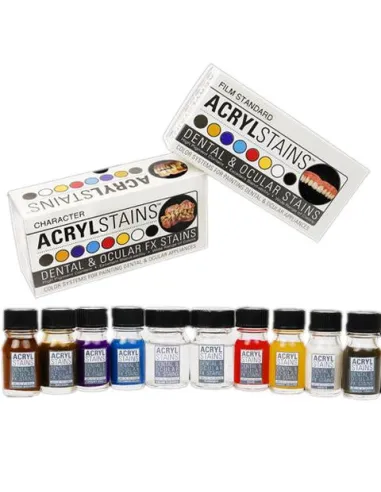
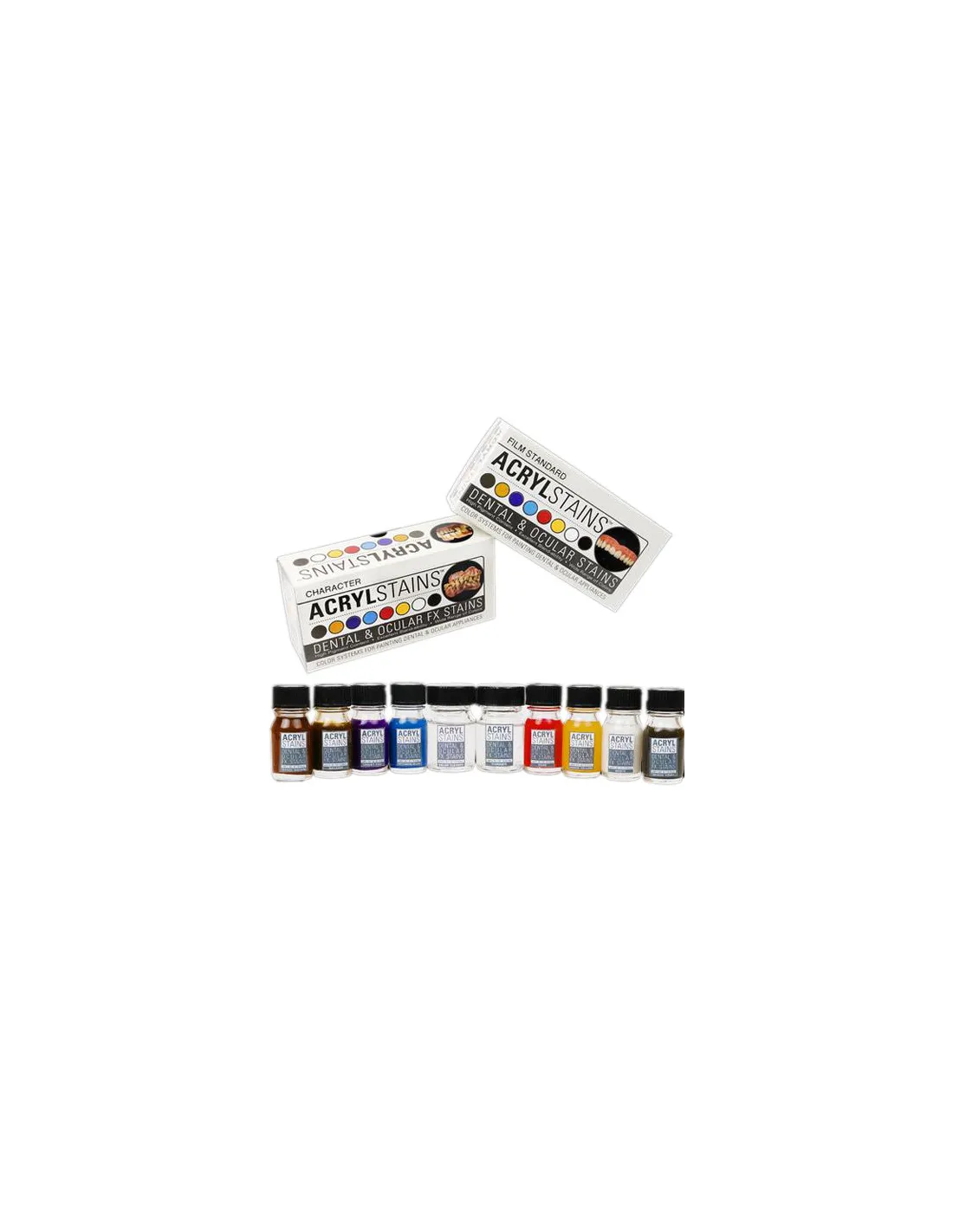
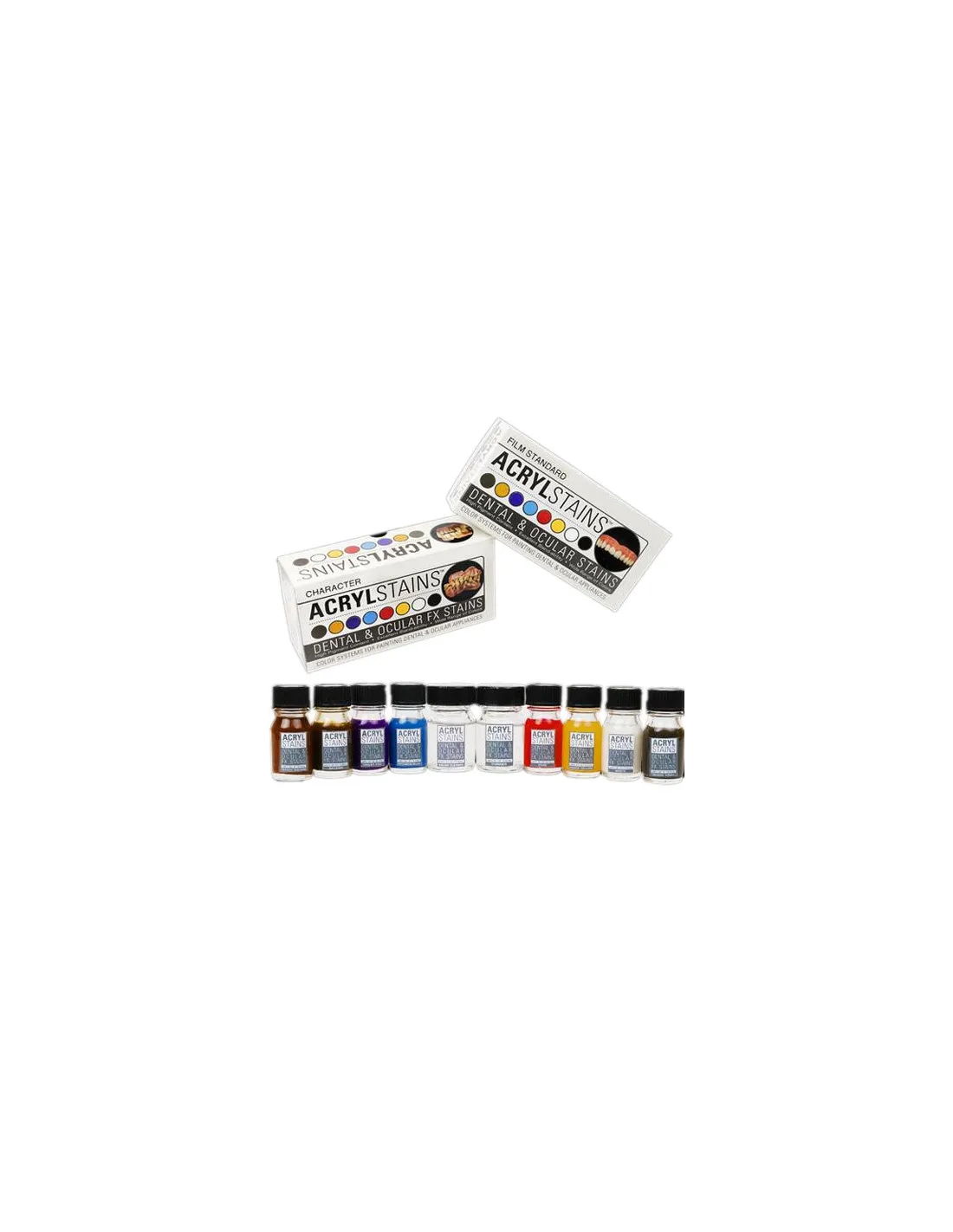
AcrylStains Film Standard is a professional coloring system developed by Chris Gallaher and Kenny Myers specifically for tinting theatrical and film special effects dental and ocular prosthetics. Its high-pigment formula delivers durability and naturalistic results far superior to other color systems available on the market. If you're looking for professional-level results in character prosthetics, this kit is your go-to tool.
Technical specifications
| Feature |
Detail |
| Version |
Film Standard |
| Colors included |
Shade Brown, Balsam, Violet Adjuster, Intrinsic Blue, Rose, Shade Yellow, White, Shade Gray |
| Accessories included |
Thinner + brush cleaner |
| Number of shades |
8 |
| Intended use |
Theatrical/film dental and ocular prosthetics |
| Available versions |
Film Standard and AcrylStains Character |
What it's used for
AcrylStains Film Standard is designed exclusively for the intrinsic and extrinsic coloring of dental and ocular prosthetics for theatrical, television and film use. Its palette of shades covers everything from natural enamel staining to decay, aging or dental pathology effects, with fluid mixing and highly realistic results.
- Tinting acrylic dental prosthetics for theatrical and film character work
- Coloring prosthetic eyes for special effects
- Creating aging effects, cavities, tobacco stains or tartar on false teeth
- Mixing custom shades to match a specific actor's natural dentition
- Film-level color work where color durability is critical
- Complementing kits such as Mouth FX Kit 1 or Mouth FX Kit 2 for complete mouth character work
How to use it
- Make sure the dental or ocular prosthetic is clean, dry and free of any greasy contaminants before you begin.
- Open the kit and familiarize yourself with the 8 available shades: Shade Brown, Balsam, Violet Adjuster, Intrinsic Blue, Rose, Shade Yellow, White and Shade Gray.
- If you need to lighten or adjust the viscosity of a color, use the thinner included in the kit. Add it in small amounts until you achieve the desired consistency.
- Mix the required shades on a clean palette to achieve the exact color you're looking for. The wide range makes it easy to achieve natural mixes in just a few steps.
- Apply the color to the prosthetic with a fine brush. For localized stain effects (tobacco stains, cavities), work with a dry tip and thin, successive layers.
- Allow to dry between layers before adding more color or moving on to adjacent areas.
- Once coloring is complete, clean the brushes immediately with the included cleaner to extend their lifespan.
- Always refer to the official PPI AcrylStains usage instructions before working with the product for the first time.
Important warning: AcrylStains Film Standard is a product exclusively intended for use on theatrical and ocular prosthetics. Never apply directly to natural teeth, gums or real eyes. Not suitable for direct contact with mucous membranes or living tissue.
Usage tips
Make the most of the full range for more natural mixes
The Violet Adjuster and Shade Gray are the shades that most distinguish this kit from other color systems: use them to neutralize overly saturated tones and achieve the grayish opacity characteristic of aged dental enamel. Intrinsic Blue, applied in very diluted layers, delivers the translucency of the incisal edge in a highly convincing way.
Always work in thin layers
The high pigment concentration of AcrylStains makes it very easy to overshoot intensity on the first layer. Always apply in light coats and allow to dry between them. It's much easier to add color than to remove it once dry. If you use the included thinner, a ratio of one part thinner to two parts color is a good starting point.
Combine it with other character makeup systems
For complete film-level character work, AcrylStains Film Standard works very well alongside makeup palettes such as the Skin Illustrator Flesh Tone Palette or the Skin Illustrator Complexion Palette, which allow you to match perioral skin tones with the dental prosthetic for seamless on-camera integration. If you need to work with darker skin tones, the Skin Illustrator Dark Fleshtone Palette is an excellent complementary option.
Frequently asked questions
Is it safe to use this product directly in the mouth?
No. AcrylStains Film Standard is formulated exclusively for tinting theatrical and ocular prosthetics. It must never be applied directly to natural teeth, gums, mucous membranes or real eyes. Its use is restricted to prosthetic pieces external to the body during the manufacture or preparation of props.
What is the difference between the Film Standard version and the Character version?
Both versions share the same formulation base and pigment quality, but differ in the selection of included shades. The Film Standard version is geared towards more natural and subtle effects, suitable for close-up shots in film and television. The AcrylStains Character version includes a palette designed for more pronounced effects and extreme character work. The choice depends on the type of work you'll be doing.
Can it be mixed with other acrylic color systems?
Mixing AcrylStains with color systems of a different base or formulation is not recommended, as incompatibilities may occur that affect adhesion or color durability on the prosthetic. For maximum performance and to ensure the durability this system is known for, always work with the shades and thinner included in the kit itself.
How many shades does the kit include and what are they?
The AcrylStains Film Standard kit includes 8 shades: Shade Brown, Balsam, Violet Adjuster, Intrinsic Blue, Rose, Shade Yellow, White and Shade Gray. The kit also includes a thinner to adjust viscosity and a dedicated brush cleaner.
What type of prosthetics is this color system intended for?
AcrylStains Film Standard is designed for tinting dental and ocular prosthetics for theatrical and film use, typically made from acrylic. It is not intended for real medical-dental prosthetics or for any material meant to remain in prolonged contact with living tissue.
What should I do if the color turns out too intense after application?
Always work in very thin layers and allow to dry between them before evaluating the final result. If the color has dried too intensely, you can try softening it by applying a very diluted layer of the White shade over the affected area. The best strategy is prevention: always start with very diluted proportions and build up the pigment gradually.
What brushes are recommended for this work?
For detail work — localized stains, cavity effects, fracture lines or incisal edge translucency — use fine-tipped, short-bristle brushes for greater control. For base coats or general tinting, you can use flat brushes of medium size. Always clean the brushes immediately after use with the cleaner included in the kit to keep them in good condition.
Is this system compatible with complete mouth character kits?
Yes. AcrylStains Film Standard is perfectly compatible as a complement to special effects mouth kits such as Mouth FX Kit 1 or Mouth FX Kit 2, which include materials for creating false dental pieces. AcrylStains provides the final coloring of prosthetics made with those kits.