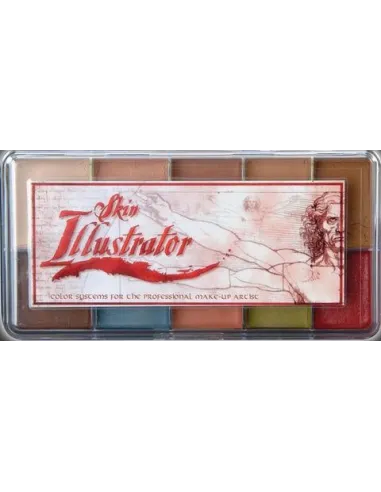
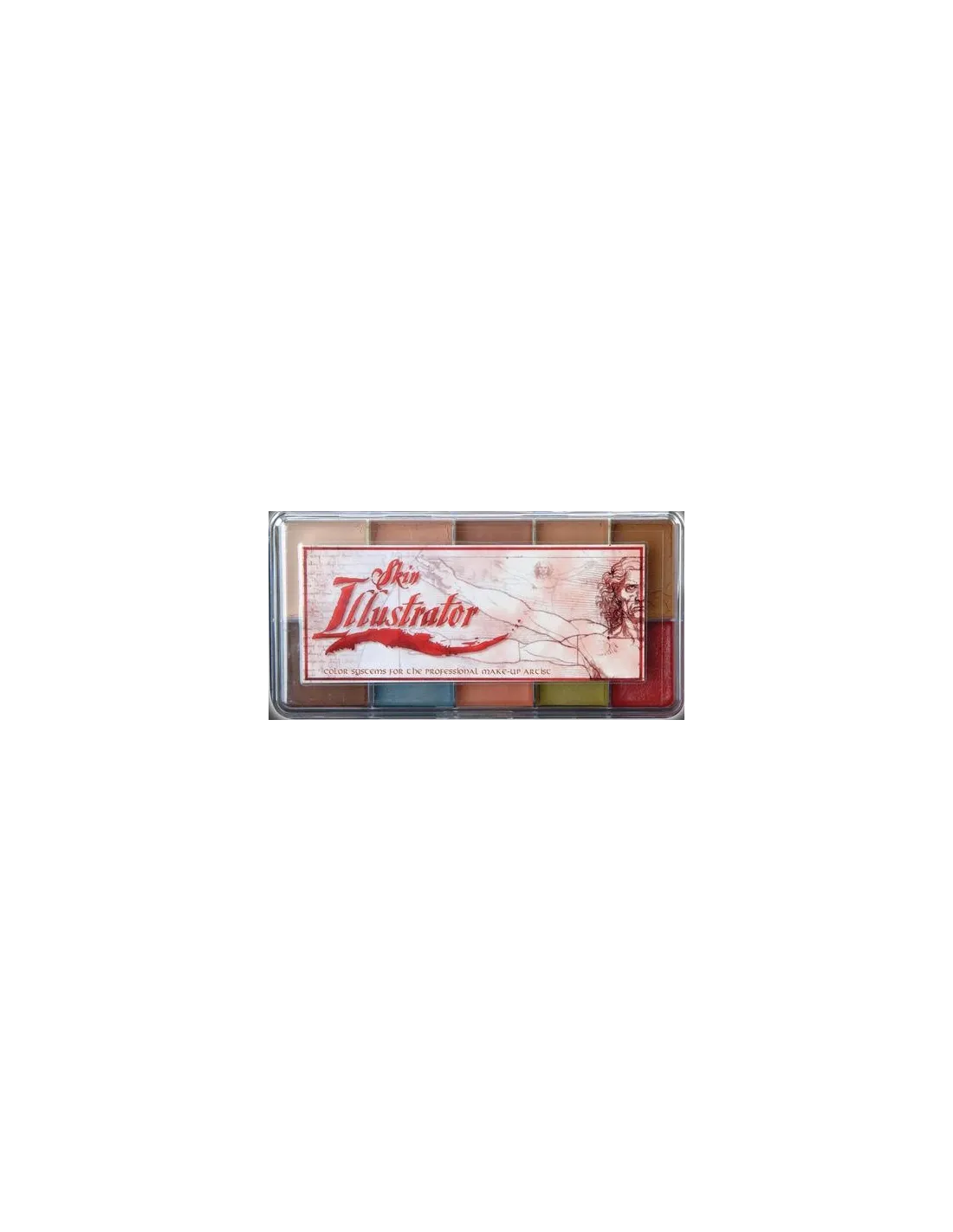
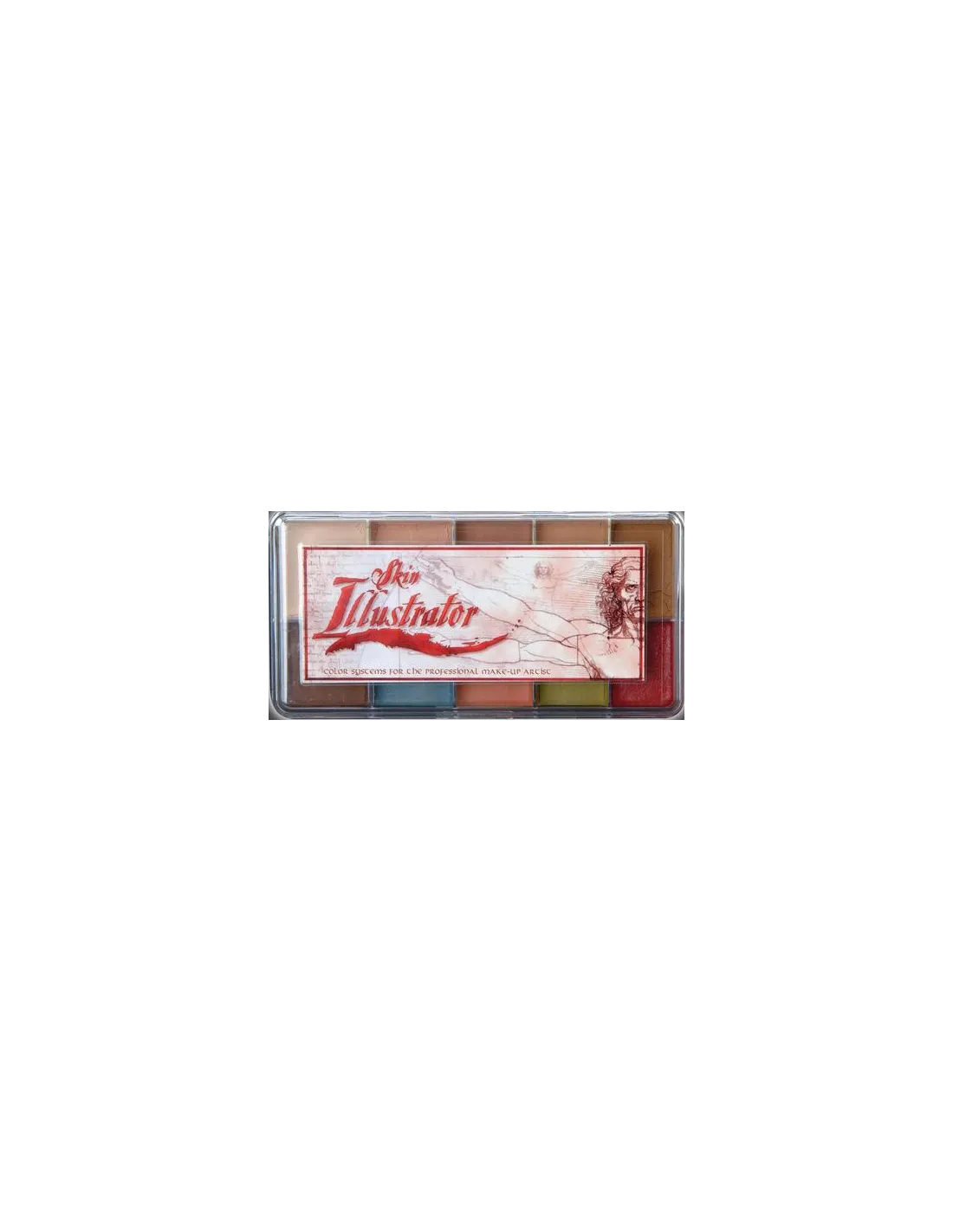
The Skin Illustrator Flesh Tone Palette is a professional alcohol-activated makeup palette with 10 carefully selected flesh tones, ranging from the palest pinks to the warmest and deepest yellows. It is formulated to deliver exceptional coverage and lasting adhesion on skin, silicone and latex, making it an essential tool for special effects, theatrical and film character makeup.
Technical specifications
| Feature | Detail |
|---|
| Number of colours | 10 |
| Colours included | Rice Paper, Natural 1, Natural 2, Lao 1, Lao 2, Cedar, Vein Tone, Coral Adjust, Olive Adjust 2, Pink Adjust 2 |
| Base | isopropyl alcohol |
| Compatible surfaces | Skin, silicone, latex |
| Activation | Skin Illustrator Activator, Skin Illustrator Slow Activator or 99% isopropyl alcohol |
| Removal | Telesis Super Solv |
| Use | Professional SFX, character makeup, tattoo coverage |
What it is used for
The Flesh Tone Palette is designed for professional special effects makeup artists, theatrical and film character makeup who need to accurately reproduce natural skin tones on any surface. Its range covers everything from very fair skin to olive and warm tones, allowing custom blends for any complexion type.
- Realistic character makeup for film, television and theatre
- Coverage of tattoos, blemishes and skin imperfections
- Simulation of scars, bruises and skin ageing effects
- Painting on silicone and latex prosthetics for special effects
- Tone matching on silicone pieces for facial character makeup
- Full body makeup with a natural, long-lasting finish
- Colour adjustment and correction over previous base makeups
How to use it
- Make sure the surface (skin, silicone or latex) is clean, dry and free of grease or residue from previous products.
- Dampen a brush or sponge with 99% isopropyl alcohol, Skin Illustrator Activator or Skin Illustrator Slow Activator.
- Load the brush with the desired colour from the palette, blending directly on the palette surface if you need to adjust the tone.
- Apply to the surface using gentle strokes, building coverage in thin layers for greater control and a natural result.
- Allow each layer to dry before applying the next. Drying is fast thanks to the alcohol base.
- Blend several tones from the palette to match the result to the model's complexion or the character's requirements.
- To set the result and increase resistance to sweat and touch, you can apply a compatible setting spray.
- To remove the makeup, use Telesis Super Solv with a cotton pad or gauze, applying gently over the treated area.
Tips for use
Choose your activator based on working time needed
99% isopropyl alcohol activates colours quickly and dries within seconds, ideal for spot corrections or fast applications. If you need more working time to blend or create gradual effects, opt for the Skin Illustrator Slow Activator, which extends the open time without compromising final adhesion. Never use 70% alcohol, acetone, MEK or water, as they do not correctly activate the pigments and can ruin the application.
Build colour in thin layers
The temptation to load a lot of product in one go can cause build-up and an unnatural finish. Always work in thin, transparent layers, allowing each one to dry before the next. This gives you full control over colour intensity and makes corrections easier. For areas such as veins or subtle shadows, Vein Tone and the adjustment colours in the palette are especially useful when applied with a fine brush in near-transparent layers.
Blend on the palette to customise tones
One of the great advantages of this palette is the ability to mix all 10 colours directly on the palette surface or on an auxiliary mixing plate. The adjustment colours (Coral, Olive 2 and Pink 2) are designed precisely to fine-tune and personalise the base tones, allowing you to adapt the result to any skin tone without the need for additional palettes. If you need to extend the range towards darker or more fantastical tones, combine this palette with the Skin Illustrator Dark Fleshtone Palette or the Skin Illustrator Grunge Palette.
Frequently asked questions
Can this palette be used directly on skin without any prior preparation?
Yes, but for best results the skin should be clean, grease-free and completely dry. If the skin produces a lot of sebum, a light cleanse beforehand will significantly improve the adhesion and durability of the makeup. The Skin Illustrator Flesh Tone Palette is specifically formulated for use on skin, silicone and latex.
What type of alcohol should I use to activate the colours?
You should always use 99% isopropyl alcohol, Skin Illustrator Activator or Skin Illustrator Slow Activator. 70% alcohol is not suitable because it contains too much water and does not correctly activate the pigments. You should also avoid acetone, MEK or water, as they can damage the finish and hinder application.
Is this palette suitable for painting on silicone prosthetics?
Yes. The Skin Illustrator Flesh Tone Palette adheres perfectly to platinum silicone and latex, making it a go-to option for prosthetic painting in special effects. Compatibility with these materials is one of its main advantages over conventional makeups, which do not adhere well to non-porous surfaces.
How long does the makeup last once applied?
Once dry, alcohol-activated makeup offers notable resistance to sweat and touch compared to conventional makeups. For long shoots or extended performances, it is recommended to set with a compatible setting spray and apply in well-dried layers. Durability also depends on the surface and environmental conditions.
How is the alcohol makeup removed?
The Skin Illustrator Flesh Tone Palette makeup is removed with Telesis Super Solv. Apply the solvent with a cotton pad or gauze and remove gently without rubbing excessively. Avoid using water alone or conventional water-based makeup removers, as they do not effectively dissolve alcohol-based pigments.
Can the colours in this palette be mixed with those from other Skin Illustrator palettes?
Is it safe to use on sensitive skin or near the eyes?
The Skin Illustrator Flesh Tone Palette is formulated for professional use in character makeup and special effects. For sensitive skin, it is recommended to perform a patch test on a small area before full application. Avoid direct contact with the eyes and mucous membranes. In case of irritation, remove the product with Telesis Super Solv and rinse with plenty of water.
What is the difference between this palette and the Complexion Palette?
The Flesh Tone Palette focuses on a range of flesh tones covering everything from very fair, rosy skin to olive and warm yellow tones, including adjustment colours to fine-tune the result. The Skin Illustrator Complexion Palette offers a complementary selection oriented towards general complexion matching and correction. Used together, they cover virtually any realistic character makeup need.