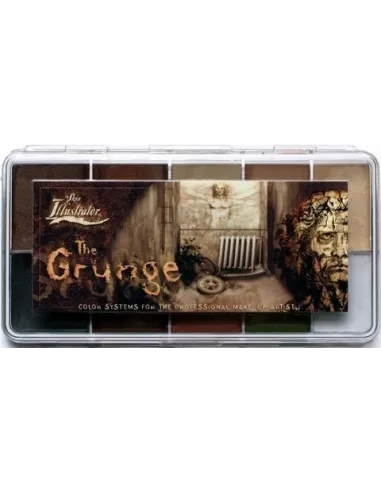
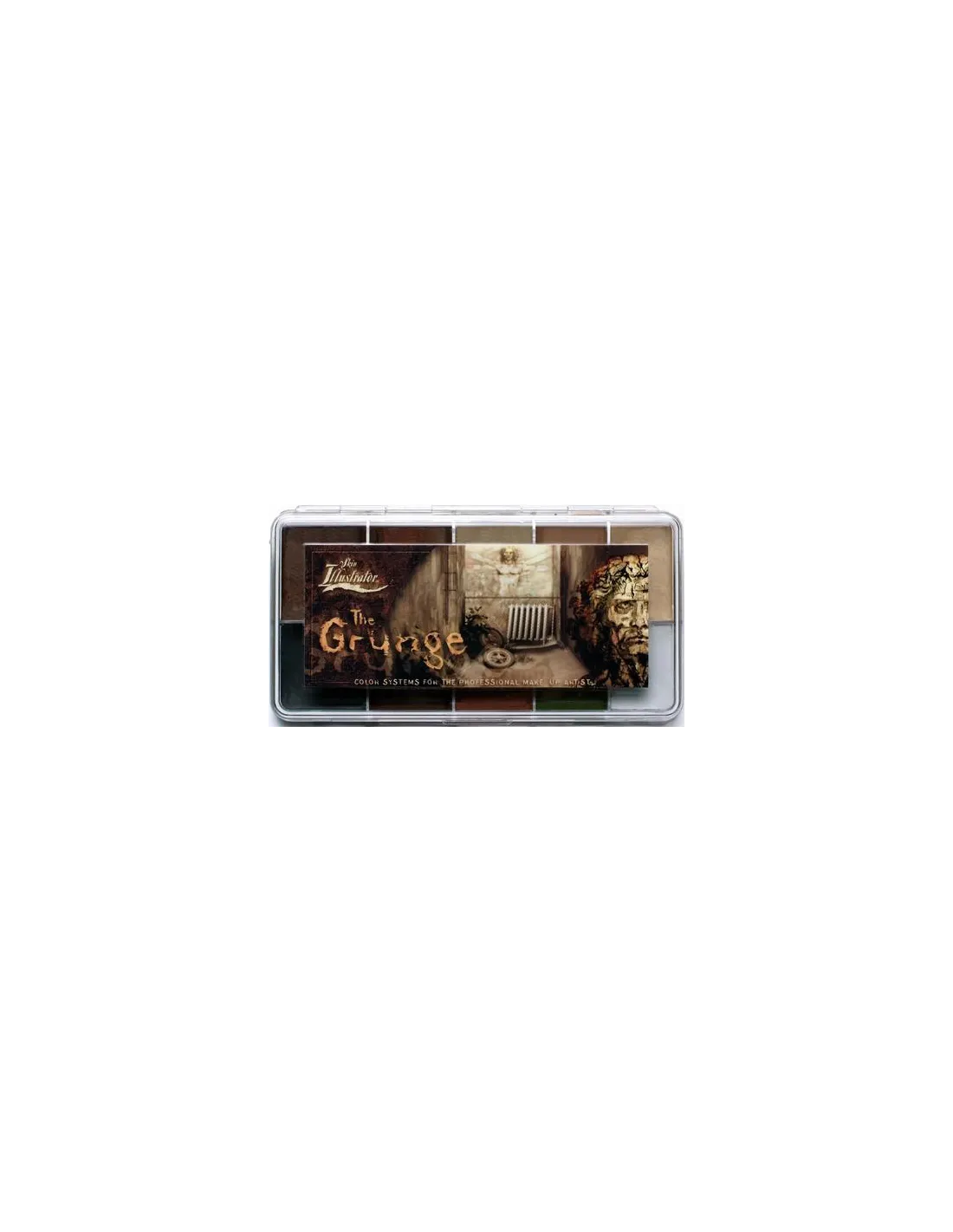
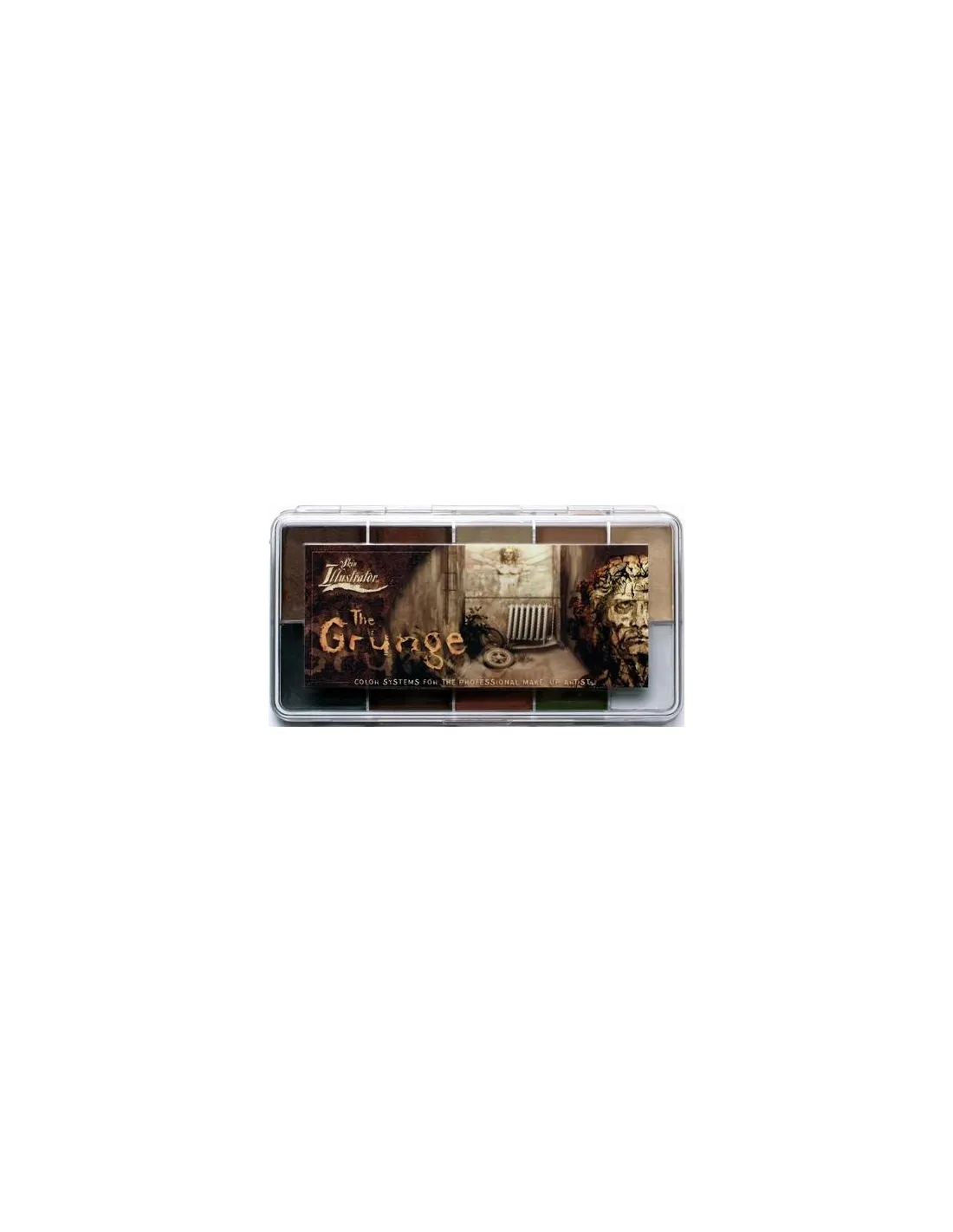
The Skin Illustrator Grunge Palette is a 10-colour alcohol makeup palette specifically designed to recreate dirt, grime, aging and deterioration effects on skin, silicone and latex prosthetics. Developed in collaboration with leading SFX artists, it offers superior coverage and durability compared to any mainstream alternative.
Technical specifications
| Feature |
Detail |
| Product type |
Alcohol makeup (ink) |
| Number of colours |
10 |
| Colours included |
Dark Tan, Rumble, Rotten Rock, Prairie Dust, Sand, Soot, Muddy Waters, Sedona, Grass Stain, Dust |
| Compatible surfaces |
Skin, silicone, latex |
| Activation |
isopropyl alcohol 99%, Skin Illustrator Activator, Skin Illustrator Slow Activator |
| Removal |
Telesis Super Solv |
| Non-compatible solvents |
70° alcohol, MEK, acetone, water |
| Range |
Skin Illustrator (PPI) |
What it's used for
This palette is designed for special effects in film, television, theatre and professional character makeup where realistic dirt, deterioration or hostile environment looks are required. The 10 earth tones, greys and greenish shades of the Grunge Palette allow you to build up layers of grime with a naturalism that is hard to achieve with other products.
- Simulation of accumulated dirt, mud and dust on the actor's skin
- Aging and deterioration of silicone and latex prosthetics
- Recreating faces in war, post-apocalyptic or survival environments
- Soot and superficial burn effects
- Grass stains, rust and moisture marks on skin and prosthetics
- Character makeup for zombies, vagrants or abandoned characters
- Colour integration between prosthetics and natural skin in earth and neutral tones
How to use it
- Make sure the surface (skin or prosthetic) is clean, dry and free of oils or residues from incompatible solvents.
- Dampen a brush or sponge with isopropyl alcohol 99%, Skin Illustrator Activator or Skin Illustrator Slow Activator depending on the drying speed you need.
- Load the brush by touching the surface of the chosen colour in the palette. There is no need to press hard: the ink activates with the alcohol on the brush.
- Apply to the area to be made up using short strokes, stippling or a sponge to mimic dirt textures. Work in thin layers to achieve depth and tonal variation.
- Blend colours directly on the skin or prosthetic to create natural transitions. The shades in the Grunge Palette are formulated to combine with each other without losing definition.
- Allow to dry between layers. Drying is fast; the Slow Activator gives you more working time if needed.
- To remove the makeup, use Telesis Super Solv with a cotton pad or gauze.
Application tips
Build up dirt in layers
Never apply the darkest shade directly as the first layer. Start with mid tones such as Sand or Prairie Dust to establish a dirty base, then add Soot or Rotten Rock in areas of greatest build-up (wrinkles, folds, around the nose). This gives the result depth and prevents it from looking flat.
Control dilution according to the surface
On silicone, isopropyl alcohol 99% gives very precise results. On latex, try the Slow Activator first to prevent the ink from spreading too quickly. On skin, the standard activator is sufficient in most conditions. Never use 70° alcohol, water, acetone or MEK: these alter the formulation and the result will not be as expected.
Brush vs. sponge: choose according to the effect
A fine brush gives you control to simulate cracks, dirt veins or localised grass stains. A rough-textured sponge is ideal for imitating the diffuse deposit of dust or soot over large surfaces. Combine both in the same job to achieve more naturalistic effects.
Frequently asked questions
Can I use this makeup directly on sensitive skin?
The Skin Illustrator Grunge Palette is formulated for professional use in character makeup on skin. If the actor or model has particularly sensitive skin or known allergies, always perform a patch test on a small area before full application. The alcohol-based activator may be irritating on very dry skin or active dermatitis.
What alcohol should I use to activate the colours?
Use exclusively isopropyl alcohol 99%, Skin Illustrator Activator or Skin Illustrator Slow Activator. Pharmacy-grade 70% alcohol contains too much water and does not correctly activate the ink, producing an uneven result. Water, acetone and MEK are incompatible with this formulation.
Does it work over silicone prosthetics painted with other systems?
Yes, as long as the base paint is fully cured and the surface is clean. The Skin Illustrator Grunge Palette is compatible with silicone and latex prosthetics as a finishing or aging makeup layer, regardless of the base paint system used.
How is it removed without damaging the prosthetic?
The recommended remover is Telesis Super Solv. Apply it with a cotton pad or gauze to the area to be cleaned and remove gently. Do not use acetone or MEK to remove the makeup from silicone or latex prosthetics: these solvents can degrade the material.
Can I mix the colours in the palette with each other?
Yes. The 10 colours of the Grunge Palette are designed to be combined with each other. You can mix them directly on the palette or on the working surface by dampening the brush with activator. You can also layer them on skin or prosthetics to achieve more natural transitions.
How long does the makeup last during a shooting day?
The durability of Skin Illustrator is one of its main advantages over other alcohol makeup systems. Once dry and correctly applied on skin or prosthetics, it holds up perfectly through long shooting days without frequent touch-ups. Heavy sweating may require occasional touch-ups, especially in areas of greater facial movement.
Are there complementary palettes for skin tones or more elaborate effects?
Can it be used over conventional foundation makeup?
It is not recommended to apply Skin Illustrator over water-based foundations or cream foundations, as the alcohol may dissolve or disturb the underlying layer. The ideal approach is to apply it directly on prepared skin, on prosthetics, or as a finishing layer over products from the same Skin Illustrator system.