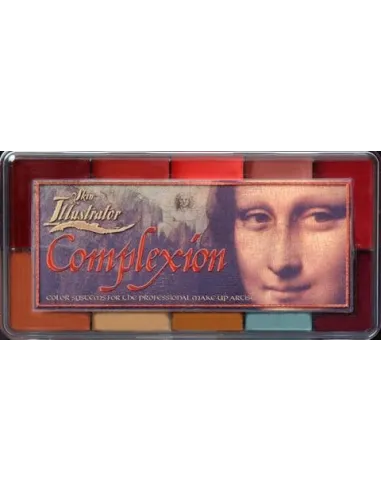
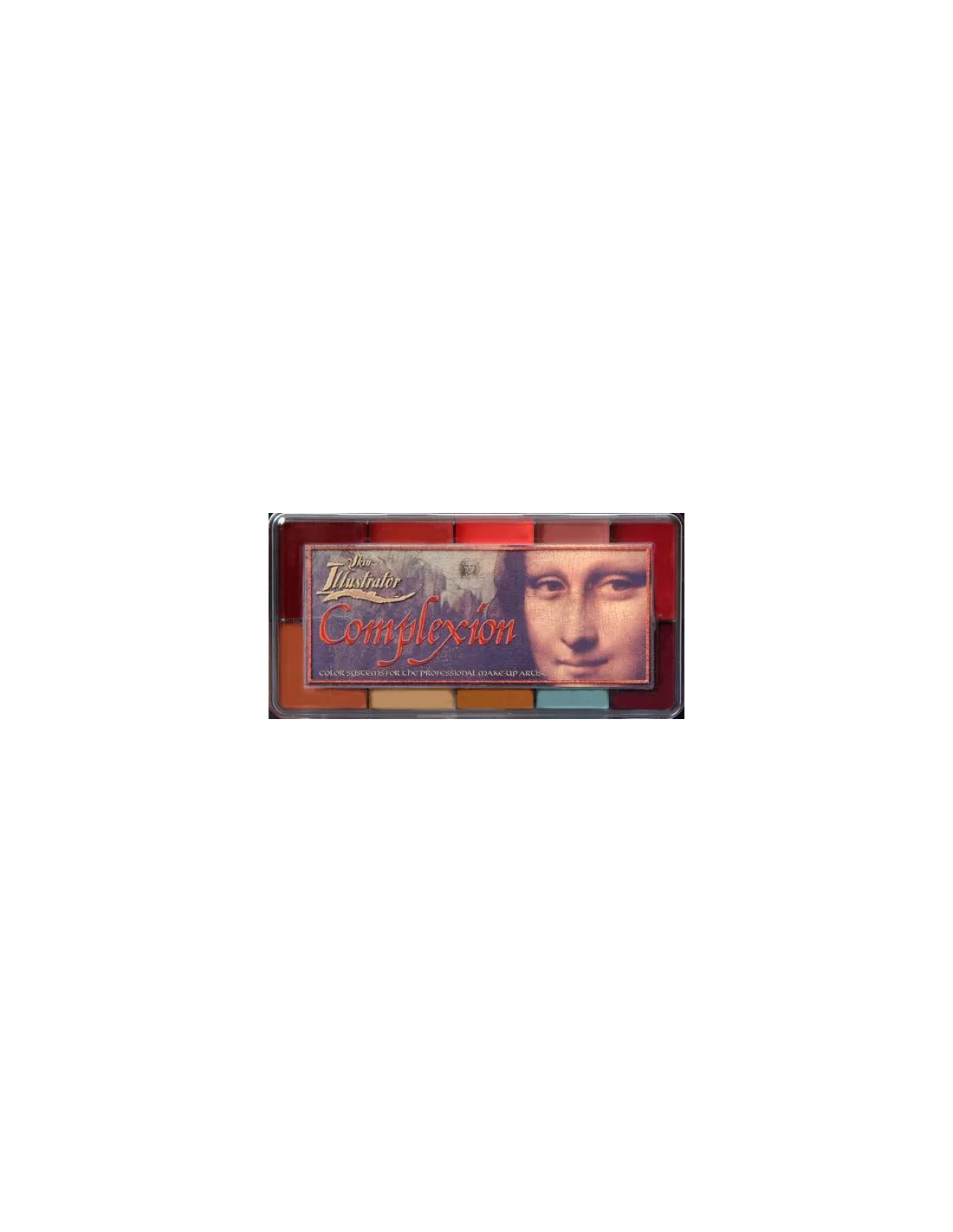
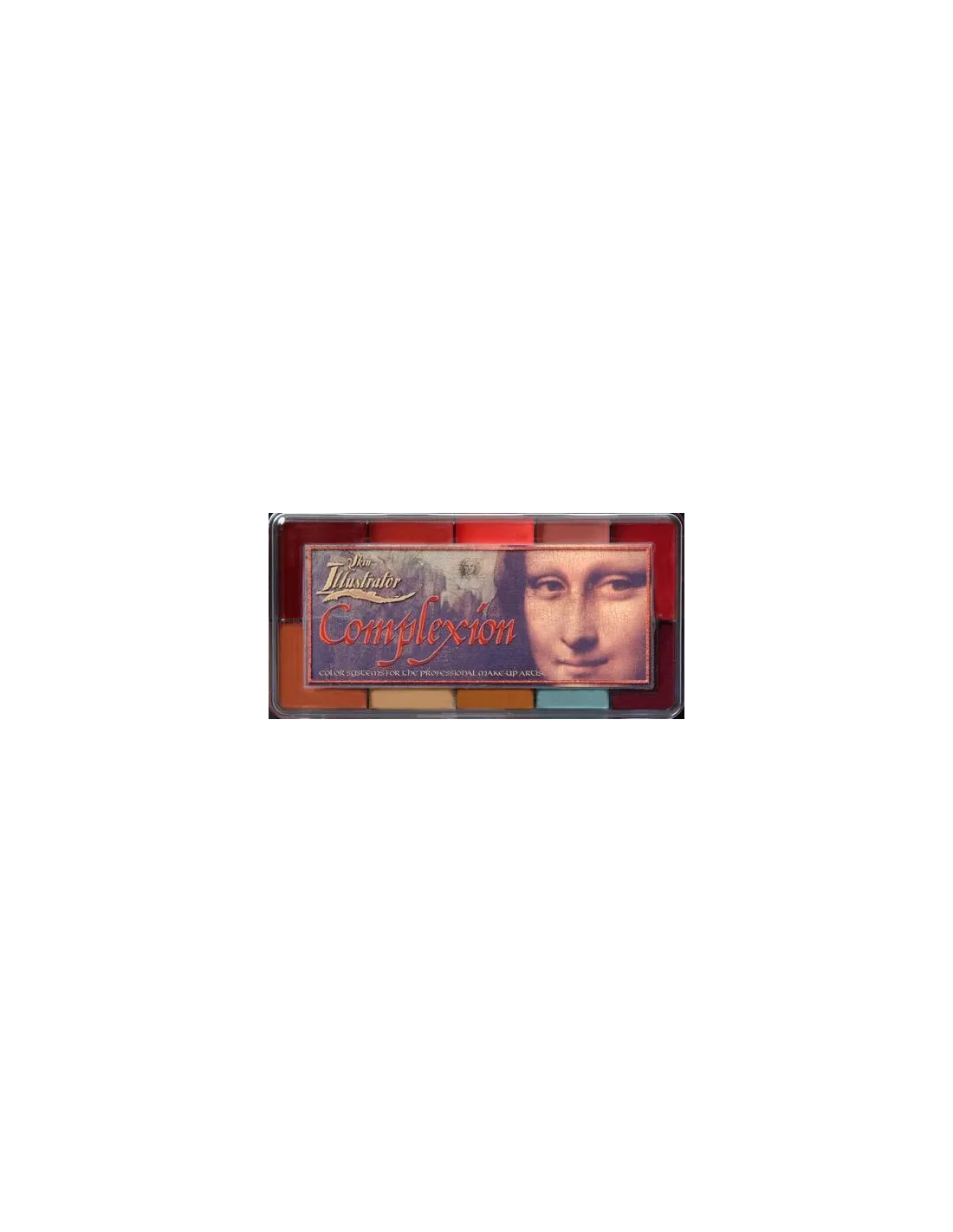
The Skin Illustrator Complexion Palette is an alcohol-activated makeup palette specifically formulated to refine and adjust skin tones in any application. With 10 colours focused on reds, blushes and correction tones, it is the essential tool for the special effects makeup artist to achieve natural transitions and seamless integration on real skin, silicone prosthetics and latex.
Technical specifications
| Product type | Alcohol-activated makeup palette (alcohol-activated) |
|---|
| Number of colours | 10 |
|---|
| Colours included | RedRum, Powder Pink, DT Blush, Light Mauve, Dark Mauve, Light Sienna, Pastel Yellow, Warm Ochre, Cool Tone, Capillary |
|---|
| Compatible surfaces | Human skin, silicone, latex |
|---|
| Recommended activator | Skin Illustrator Activator / Skin Illustrator Slow Activator / isopropyl alcohol 99% |
|---|
| Removal | Telesis Super Solv or compatible solvent |
|---|
| NON-compatible solvents | 70° alcohol, MEK, acetone, water |
|---|
What it is used for
The Complexion Palette is designed for professional character makeup work in film, television, theatre and special effects. Its specific range of reds, mauves and correction tones makes it the ideal resource when you need to blend prosthetics or adjust the base colour of any application.
- Integration of silicone and latex prosthetics with the actor's natural skin tone
- Simulation of redness, blush, capillaries and warm areas on skin or prosthetics
- Colour correction and adjustment in complex character makeups
- Painting and detail work on silicone pieces painted in the workshop before application
- Blending edges on latex prosthetics to eliminate the transition line
- Creating effects of irritation, minor burns, abrasions and skin lesions
- Professional body painting on treated skin
How to use it
- Make sure the surface is clean, dry and free of grease or oils before starting.
- Activate the desired colour with a few drops of Skin Illustrator Activator, Slow Activator or isopropyl alcohol 99% directly onto the pan.
- Pick up the colour with a fine brush or a broader brush, depending on the level of detail you need.
- Apply to the desired area with gentle strokes. Allow to dry for a few seconds before layering additional coats.
- Mix colours directly on the palette or on the surface to achieve intermediate tones and custom transitions.
- Once dry, the makeup sets and becomes durable. You can seal it with a compatible fixative if shooting conditions require it.
- To remove, use Telesis Super Solv or a solvent compatible with alcohol-activated makeups. Do not use 70° alcohol, MEK, acetone or water.
Usage tips
Activation: less is more
Add the activator with a dropper and in small amounts. Too much liquid over-dilutes the pigment and reduces coverage. If you need greater fluidity for larger areas, work with the Slow Activator, which slows evaporation and gives you more working time before the colour sets.
Thin layers for greater control
The most effective technique with the Complexion Palette is to work in very thin layers and allow each one to dry before applying the next. This allows you to build intensity in a controlled manner and make corrections on the go without disturbing the colour already applied. To simulate capillaries or localised redness, use a very fine brush with minimal product and short, quick strokes.
Integration with other Skin Illustrator palettes
The Complexion Palette is designed to work together with the rest of the Skin Illustrator system. Combine it with the Skin Illustrator Flesh Tone Palette to establish the base tone, and use the correction colours of the Complexion Palette to personalise and naturalise the result. For darker skin tones, complement with the Dark Fleshtone Palette.
Frequently asked questions
Can I use pharmacy alcohol to activate the colours?
No. Common 70° alcohol contains too much water and does not correctly activate alcohol-based pigments. For the Skin Illustrator Complexion Palette you need to use Skin Illustrator Activator, Slow Activator or isopropyl alcohol 99%. Using 70° alcohol, water, acetone or MEK can ruin the palette or prevent the colour from curing properly.
Are these colours safe to apply directly on skin?
Yes. The Skin Illustrator line is formulated for cosmetic use and is suitable for application on human skin. Even so, it is always recommended to perform a patch test on individuals with sensitive skin before extensive application, especially if the actor has a history of allergies to alcohol-based cosmetic products.
How are these makeups removed at the end of the day?
The Skin Illustrator Complexion Palette is removed with Telesis Super Solv. Apply the solvent with a gauze pad or cotton, allow it to act for a few seconds and remove gently. Do not use water, acetone or 70° alcohol, as they are not effective and may irritate the skin or damage the prosthetic.
Does it work on already-painted silicone prosthetics?
Yes. The Complexion Palette is compatible with silicone surfaces and is commonly used to add final details, adjust colour or blend prosthetic edges both in the workshop and on set. Make sure the surface is free of Release agent or greasy residues before applying.
Can it be mixed with other palettes from the same range?
Yes. All colours in the Skin Illustrator system are miscible with each other, as they share the same alcohol base. You can mix colours from the Complexion Palette with those from the Flesh Tone Palette, the Necromania Palette or any other palette in the line to create completely custom tones.
How long does the colour take to dry once applied?
Drying is very fast, typically between 10 and 30 seconds depending on the amount of activator used and the ambient temperature. If you need more time to work the colour or blend it, use the Slow Activator instead of the standard activator or isopropyl alcohol, which accelerates evaporation.
Is it sweat- and water-resistant once dry?
Yes. Once the alcohol evaporates, the pigments set and offer good resistance to sweat and ambient humidity. For extreme shooting conditions (outdoors, high heat, very active actors), a compatible fixative can be applied on top to increase durability.
What is the difference between this palette and others in the same line?
The Complexion Palette specialises in reds, blushes, mauves and correction tones designed to adjust and naturalise any makeup. It is not a base tone palette, but a refinement and detail tool. To establish the flesh base, the standard approach is to use the Flesh Tone Palette first and then work over it with the Complexion Palette to personalise the result. For more extreme special effects, there are palettes such as the Grunge Palette or the Necromania Palette.