Shopping Cart



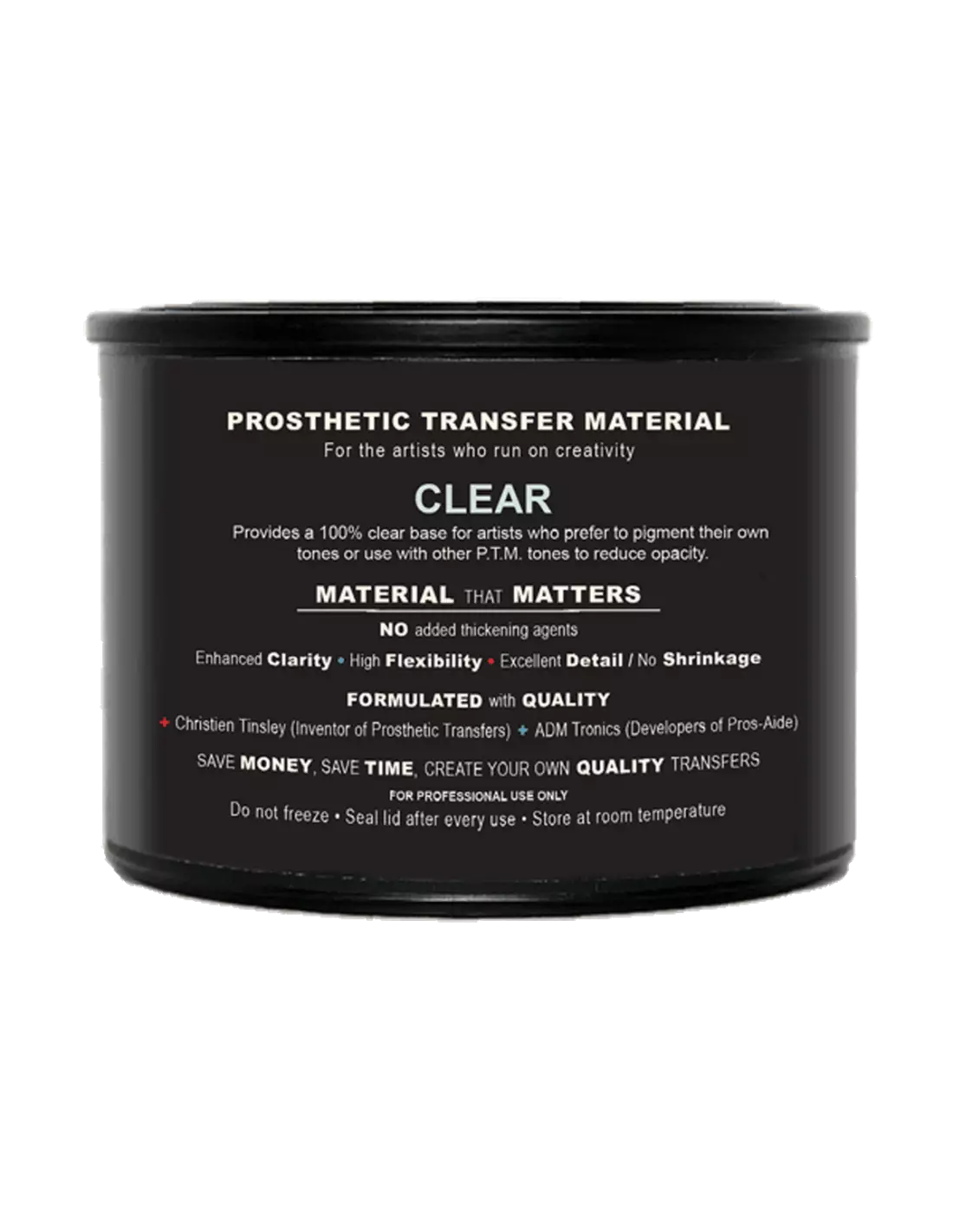
PTM - Clear
591400400
€35.00
42,35 € Tax incl.
42,35 € Tax incl.
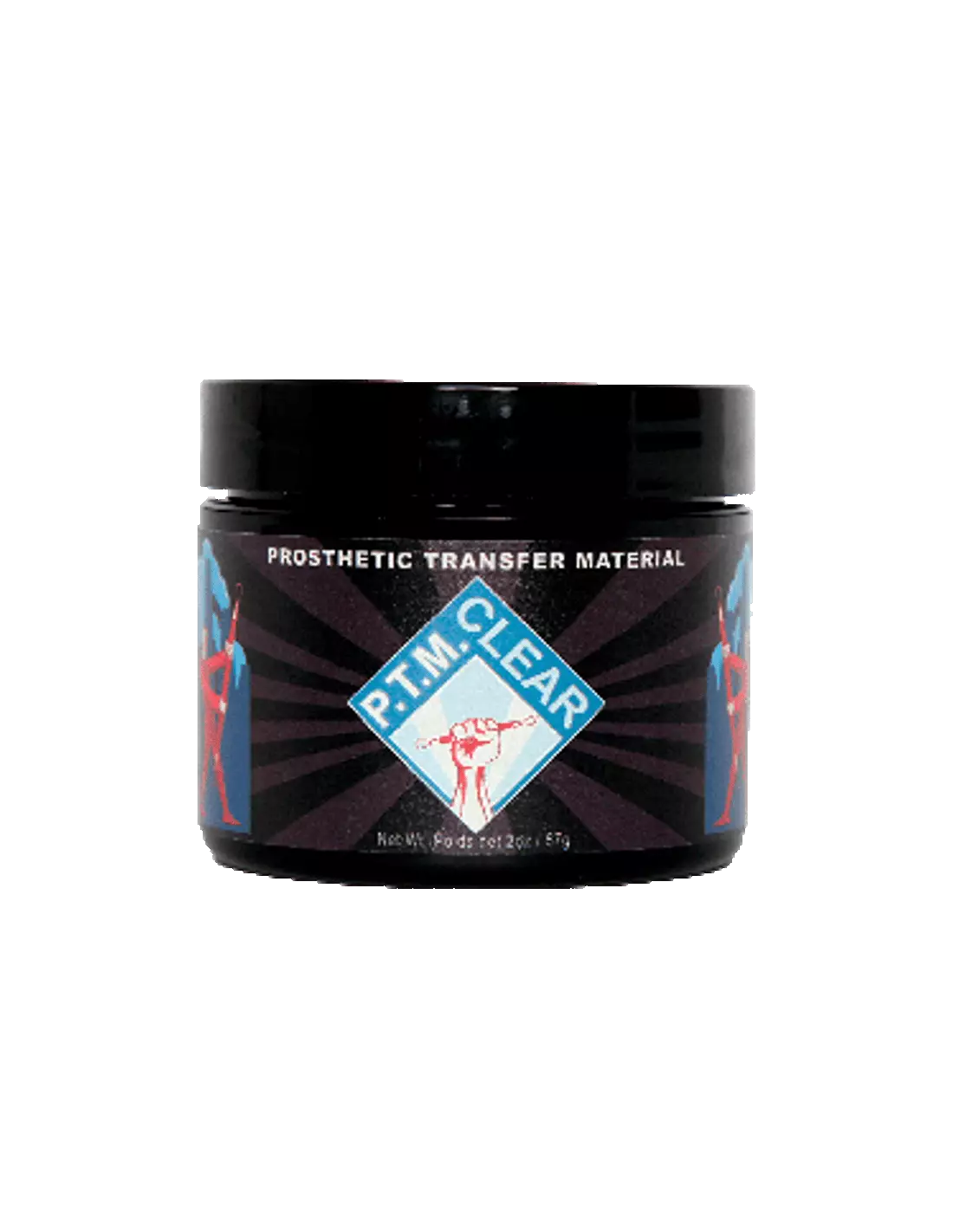
PTM Clear by Christien Tinsley: transparent prosthetic transfer material for reducing opacity, self-tinting with pigments, and creating high-quality SFX transfers.
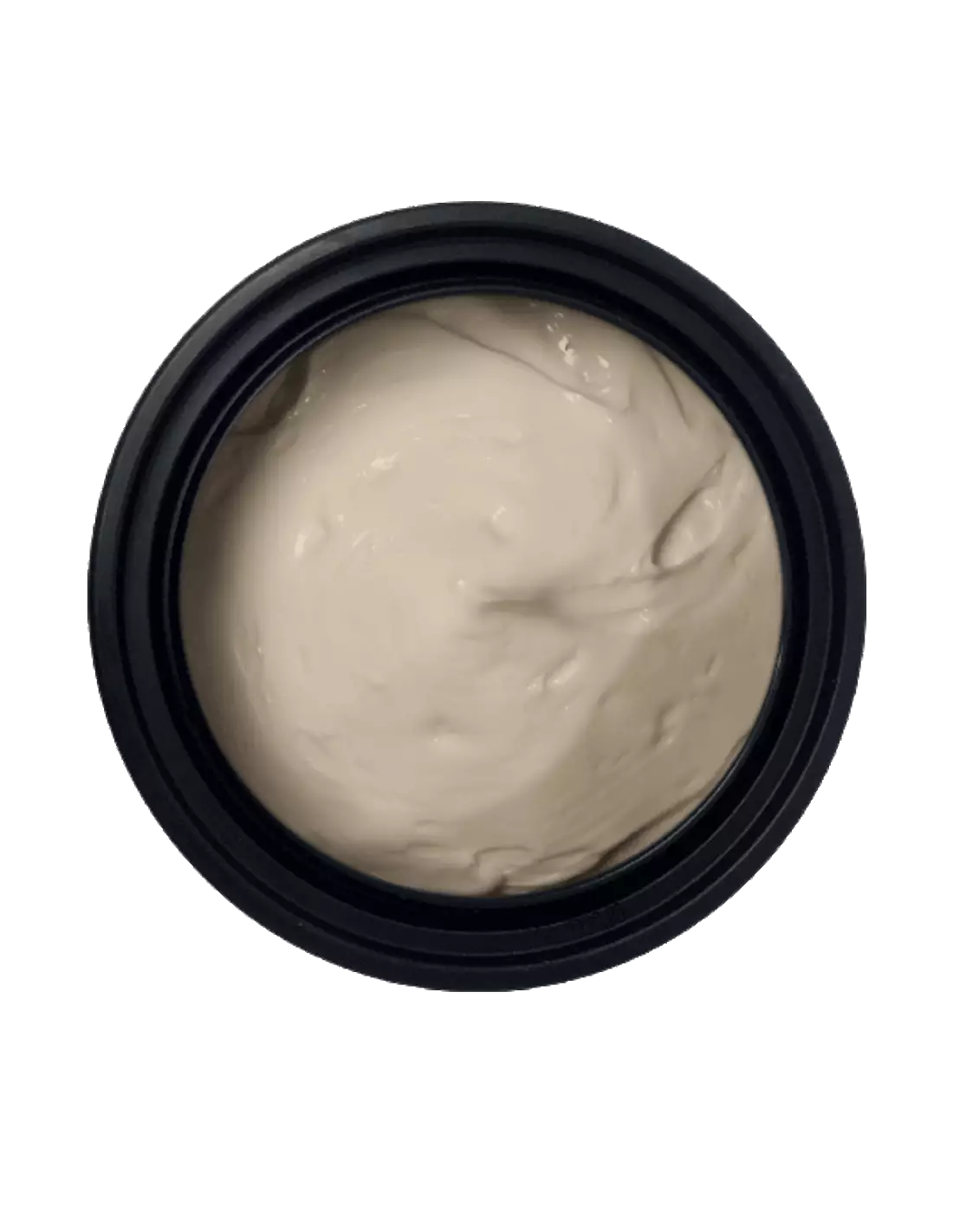
PTM Clear is the transparent version of the PTM (Prosthetic Transfer Material) transfer system, formulated by Christien Tinsley, the original creator of the process. It serves both to reduce the opacity of existing skin tones and to create high-quality prosthetic transfers directly from the jar, and accepts self-tinting with pigments to achieve the exact shade you need.
Technical specifications
| Feature | Detail |
|---|---|
| Color | Clear (transparent) |
| Material type | Prosthetic Transfer Material (PTM) |
| Formulator | Christien Tinsley |
| Available formats | Two sizes |
| Application | Directly from the jar |
| Accepts tinting | Yes, with pigments and Flocking |
What it's used for
PTM Clear is designed for professional special effects makeup, character makeup and prosthetics artists. Its transparency makes it a versatile material for both color work and creating transfers that can be applied directly onto skin.
- Creation of prosthetic transfers (Bondo Transfers, Pro-Bondo Transfers, Pros Aide Transfers) directly from the jar.
- Reducing the opacity of existing PTM skin tones for a more natural transition.
- Mixing with PTM Light Flesh or other tones to adjust color intensity.
- Self-tinting with pigments of your choice to create custom shades.
- Incorporating Flocking for texture effects on synthetic skin.
- Neutral base for glazing and translucency effects on foam latex or silicone prosthetics.
- Application onto PTM transfer paper for tattoos and SFX makeup transfers.
How to use it
- Prepare the surface: make sure the skin or substrate is clean, dry and free of grease.
- Tint the material if needed: add pigments or mix PTM Clear with another PTM tone until you achieve the desired color. Mix thoroughly with a spatula.
- Apply onto the transfer paper: spread an even layer of PTM Clear (or the prepared mix) onto the transfer paper with a brush or spatula.
- Allow to dry: wait until the layer is completely dry before applying additional coats or proceeding with the transfer.
- Transfer onto skin: place the transfer over the desired area, press firmly and carefully peel away the paper.
- Seal and finish: once applied, you can color with Skin Illustrator palettes to blend the transfer with the actor's skin tone.
Usage tips
Opacity control
PTM Clear is the most direct tool for adjusting the coverage of any PTM tone. Add small amounts to your working color and blend before applying: a higher proportion of Clear reduces opacity without affecting the adhesion or flexibility of the final transfer. Always test on a small amount before preparing the full batch.
Self-tinting with pigments
Being completely transparent as a base, PTM Clear accepts virtually any pigment compatible with acrylic or water-based systems. Add the pigment gradually and mix evenly to avoid lumps. If you are incorporating Flocking, add it last and stir gently to avoid breaking the fibers.
Storage and preservation
Close the jar tightly after each use to prevent the material from drying out. Store at room temperature, away from heat sources and direct sunlight. If the material has a dry surface film when you open the jar, remove it carefully — the material underneath is usually in perfect condition.
Frequently asked questions
Can it be used directly on skin without transfer paper?
Yes. PTM Clear can be applied directly onto skin or onto a prosthetic as a base coat or glaze. However, its most common use is on transfer paper to then deposit the result onto the actor's skin cleanly and precisely.
What type of pigments are compatible for self-tinting?
PTM Clear accepts powder pigments or dispersions compatible with water-based acrylic matrices. Skin Illustrator palettes are a common reference for coloring and retouching transfers once applied. Avoid oil-based or greasy pigments, as they can interfere with adhesion.
How many layers are needed to achieve a durable transfer?
It depends on the desired effect. For thin, translucent transfers, one or two coats are usually sufficient. For more opaque transfers that are resistant to movement, three or four coats are recommended, allowing each one to dry completely before applying the next. With pure PTM Clear, translucency is maintained regardless of the number of layers.
Can PTM Clear be mixed with other PTM tones?
Yes, and that is precisely one of its main functions. Mixing it with PTM Light Flesh or with PTM Pink 5 allows you to adjust color intensity and achieve more natural transitions on skin. The mixing ratio determines the final opacity.
What paper is best for making transfers?
For best results, use the specific PTM and tattoo transfer paper available at Feroca. This paper is formulated to release the transfer cleanly and without residue onto the skin.
How is a PTM transfer removed from the skin?
PTM transfers are removed with an oil-based makeup solvent or with specific removers for prosthetic adhesives. Apply the product around the edge of the transfer and work gradually towards the center. Avoid peeling the transfer off dry to prevent irritating the actor's skin.
Is it suitable for use on sensitive skin or with known allergies?
PTM Clear is formulated for professional use in character makeup and special effects. For actors with sensitive skin or a history of reactions to adhesives, a patch test on a small area is always recommended at least 24 hours before use in production.
No reviews
Tap to zoom