Shopping Cart



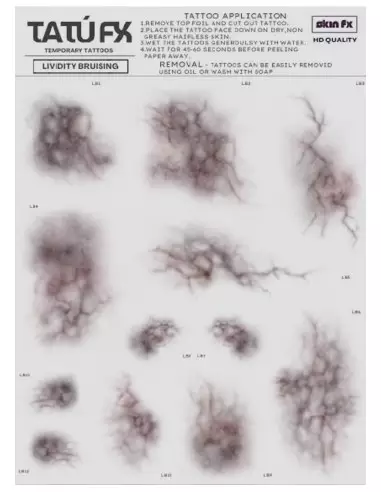
TATÚ FX - Lividity Bruising
221200400
€15.00
18,15 € Tax incl.
18,15 € Tax incl.
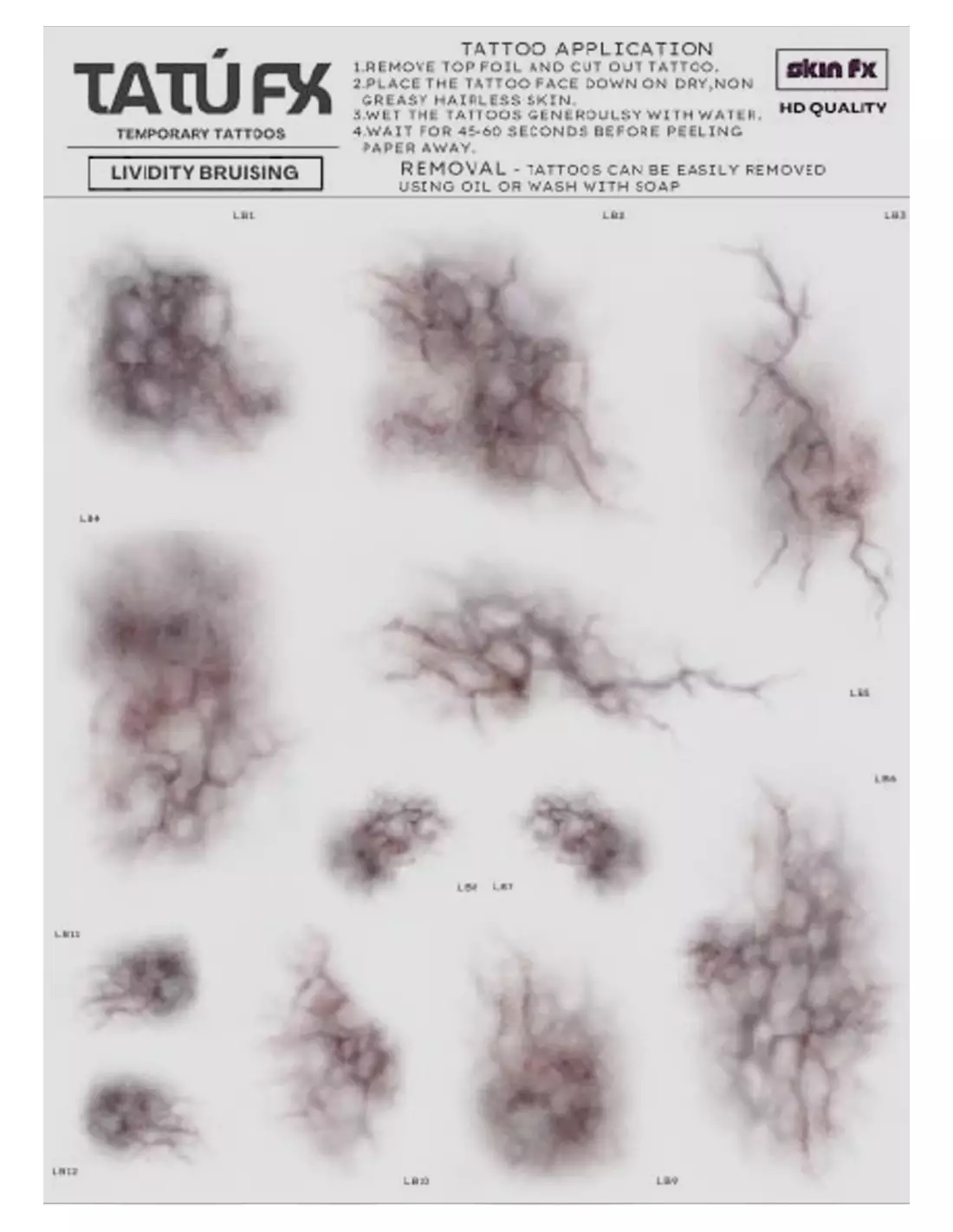
A5 sheet with 12 temporary cadaveric lividity and bruising tattoos for SFX special effects. Ready to apply, layerable and ultra-realistic finish.
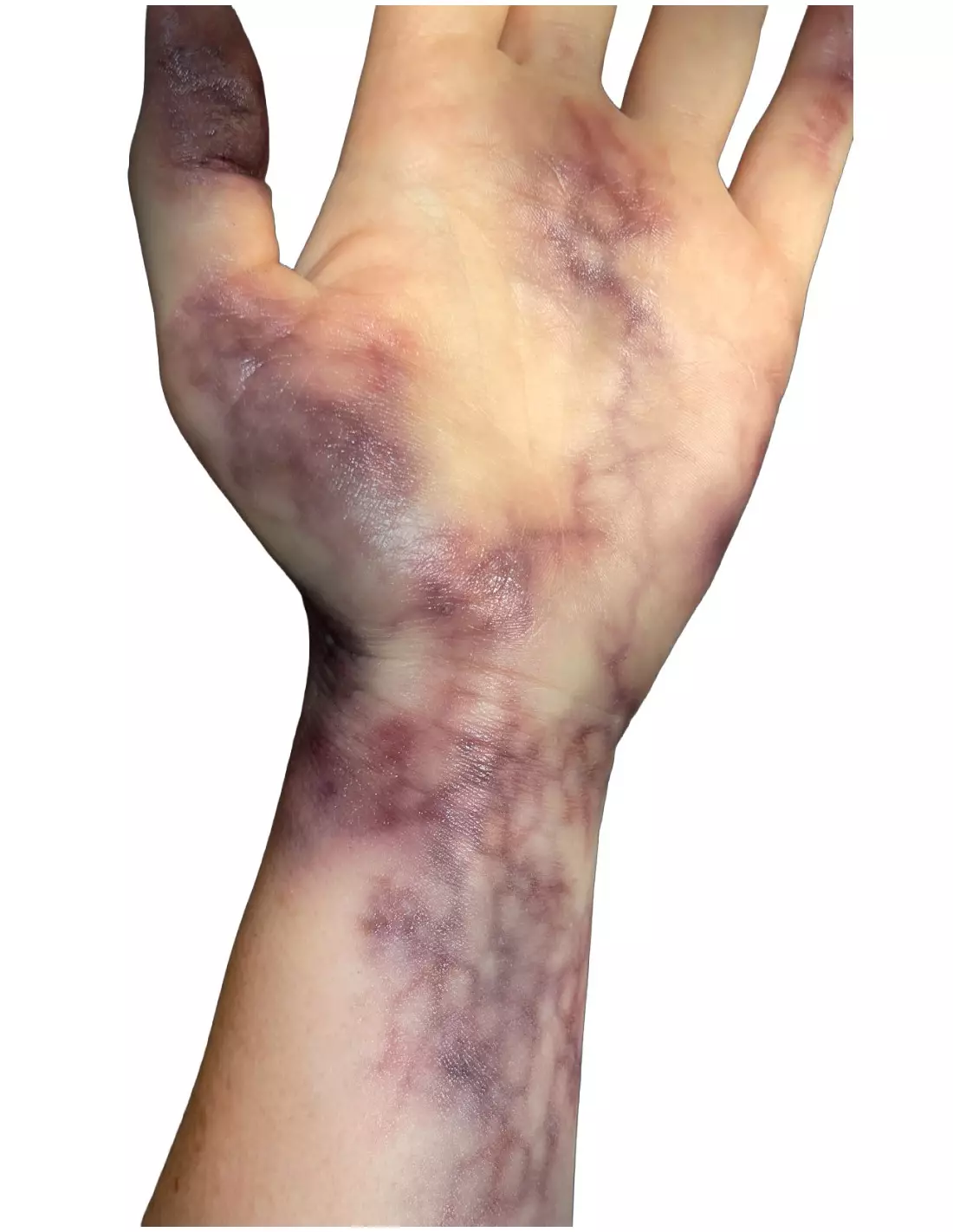
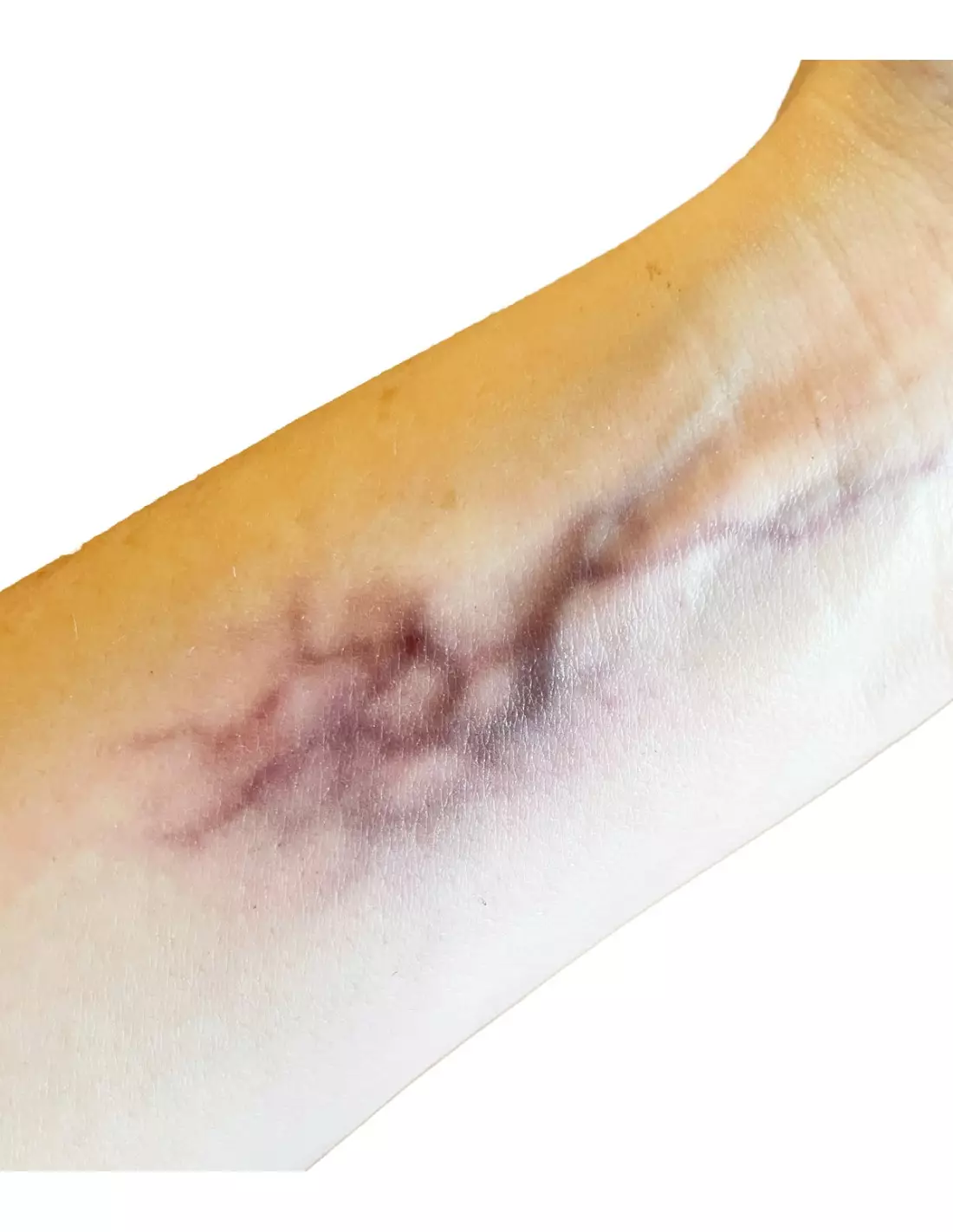
TATÚ FX Lividity Bruising is an A5 sheet of professional temporary tattoos designed to reproduce cadaveric lividity and bruising in different stages of development. Twelve ready-to-apply designs, layerable with each other and compatible with SFX makeup, that let you build decomposition and skin trauma effects in minutes with no need to hand-paint.
Technical specifications
| Format | A5 sheet |
|---|---|
| Number of designs per sheet | 12 cadaveric lividity tattoos |
| Variety of shapes and sizes | Yes — multiple shapes and sizes on the same sheet |
| Effect type | Lividity, bruising in different stages, decomposing skin |
| Application | Wet-transfer temporary tattoo on skin |
| Layerable | Yes — stackable for greater intensity and detail |
| Orientation on application | The design is mirrored relative to the sheet |
| Compatibility | Human skin, silicone prosthetics, latex and foam latex |
| Use | SFX, film, television, theatre, cosplay, photography, haunted attractions |
What it's used for
This sheet is designed for SFX makeup artists, special effects artists and character designers who need to reproduce post-mortem injuries, contusions or necrotic skin quickly and convincingly. The designs cover different stages of bruising, from fresh ecchymosis to the violet-greenish tone of established lividity, allowing you to fine-tune the visual narrative of the character with precision.
- Corpse and zombie character work in film and television productions
- Physical trauma effects (blows, contusions, bruising) in theatre or dance
- Horror, dark art or SFX editorial photography sessions
- Professional-level haunted attractions and Halloween events
- Cosplay of wounded, dead or undead characters
- Training and practice in special effects makeup courses
- Combination with PTM Light Flesh or PTM Clear prosthetics to blend the effect into the prosthetic edge
How to use it
- Clean and dry the area of skin where you will apply the tattoo. Remove any traces of cream, oil or oil-based makeup.
- Cut out the desired design from the A5 sheet, leaving as little margin as possible around the motif.
- Remove the clear protective film and place the tattoo printed side down on the skin.
- Dampen the back of the paper with a wet sponge or cloth, evenly and without rubbing.
- Hold pressure for 20–30 seconds. Lift one corner to check that the transfer is complete.
- Carefully remove the paper and allow to dry for a few seconds.
- If you need greater intensity or depth, layer a second design over the same area once the first has dried.
- Combine with SFX makeup palettes such as Skin Illustrator Flesh Tone or Skin Illustrator Complexion to transition the tattoo edge into healthy skin for a seamless blend.
- Set with a makeup fixing spray if use is prolonged or involves sweating.
Tips and tricks
Combine designs for greater realism
The twelve designs on the sheet are meant to be used together. Layer bruises from different stages: a fresher one (red and violet tones) over an older one (yellow and greenish tones) to simulate the real progression of lividity. Vary the opacity by adjusting the wetting time: less water, more transparency.
Blend the tattoo with brush makeup
The edge of any temporary tattoo can give itself away if the transition is not worked. Use an alcohol palette such as Skin Illustrator Dark Fleshtone with a blending brush to feather the edges of the design into the actor's skin tone. Add broken capillaries or petechiae by hand to complete the effect.
Apply on prosthetics and non-porous surfaces
These tattoos are not exclusive to natural skin. They work well on painted silicone prosthetics, foam latex and smooth latex surfaces. If you apply them over PTM Clear prosthetics, the translucent tone of the material makes the lividity read as if it comes from within the tissue, increasing the credibility of the effect.
Frequently asked questions
How long does the temporary tattoo last on skin?
Durability depends on skin type, sweating and products applied on top. Under normal shooting or photography session conditions, TATÚ FX Lividity Bruising holds for several hours. If the actor sweats heavily or there is frequent physical contact, fixing with a makeup fixing spray is recommended. Oil-based makeup deteriorates the tattoo quickly, so always apply it before any oil-based product.
Is it safe to apply directly on skin?
Yes. It is a cosmetic temporary tattoo designed for use on human skin. However, as with any cosmetic product, it is recommended to do a patch test on a small area of the forearm before covering large surfaces, especially on people with sensitive skin or prone to contact allergies.
How do you remove the temporary tattoo?
The tattoo can be removed easily with baby oil or any oil-based makeup remover. Apply over the design, leave for a few seconds and remove with a cotton pad. No specific products are required and it leaves no difficult residue.
Does the design appear right-side up or mirrored after application?
As it is a wet transfer, the design is mirrored relative to how it appears on the sheet. This is particularly relevant if you use designs with text or directional elements. For the bruises and lividity of TATÚ FX Lividity Bruising this is not a practical issue, as the motifs are organic and work equally well in any orientation.
Can it be applied on silicone or latex prosthetics?
Yes. Wet-transfer temporary tattoos adhere well to smooth painted silicone, foam latex and PTM surfaces. It is an efficient way to add lividity or bruising details to an already-placed prosthetic without having to repaint it entirely.
Can multiple tattoos be layered on the same area?
Yes, and that is precisely one of the advantages of this format. You can combine several designs from the same sheet to create more complex effects: denser coverage, larger affected area or different layers of bruise progression. Allow each layer to dry before applying the next to prevent the underlying design from shifting.
Which makeups are compatible for the best result?
Alcohol-activated makeup palettes are most recommended for use alongside these tattoos, as they do not deteriorate them and allow precise edge blending. Skin Illustrator palettes are ideal for this purpose. Avoid oil-based or grease-based makeups over the applied tattoo, as they will lift it prematurely.
Can I print my own designs on transfer paper to customise effects?
Yes. Feroca carries A4 tattoo and PTM transfer paper that you can print with your own designs. It is a complementary solution when you need custom motifs that are not available in pre-made sheets.
No reviews
Tap to zoom