Shopping Cart



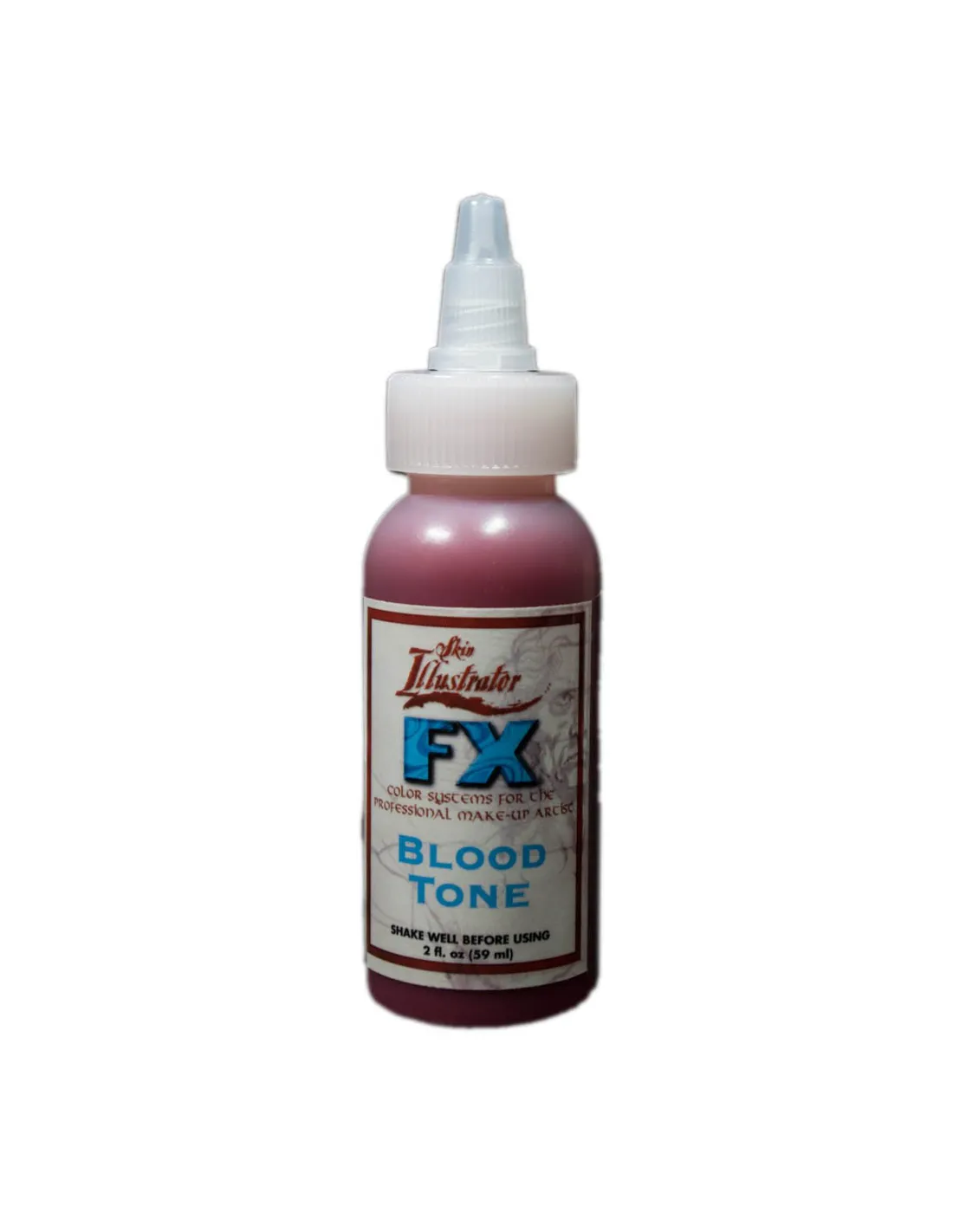
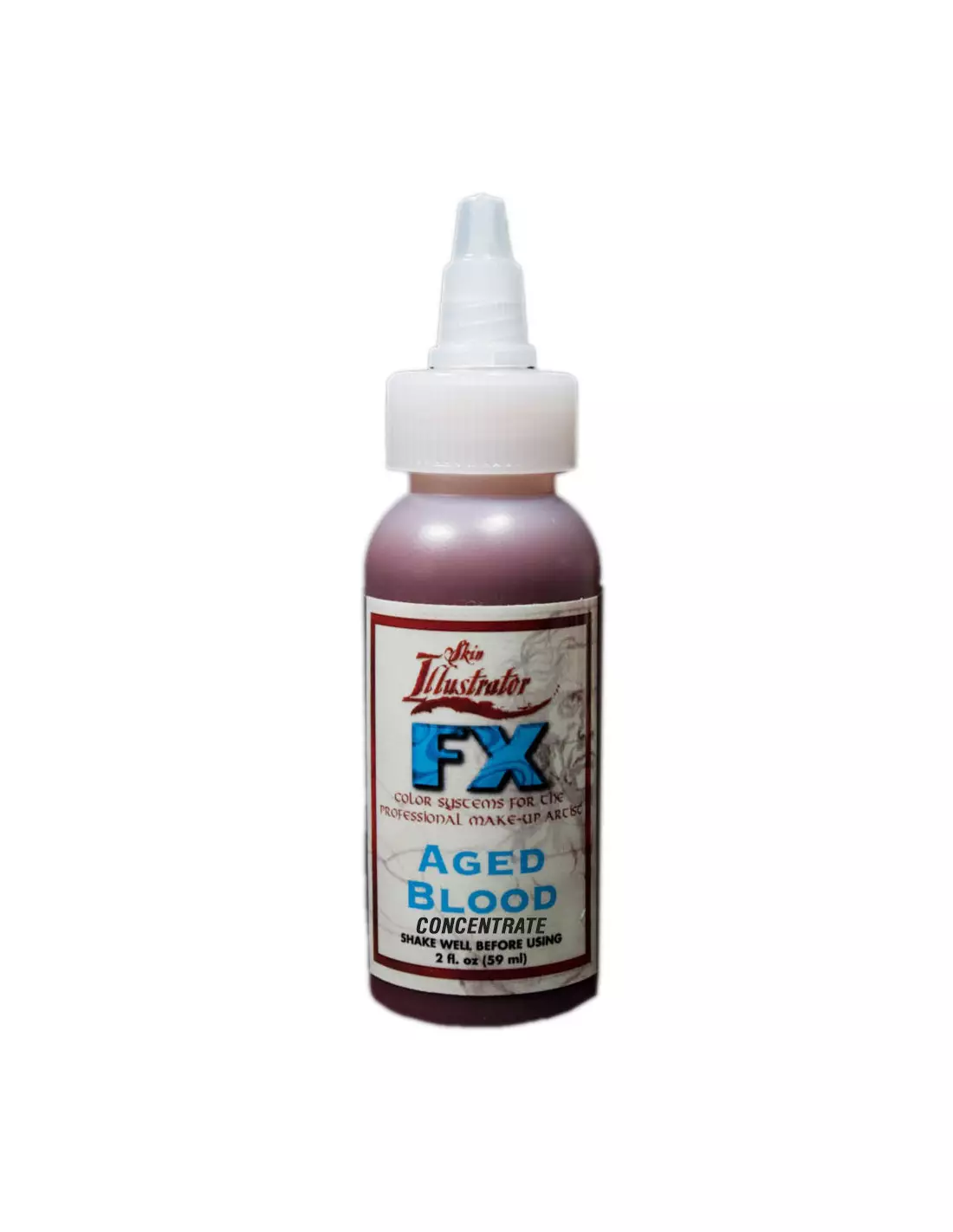
FX Palette Liquids And Concentrate
270052000
€32.00
38,72 € Tax incl.
38,72 € Tax incl.
Alcohol-based liquid makeup in 60 ml. Suitable for skin, silicone and latex. Airbrush-compatible. Ideal for special effects injury work.
FX Palette Liquids And Concentrate by Skin Illustrator is a range of alcohol-based liquid makeups specifically formulated for special effects character work. With a pigment concentration above market average, the colours go further, cover better and hold up through long shooting days on skin, silicone and latex. They are airbrush-compatible and integrate directly with the rest of the Skin Illustrator palette range.
Technical specifications
| Feature | Detail |
|---|---|
| Base | Isopropyl alcohol |
| Format | Liquid / concentrate |
| Volume per container | 60 ml |
| Compatible surfaces | Natural skin, silicone, latex |
| Application | Brush, sponge, airbrush |
| Finish | Variable (matte, satin or gloss depending on sealer used) |
| Miscibility | Mixable with each other and with the rest of the Skin Illustrator range |
What it's used for
FX Palette Liquids are designed to realistically replicate injuries, diseases and skin effects for film, television, theatre and video games. Their high pigment load makes them especially effective in close-ups and HD camera work. Common uses:
- Simulation of first, second and third degree burns
- Cuts, abrasions and lacerations
- Scabs, infected wounds and areas in the process of healing
- Bruises, haematomas and contusions at different stages
- Dry blood and fresh blood effects using the Blood Tone shade
- Diseases and dermal conditions for character work
- Intrinsic and extrinsic painting of silicone and latex prosthetics
- Colouring and shading of prosthetic effects made with Skin Illustrator Flesh Tone Palette
How to use it
- Prepare the surface. Make sure the skin, silicone prosthetic or latex piece is clean, dry and free of grease or residue.
- Shake the bottle. Pigments may settle; shake well before each use to obtain a uniform colour.
- Apply in thin layers. Apply the product with a brush, sponge or airbrush. It is better to build colour in several light layers than to apply a single thick coat.
- Allow to dry between layers. Being alcohol-based, drying is fast. Wait a few seconds before applying the next layer or a different colour.
- Mix colours to adjust the tone. You can combine the liquids with each other directly on the palette or on the surface. For example, mixing yellow with blue produces a green different from the standard Green shade in the palette.
- Work the Blood Tone with gel. To simulate blood with a wet appearance, apply a layer of Blood Tone and then overlay a water-based lubricant gel. A small amount gives a natural sheen; a larger amount creates a dripping blood effect.
- Fix or seal the finish. Depending on the result you want, finish with Skin Illustrator Glazing Gels for a glossy finish or with HD Matting Spray Clear for a matte finish without altering the colour.
- Airbrush cleaning. Flush the airbrush with isopropyl alcohol at the end of the session to prevent pigment from clogging the needle or nozzle.
Usage tips
Continuity on long shooting days
The Blood Tone shade stands out for its durability: it allows you to apply the makeup in the morning and maintain the effect throughout the entire day without constant touch-ups. If you need the blood to look deeper or more theatrical — for example in night scenes or high-contrast lighting — mix the Blood Tone with Ultra Blue in small proportions until you achieve the desired shade.
Integration with the Skin Illustrator range
FX Palette Liquids are formulated to work together with the solid Skin Illustrator palettes. Use them to add detail, depth or colour transitions over a base already built with the Flesh Tone Palette or the Complexion Palette. For dark or copper skin tones, combine them with the Dark Fleshtone Palette.
Airbrush use
The concentrates are particularly well-suited for airbrush work because they allow you to dilute to exactly the consistency you need with isopropyl alcohol. Start with a more generous dilution for broad backgrounds and increase the concentration for fine details such as blood vessels, pores or scab texture. For final HD camera finishes, HD Matting Spray Shinto helps eliminate unwanted shine without altering the makeup tones.
Frequently asked questions
Can it be used directly on sensitive or allergy-prone skin?
Like any alcohol-based makeup product, it is advisable to carry out a patch test on a small area before full application. If the actor has very sensitive skin or a history of reactions to alcohols or cosmetic pigments, consult a dermatology professional. For work on silicone or latex prosthetics, this concern does not apply.
How is the makeup removed at the end of the day?
Being alcohol-based, FX Palette Liquids are easily removed with isopropyl alcohol or an oil-based makeup remover. On silicone, a mild solvent-based cleaner is sufficient. Avoid rubbing excessively on delicate prosthetics to avoid damaging the surface finish.
Is it compatible with water-based or grease-based makeup?
FX Palette Liquids are alcohol-based and are not directly miscible with water-based or grease-based products. They do integrate perfectly with the rest of the Skin Illustrator range. If you need to layer different bases, allow each layer to dry completely and apply an intermediate sealer if the grease-based product may reactivate what has already been applied.
Does it work on silicone without prior preparation?
Yes, FX Palette Liquids adhere to silicone directly, making them useful for both intrinsic painting (mixing the pigment during prosthetic fabrication) and extrinsic painting (applying over the already cured prosthetic). For extrinsic painting, a prior clean with isopropyl alcohol improves adhesion.
How far does a 60 ml container go?
Coverage depends on the dilution level and type of application. Thanks to the high pigment concentration, FX Palette Liquids go considerably further than products with lower pigment loads. With heavily diluted airbrush work, a 60 ml container can cover multiple shooting days. With more opaque brush applications, consumption will be higher.
Can the different shades in the range be mixed with each other?
Yes. All FX Palette Liquids are miscible with each other as they share the same base. You can mix them directly in a container, on a mixing palette or on the surface itself. The combinations allow you to create custom tones that do not exist as standard colours in the range.
Can the airbrush be used without additional thinning?
In most standard airbrushes, FX Palette Liquids work without additional thinning or with minimal dilution. For airbrushes with a very fine nozzle (0.2–0.3 mm), it may be necessary to thin slightly with isopropyl alcohol to avoid blockages. Always flush the airbrush with alcohol when finished.
Is the default finish matte or glossy?
Once dry, the finish of FX Palette Liquids is generally semi-matte. The final finish depends on what you apply on top: Glazing Gels add gloss, while HD Matting Spray Clear removes any residual shine for a completely matte look on camera.
No reviews
Tap to zoom