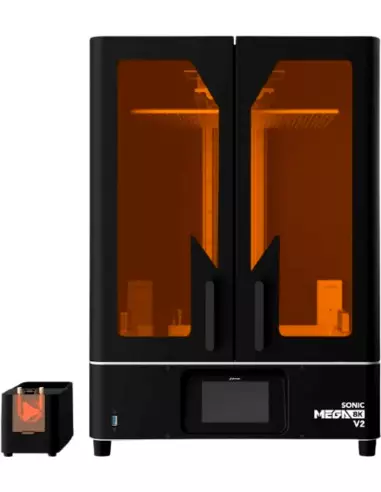
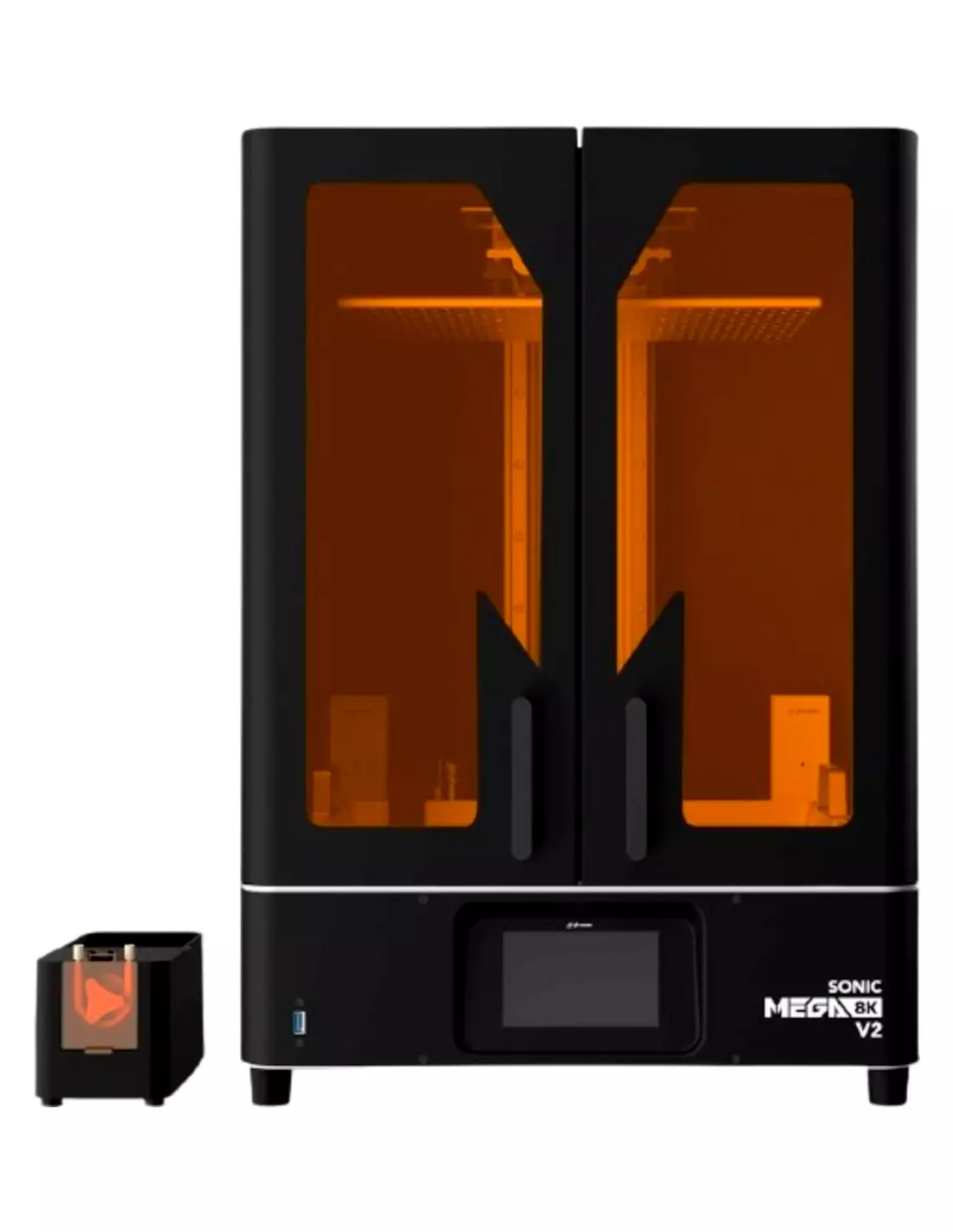
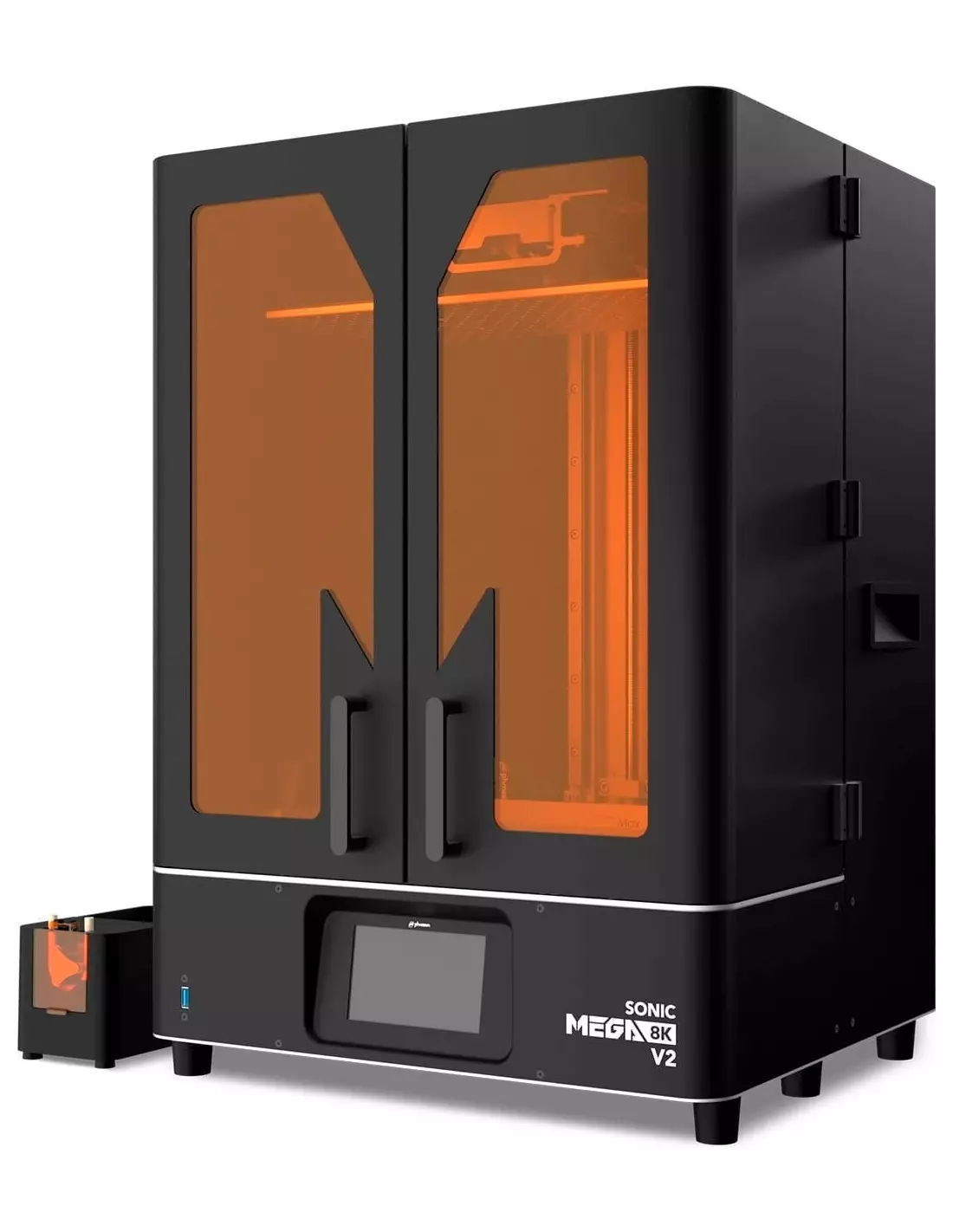
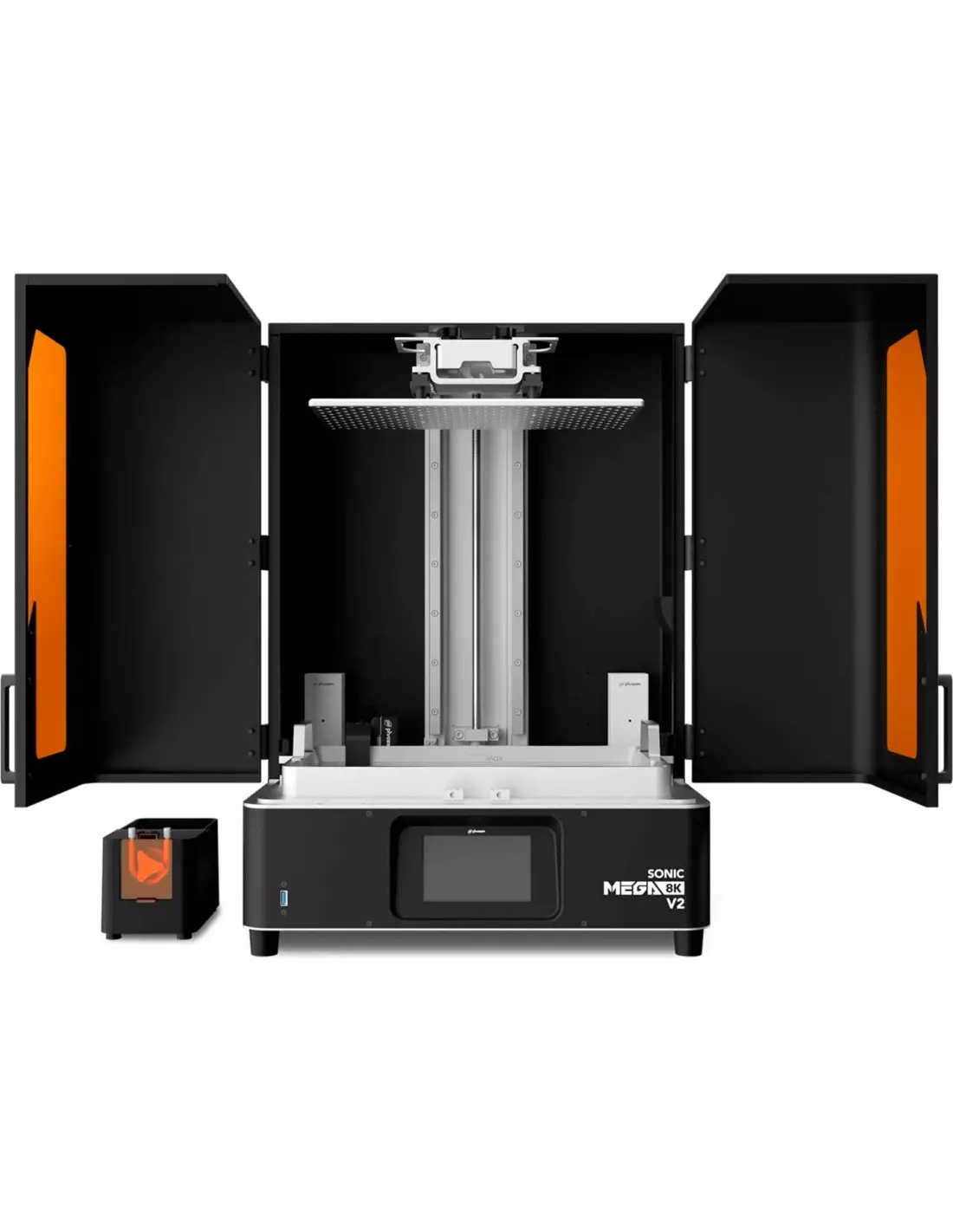
The Phrozen Sonic Mega 8K V2 is a large-format resin 3D printer designed for those who need to combine size and high-resolution printing without compromise. With 43-micron precision and a build volume of 330 × 185 × 400 mm, it is the reference tool for design studios, professional prototyping, architecture, scale models and special effects. Available on pre-order basis.
Technical specifications
Feature
Value
XY Resolution
43 microns
Build volume
330 × 185 × 400 mm
Print speed
Up to 600 layers/hour
LCD screen
15" Mono-LCD 8K
Screen protection
Anti-scratch
Light system
LED ParaLED Matrix 3.0
Connectivity
USB and Ethernet
Structure
Reinforced metal
Recommended software
CHITUBOX (free download)
Resin compatibility
Standard resins and 8K resins
Availability
Pre-order only
What it is used for
The Sonic Mega 8K V2 is designed to print large parts with a level of detail normally associated with smaller formats. Its combination of volume and resolution makes it particularly useful in professional and semi-professional environments where final quality is non-negotiable.
Industrial and product prototyping with high detail fidelity
Medium and large-scale architectural models
Models for special effects (FX) and audiovisual production
Digital sculpture and master production for silicone or resin moulds
Large-format dental and medical parts (with certified resins)
Production of collectible figures and miniatures in small runs
Jewellery and accessory design at enlarged scale
Functional validation of CAD designs prior to final manufacturing
How to use it
Download and install CHITUBOX (free) and set up the printer profile for the Phrozen Sonic Mega 8K V2.
Import your 3D file in STL, OBJ or another compatible format. Orient and support the model according to the part's requirements.
Slice the model by adjusting layer height, exposure times and the specific parameters of the Phrozen Aqua-Gray 8K resin or another compatible resin.
Export the sliced file and transfer it to the printer via USB or Ethernet.
Start the print from the touchscreen and monitor the first layers to verify adhesion to the build plate.
Once printing is complete, carefully remove the build plate and detach the parts using the included spatula.
Wash the parts with isopropyl alcohol 99.9% for the time recommended by the resin manufacturer.
Cure the parts under UV light in a suitable curing station until the polymerisation process is complete.
Safety warning: Uncured photopolymer resins are irritating to the skin, eyes and respiratory tract. Always work in a well-ventilated space, wear nitrile gloves, protective goggles and a particle-filter mask. Never pour uncured resin down the drain. Isopropyl alcohol is flammable: avoid heat sources and open flames when washing parts.
Usage tips
Vat film maintenance
The PFA (nFEP) film is the component that accumulates the most wear in any resin printer. Inspect it before each long session: if tension marks, excessive opacity or micropores appear, replace it. For the Sonic Mega 8K V2, use the PFA film 450 × 280 mm specific to this vat. A worn film is the most common cause of print failures and parts stuck to the bottom.
Orientation and supports for large parts
With a build volume of 330 × 185 × 400 mm you have room to orient parts strategically. For elongated models, tilting the part between 15 and 45 degrees relative to the build plate reduces peel forces on each layer and improves surface quality. Generate medium and dense supports in areas of greatest mass. Avoid printing large flat surfaces parallel to the film, as they increase the risk of delamination.
Resin agitation and temperature
Before pouring the resin into the vat, shake it well for at least one minute to homogenise the pigments and photoinitiators. If you work in a workshop at temperatures below 20 °C, gently warm the resin bottle by submerging it in warm (not hot) water for a few minutes. Cold resin has higher viscosity and can affect levelling between layers and optimal exposure times.
Frequently asked questions
Do I need special software to prepare the print files?
The Phrozen Sonic Mega 8K V2 does not include its own slicing software. We recommend downloading the free version of CHITUBOX, which is compatible with this printer and allows you to configure all print parameters. You just need to select the correct machine profile and import your model in a standard format such as STL or OBJ.
What file formats does this printer accept?
The printer works with sliced files generated by slicing software (CHITUBOX or other compatible programs). The software accepts the most common modelling formats: STL, OBJ, 3MF, among others. What matters is that your design program or 3D scanner can export in one of those formats, regardless of the tool you used to create the model.
What resins are compatible with this printer?
It is compatible with standard 405 nm resins and especially with resins formulated for high resolution. To get the most out of the 8K panel, we recommend the Phrozen Aqua-Gray 8K 3D Resin and the Phrozen Aqua Red Clay 8K 3D Resin, both optimised to maximise detail on large-format printers with a monochrome panel.
How often does the vat film need to be replaced?
It depends on usage and resin type. Under intensive use, the film may need replacing every 15–20 litres of printed resin, or sooner if visible signs of wear appear (opacity, scratches, tension). For this printer, use the PFA film 450 × 280 mm specific to the Mega 8K vat. Always inspect it before long print jobs.
How are the parts cleaned after printing?
The most effective and economical method is washing with isopropyl alcohol 99.9%. Submerge the parts (still on the build plate if possible) and agitate for the time recommended by the resin manufacturer, typically between 2 and 5 minutes. Then allow to dry completely before proceeding to UV curing. Always wear nitrile gloves throughout the entire process.
Can I connect the printer via local network?
Yes. The Sonic Mega 8K V2 has Ethernet connectivity in addition to USB, allowing files to be transferred from any machine on the network without the need for external storage. This is especially useful in studio or workshop environments where multiple users share the printer.
Is this printer available in stock or does it require a waiting period?
The Phrozen Sonic Mega 8K V2 is a pre-order product. This means it is not kept in permanent stock. If you are interested, contact Feroca to confirm availability and current delivery times before placing your order.
Is it suitable for producing masters for silicone moulds?
Yes, it is one of its most common applications in FX workshops and prototyping. The 43-micron resolution delivers masters with a very high level of surface detail, ready for moulding with platinum or tin silicones. Bear in mind that parts must be fully cured and, where possible, sanded or surface-treated before moulding, to ensure good release.
Video tutorial
Phrozen Sonic Mega 8K V2: Efficient Industrial Prototyping - Phrozen 3D Printer
Cookies on this site are used to personalise content and ads to deliver social media features and to analyse traffic. We also share information about your use of the site with our social media partners for advertising, personalisation and web analytics.. More information.