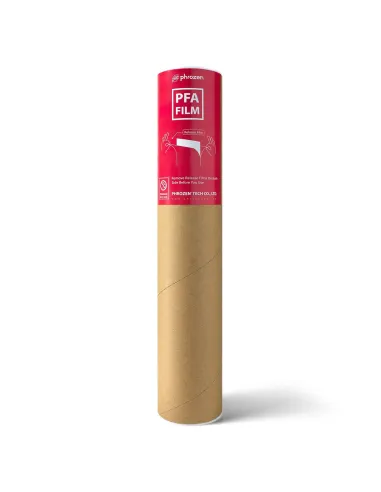
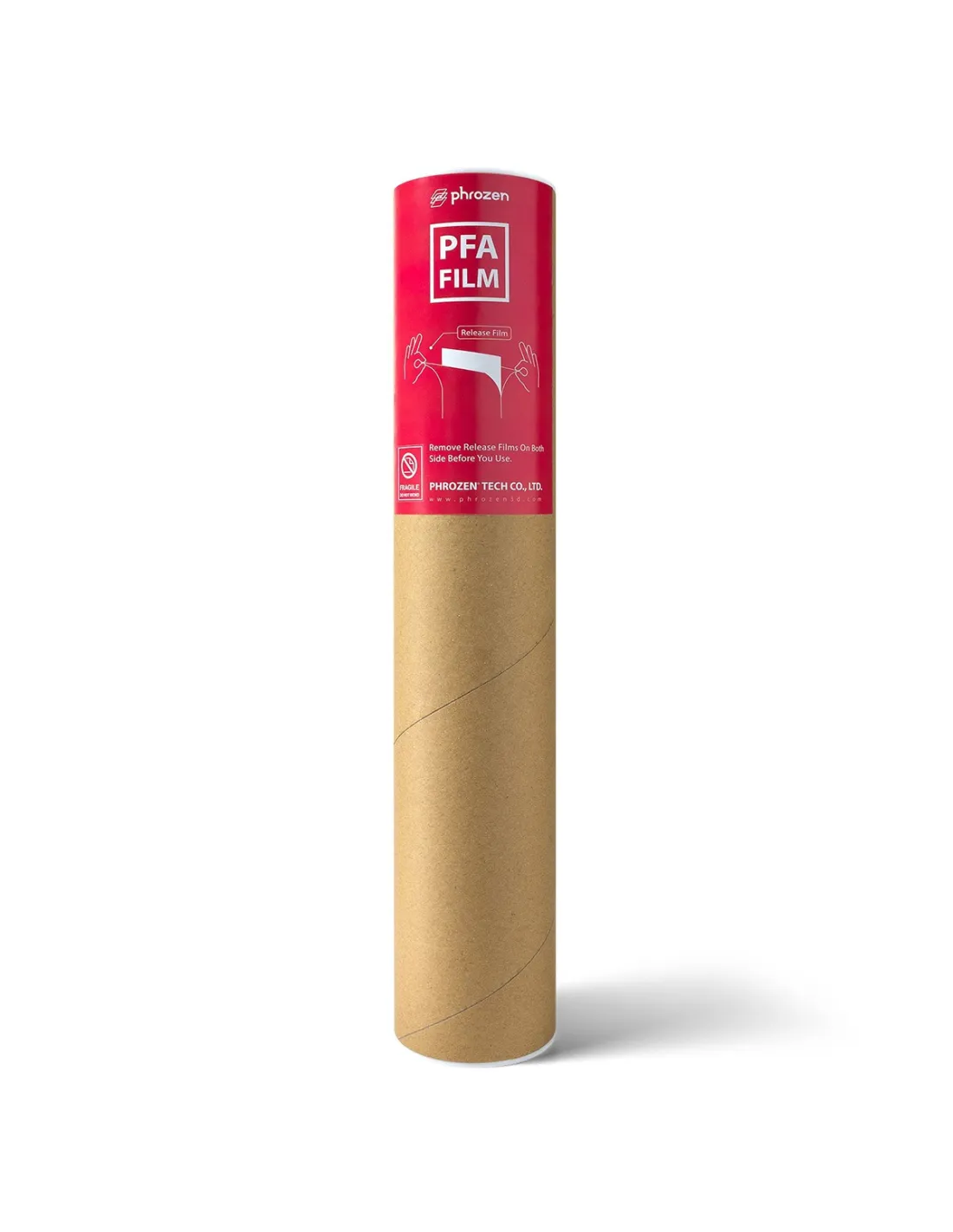
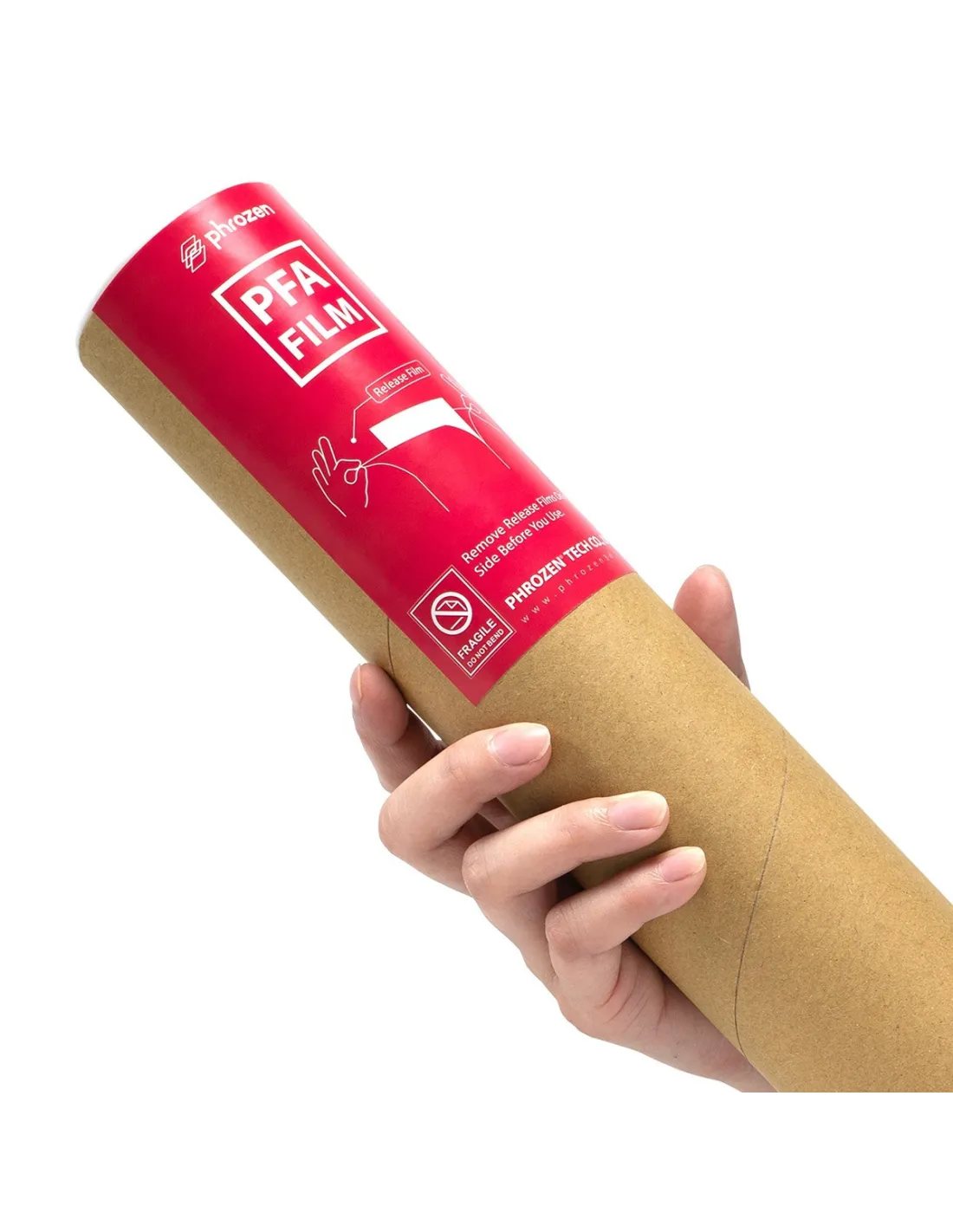
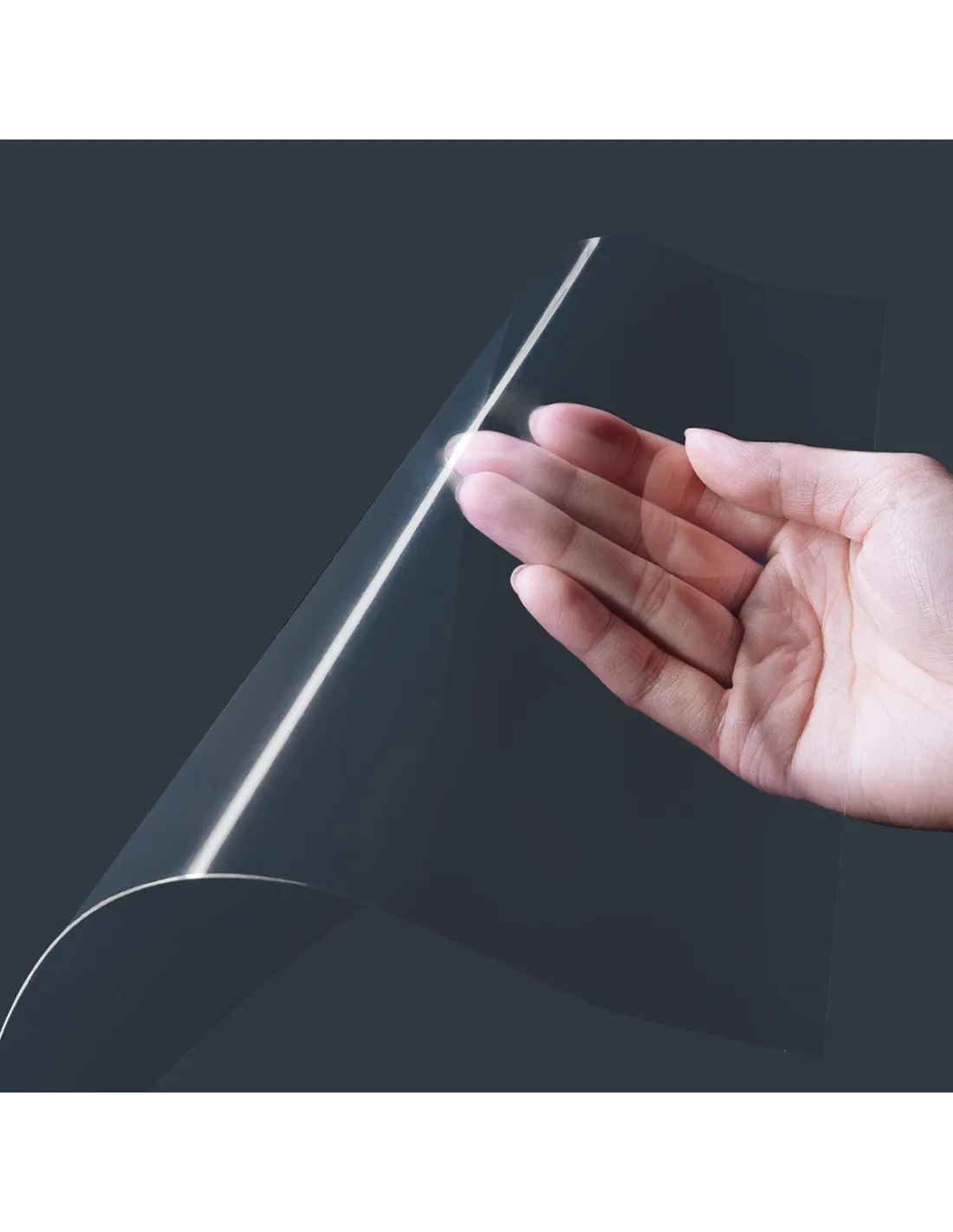
The PFA (nFEP) Mega 8K film is the release sheet designed specifically for the Phrozen Sonic Mega 8K, offering superior performance over standard FEP in terms of durability and ease of cleaning. Its PFA formulation (also known as nFEP) reduces resin sticking during printing and maintains optimal condition for many more sessions before needing replacement.
Technical specifications
| Parameter |
Value |
| Material |
PFA (nFEP) |
| Color |
Transparent |
| Dimensions |
450 x 280 mm |
| Weight |
200 g |
| Compatible models |
Phrozen Sonic Mega 8K (adaptable to other models with cutting) |
| Contents |
1 unit |
What it is used for
The PFA (nFEP) film acts as a release sheet in the resin printer vat. It is the component that sits between the liquid resin and the LCD screen, allowing cured layers to peel correctly from the bottom during each print cycle. Its PFA composition makes it more resistant and durable than conventional FEP films, reducing replacement frequency and improving the surface quality of parts. Common applications:
- Replacement of the vat film in the Phrozen Sonic Mega 8K.
- Large-format resin printing with photopolymer resin.
- Series production with minimal downtime for consumable replacement.
- Printing complex geometries where smooth film release is critical to avoid layer failures.
- Adaptation to other resin printers by cutting the film to fit the corresponding vat.
How to use it
- Remove the vat from the printer and pour any leftover resin back into its original container.
- Carefully clean any cured resin residue from the vat. If any parts are stuck, remove them with a plastic spatula to avoid damaging the current film.
- Loosen the frame screws of the vat and remove the used PFA film.
- Place the new PFA (nFEP) film over the frame, centering it correctly.
- Tension the film evenly to avoid wrinkles or folds and tighten the screws in a cross pattern, ensuring uniform tension.
- Visually check that the film is perfectly smooth and free of bubbles.
- Reassemble the vat in the printer and run a test print before launching a production job.
Usage tips
Correct film tensioning
Uneven tensioning is the main cause of adhesion failures and marks on parts. Tighten the mounting screws progressively and in a cross pattern (like fitting a wheel), never straight around the frame. The film should sound like a drum when tapped gently with a finger: taut but not overly forced.
Cleaning and maintenance between sessions
After each session, remove the resin from the vat and clean the film on the inner side with 99.9% isopropyl alcohol using a lint-free cloth. Avoid scrubbing hard and never use sharp objects on the surface. Proper cleaning significantly extends the service life of the PFA film compared to conventional FEP.
When to replace the film
Although PFA (nFEP) lasts longer than standard FEP, inspect the film before each session. Clear signs that you need to replace it: visible opacity in specific areas, deep scratches, micro-perforations, or cured resin stuck to the surface that cannot be removed without damage. Do not wait for the film to fail during a long print.
Frequently asked questions
What is the difference between an FEP film and a PFA (nFEP) film?
Standard FEP is the most widely used material in resin printer vats. PFA (also called nFEP) is a variant with greater mechanical and chemical resistance, longer service life, and better non-stick behaviour. This results in fewer resin sticking events during printing and a smoother bottom surface on the part. This Phrozen PFA Mega 8K film is specifically formulated to deliver these advantages.
Is it compatible with resin printers other than the Mega 8K?
The film measures 450 x 280 mm, designed for the Phrozen Sonic Mega 8K. If your printer has a smaller vat, you can cut the film to the required size. For printers such as the Phrozen Sonic Mini 8K or the Phrozen Mighty 8K, specific films with the corresponding dimensions are available.
How many prints does a PFA film last before it needs replacing?
There is no fixed number: it depends on the type of resin, the geometry of the parts, the peel force of the printer, and how carefully it is cleaned. Under normal conditions, a PFA (nFEP) film lasts significantly longer than a conventional FEP film. Inspect it regularly and replace it as soon as you notice opacity, scratches, or deformation.
What product should I use to clean the film between sessions?
The recommended method is to clean with 99.9% isopropyl alcohol and a soft lint-free cloth. Apply the alcohol gently, without scrubbing with pressure. Avoid aggressive solvents that could attack the film and do not use hard or metal objects when cleaning.
Do I need to re-level the build plate after changing the film?
Yes. Every time you replace the film or handle the vat, it is recommended to check the levelling of the build platform. A new film may have a slightly different thickness or tension, and poor levelling causes failures in the first layers.
Should I wear gloves when installing or handling the film?
Yes. Residual photopolymer resin that may remain in the vat or on the used film is a skin irritant. Always wear powder-free nitrile gloves throughout the replacement and cleaning process. If you are working in an enclosed space, ensure adequate ventilation.
What should I do if the film has wrinkles after installation?
Loosen all the frame screws, reposition the film, and re-tension from the centre outward in a cross pattern. Wrinkles usually appear when one side is tightened before the opposite side. Take your time: a poorly tensioned film ruins entire prints and shortens its service life.
Can cured resin stuck to the film be removed without damaging it?
Small pieces of cured resin can be carefully removed using a flexible plastic spatula, never a metal one. If the stuck piece is large or very firmly attached, do not force it: you could puncture the film. Use isopropyl alcohol to soften the edges before attempting to peel it off. If visible damage is present, the safest option is to replace the film.