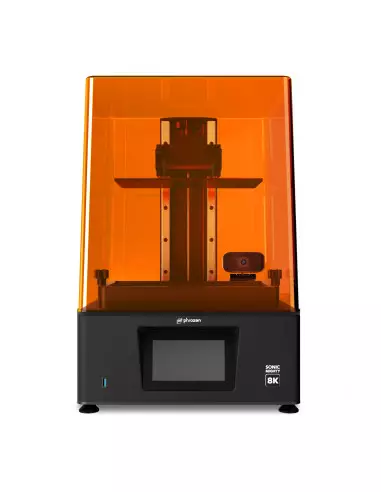
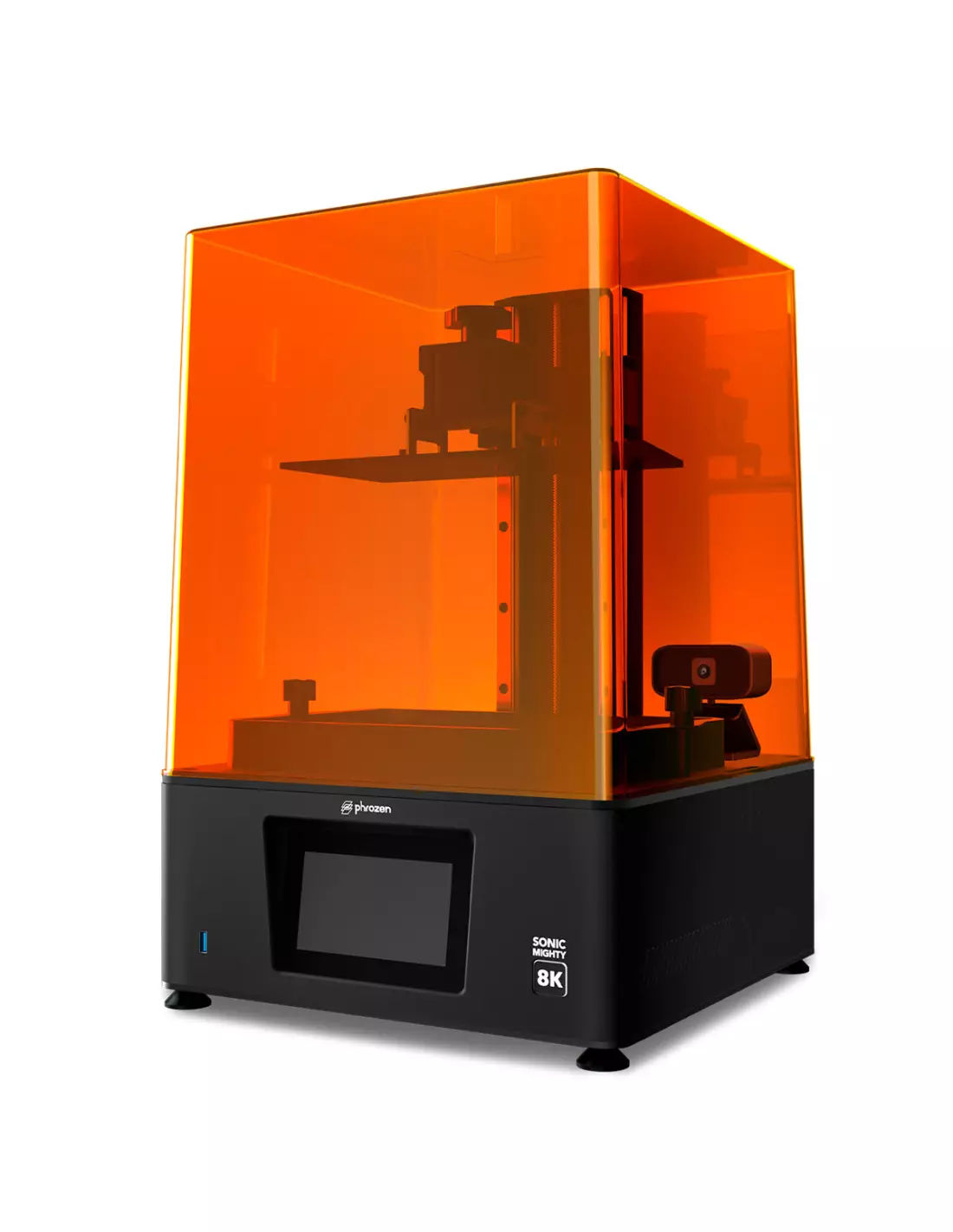
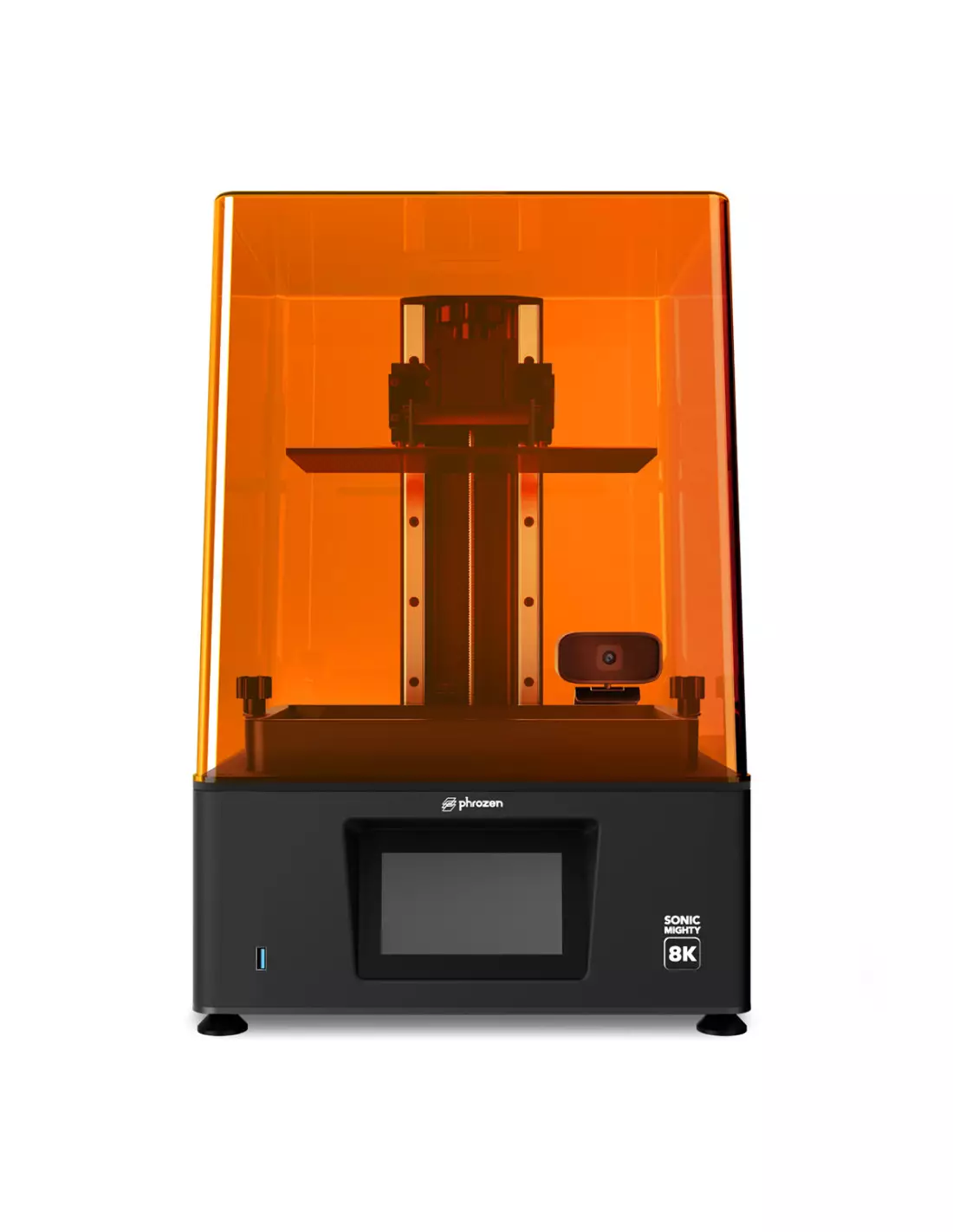
The Phrozen Mighty 8K is an LCD resin 3D printer designed for professionals who need to combine ultra-high resolution with a generous print volume. With 28µm XY resolution and a 10" monochromatic screen, it is the ideal tool when detail and productivity are non-negotiable.
Technical specifications
| Parameter |
Value |
| XY Resolution | 28 µm |
| Screen resolution | 8K |
| LCD screen size | 10" |
| Screen type | Mono-LCD |
| Rail system | Dual linear rail (23.5 cm) |
| Build plate | Laser-cut and frosted surface |
| Light source | Linear projection LED module |
| Resin compatibility | UV 405 nm photopolymer resins |
| File format | CTB, CBDDLP |
What it is used for
The Phrozen Mighty 8K is designed for applications where scale detail and production throughput are critical. Its large print area combined with 8K resolution makes it one of the most versatile options on the market for professional workshops.
- Manufacturing miniatures and collectible models with extreme fine detail
- Jewellery production and masters for silicone or resin moulds
- Industrial prototyping and high-fidelity concept testing
- Special effects and film props: parts with complex textures
- Dental and orthopaedic applications: study models and surgical guides (with certified resins)
- Architecture and detailed scale modelling
- Short production runs of functional parts in technical resins
How to use it
- Prepare the file: Export your 3D model in STL or OBJ format and open it in a compatible slicing software (CHITUBOX is recommended, free download). Adjust the orientation, supports and layer parameters according to the resin you are going to use.
- Export the sliced file: Generate the file in CTB or CBDDLP format and transfer it to the printer via USB.
- Prepare the vat and the resin: Correctly install the FEP/nFEP film in the vat. Shake the resin well and pour it without exceeding the maximum level indicated.
- Level the build plate: Perform the paper levelling before each session or every time you change resin to ensure adhesion of the first layer.
- Start printing: Select the file on the touchscreen, confirm the parameters and start the process. The screen will display the estimated time and progress in real time.
- Remove and wash the part: Once printing is complete, remove the part with a spatula, eliminate excess resin and wash it in isopropyl alcohol at 99.9% for 2–5 minutes. Replace the alcohol when it becomes saturated with resin.
- UV post-curing: Expose the washed part to UV light (curing station or direct sunlight) for the time recommended by the resin manufacturer to achieve its final mechanical properties.
- Vat cleaning: Filter the leftover resin and clean the vat with isopropyl alcohol. Inspect the FEP film and replace it if it shows opacity or damage.
Safety warning: Uncured photopolymer resins are irritating to skin and mucous membranes. Always work with nitrile gloves, in a well-ventilated space and away from uncontrolled UV light sources. Liquid resin waste must not be poured down the drain; cure it with UV light before disposing of it in accordance with local special waste regulations.
Usage tips
Parameter adjustment according to the resin
Each resin has its own exposure curve. High-resolution resins such as Phrozen Aqua-Gray 8K or M3DUSA Titan-Tech Grey offer optimised profiles for monochromatic screens. Always start with the resin manufacturer's parameters and adjust exposure time in 10% increments if you notice brittle or overexposed parts. Resin temperatures below 20 °C slow down curing; if you work in a cold environment, slightly pre-warm the resin.
FEP film and vat maintenance
The vat film is the most wear-prone component. Inspect it after each long session: if it appears cloudy, scratched or shows impact marks, replace it to avoid adhesion failures and loss of detail. The compatible nFEP/PFA film offers greater durability and lower release force than conventional FEP, reducing the risk of parts detaching during printing.
Orientation and supports to maximise detail
The orientation of the part within the print space affects both detail and the release force on each layer. Tilting parts between 30° and 45° relative to the build plate reduces the contact surface with the film on each layer, decreases peeling force and improves the reproduction of fine details. Generate light supports in areas that are not finish surfaces to make their removal easier without damaging the part.
Frequently asked questions
What slicing software do I need to prepare the files?
The Phrozen Mighty 8K does not include its own slicing software. To prepare your files, download CHITUBOX (free version available on their official website): it is compatible with the printer, easy to configure and covers most workshop needs. Other options such as Lychee Slicer are also compatible. The resulting file must be in CTB or CBDDLP format.
What resins are compatible with this printer?
How do I clean printed parts correctly?
Wash the parts in isopropyl alcohol at 99.9% for 2–5 minutes with gentle agitation. Use two baths: one for pre-washing and one for fine washing. Allow to air dry before UV post-curing. Avoid excessive washing times with flexible resins, as alcohol can temporarily soften them.
How often should the vat film be replaced?
It depends on the print volume and the type of resin used. As a general rule, inspect the film after each session and replace it when it appears opaque, scratched or marked. The compatible nFEP/PFA film has a longer service life than standard FEP and reduces the separation force between layers.
Can I import 3D scanner files directly to the printer?
The printer does not directly interpret scanner output. What matters is the file format: export from your scanning or modelling software in STL or OBJ, process it in the slicing software (CHITUBOX or another compatible option) and transfer the resulting CTB file to the printer via USB.
Is the 8K resolution really noticeable in the final parts?
Yes, especially in models with fine textures, raised lettering, organic geometries or jewellery pieces. The 28µm XY resolution of the Phrozen Mighty 8K allows reproducing details that would be blurred on lower-resolution printers. The final result also depends on resin quality and a good exposure parameter setup.
Can I use the printer in a domestic space?
It is possible, but ventilation is essential. Photopolymer resins emit vapours during printing. Always work in a space with good cross-ventilation or with air extraction, use nitrile gloves and avoid contact of uncured resin with skin and surfaces. Store leftover resin in airtight containers away from light.
What is the difference between this printer and the Phrozen Sonic Mini 8K?
The main difference is the print volume. The Phrozen Sonic Mini 8K is more compact and ideal for small parts with maximum detail, while the Mighty 8K offers a larger build platform with a 10" screen, allowing you to print larger parts or several models simultaneously without sacrificing resolution.