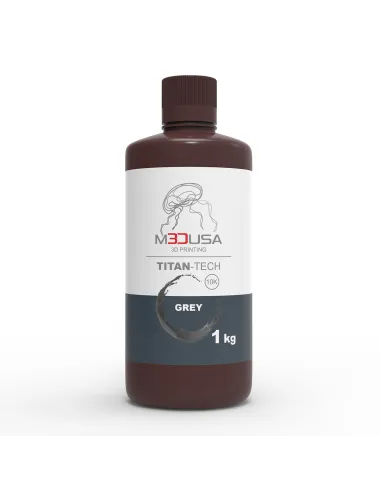
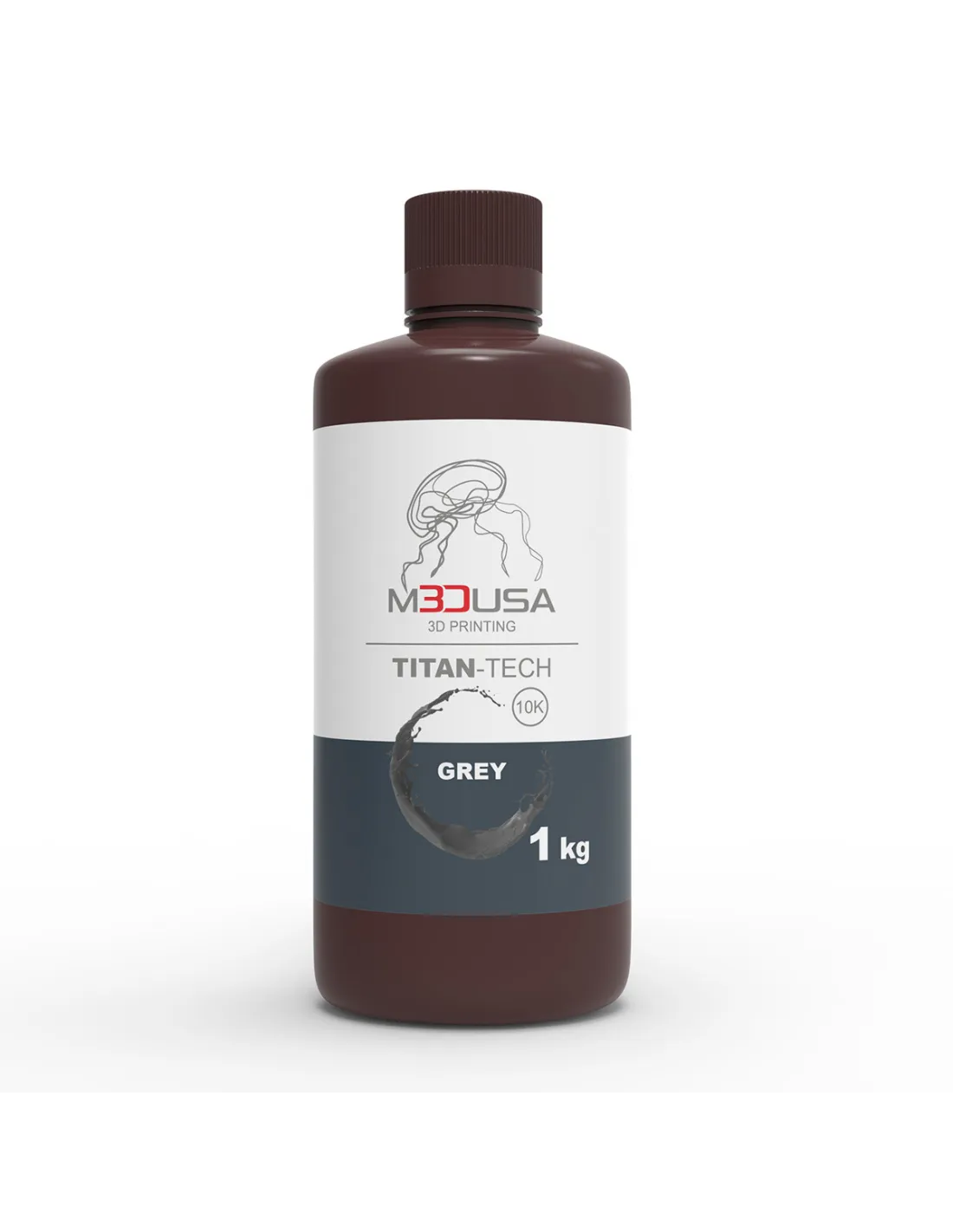
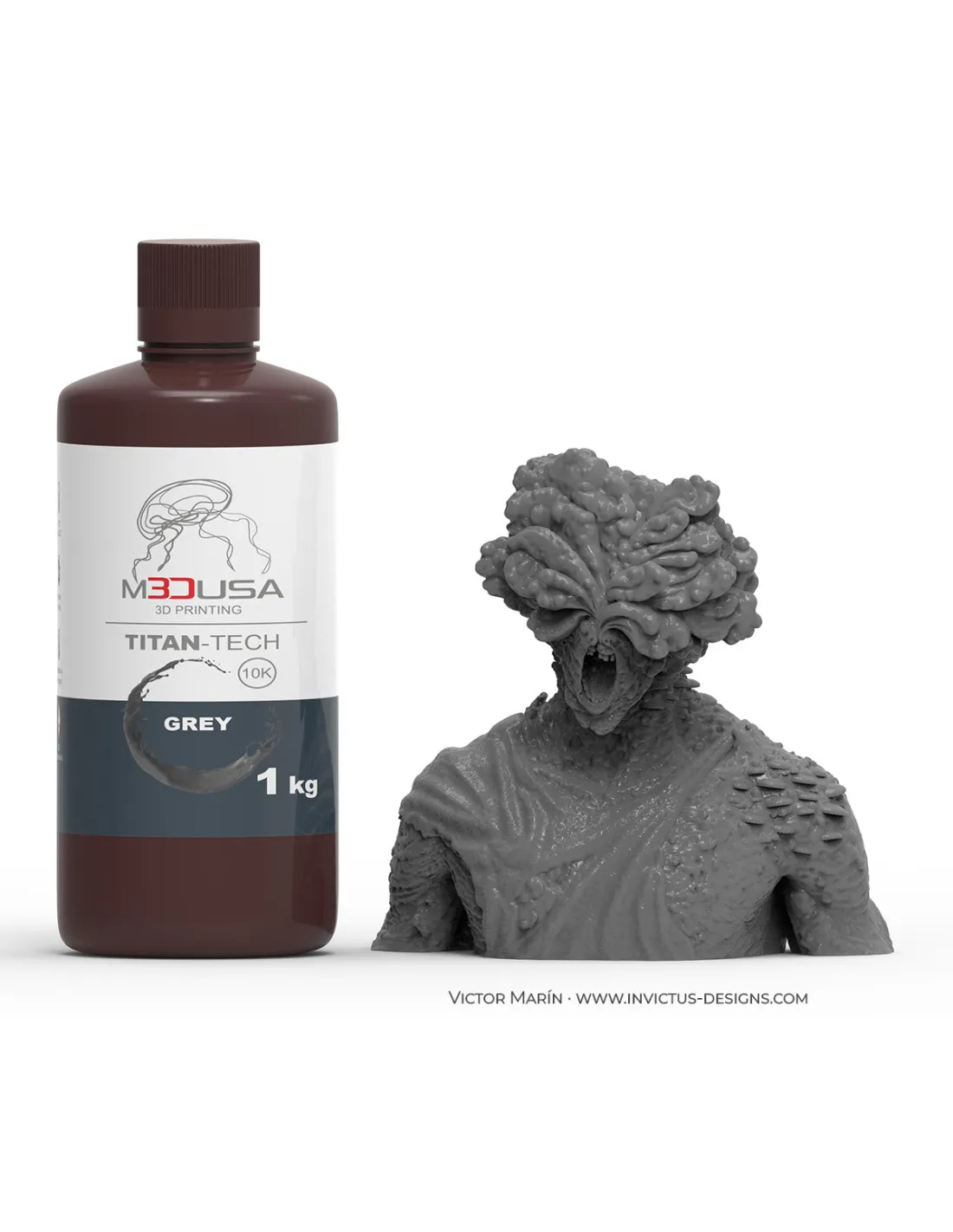
M3DUSA Titan-Tech Grey is a high-definition photopolymer resin formulated for LCD printers operating at 385–405 nm. With mechanical properties similar to ABS, it delivers smooth surfaces, minimal shrinkage, and impact and scratch resistance that make it the go-to choice for technical prototyping and engineering. Available in a ready-to-use 1 kg bottle.
Technical specifications
| Parameter |
Value |
| Color |
Grey |
| Type |
High Definition / Standard |
| Curing wavelength |
385–405 nm |
| Compatible printing technology |
LCD / MSLA |
| Mechanical properties |
ABS-type (toughness and scratch resistance) |
| Surface finish |
Smooth, high dimensional accuracy |
| Shrinkage |
Minimal |
| Format |
1 kg bottle |
What it's used for
M3DUSA Titan-Tech Grey is aimed at professionals and advanced users who need parts with high detail definition and solid mechanical properties. It is particularly well suited when the neutral grey finish makes it easier to visually detect details during prototype review.
- Technical prototyping and product engineering
- Functional modeling with mechanical resistance requirements
- Parts with tight tolerances and high dimensional fidelity
- Miniatures and collector figures with fine detail
- Jigs, fixtures, and lightweight workshop tools
- Parts for post-processing: sanding, painting, priming
How to use it
- Shake the bottle well for at least 30 seconds before pouring the resin into the printer vat.
- Pour the required amount into the vat without exceeding the maximum level indicated by the printer manufacturer.
- Configure the exposure parameters in the slicer: adjust the exposure time for normal layers and the exposure time for base layers according to the power of your printer's light source.
- Start the print and monitor the first layers to confirm good adhesion to the build plate.
- Once printing is complete, remove the part from the build plate using a spatula and solvent-resistant gloves.
- Wash the part in isopropyl alcohol 99.9% for 2–5 minutes to remove uncured resin. A wash station automates and optimises this step.
- Allow the part to drain and air-dry for a few minutes before final curing.
- Cure the part under UV light in a UV Cure Lamp for the recommended time to achieve maximum mechanical properties.
Warning — Uncured photopolymer resin: Uncured resin is irritating to skin, eyes, and respiratory tract. Always work with nitrile gloves, safety glasses, and in a well-ventilated space. Avoid contact with direct sunlight or UV sources during handling. Wash liquid contaminated with uncured resin must be treated as special waste; do not pour it down the drain.
Usage tips
Exposure parameters
The correct exposure time depends on the UV screen power of your printer and the chosen layer thickness. As a starting point, use the generic 405 nm resin profiles in your slicer and adjust in 0.5-second increments until you achieve the right balance between detail and adhesion. Base layers typically require 4 to 8 times more exposure time than normal layers to ensure good grip to the build plate.
Storage and vat maintenance
Store the resin in its original tightly closed bottle, away from light and heat sources, between 15 °C and 25 °C. If resin remains in the vat between sessions, cover it with the lid or black paper to prevent pre-curing from ambient light. Always filter the resin before reusing it if it has been exposed during printing, to remove any cured fragments that could scratch the FEP.
Post-processing and finishing
The neutral grey colour of this resin makes it easy to visually inspect layers, layer lines, and defects before sanding or priming. Fully cured parts accept progressive sanding (from 220 to 2000 grit), spray primer, and painting with acrylics or enamels. For large volumes or bigger parts, the Phrozen Sonic MEGA 8K S printer offers a generous build plate with 8K resolution.
Frequently asked questions
Which resin printers is this resin compatible with?
M3DUSA Titan-Tech Grey is compatible with any LCD/MSLA printer that uses a light source in the 385–405 nm range, which is the current standard in most resin printers on the market. For large-format printers with a monochrome screen, such as the Phrozen Sonic MEGA 8K S, it is also suitable as long as exposure times are properly adjusted.
How do I clean parts after printing?
The most effective method is to submerge and agitate the part in isopropyl alcohol 99.9% for 2–5 minutes. For greater convenience and consistent results, a wash station automates the process and reduces alcohol consumption.
Is post-print UV curing necessary?
Yes. Freshly printed parts have not yet reached their final mechanical properties. Post-curing in a UV Cure Lamp completes the polymerisation and maximises hardness, impact resistance, and dimensional stability. Skipping this step results in brittle parts with an uneven matte finish.
Can I mix this resin with other resins?
Mixing resins from different formulations is generally not recommended, as the resulting cure times and mechanical properties can be unpredictable. If you need to adjust specific properties, always work with resins from the same range and run exposure tests before printing final parts.
What do I do if the part does not adhere to the build plate?
Adhesion problems are usually caused by insufficient base layer exposure time, a poorly levelled build plate, or cold resin (below 20 °C). Increase the exposure time for the initial layers, check the build plate levelling, and if the ambient temperature is low, gently warm the resin bottle before use (do not exceed 30 °C).
Can I sand and paint printed parts?
Yes. Once properly cured, M3DUSA Titan-Tech Grey parts accept sanding from 220 grit, spray priming, and painting with acrylics or enamels. The neutral grey colour is ideal as a base for painting, as it does not alter the perceived final colour applied.
How long can I store the resin once opened?
Stored correctly (container tightly closed, away from light, at a temperature between 15–25 °C), the resin remains in good condition for several months after opening. Always shake the container before use to homogenise any components that may have settled.
Does this resin have a strong smell during printing?
The M3DUSA Titan-Tech Grey formulation is designed to minimise volatile compounds during printing, which significantly reduces odour compared to resins from previous generations. Even so, it is recommended to always work in a well-ventilated space or with air extraction, both for comfort and as a precaution against uncured resin vapours.