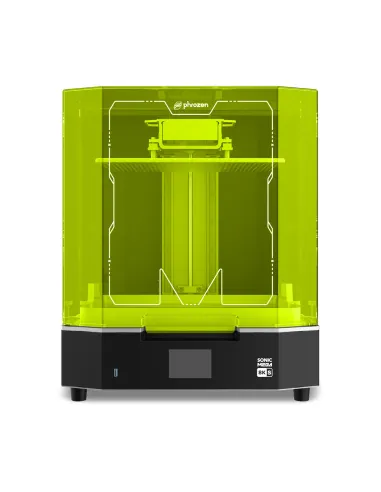
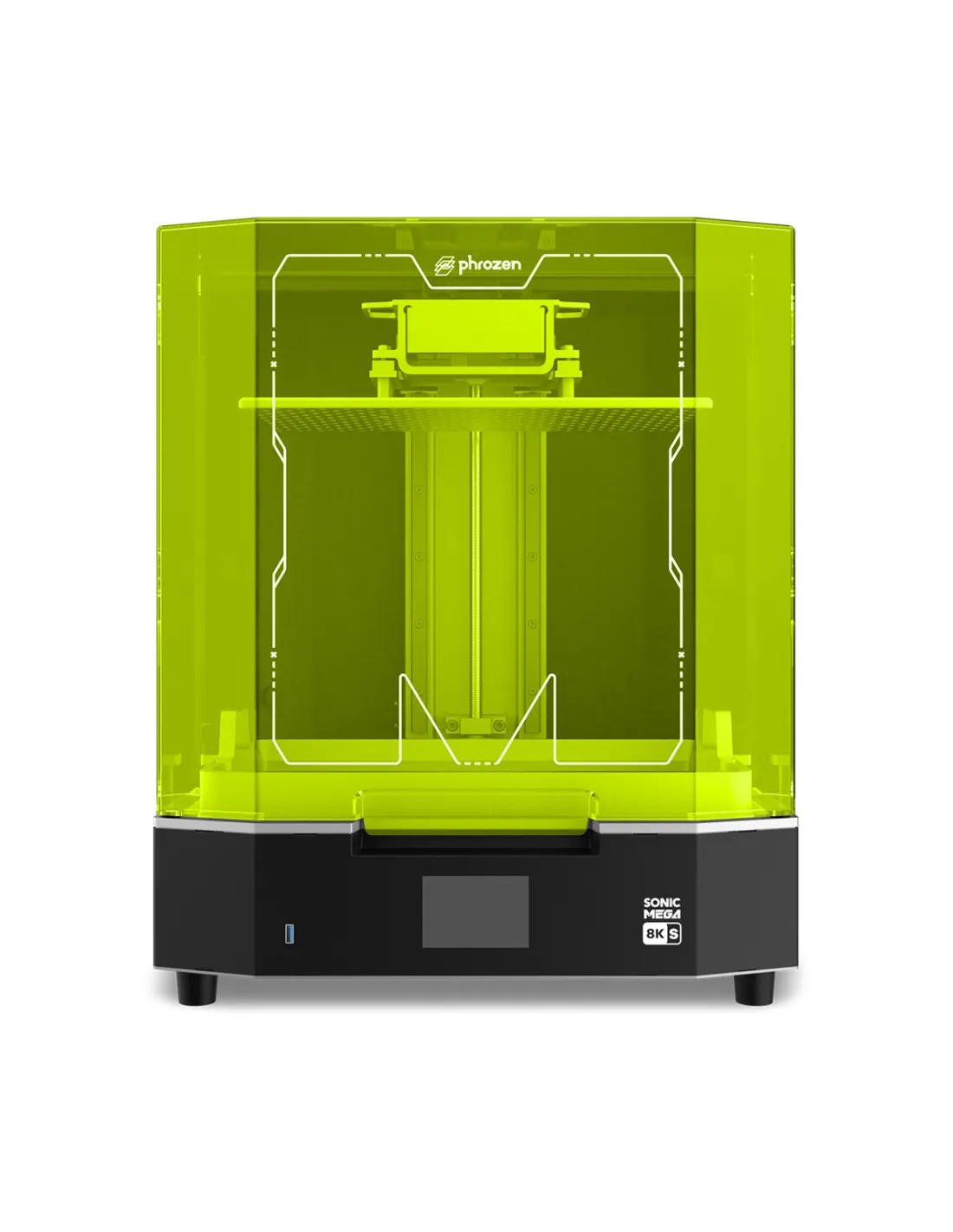
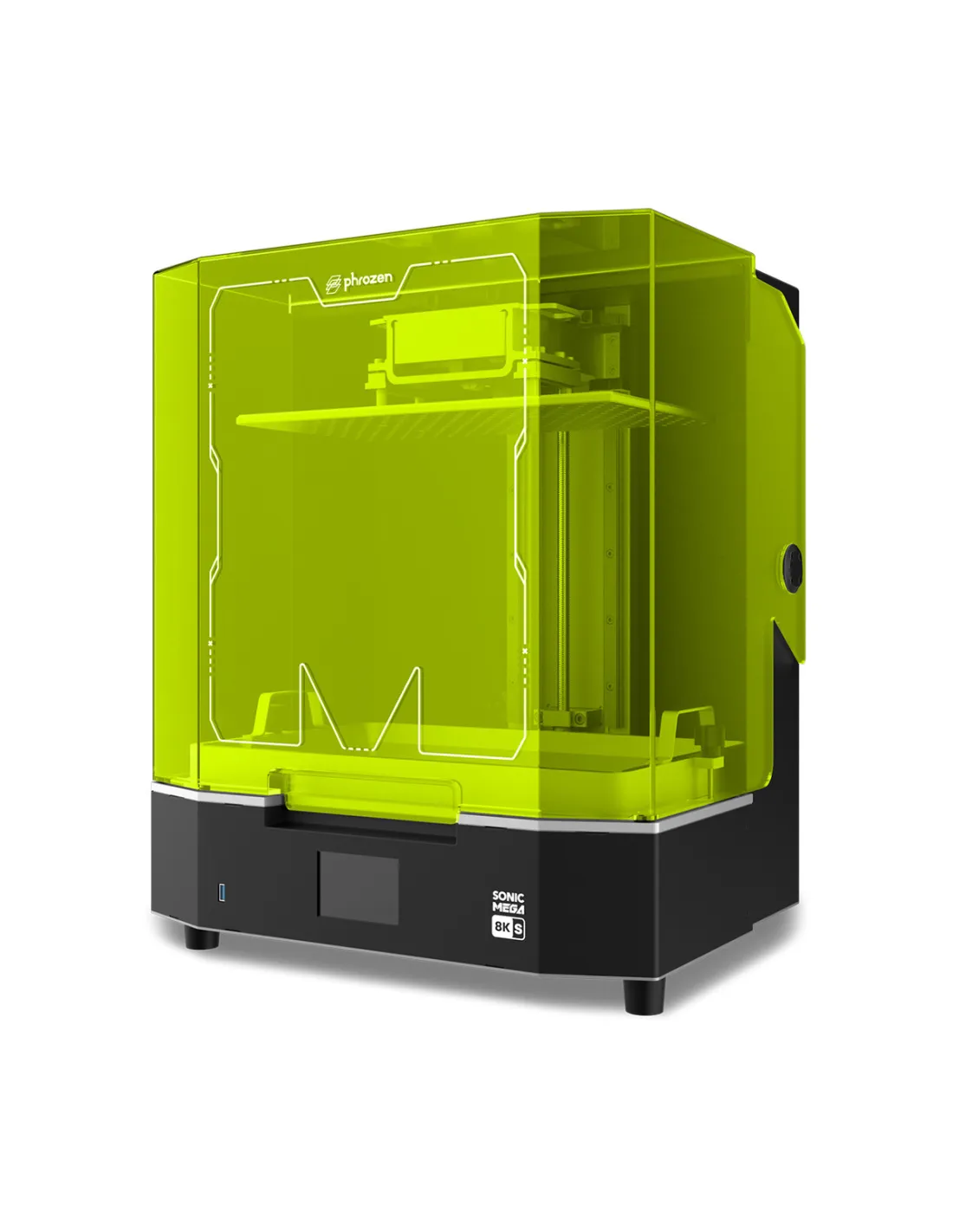
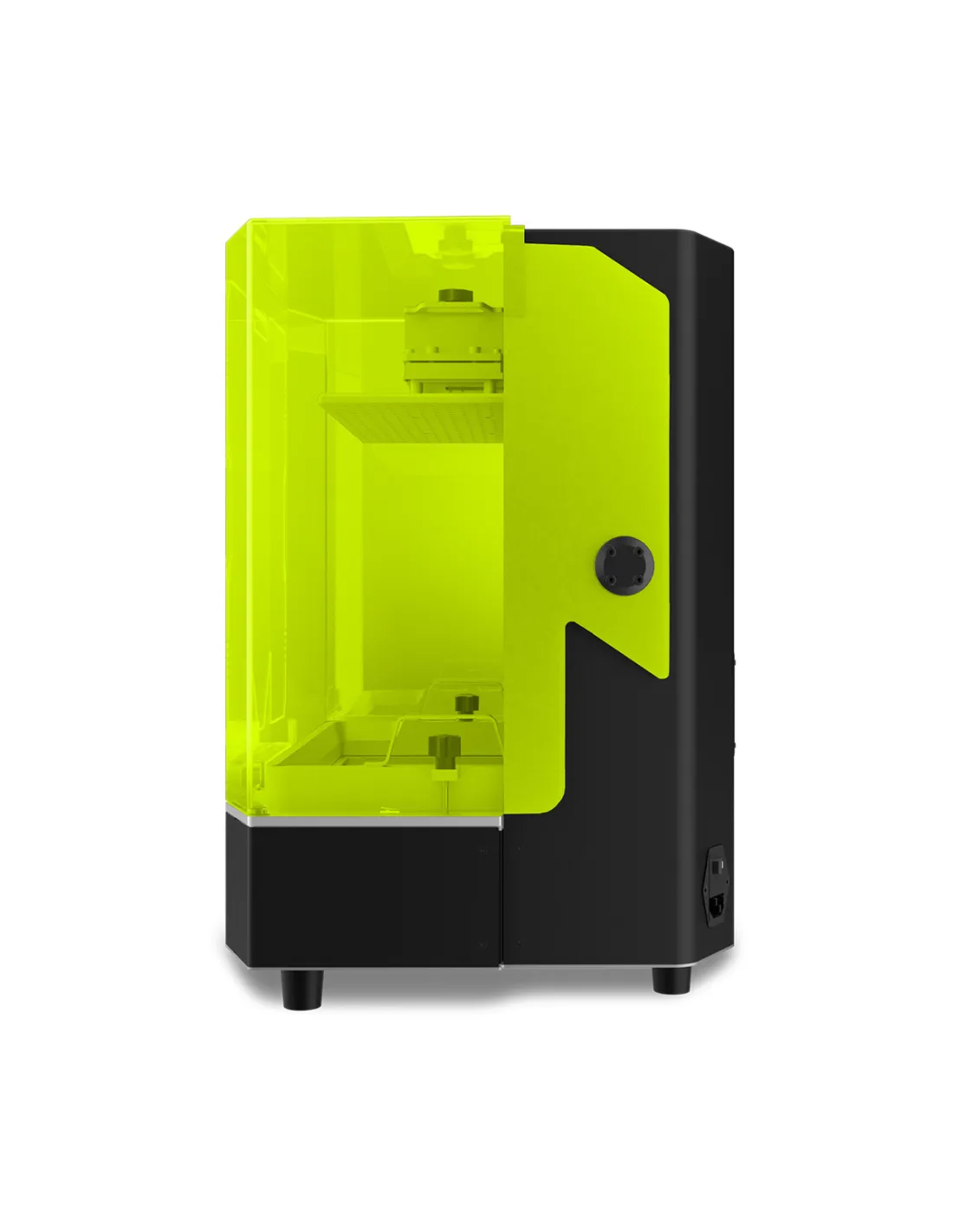
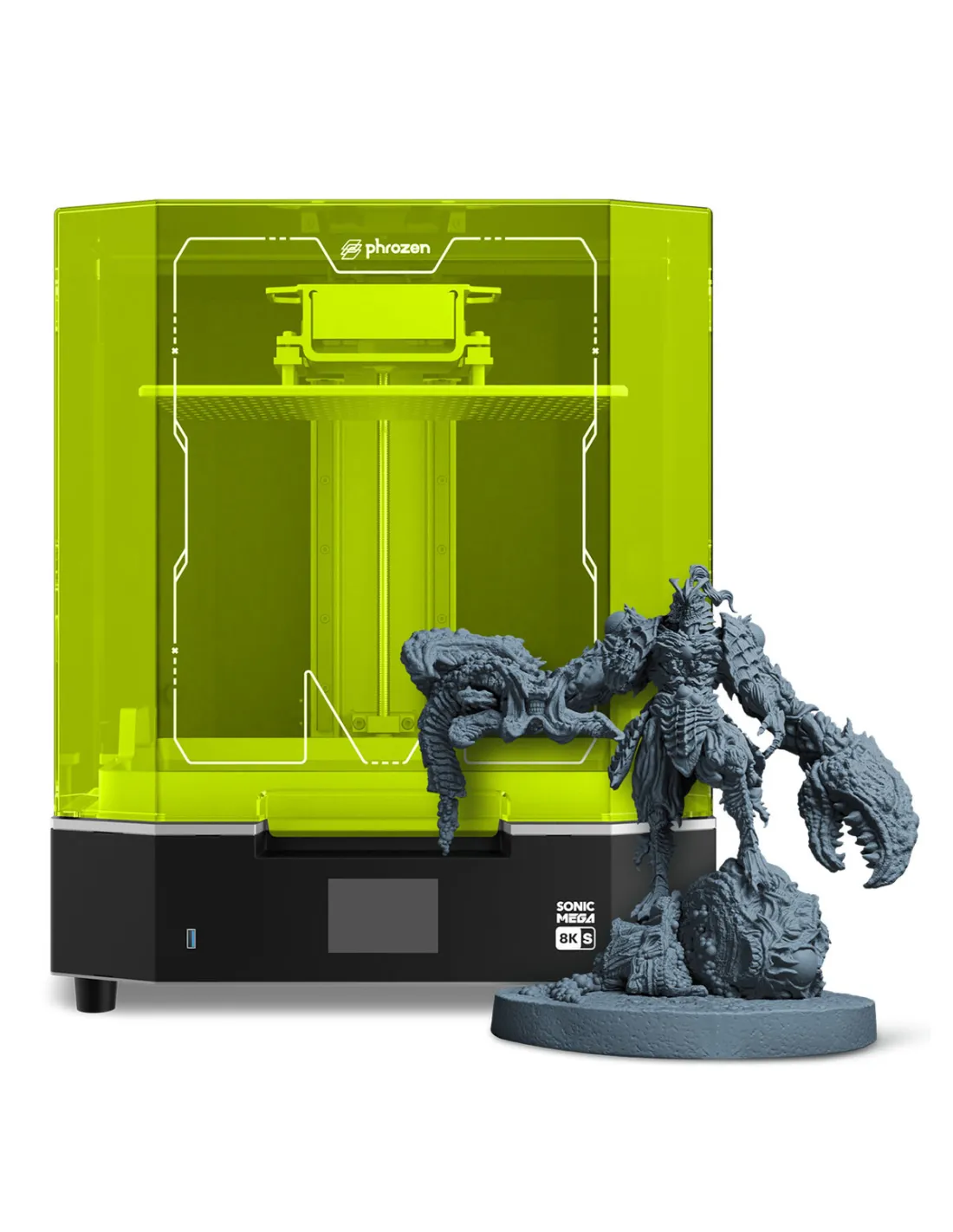
The Phrozen Sonic MEGA 8K S is a large-format MSLA resin 3D printer designed for professionals who need volume, detail and speed in a single machine. With a 15-inch Mono-LCD screen and a resolution of 43 µm, it can reproduce complex geometries at real scale without sacrificing precision. If you produce long runs, large parts or high-definition prototypes, this machine is designed exactly for that.
Technical specifications
Parameter
Value
Technology
MSLA (Mono-LCD)
Screen size
15 inches
Resolution
8K
XY Resolution
43 µm
Print volume (X · Y · Z)
330 × 185 × 300 mm
Operating system
Phrozen OS
Control
Touch panel
Build plate
Perforated, factory pre-calibrated
Resin feed
Compatible with automatic system
Cover
Top-lift (space-saving)
Drip hanger
Built-in
Box contents
Everything needed to start printing
What it's used for
The Sonic MEGA 8K S is designed for environments where production capacity and detail quality are equally important. Its large work volume makes it the go-to tool for:
Series production of jewellery, dental or orthopaedic parts
Manufacturing of industrial prototypes and functional models at real scale
Printing sculptures, collectible figures and large-format props for special effects and character work
Creating masters for silicone or polyurethane moulding
Architecture and detailed scale modelling
Production of multiple small parts simultaneously making full use of the build platform
How to use it
Prepare your 3D model in your design software and export it in STL or CTB format.
Open the file in a compatible slicer (we recommend CHITUBOX, free to download) and adjust the layer parameters, supports and part orientation.
Export the sliced file and transfer it to the printer via USB or network.
Shake the Phrozen Aqua-Gray 8K resin (or whichever resin you are using) thoroughly and pour it into the vat without exceeding the maximum level.
Check that the build plate is properly levelled — it comes factory pre-calibrated, but it's worth verifying before the first print.
Select the file on the touch panel and start the print.
Cure the part in the Phrozen Cure Mega S following the curing times indicated by the resin manufacturer.
Safety warning — Photopolymer resins: 3D printing resins are irritants to skin and eyes in liquid form. Always work with nitrile gloves, safety goggles and in a well-ventilated space. Avoid direct contact with uncured resin. Liquid waste (leftover resin, contaminated wash liquid) must be handled as hazardous waste — do not pour it down the drain. Cure any liquid resin residue under UV light before disposal.
Usage tips
Choose the right resin to make the most of the 43 µm resolution
Not all resins are formulated for 8K resolutions. To fully exploit the 15" screen and 43 µm resolution, use a resin specifically designed for high definition, such as the Phrozen Aqua-Gray 8K. If you need superior mechanical strength for functional prototypes, the M3DUSA Titan-Tech Grey resin is a high-performance option.
Make full use of the platform with good support planning
The 330 × 185 × 300 mm volume allows you to print many parts at once. Organise your slicing to distribute parts with some spacing between them, orient detail surfaces towards the screen and generate supports only where strictly necessary. This reduces post-processing time and improves surface finish without the need for sanding.
Keep the vat and FEP film in good condition
The FEP film in the vat is a consumable. Inspect it after each long session: if opaque areas, scratches or adhered cured resin appear, replace it. A damaged FEP film reduces layer adhesion to the platform and is the most common cause of print failures with large parts. Always filter leftover resin before returning it to its container.
Frequently asked questions
What slicing software do I need to prepare the files?
The Phrozen Sonic MEGA 8K S does not include its own slicing software. We recommend using CHITUBOX, available free of charge. It is compatible with Phrozen profiles, easy to set up and works very well for both individual parts and full production sheets.
What file formats does it support?
The standard workflow is to export your model in STL from your design software, slice it with CHITUBOX or another compatible slicer and transfer it to the printer in CTB format. What matters is not the origin of the file but that it is correctly exported to the format the printer reads.
Is it compatible with any 3D printing resin?
Generally yes, as long as it is a photopolymer resin for 405 nm MSLA printers. However, to make the most of the 8K resolution, the best choice is resins specifically formulated for high definition, such as the Phrozen Aqua-Gray 8K. Standard resins will give correct results, but you won't be getting the full 43 µm XY resolution.
Do I need to level the platform before each print?
The build platform comes factory pre-calibrated so you can print from the very first moment. Under normal use it is not necessary to recalibrate before each print, but it is worth checking if you move the machine, after an impact, or if you start noticing adhesion problems on the first layer.
How do I wash and cure printed parts?
The post-curing process consists of two steps: first wash the part to remove uncured liquid resin, then expose it to UV light to complete the cure. For washing, the most convenient option is the Phrozen Wash Mega S with isopropyl alcohol 99.9%. For the final cure, the Phrozen Cure Mega S is sized specifically for the volume of this printer.
Can I use this printer to make master moulds and then cast silicone?
Yes, this is one of the most common uses in special effects workshops and series production. Print the master with the resolution and detail you need, and once cured and finished, use it as a model to make the silicone mould. Bear in mind that some resins can inhibit the cure of platinum silicones — always apply a layer of sealer or varnish over the master before pouring the silicone to avoid inhibition issues.
How much physical space does the machine take up?
It is a large-format printer, so it requires space. The top-lift cover (instead of side-opening) is designed precisely to reduce the lateral footprint and facilitate access from above. Check the physical dimensions of the unit on the official Phrozen datasheet before planning its location in your workshop.
Does the printer support automatic resin feeding?
Yes, the Phrozen Sonic MEGA 8K S is compatible with an automatic resin feeding system, which is especially useful for long production runs or when working with the vat at full capacity. Check the available accessories if you need to automate refilling for continuous production runs.
Video tutorials
Sonic Mega 8K S - Unboxing & Setting Up - Phrozen 3D Printer
Buy now!🚀Sonic Mega 8K S — Your Reliable Productivity Beast
Cookies on this site are used to personalise content and ads to deliver social media features and to analyse traffic. We also share information about your use of the site with our social media partners for advertising, personalisation and web analytics.. More information.