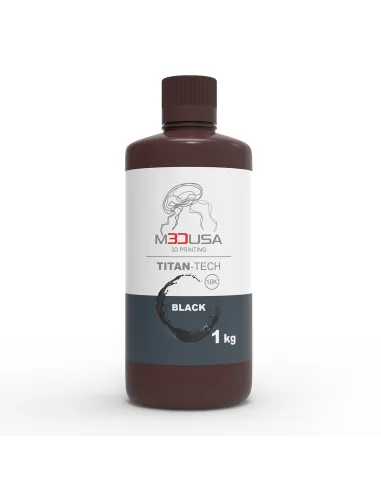
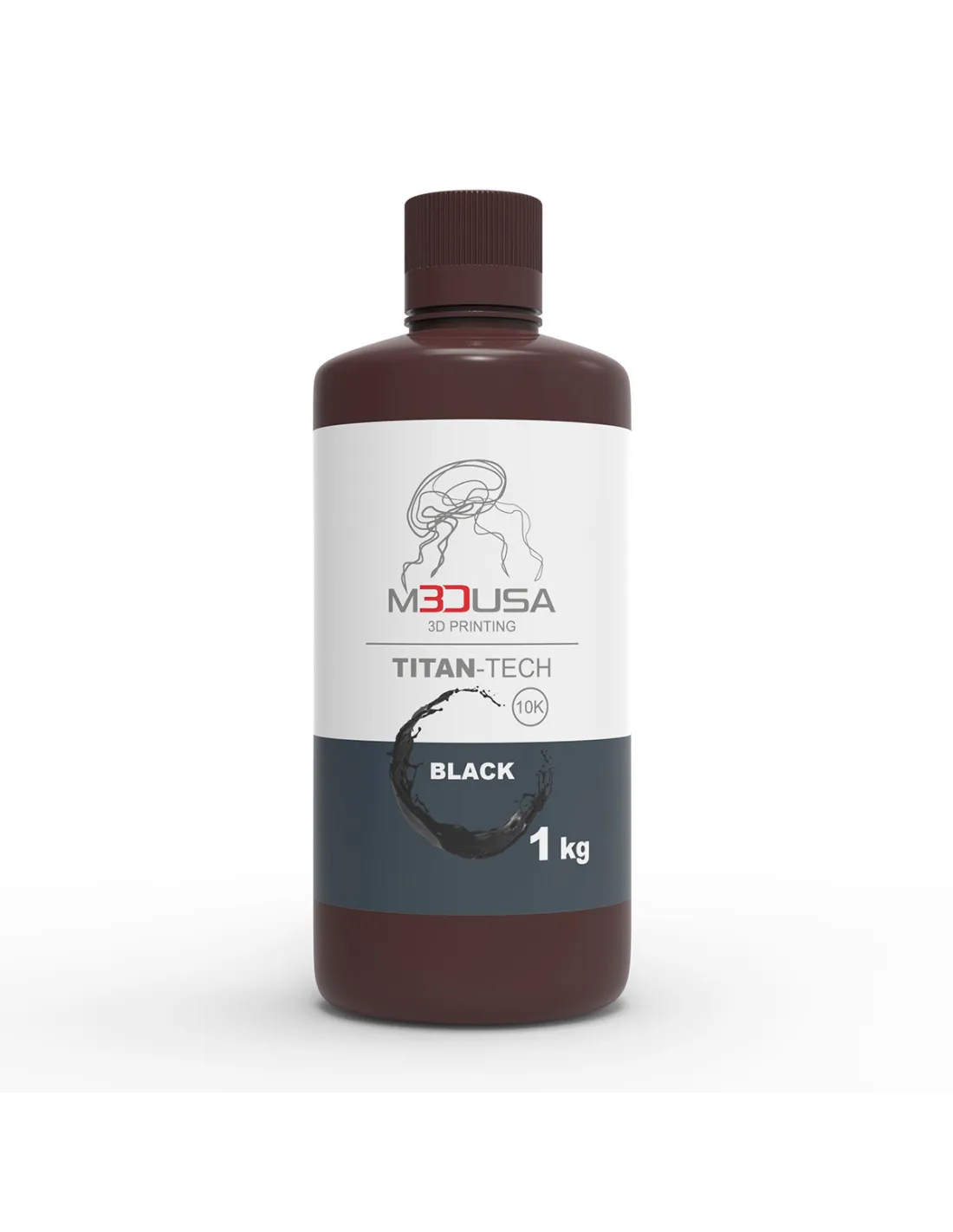
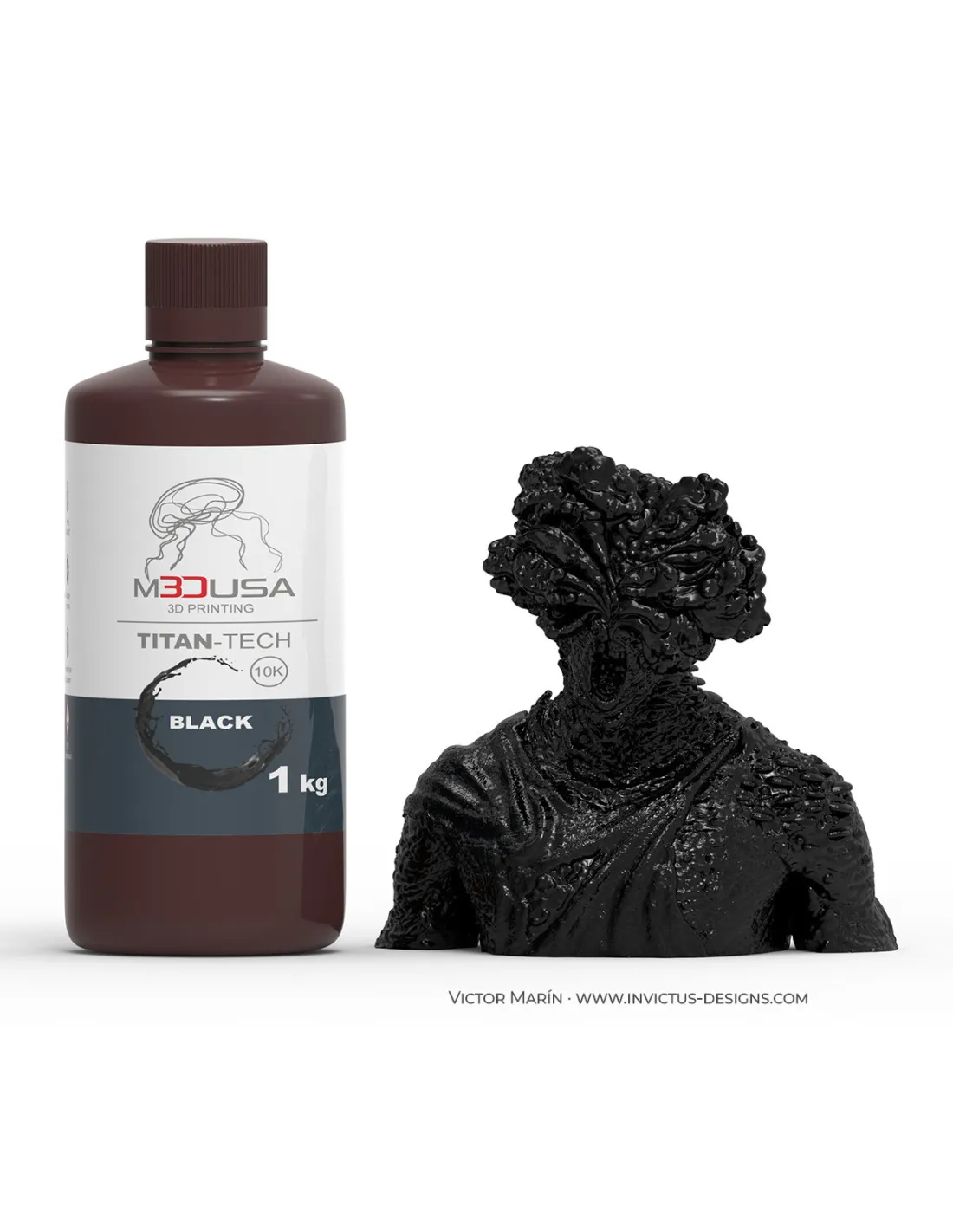
The M3DUSA Titan-Tech Black Resin is a high-definition photopolymer resin formulated for LCD/MSLA 3D printers operating at 385-405 nm wavelength. With mechanical properties equivalent to ABS, it combines robustness, dimensional accuracy and smooth surface finish in a deep black colour, making it the choice for professionals who need functional parts and high-fidelity prototypes without compromising on quality.
Technical specifications
| Parameter |
Value |
| Colour |
Black |
| Resin type |
Standard / High definition |
| Compatible wavelength |
385-405 nm |
| Printing technology |
LCD / MSLA |
| Mechanical properties |
ABS-Like (high strength and rigidity) |
| Surface finish |
Smooth, high dimensional accuracy |
| Shrinkage |
Minimal |
| Contents |
1 kg |
What it is used for
Titan-Tech Black is a versatile resin aimed at projects requiring high mechanical resistance and fine detail definition. Its black colour makes inspection of fine details easier and is especially valued in applications where a dark finish is the desired end result without the need for subsequent painting.
- Functional engineering prototypes with mechanical demands
- Modelling of technical parts requiring tight tolerances
- Fabrication of props and replicas for special effects and film
- Presentation parts and architectural scale models in black
- Components for jigs, fixtures and workshop tooling
- Miniatures and collectible models requiring high detail
- Rapid prototyping of enclosures and electronic components
How to use it
- Shake the bottle well for at least 30 seconds before pouring the resin into the vat, as pigments may settle.
- Pour the required amount into the vat of the LCD/MSLA printer compatible with 385-405 nm.
- Configure the bottom layer and normal layer parameters according to the manufacturer's recommendations for your specific printer. Adjust exposure time based on the light output of your screen.
- Set the appropriate lift distance and lift speed for your screen size and part geometry to minimise adhesion failures and delamination.
- Once printing is complete, remove the part from the build plate using a spatula and gloves.
- Wash the part in 99.9% isopropyl alcohol for 3-5 minutes to remove uncured resin. You can use an ultrasonic agitator or a dedicated wash station for better results.
- Dry the part with compressed air or allow the alcohol to evaporate completely before post-curing.
- Post-cure the part in a UV station (405 nm) for the recommended time to develop its final ABS-like mechanical properties.
Caution: Uncured resin is irritating to skin, eyes and respiratory tract. Always work with nitrile gloves, safety goggles and in a well-ventilated space. Avoid direct contact with liquid resin. Liquid waste (wash residues, expired resin) must be exposed to UV light until fully cured before disposal in accordance with local photopolymer waste regulations.
Usage tips
Fine-tuning exposure
Titan-Tech Black contains opaque black pigment, which reduces UV light penetration layer by layer. This means that, compared to grey or translucent resins, it typically requires slightly longer exposure times for normal layers. Run a calibration test (exposure matrix test) before printing final parts to find the optimal time for your specific printer.
Working temperature
Photopolymer resins are sensitive to ambient temperature. Below 20 °C viscosity increases, which can cause adhesion problems with the FEP film and a higher risk of failures. Keep the resin and printing environment between 20 °C and 28 °C for consistent results. In winter, a room heater or gently pre-warming the bottle in lukewarm water (never in a microwave) can make a real difference.
Vat maintenance and resin reuse
If you leave resin in the vat between sessions, cover it to protect it from ambient light. Before the next session, filter the resin through a fine mesh strainer to remove cured particles that could damage the FEP membrane or cause imperfections. Unused resin can be returned to the original bottle as long as it is clean and free of contaminants.
Frequently asked questions
Is it compatible with any LCD resin printer?
The M3DUSA Titan-Tech Black Resin is compatible with LCD/MSLA printers operating at 385-405 nm wavelength, which is the most widespread standard in the current market. Check your machine's wavelength specification before using any resin to ensure correct curing.
What is the difference between a standard resin and a high-definition resin?
High-definition resins are formulated to capture finer details and reduce light bleed between pixels (blooming), resulting in sharper edges and more precise surfaces. Titan-Tech Black combines both characteristics: ABS-like mechanical resistance of a standard resin with the detail capability of high-definition formulations.
What wash liquid should I use after printing?
The most common and effective method is washing with 99.9% isopropyl alcohol. Submerge the part for 3-5 minutes, agitating or using an ultrasonic wash station. It is essential that the alcohol is clean to avoid depositing resin residue on the part. Replace the alcohol when it becomes very cloudy.
How long does post-curing take?
Post-cure time depends on the power of your UV station and the thickness of the part. As a starting point, between 2 and 5 minutes in a 405 nm UV station is usually sufficient for medium-sized parts. Excessive post-curing can make the part more brittle, so avoid overexposing. Check the hardness of the part before removing supports to avoid breakage.
Can the printed part be sanded, painted or threaded?
Yes. Thanks to its ABS-like properties, parts printed with Titan-Tech Black can be sanded, drilled, tap-threaded and painted with standard primers and acrylic or enamel paints. For a perfect finish, apply a primer before painting. Black parts are especially convenient for dark final finishes without the need for additional paint.
Why does black make printing harder than lighter colours?
Black pigment absorbs and blocks UV light more efficiently than light or translucent pigments. This limits the cure depth per layer, which may require increasing exposure times compared to grey or transparent resins. Always run a calibration test when switching resin or printer.
How should I store the resin to preserve its properties?
Store the bottle tightly closed, away from direct sunlight and heat sources, between 15 °C and 25 °C. Photopolymer resin degrades when exposed to ambient UV light. If the bottle has been open or stored for a long time, shake well before use and check whether the viscosity or colour has changed noticeably.
Is this resin available in other colours or finishes?