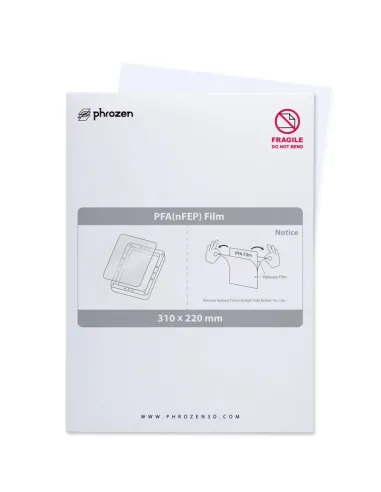
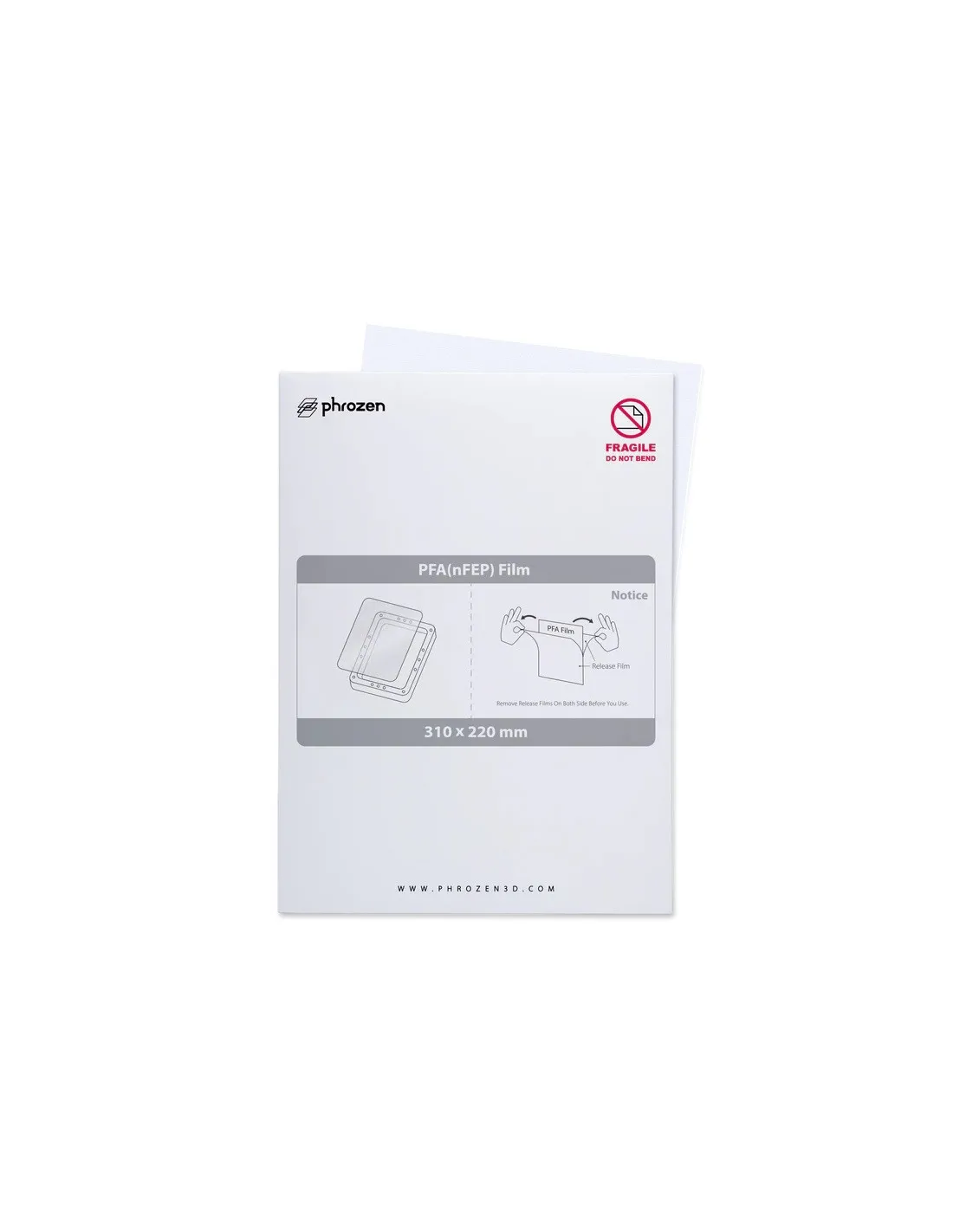
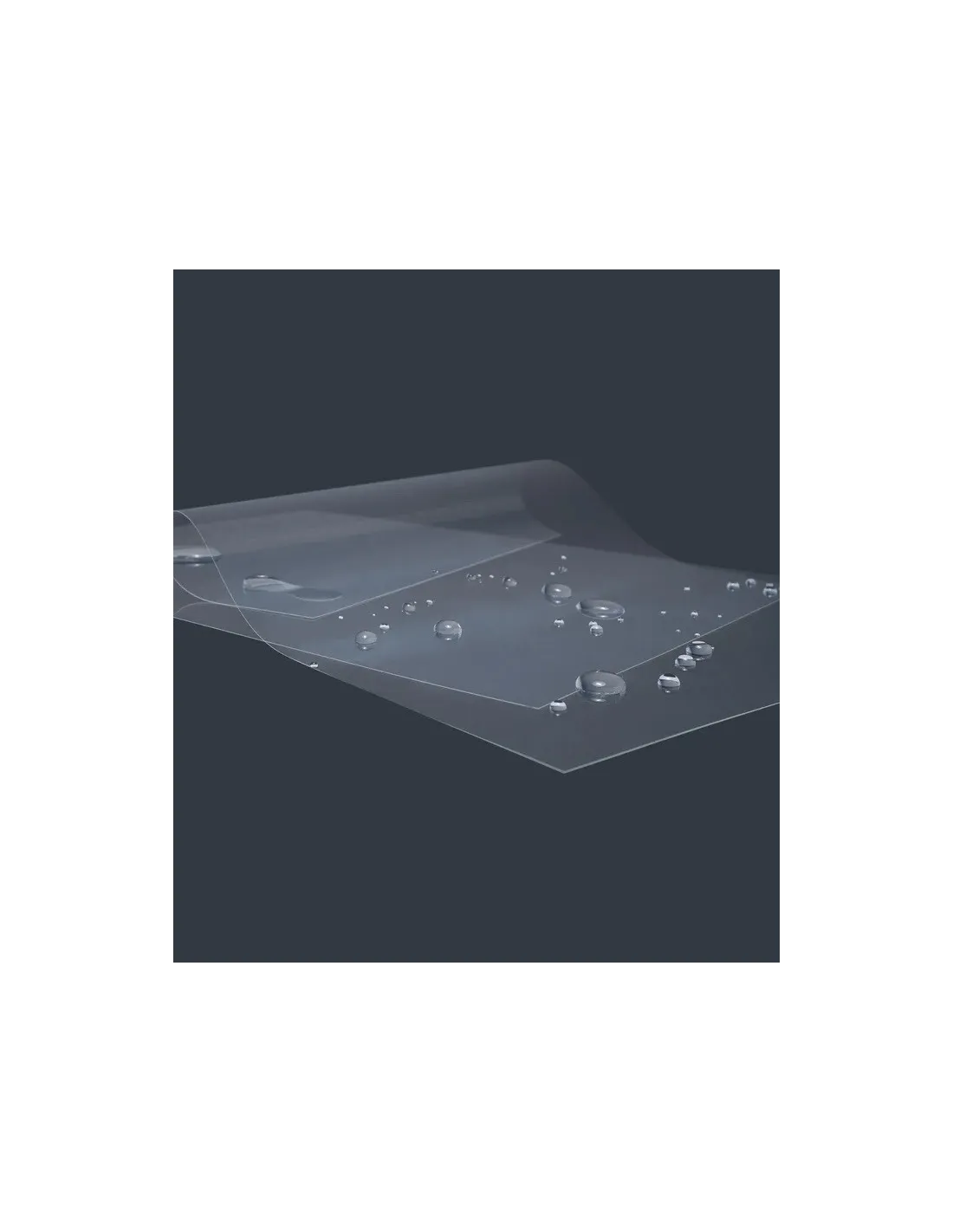
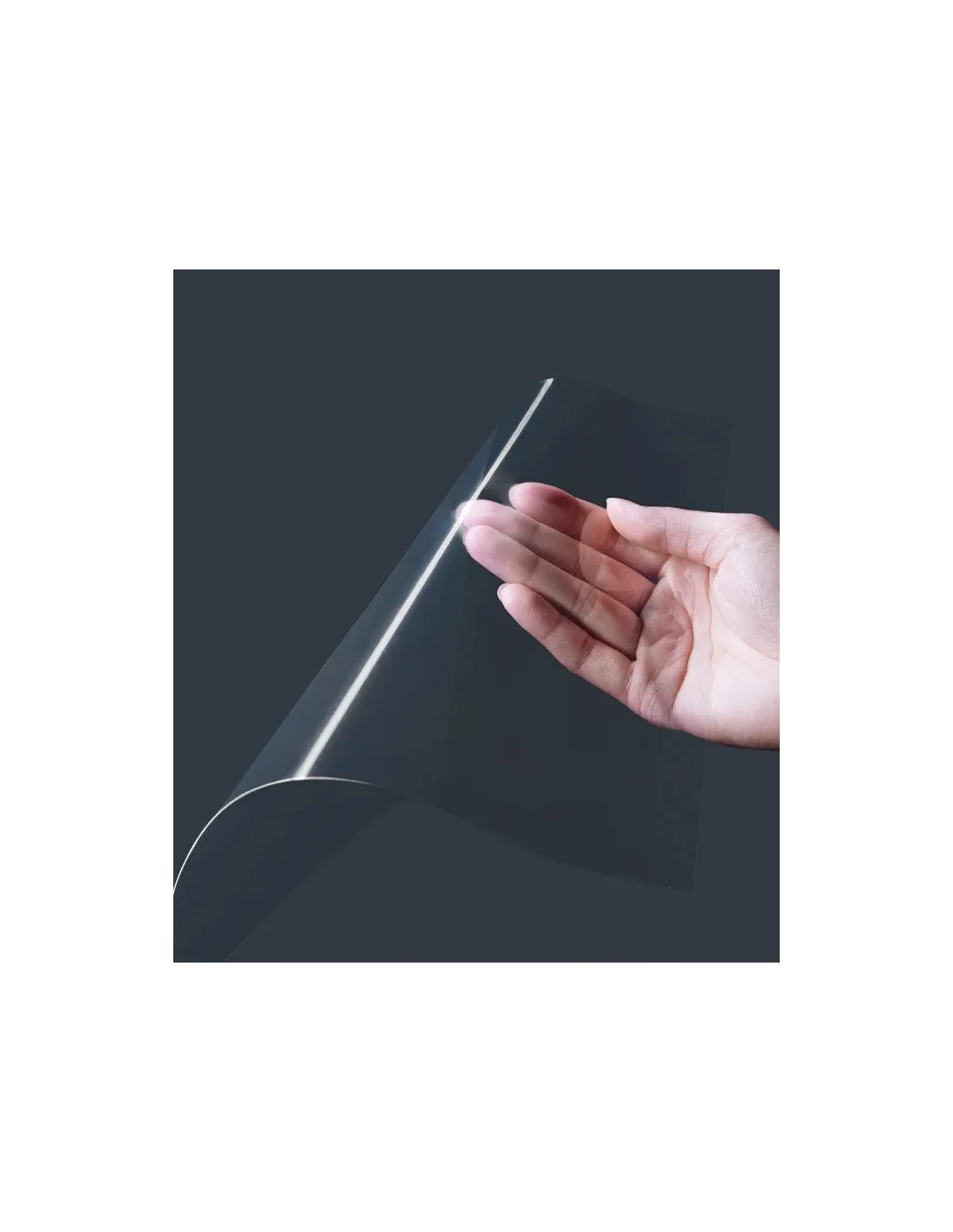
The Phrozen PFA (nFEP) film is the replacement vat film designed specifically for 10" format resin printers, such as the Sonic Mighty 8K. Made from PFA (perfluoroalkoxy), it offers greater durability and transparency than conventional FEP films, reducing replacement frequency and improving layer separation during printing.
Technical specifications
| Material | PFA (nFEP) |
|---|
| Colour | Transparent |
|---|
| Size | 310 x 220 mm (10") |
|---|
| Thickness | 150 microns |
|---|
| Weight | 10 g |
|---|
| Contents | 1 unit |
|---|
| Compatible models | Phrozen Sonic Mighty 8K and other 10" format printers |
|---|
What it is used for
This film acts as the bottom sheet of the resin vat in LCD/MSLA photopolymer resin printers. Its function is to allow UV light to pass through while providing a non-stick surface that facilitates the separation of each printed layer from the screen. It is used as a replacement when the original film shows opacity, scratches, perforations or loss of tension.
- Replacement of the vat film in Phrozen 10" resin printers
- Preventive maintenance to avoid adhesion failures or resin leaks
- Improvement of print quality when the original film is deteriorated
- Use in production environments with high-frequency printing
- Compatible with standard, ABS-Like, flexible and high-strength resins
How to use it
- Empty the resin vat and transfer the resin to its original container using a funnel and wearing nitrile gloves for protection.
- Clean any resin residue from inside the vat with 99.9% isopropyl alcohol and a lint-free cloth.
- Loosen and remove the screws holding the film tensioning frame of the vat.
- Remove the old film carefully to avoid scratching the frame or the LCD screen.
- Place the new PFA film centred over the vat, with the surface even and wrinkle-free.
- Secure the tensioning frame and tighten the screws progressively in a cross pattern (like a wheel) to achieve uniform tension.
- Visually check that there are no folds or bubbles before pouring in the resin.
- Run a test print to verify correct adhesion and layer separation.
Usage tips
When to replace the film
Don't wait for the film to perforate. Replace it when you notice widespread opacity (whitish or cloudy appearance), pressure marks in specific areas, or when prints start detaching from the platform earlier than expected. A film in poor condition compromises print quality and can cause resin to reach the LCD screen, resulting in costly damage.
Correct film tensioning
Poor tensioning is the main cause of print problems after a film change. The film must be perfectly flat, with no visible waves when held up to the light. Tighten the frame screws in a cross pattern and progressively, not in a single direction, to distribute tension evenly. If your vat has a nut-based tensioning system, use a hand torque gauge to apply the same torque at each point.
Cleaning and maintenance
After each print session, clean the film with 99.9% isopropyl alcohol and a soft lint-free cloth. Never use metal tools or abrasive sponges on the film surface. If resin has cured onto the film, remove it with a silicone or flexible plastic spatula using gentle movements. Avoid prolonged exposure to natural or artificial light before installing the film, as UV radiation can degrade the material.
Frequently asked questions
What is the difference between an FEP film and a PFA (nFEP) film?
Standard FEP is the most common material in resin printer vats, but PFA (also referred to as nFEP) offers greater mechanical resistance, better UV transparency and a longer service life. This translates into more printing hours before needing a replacement and better light transmission, which can improve the definition of printed parts.
How often should the vat film be replaced?
It depends on usage, resin type and printing conditions. Under intensive use, a PFA film like this one can last several hundred hours of printing. As a practical guideline, inspect the film every 20–30 prints and replace it as soon as opacity, deep scratches or visible loss of tension appear.
Is it compatible with other printers of the same format?
This film measures 310 x 220 mm, so it is compatible with any resin printer that uses a 10" format vat whose tensioning frame accepts these dimensions. Always verify your printer's vat measurements before purchasing. It is especially suited for the Phrozen Sonic Mini 8K and similar models in the Phrozen range.
Can I reuse the film after cleaning it?
Yes, as long as it shows no physical damage such as perforations, deep scratches or irreversibly opaque areas. After each session, clean the film with isopropyl alcohol and a soft cloth. If the film is in good visual condition, it can be reused without issue. PFA is particularly resistant to repeated cleaning with alcohol.
What happens if I print with a damaged film?
A perforated film or one that has lost its integrity can cause liquid resin to come into contact with the printer's LCD screen, which in many cases causes permanent screen damage. In addition, an opaque or poorly tensioned film reduces layer definition and increases adhesion failures. Replacing the film in time is an essential preventive maintenance measure.
What product should I use to clean the film and the vat?
The most effective and safe cleaner for the PFA film and the inside of the vat is 99.9% isopropyl alcohol. Apply with a microfibre cloth or lint-free paper and avoid scrubbing hard. Do not use acetone or aggressive solvents, as they can degrade the film material and the vat itself.
Do I need protective equipment to replace the film?
Yes. Photopolymer resin is an irritant for skin and eyes. Always wear nitrile gloves throughout the entire film replacement and vat cleaning process. If you work in poorly ventilated spaces, an organic vapour filter mask is also recommended.
Does film thickness affect print quality?
Yes. A thinner film allows greater flexibility during the layer peeling process, which can reduce separation forces and improve part adhesion to the platform. This 150-micron film offers an optimal balance between mechanical strength and flexibility for 10" format printers.