Shopping Cart


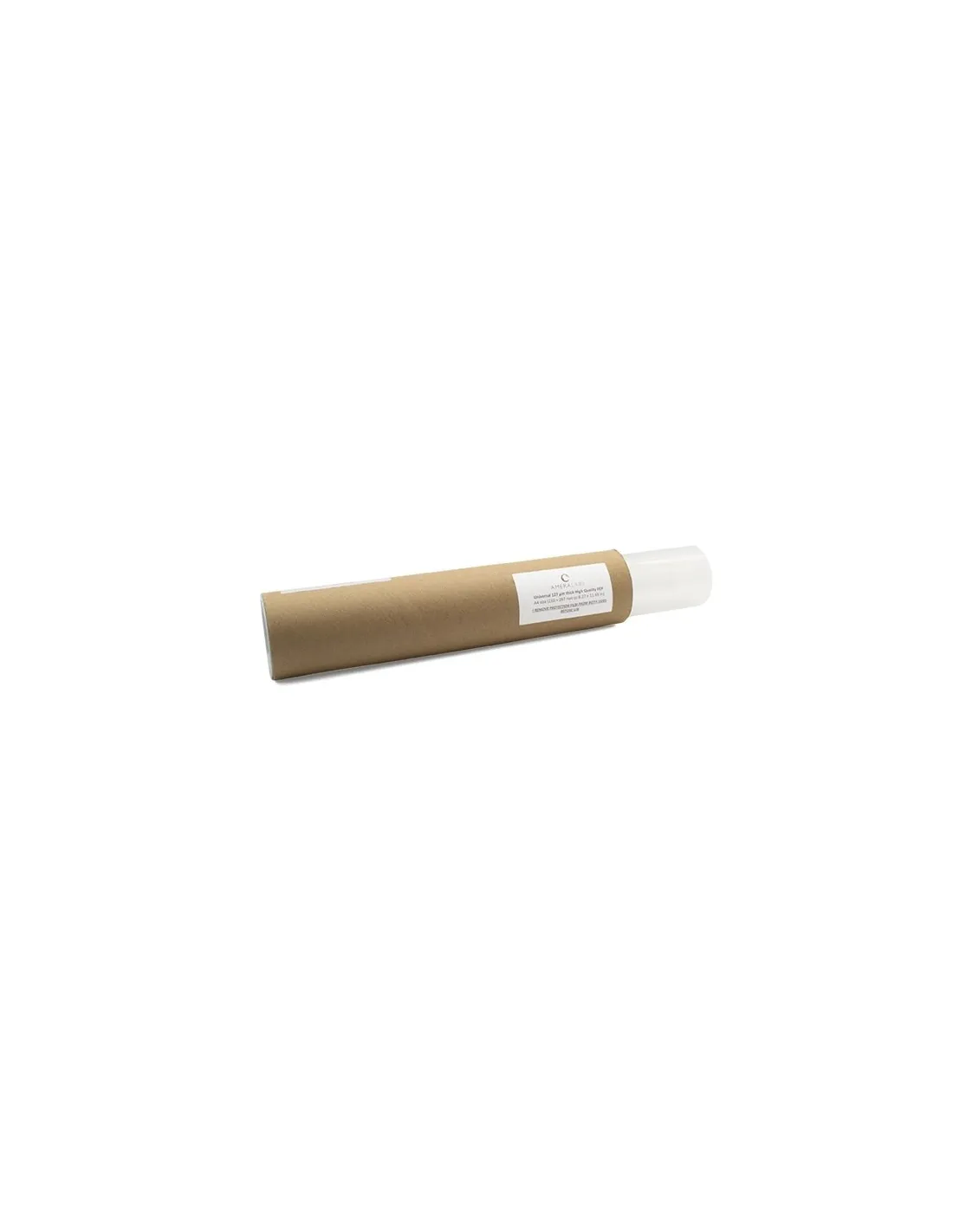
FEP A4 50 micron film
220120300
€10.00
12,10 € Tax incl.
12,10 € Tax incl.
Optical A4 FEP film (210×297 mm), 50 microns, for resin 3D printers. Maximum UV transmission, non-stick surface and easy to cut.
The 50-micron FEP (Fluorinated Ethylene Propylene) film in A4 format is the replacement sheet for the VAT of your resin 3D printer when you are looking for the highest possible detail. With certified optical grade, it transmits UV radiation without appreciable refraction and offers the lowest surface energy of available plastics, resulting in clean layer release and extended VAT service life.
Technical specifications
| Parameter | Value |
|---|---|
| Material | FEP (Fluorinated Ethylene Propylene) |
| Thickness | 50 µm |
| Format | 210 × 297 mm (A4) |
| Grade | Optical |
| UV/Visible Transmission | Excellent, no significant refraction or reflection |
| Surface energy | Very low (non-stick) |
| Chemical resistance | High (photopolymer resins, common solvents) |
| Thermal resistance | High |
| Protective film | Both sides |
| Cut | Pre-cut, adjustable with scissors |
What it is used for
This film is the key consumable element of the VAT (tank) of any resin 3D printer with a UV light source (LCD, MSLA or DLP). The 50 µm thickness is especially indicated when maximum resolution and light source sensitivity are required, as it minimises the distance between the panel and the resin. It is used for:
- Replacing worn, scratched or perforated FEP film in small and medium format resin 3D printers
- Printers with high-resolution LCD panels (4K, 8K) where optical transmission is critical for detail
- Manufacturing jewellery, dental and high-definition prototyping parts
- Production of miniatures, architectural models and masters for moulding
- Any application requiring a gentle release cycle to preserve delicate parts
- Adapting to printers of different sizes by cutting the A4 sheet to size with scissors
How to use it
- Remove the VAT from your printer wearing nitrile gloves and remove resin residue with 99.9% isopropyl alcohol.
- Disassemble the VAT retention frame following your printer's instructions.
- Remove the old FEP film carefully to avoid damaging the frame.
- Measure the usable area of the VAT and, if necessary, cut the A4 sheet with scissors to the required size. One A4 sheet yields two pieces of approximately 5.5 inches when cut in half.
- Remove the protective film from both sides just before installation, in a clean, dust-free environment.
- Place the film over the frame ensuring it is perfectly tensioned and wrinkle-free. Uniform tension is essential for print quality.
- Secure the retention frame by tightening the screws in a cross pattern progressively to distribute tension evenly.
- Perform a short exposure test before launching a full print to verify tension and alignment.
Usage tips
Correct tensioning: the key to quality
A poorly tensioned film causes deformed layers and adhesion failures on the platform. Tighten the frame screws in a cross pattern, just like fitting a vehicle's wheels, and check that the film makes a slight sound when tapped with your fingertip, like a small drum. If any wrinkles appear, loosen, reposition and tension again.
Handling without contaminating the optical surface
The optical grade of the film is only effective if the surface remains clean. Do not touch the central area with your fingers without nitrile gloves. Fingerprints and dust create opaque spots that affect layer curing. If the film becomes contaminated, clean it with a microfibre cloth lightly dampened with isopropyl alcohol before installation — never with aggressive solvents.
When to replace the film
The 50 µm film is the thinnest and therefore the most sensitive to wear. Inspect it after each long print session. Signs that it needs replacing: opaque or whitish areas in the central zone, micro-scratches visible against the light, permanent deformations or any perforation however small. Printing with a deteriorated film is the most common cause of print failures and resin spills onto the LCD panel. Always use a respirator with organic vapour filter when handling uncured resin.
Frequently asked questions
What is the difference between a 50 µm film and a 127 µm or 150 µm one?
Thickness affects stiffness, service life and light transmission. The 50 µm film is the thinnest: it allows more UV radiation through, promotes release of delicate layers and improves definition in high-resolution parts. The trade-off is that it is more susceptible to perforations and requires more care during installation. The 127 µm and 150 µm thicknesses are more durable and last more print sessions, but may slightly reduce sharpness on very high-resolution printers.
What types of printers is this film compatible with?
The 50 µm A4 FEP film is compatible with virtually all small and medium format resin 3D printers that use standard-type VATs: domestic and semi-professional LCD/MSLA printers in 4K, 6K and 8K. The A4 sheet (210 × 297 mm) covers the most common VATs on the market and, if the tank is smaller, it simply needs to be cut to size with scissors.
Can I use this film with any photopolymer resin?
Yes. FEP is chemically inert against the vast majority of standard, ABS-Like, flexible, castable and dental resins. Its low surface energy prevents resin from adhering to the film during release, regardless of the type of resin used.
How do I know the film is correctly installed before printing?
A correctly installed film shows uniform tension across the entire surface, with no wrinkles or loose areas. When tapped gently in the centre with a fingertip it produces a sound similar to a taut drum. Before pouring resin, perform a short test exposure to confirm there are no leaks between the frame and the film.
How often does the film need to be replaced?
It depends on print volume, resin type and printer resolution. As a general reference, with domestic or semi-professional use, a 50 µm film can handle between 10 and 30 litres of processed resin before showing visible signs of wear. Inspect it against the light after each session and replace it at the first sign of opacity, deep scratches or deformation.
Is it dangerous to handle the film alongside uncured resin?
The FEP film itself is not hazardous. The risk comes from uncured photopolymer resin, which is irritating to skin and eyes and emits organic vapours. Always work with nitrile gloves and in well-ventilated spaces or with a respirator with organic vapour filter.
Can I clean the FEP film with isopropyl alcohol?
Yes, 99.9% isopropyl alcohol is the recommended cleaner for removing uncured resin residue from FEP film. Apply it with a soft microfibre cloth without rubbing hard to avoid scratching the surface. Avoid aggressive solvents such as acetone or MEK, which can degrade the film.
Can the FEP film be reused once removed from the VAT?
It is not recommended. When the film is removed, tension is released and the sheet retains folds and frame marks that prevent it from being re-tensioned uniformly. In addition, dismounting typically introduces scratches in the clamping area. The safest approach is always to install a new film to guarantee print quality and prevent resin leaks.
No reviews
Tap to zoom