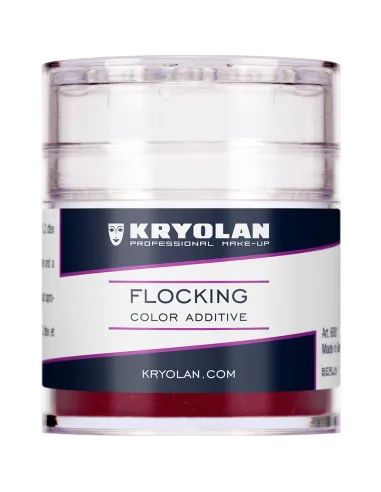
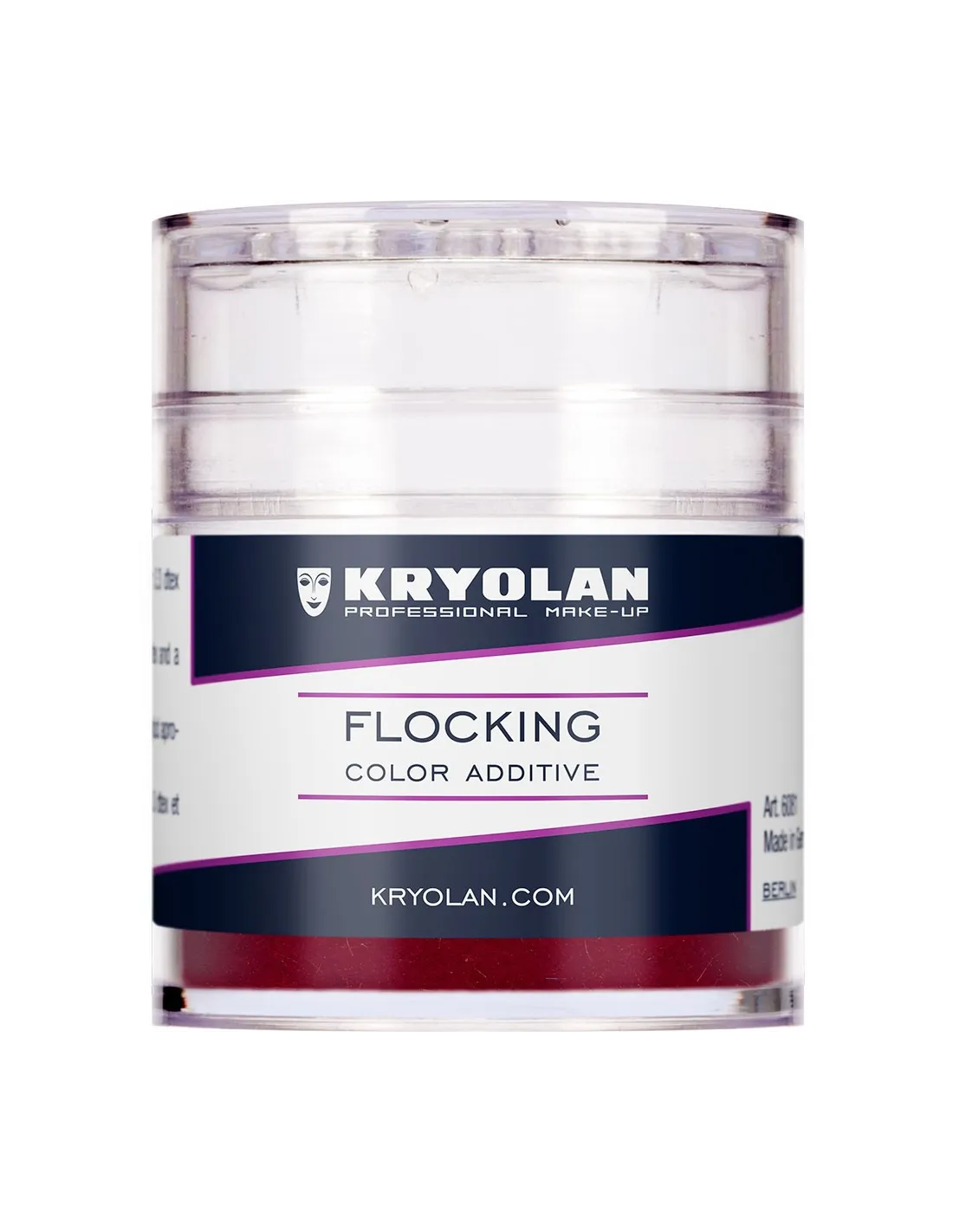
Flocking Color Additive is a pigment in the form of ultra-fine polyamide fibres designed to be incorporated directly into platinum silicones or other transparent or semi-transparent bases. The result is a fine veining that convincingly mimics the appearance of natural skin with venous capillaries, essential for special effects prosthetics and professional character work.
Technical specifications
| Property |
Detail |
| Material type |
Fibre colour additive |
| Composition |
Polyamide fibres |
| Effect |
Veining / venous capillaries |
| Application |
Direct mixing into silicone or other base |
| Format |
Shaker-style jar for controlled dispensing |
| Compatibility |
Platinum silicones, transparent and semi-transparent bases |
What it is used for
Flocking is designed for special effects professionals, character artists and prosthetics makers who need to reproduce the realistic appearance of human or animal skin. It is incorporated into the base material before curing to create internal effects with great visual depth.
- Simulation of natural skin with subcutaneous veining
- Representation of capillaries and surface veins in prosthetics
- Character work and prosthetic make-up for film and television
- Special effects pieces requiring translucency and internal texture
- Reproduction of soft tissue in anatomical models and medical training
- Hyperrealistic figurative art and sculpture
How to use it
- Prepare your chosen base silicone (for example PlatSil Gel-0020 or PlatSil Gel-0030) in the proportions specified by the manufacturer before adding any additives.
- Using the shaker jar, add a small amount of Flocking directly to the uncured silicone mix.
- Stir with a spatula using gentle, directional strokes to create the desired veining effect; avoid over-mixing if you want to maintain the appearance of oriented fibres.
- If you need to increase viscosity for vertical surface applications, also incorporate Thixo Additive at the same stage.
- Pour or apply the mix into the mould or directly onto the piece according to your working technique (casting, brush-on, etc.).
- Allow to cure under the conditions specified by the base silicone; Flocking does not alter cure time.
- Demould and apply surface finishes or intrinsic paints if the piece requires it.
Warning — Platinum silicone inhibition: if you use Flocking with addition-cure platinum silicones, bear in mind that any contamination from sulphur, tin, sulphur-based clays, latex, cyanoacrylate adhesives or certain organic materials can inhibit silicone curing. Make sure all materials in contact with the mix are free from these substances. If in doubt, always carry out a small-scale cure test before committing to the full piece.
Usage tips
Dosage and concentration
Start with a minimal amount of Flocking and add gradually until you achieve the veining density you are looking for. Too much can make the base opaque and destroy the translucency effect that makes the skin simulation convincing. The shaker format makes it easy to dispense small portions without wasting material.
Controlling the veining
The direction and pattern of the fibres depends on how you move the mix. For fine capillaries oriented in a single direction, stir with linear strokes. For a more diffuse and random skin effect, incorporate the Flocking with gentle circular movements. If you want multiple layers with different densities or colours, work in layers allowing each application to lightly gel before the next.
Combining with other additives
Flocking is compatible with other silicone additives. You can combine it with dispersion pigments to adjust the base tone of the piece without losing the fibre effect. If you are working on large-format pieces or in a vertical position, add Thixo Additive to increase viscosity without affecting cure time. For applications on the human body, combine with Artex as a base in finishing layers.
Frequently asked questions
Does Flocking affect the silicone cure time?
No. Flocking Color Additive is an inert material that plays no part in the curing reaction. The cure time of the base silicone is exactly the same as stated by the manufacturer, with or without Flocking incorporated.
Which bases is this additive compatible with?
Flocking is intended primarily for transparent or semi-transparent platinum silicones such as PlatSil Gel-00, although it can be incorporated into any compatible liquid base provided it is sufficiently clear for the fibres to be visible. In very opaque bases the veining effect is lost.
How much needs to be added to achieve a skin effect?
There is no single ratio: it depends on the level of detail and veining density you are after. The general recommendation is to start with a low proportion (a few shakes of the jar per 100 g of silicone mix) and increase gradually until you achieve the desired visual result. Less gives a subtler, more translucent effect; more produces more pronounced veining but reduces transparency.
Can I mix Flocking with silicone pigments?
Yes. Flocking is compatible with dispersion pigments for silicone. You can adjust the base tone of the piece with pigments and layer the Flocking fibre effect on top without either one interfering with the other. The usual approach is to add the pigment to the silicone first, mix thoroughly, and then incorporate the Flocking with controlled strokes.
Can it be used to create capillary effects in multiple layers?
Yes, and it is one of the most effective techniques for achieving visual depth. You can work by casting successive layers with different Flocking concentrations or colours, allowing each layer to lightly gel before the next. This allows you to reproduce the layered structure of real skin with capillaries at different depths.
What happens if I add too much Flocking?
An excess of Flocking saturates the mix with fibres and the base loses translucency, eliminating the depth effect that makes the skin simulation convincing. It can also make pouring or applying the silicone more difficult. If you have added too much, add more base silicone without Flocking to dilute the concentration.
Can I use this additive with condensation (tin) silicones?
Flocking can be incorporated into transparent or semi-transparent tin silicones. Bear in mind that these silicones tend to have less translucency than platinum ones, so the visual effect may be less pronounced. For best results in skin simulation, it is recommended to use it with low-Shore platinum silicones.
Can I add an accelerator alongside the Flocking?
Yes. If you need to reduce the silicone cure time, you can incorporate Agente de Curado 81 VF alongside the Flocking without any compatibility issues. Adjust your working times first, bearing in mind that the accelerator reduces the open working window.