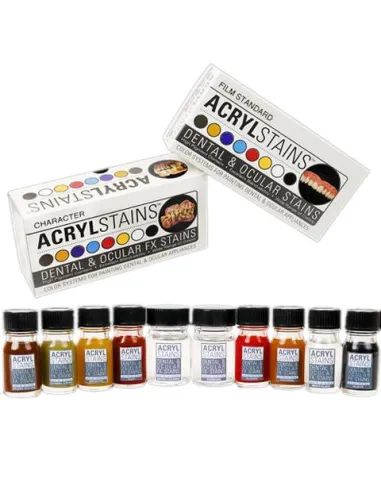
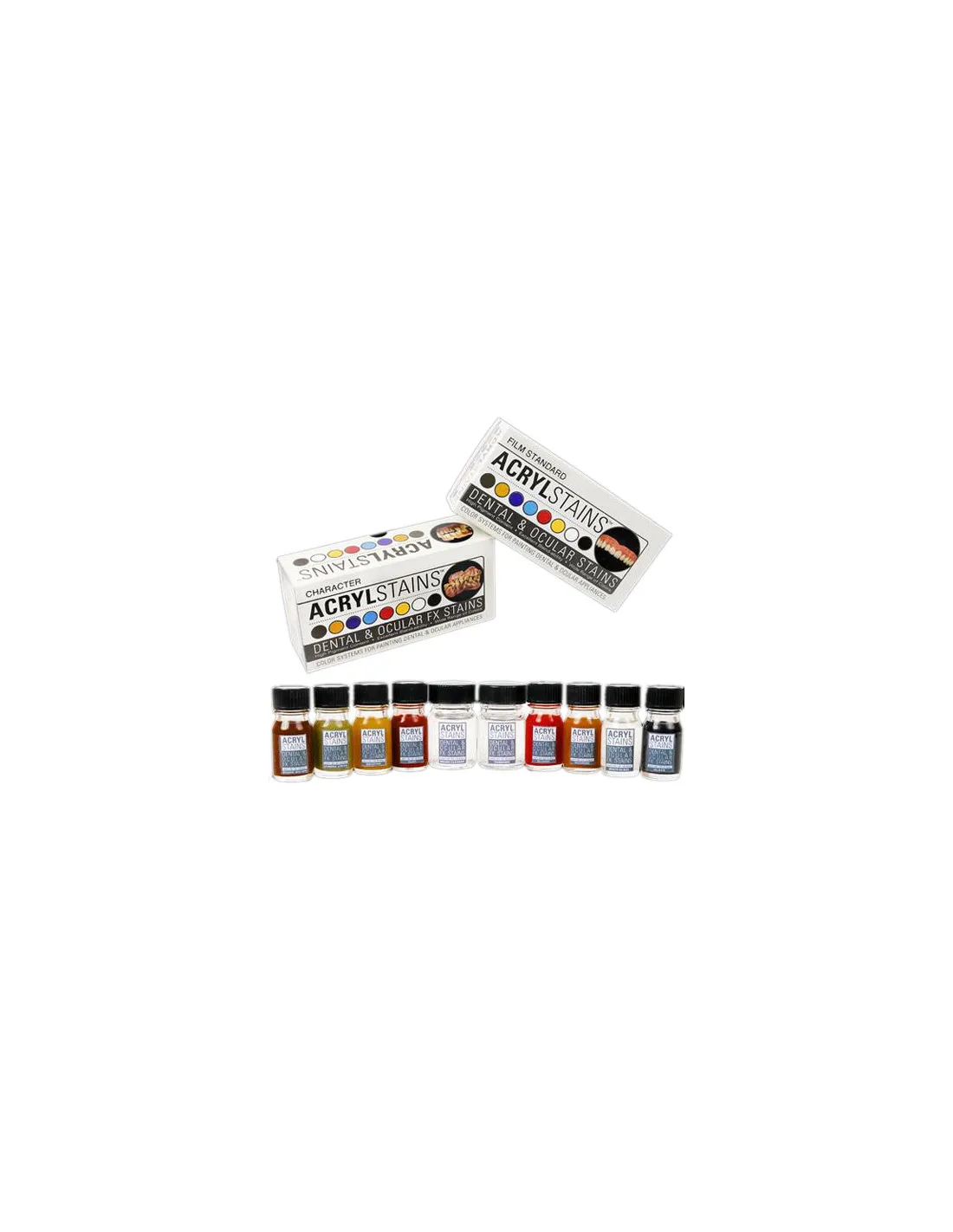
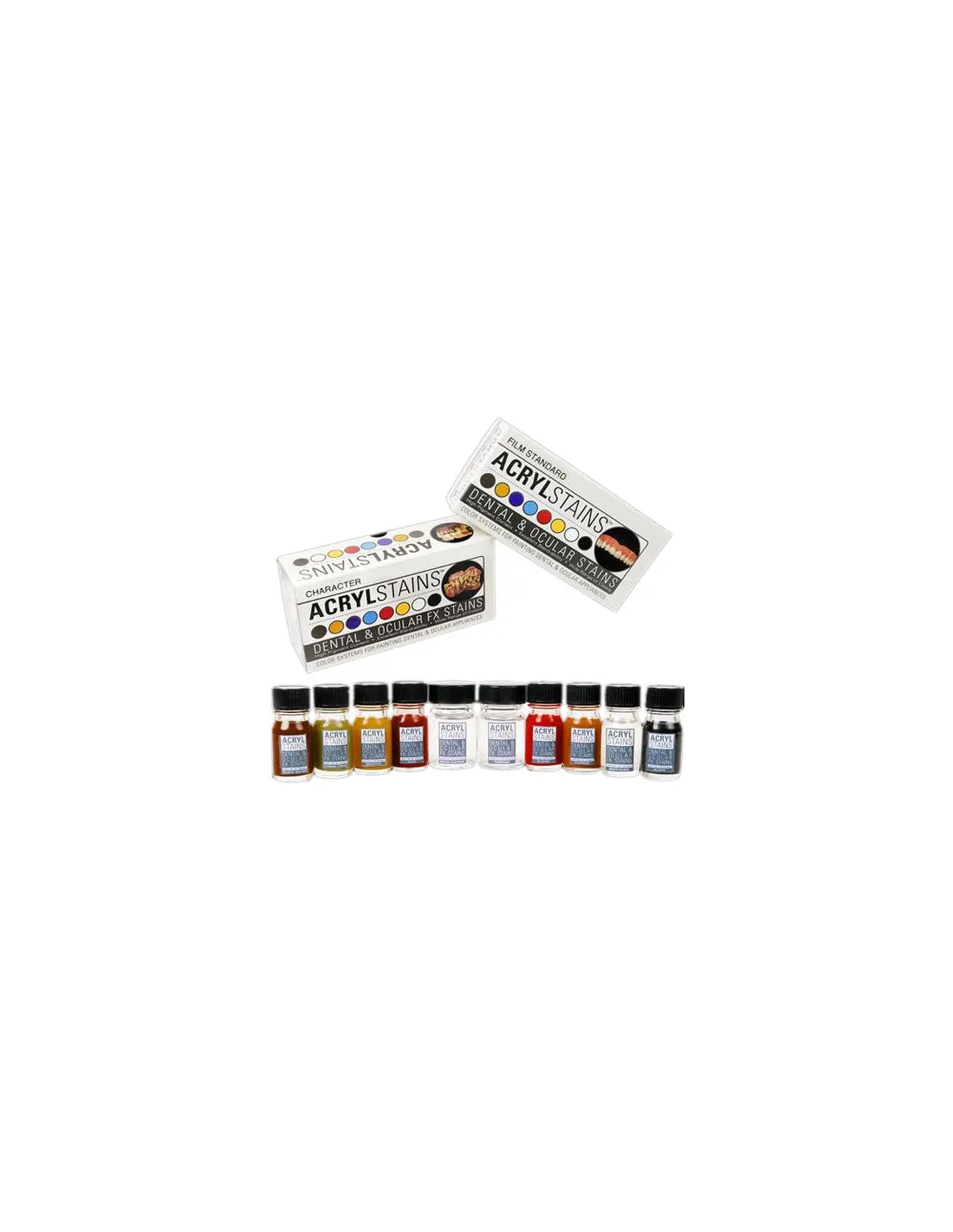
AcrylStains Character is a professional tinting system designed specifically for colouring theatrical and cinematic dental and ocular prosthetics. Created by artists Chris Gallaher and Kenny Myers, it stands out for its high pigment concentration, wide colour range and durability far superior to equivalent systems. If you need aged, necrotic or blood-stained teeth effects with a convincing, long-lasting finish, this is your kit.
Technical specifications
| Version | Character |
|---|
| Colours included | Shade Brown, Zombie Green, Nicotine, Clot, Bloody, Pumpkin, Multi-Glaze, Black |
|---|
| Accessories included | Thinner + brush cleaner |
|---|
| Intended use | Tinting of theatrical dental and ocular prosthetics |
|---|
| Available versions | Character / Film Standard |
|---|
| Creators | Chris Gallaher and Kenny Myers (PPI) |
|---|
What it's used for
AcrylStains Character is aimed at intense character effects: fantasy, horror, science fiction and any production requiring teeth or ocular prosthetics with an exaggerated, deteriorated or non-human appearance. The colour palette is designed for blends that deliver natural-looking results even in the most extreme effects.
- Tinting of false teeth for decomposition, extreme ageing or disease effects
- Colouring of ocular prosthetics for zombie, demonic or fantasy characters
- Clotted blood, nicotine or putrefaction effects on dental acrylic
- Horror or fantasy character makeups for theatre, film and television
- Custom prosthetics for practical special effects productions
- Character makeup work using the Mouth FX Kit 1 or the Mouth FX Kit 2 as a complement
How to use it
- Make sure the dental or ocular prosthetic is clean, dry and free of grease before applying colour.
- Open the desired colour and, if necessary, use the included thinner to adjust consistency or create smoother transitions.
- Apply the colour with a fine brush over the surface of the prosthetic. Work in thin layers for greater control.
- Combine colours from the kit to obtain intermediate tones: mix Nicotine with Shade Brown for aged teeth, or Zombie Green with Black for necrotic effects.
- Allow to dry completely between each layer before adding more colour or the Multi-Glaze finish.
- Apply Multi-Glaze as a final coat if you want a wet or glossy finish that adds realism.
- Clean brushes immediately after each session with the included cleaner to prolong their lifespan.
Important warning: AcrylStains Character is exclusively for tinting theatrical and cinematic prosthetics. It must not be used directly in the mouth, on natural teeth or on the eyes. Always read the manufacturer's (PPI) instructions before working with this product.
Usage tips
Work in thin layers
The high pigment concentration can cause colour to saturate quickly if you over-apply. It is better to build the effect with several thin layers, allowing drying time between them. This gives you more control over the final result and allows you to correct without having to start from scratch.
Mix for greater naturalism
Although the kit colours are designed for exaggerated effects, blending them together with the included thinner allows much more convincing transitions. The broad tonal range of the Character kit makes blends intuitive and reproducible from one session to the next. If you also work with skin makeup, complement with palettes such as the Skin Illustrator Flesh Tone Palette to integrate the dental effect with the rest of the character makeup.
Storage and maintenance
Close the pots tightly after each use to prevent the pigment from drying out. Clean brushes with the kit cleaner immediately after working; do not let the colour dry in the bristles. Store the kit at room temperature, away from direct light and heat.
Frequently asked questions
Is it safe to use this product directly in the mouth?
No. AcrylStains Character is formulated to tint theatrical acrylic prosthetics, not for direct contact with oral tissues or the eyes. Use it only on prosthetics outside the mouth and make sure the colour is completely dry and set before the prosthetic is used on set.
What is the difference between the Character kit and the Film Standard?
The Character kit includes colours aimed at intense and fantastical effects (Zombie Green, Bloody, Clot, Pumpkin...), ideal for theatre and horror or fantasy productions. The AcrylStains Film Standard contains a palette more focused on natural tones for film and television, where the camera demands greater subtlety. The choice depends on the type of production and the effect you need.
What materials does this colour system work on?
AcrylStains is formulated to adhere to dental acrylic, the standard material for special effects dental and ocular prosthetics. It is not suitable for other substrates such as silicone, latex or polyurethane foam.
How long does the colour last once applied to the prosthetic?
The durability of AcrylStains is one of its main advantages over other tinting systems. When correctly applied in thin layers and with Multi-Glaze finish as a sealer, the colour withstands continuous use on set or on stage without chipping or fading easily.
Can it be mixed with other SFX skin makeup systems?
AcrylStains is designed specifically for dental acrylic and should not be mixed directly with skin makeup products. However, you can coordinate the kit's colour palette with makeup systems such as the Skin Illustrator Complexion Palette to achieve a coherent overall character makeup between the teeth and skin makeup.
How many layers need to be applied to achieve the desired effect?
It depends on the intensity sought. In general, 2 or 3 thin layers are sufficient for most effects. For highly saturated colours such as Zombie Green or Bloody, one or two layers may be enough. For more graduated or natural effects, work with more diluted layers and build up intensity progressively.
Are the included thinner and cleaner enough for several projects?
Yes, the quantities included in the kit allow you to work across multiple sessions. If you use up the thinner before the colours, you can purchase the compatible thinner for the PPI AcrylStains system separately.
Which Feroca accessories pair well with this product?