Shopping Cart



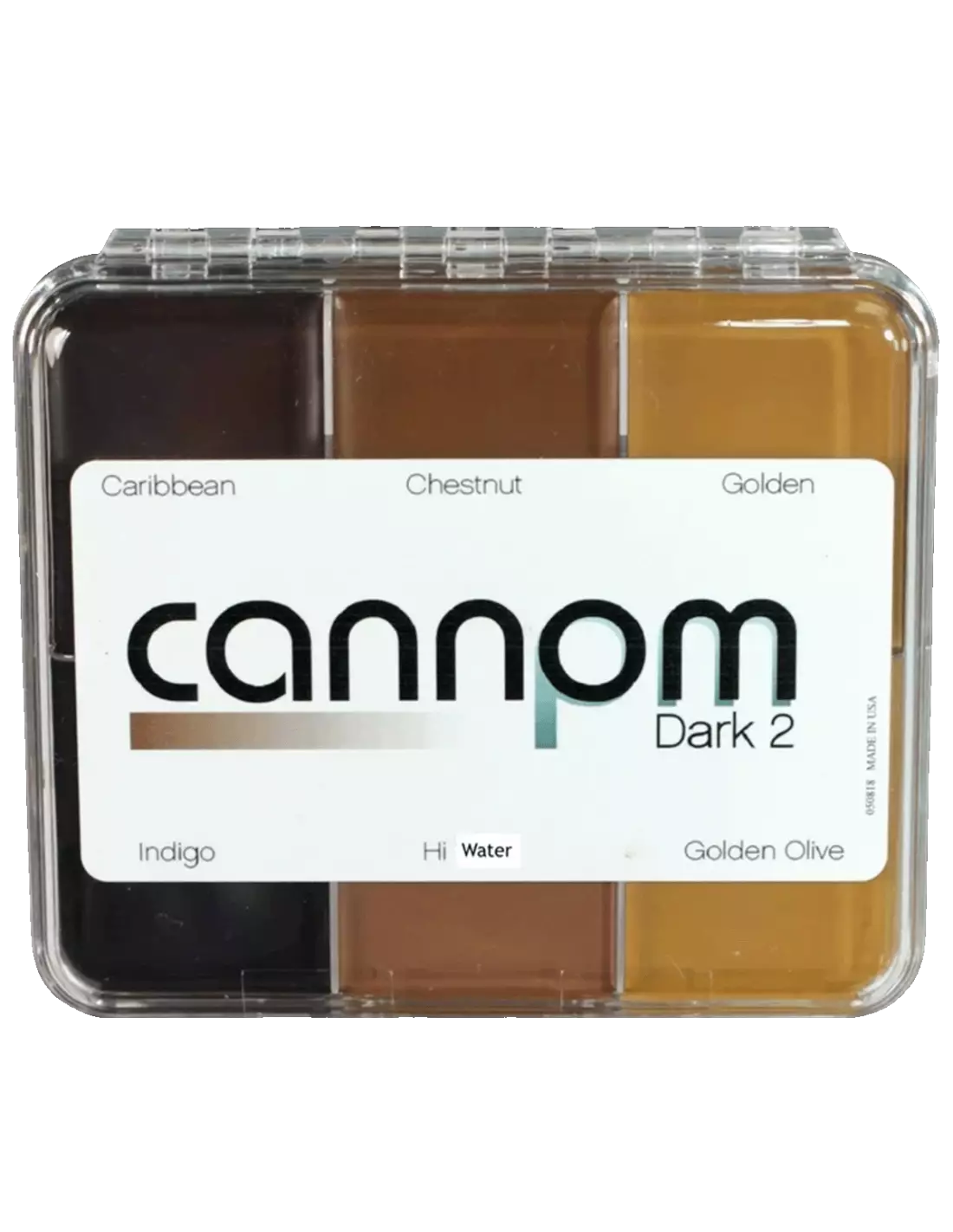
Skin Illustrator On Set Greg Cannom - Dark 2
270030100
€59.00
71,39 € Tax incl.
71,39 € Tax incl.
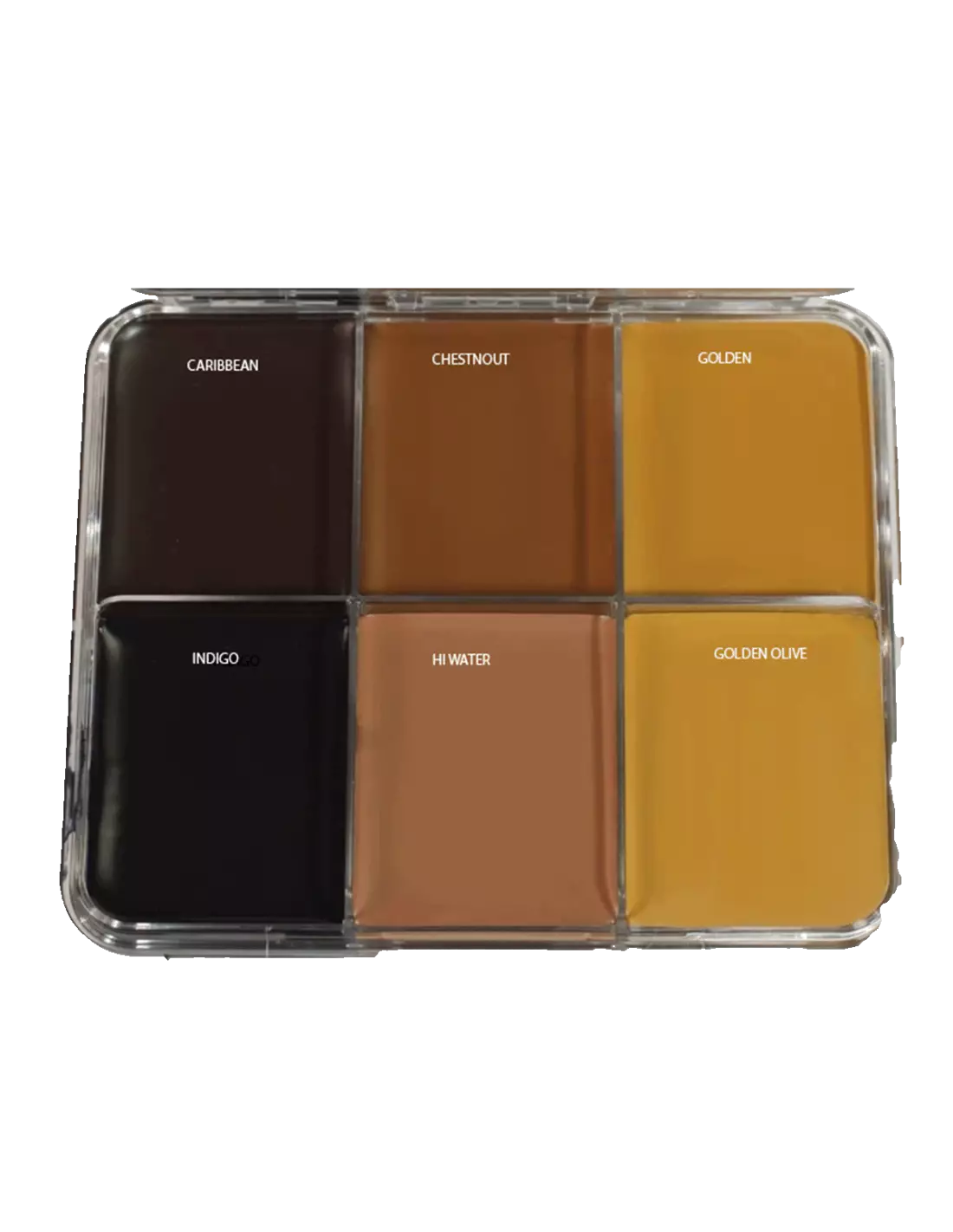
Skin Illustrator On Set Greg Cannom Dark 2 oil-based makeup palette. 6 colors for skin, silicone and latex.
The Skin Illustrator On Set Greg Cannom Dark 2 palette is a collection of six oil-based makeup colors formulated on the basis of William Tuttle's original cream and wax formulas. Designed with the favourite shades of four-time Oscar winner Greg Cannom, it is compatible with natural skin, silicone prosthetics and latex pieces, making it an essential tool for professional special effects in film, television and theatre.
Technical specifications
| Product type | Oil-based makeup palette (cream/wax) |
|---|---|
| Number of colors | 6 |
| Colors included | Caribbean, Chestnut, Golden, Indigo, Hi Water, Golden Olive |
| Compatible surfaces | Natural skin, silicone, latex |
| Collection | On Set Signature — Greg Cannom |
| Line | Skin Illustrator (PM Colors) |
| Application | Brush, sponge, mascara applicator |
What it is used for
This palette is designed for special effects makeup professionals who need dark and versatile shades for complex character work. The six colors allow you to work on skin gradients as well as deep shadows on prosthetics, artificial wounds or fantasy makeup.
- Character makeup for film and television
- Painting silicone and latex prosthetics for special effects
- Shading and sculpting wounds, aging and facial transformations
- Blending shades to match the base color to the actor's skin tone
- Stage makeup for theatre and opera under intense lighting
- Color touch-up and correction on set with high durability requirements
How to use it
- Prepare the surface (clean and dry skin, silicone or latex prosthetics) by removing any traces of grease or dust.
- Pick up a small amount of color with a flat brush or a makeup sponge.
- Apply the color in thin layers, building up intensity gradually for greater control.
- Blend the shades in the palette with each other or with other Skin Illustrator palettes to achieve the exact tone you need.
- Once the color is applied, set the makeup with an HD matte spray to increase durability and prevent transfer.
- To remove the makeup, use an oil-based makeup remover or oil specifically suited for this type of formulation.
Usage tips
Work in thin layers
Oil-based makeups carry a high pigment load. Always apply in thin layers and build up intensity gradually. Loading too much color at once makes blending difficult and can break down the texture of the prosthetic if you are working on latex.
Blend with other Skin Illustrator palettes
The Dark 2 shades are designed to be used in combination with the rest of the range. You can blend directly on the palette or on a mixing palette. If you need lighter or more neutral skin tones for transitions, the Skin Illustrator Complexion Palette or the Skin Illustrator Flesh Tone Palette are direct complements.
Setting on set
In shooting conditions involving heat, sweat or close-up shots in 4K, setting is critical. Use an HD matte spray compatible with the Skin Illustrator formula to seal the color and ensure it does not fade or stain throughout the entire working day.
Frequently asked questions
Can this type of oil-based makeup be applied directly on skin without prior preparation?
Yes, but results improve noticeably when the skin is clean, grease-free and lightly moisturised. On very dry skin, the color may crack when blending. For silicone prosthetics, it is recommended to clean the surface before applying the Cannom Dark 2 palette.
Are these colors suitable for sensitive skin or areas near the eyes?
The Skin Illustrator line is formulated for professional cosmetic use in film production. Even so, it is always advisable to perform a prior allergy test on sensitive skin and consult the manufacturer's technical data sheet before applying in periorbital areas or mucous membranes.
How does an oil-based makeup palette differ from a water-activated one?
Oil-based formulas offer greater coverage, better adhesion on silicone and latex prosthetics, and longer wear without a setting product. Water-activated makeups dry faster and are easier to remove, but their adhesion on silicone is lower. For prosthetic work, oil-based makeup like the Cannom Dark 2 palette is the standard professional choice.
Can this makeup be used on foam latex prosthetics?
Yes. The Cannom Dark 2 palette is compatible with latex. Applying in thin layers and subsequently setting with a matte spray ensures a durable finish even on porous materials such as foam latex.
How is this type of makeup removed at the end of a shoot?
Since it is an oil-based formula, the most effective removal method uses cosmetic oils or removers specifically designed for oil-based makeup. Apply the remover with a soft sponge, allow it to work for a few seconds, and remove with gentle circular motions without rubbing excessively to avoid damaging the skin or the prosthetic.
What other Skin Illustrator colors complement this palette?
The Skin Illustrator Flesh Tone Palette provides light and medium skin tones ideal for creating transitions from the dark shades of the Dark 2. The Skin Illustrator FX Palette expands the possibilities with effects colors for wounds, bruises and fantasy.
Is it necessary to set this makeup with an additional product?
Under normal on-set working conditions, setting with a compatible HD matte spray significantly extends the durability of the makeup, prevents it from fading under high-intensity lights and stops transfer onto clothing or props. It is not mandatory, but highly recommended for long shooting days.
No reviews
Tap to zoom