Shopping Cart



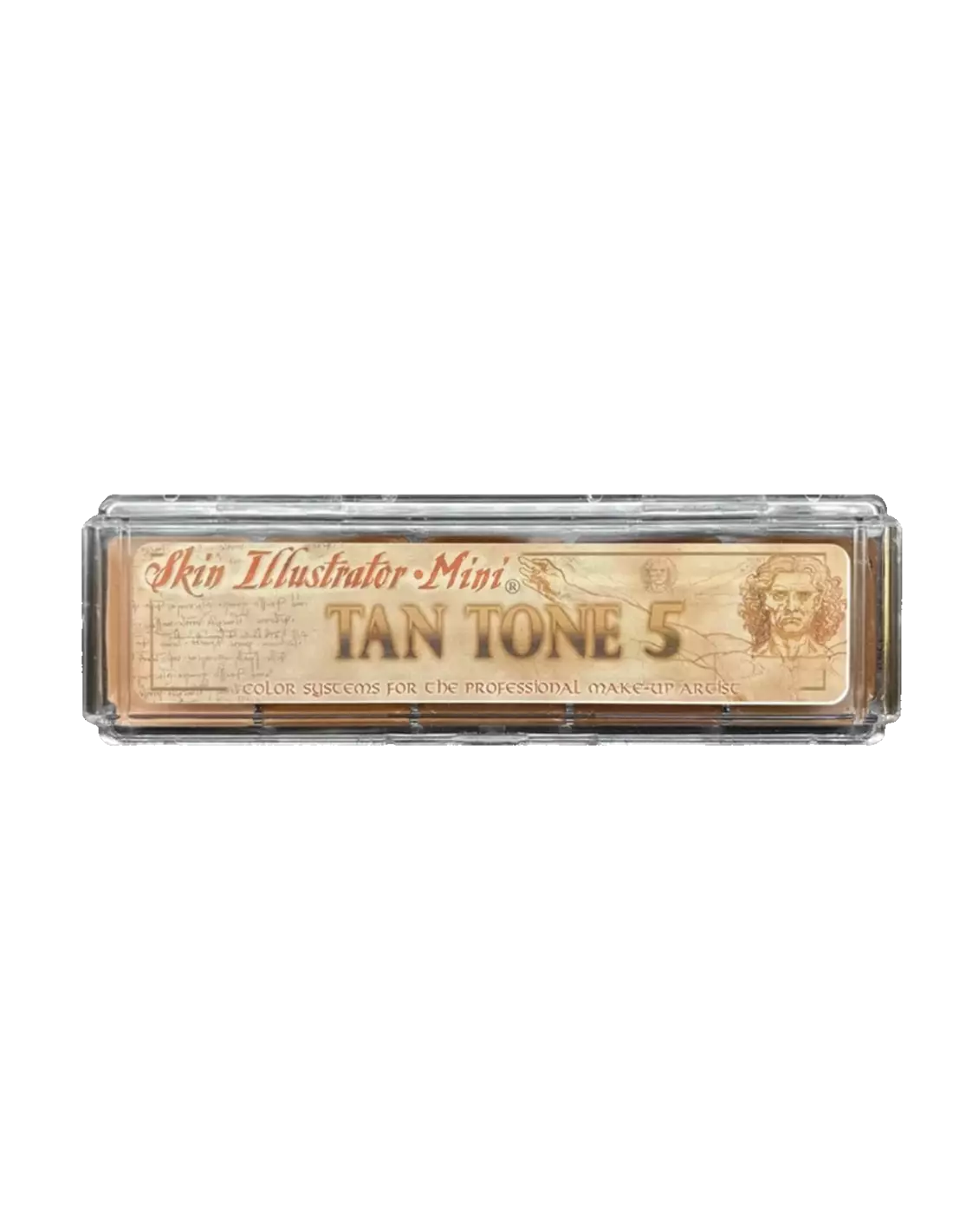
Skin Illustrator Mini Tan Tone 5
270027002
€59.00
71,39 € Tax incl.
71,39 € Tax incl.
Skin Illustrator Mini Tan Tone 5 alcohol-activated makeup palette. 5 deep tones for skin, silicone and latex.
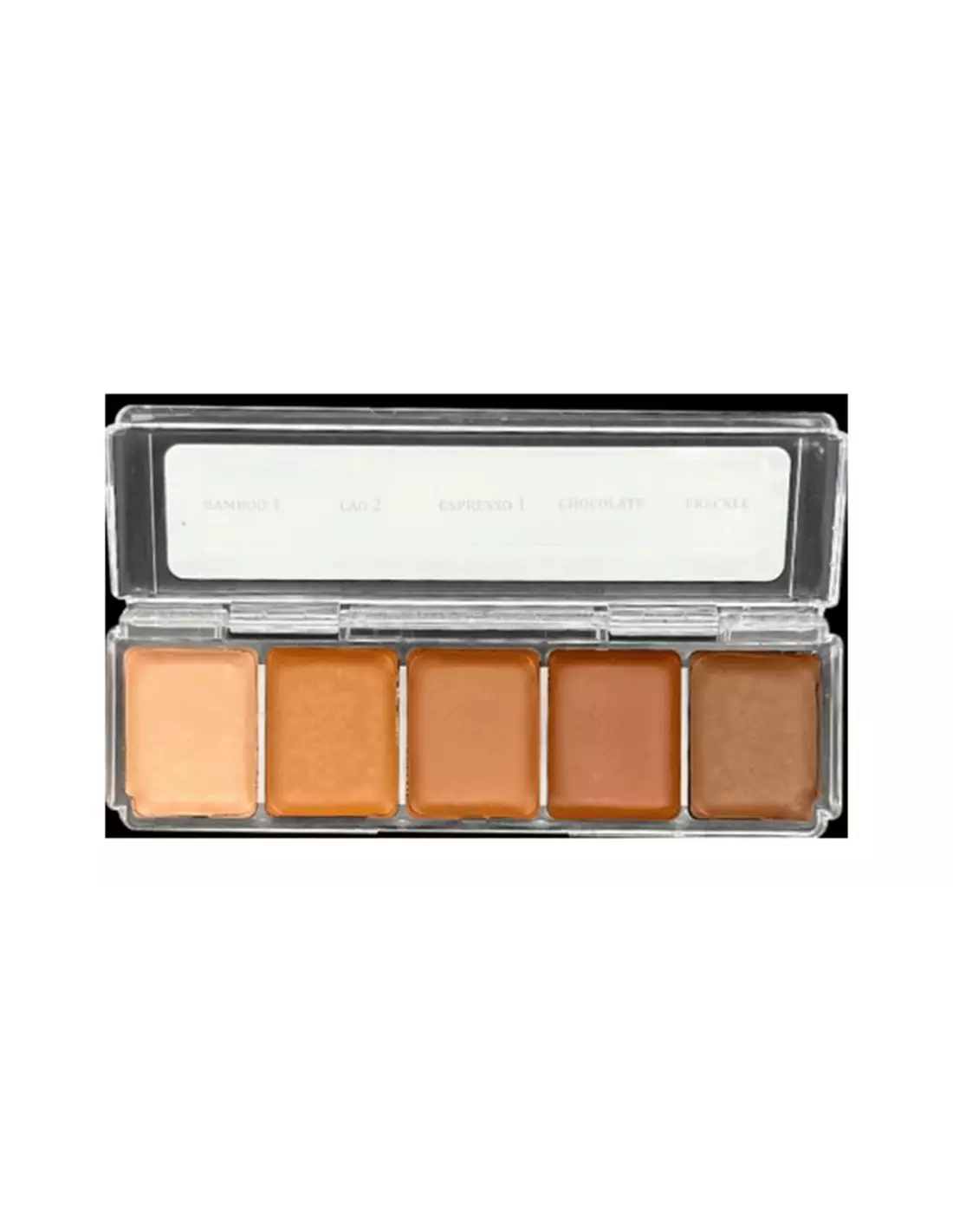
The Skin Illustrator Mini Tan Tone 5 palette is a professional alcohol-activated makeup palette with five deep skin tones: Bamboo 1, Lao 2, Espresso 1, Chocolate and Frenkle. It is formulated to work on natural skin, silicone and latex prosthetics with excellent coverage and outstanding durability. It is a highly regarded option both on professional special effects sets and in training environments.
Technical specifications
| Feature | Detail |
|---|---|
| Type | Alcohol-activated makeup palette (ink palette) |
| Number of colours | 5 |
| Colours included | Bamboo 1, Lao 2, Espresso 1, Chocolate, Frenkle |
| Compatible surfaces | Natural skin, silicone, latex |
| Recommended activator | Skin Illustrator Activator / Skin Illustrator Slow Activator / isopropyl alcohol 99% |
| Removal | Telesis Super Solv |
| Format | Mini (compact, ideal for travel kit or training) |
What it is used for
This palette is aimed at reproducing dark, tan and warm skin tones. It is the go-to choice when working with deep-skin characters or when integrating a prosthetic onto high-melanin skin.
- Character makeup and special effects (SFX) for film, television and theatre
- Painting and integration of silicone prosthetics in dark and brown tones
- Shading and veining on latex or foam latex pieces
- Colour correction on already-painted prosthetics that need more depth
- Training and practice in makeup and special effects schools
- Quick on-set touch-ups thanks to the compact mini format
How to use it
- Make sure the surface (skin, silicone or latex) is clean and dry before applying.
- Activate the chosen colour with a few drops of Skin Illustrator Activator, Skin Illustrator Slow Activator or isopropyl alcohol 99% onto the pan. Never use 70° alcohol, MEK, acetone or water: these solvents do not correctly activate the formula and can damage the prosthetic.
- Load your brush or sponge with the activated colour and apply in thin layers. Coverage is high; it is better to build up in layers than to overload in a single pass.
- Allow to dry briefly between layers. Drying time is very short thanks to the alcohol.
- Mix colours from the palette directly on the skin or on a mixing tile to achieve custom transitions and shades.
- Once the work is finished, remove residues with Telesis Super Solv, which dissolves the ink without damaging silicone or latex.
- Close the palette and store it away from heat sources and direct light to preserve the colours.
Usage tips
Colour mixing and building
The five tones of the Tan Tone 5 are designed to work together. Start with the lighter bases (Bamboo 1 or Lao 2) for overall coverage and gradually add Espresso 1, Chocolate or Frenkle for shadows and depth. Mixing directly onto the wet prosthetic gives more natural transitions than mixing on a separate palette.
Correct activation
The amount of activator determines the behaviour of the ink. With less activator you get a dense, opaque layer; with more activator, a more transparent and fluid layer, useful for glazes and translucent skin effects. The Slow Activator is especially useful when you need more working time, for example in complex blends or on large surfaces. Remember: isopropyl alcohol 99% only; 70% alcohol contains water and does not activate the formula correctly.
Palette care
If the colours dry out due to alcohol evaporation, they are not damaged: simply reactivate them with a few drops of isopropyl alcohol 99%. Avoid contaminating the pans with dirty brushes; always use a clean brush when picking up colour from a pan. In the mini format, the small amount of product makes hygiene especially important to avoid unintentionally mixing tones.
Frequently asked questions
Can this palette be used directly on skin without any prior preparation?
Yes, the Skin Illustrator Tan Tone 5 is formulated to be applied directly onto clean, dry skin. No specific base or primer is required, although on very oily skin it is recommended to mattify beforehand to improve adhesion and longevity of the makeup.
Does it work on encapsulated silicone?
Yes. Skin Illustrator is one of the reference systems for painting and integrating silicone prosthetics. The colours adhere well both on intrinsically coloured silicone and on unpigmented silicone. Apply in thin layers and allow to dry completely between passes.
What solvent is used to remove the makeup?
The recommended solvent is Telesis Super Solv, which effectively removes alcohol ink without attacking silicone or latex. It also works well on natural skin and is not particularly irritating. Avoid acetone on silicone prosthetics, as it can degrade them.
How long does the makeup last once applied?
Durability is very high for an effects makeup. It withstands sweat, moderate friction and on-set conditions without touch-ups for several hours. For long-duration productions or outdoor work in intense heat, it can be sealed with a compatible sealer to extend wear even further.
Can the colours in this palette be mixed with those from other Skin Illustrator palettes?
Absolutely. All colours in the Skin Illustrator range are compatible with each other. You can combine the tones from the Tan Tone 5 with colours from the Flesh Tone Palette, the Complexion Palette or the effects from the FX Palette to expand the colour range.
Does the mini format have less pigment or lower quality than the full-size format?
No. The mini format contains exactly the same formula as the standard format. The only difference is the amount of product. The mini is ideal for training, travel kits or for trying out colours before investing in the larger format.
Can it be used on foam latex?
Yes, Skin Illustrator adheres well on foam latex. Bear in mind that foam is more porous than silicone, so it may absorb slightly more colour. Work in thin layers and allow to dry well between passes to avoid build-up that could crack when the prosthetic flexes.
Which activator is best if I need more time to blend?
The Skin Illustrator Slow Activator slows down evaporation and gives you more working time on the surface. It is especially useful in summer, in low-humidity interiors, or when working on large areas where the activated colour dries before you finish the application.
No reviews
Tap to zoom