Shopping Cart



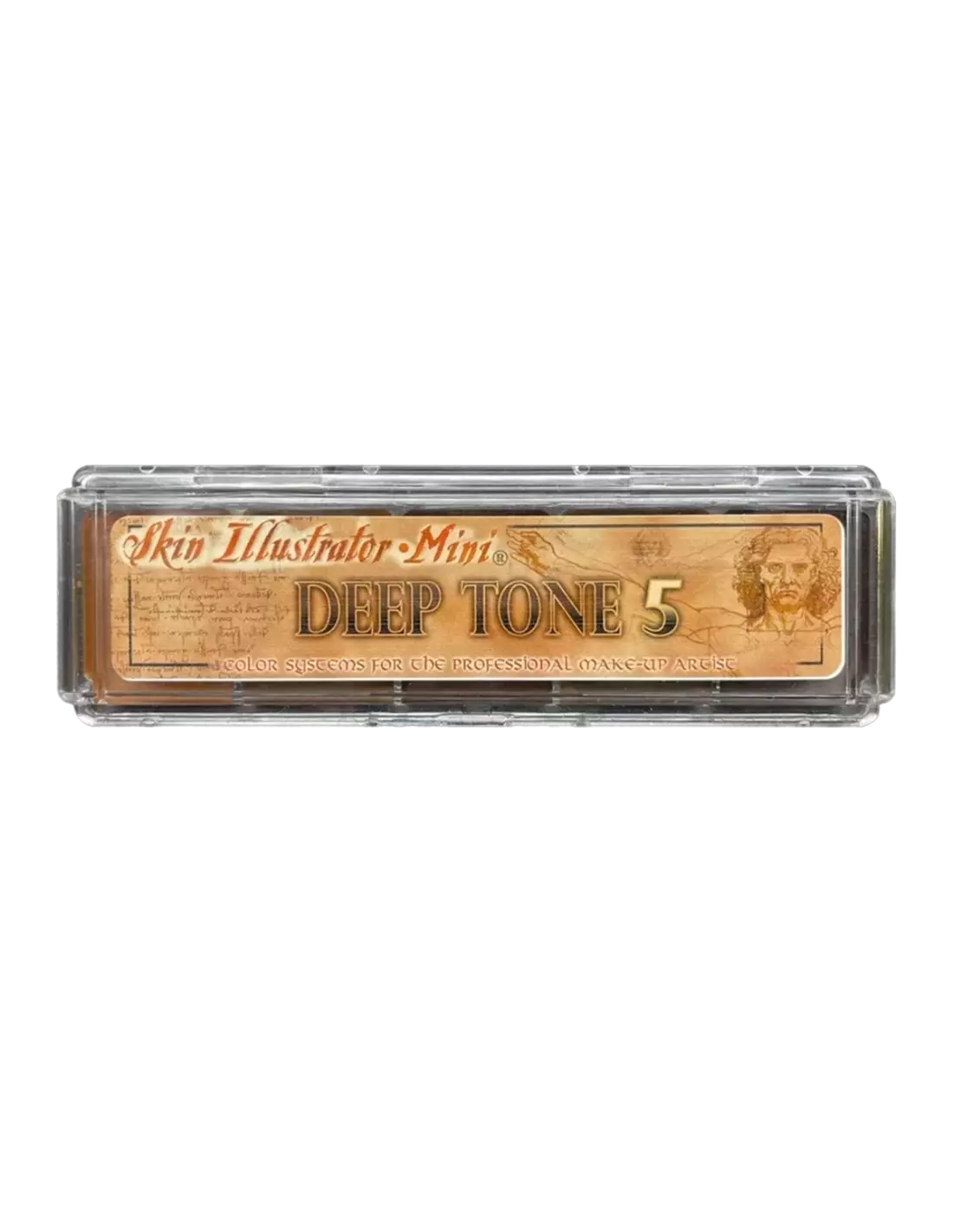
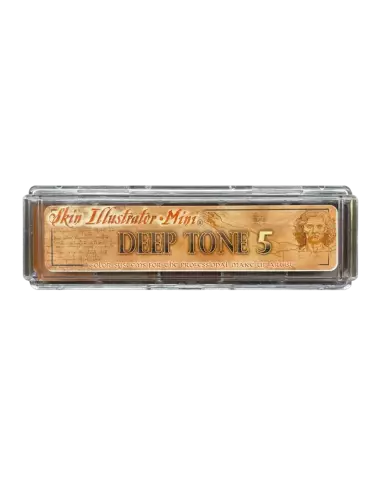
Skin Illustrator On Set Mini Deep Tone 5
270027001
€59.00
71,39 € Tax incl.
71,39 € Tax incl.
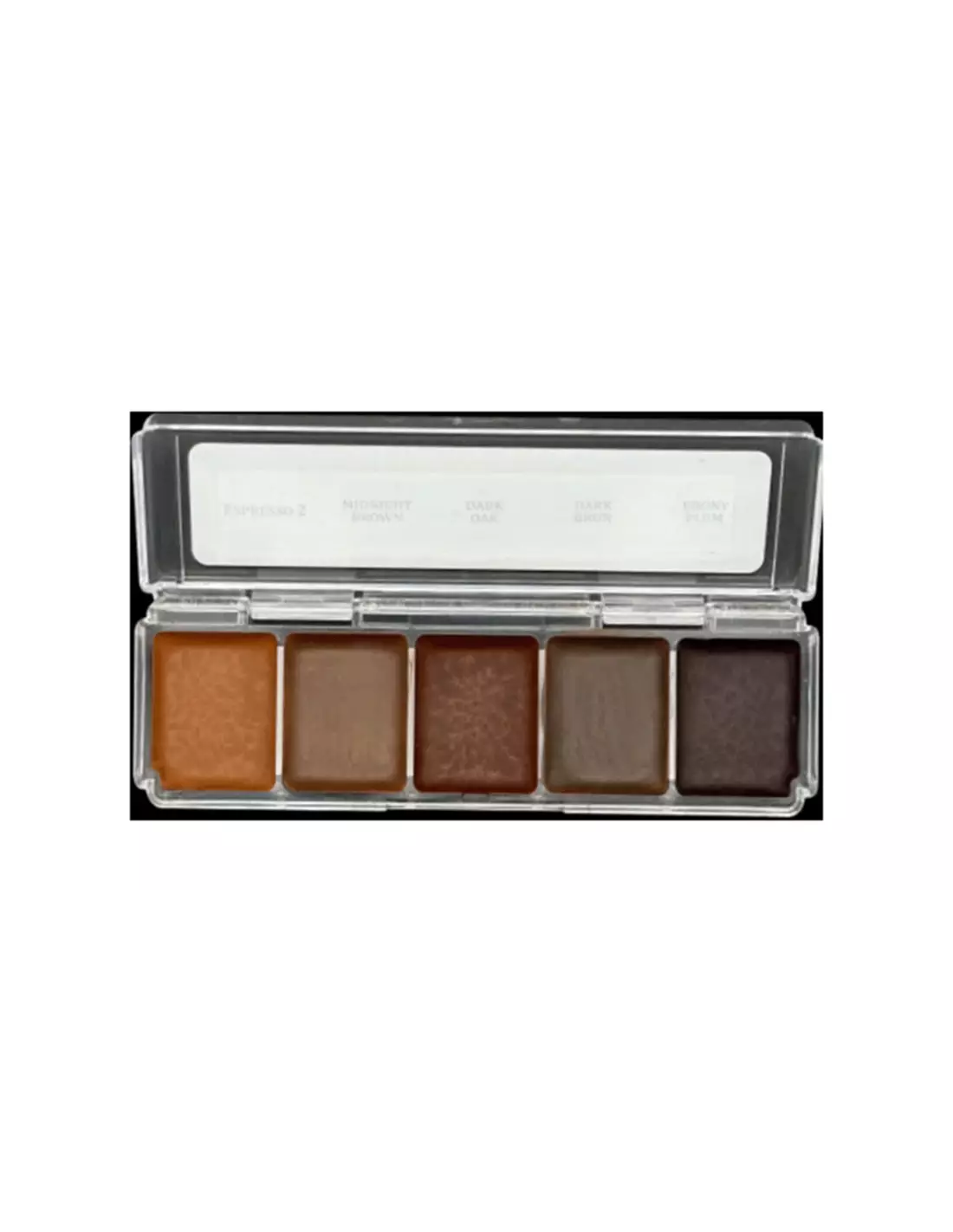
Deep Tone 5 alcohol makeup palette with 5 intense dark colours. Suitable for skin, silicone and latex.
The Skin Illustrator On Set Mini Deep Tone 5 is a high-coverage alcohol-activated makeup palette, specifically formulated for dark and deep skin tones. With five carefully selected colours to recreate dark skin tones with total naturalness, it is an essential tool for professional makeup in film, television and theatre. Compatible with skin, silicone and latex, it offers exceptional adhesion and durability.
Technical specifications
| Feature | Detail |
|---|---|
| Product type | Alcohol makeup palette (ink activated with isopropyl alcohol) |
| Number of colours | 5 |
| Included colours | Espresso 2, Midnight-Brown, Dark Oak, Dark Brun, Ebony Plum |
| Format | Mini (compact size, ideal for workshop and students) |
| Compatible surfaces | Skin, silicone, latex |
| Recommended activator | Skin Illustrator Activator or Skin Illustrator Slow Activator |
| Activation alternative | 99% isopropyl alcohol (IPA) |
| Removal | Telesis Super Solv |
| NOT compatible alcohols | 70° alcohol, MEK, acetone, water |
What it is used for
The Deep Tone 5 palette is designed for SFX makeup artists and character designers working with dark skin tones or needing to apply deep shadows and gradients on prosthetics and natural skin. Its range of intense browns and ebony tones allows for realistic, nuanced effects without any loss of quality under studio lights or camera.
- Character makeup on natural skin for film shoots and theatrical productions
- Painting and polychroming silicone prosthetics for special effects
- Colouring latex pieces (masks, prosthetics, appliances)
- Recreating dark skin tones and shading in FX
- Colour correction and fine detailing on already-installed prosthetics
- Training and practice in SFX makeup courses thanks to the mini format
How to use it
- Prepare the surface to be painted: make sure the skin, silicone or latex is clean, dry and free of grease or residue from other products.
- Activate the colour: apply a few drops of Skin Illustrator activator directly onto the chosen colour in the palette, or use 99% isopropyl alcohol with a fine brush.
- Load the brush with the activated colour and apply to the surface with gentle strokes. For greater coverage, apply several thin layers, allowing each to dry before the next.
- Blend the colours from the palette directly on the surface or on a mixing palette to achieve the exact shades you need.
- Allow to dry completely. Once dry, the ink sets firmly and becomes resistant to sweat and touch.
- To remove the makeup or correct mistakes, use Telesis Super Solv with a cotton swab or gauze.
Usage tips
Choose the right activator for your working pace
If you are working on set with tight schedules, the standard Skin Illustrator Activator dries quickly and lets you work without waiting. If you need more time to blend or feather — for example on large-surface prosthetics — use the Skin Illustrator Slow Activator, which extends the open time and makes colour transitions easier. Never use 70° alcohol, MEK, acetone or water: they do not activate the ink correctly and can ruin the finish.
Work in thin layers for greater control
With alcohol inks, the key is building up thin layers. Each layer adds depth and allows for on-the-go corrections. If you apply too much pigment at once, drying becomes uneven and the result loses its natural look. With the dark tones in this palette, one or two layers are usually enough for opaque coverage; for translucent effects or glazes, a single very diluted layer gives subtle and realistic results.
Storage and material care
Close the palette tightly after each use to prevent the colours from drying out. If a colour becomes too dry in the palette, reactivate it with a drop of 99% IPA applied directly onto it. Clean brushes with 99% isopropyl alcohol immediately after use to prevent the ink from polymerising in the bristles.
Frequently asked questions
Are these inks safe to apply directly on skin?
Yes. Skin Illustrator On Set inks are specifically formulated for cosmetic use and can be applied directly on skin without any issue. They are routinely used in film shoots and theatrical productions in direct contact with actors and models.
What activates these alcohol inks?
They are activated with the specific Skin Illustrator Activator or the Skin Illustrator Slow Activator. As an alternative, you can use 99% isopropyl alcohol (IPA). Never use 70° alcohol, MEK, acetone or water, as they do not activate the ink correctly and can lead to poor results.
Do they work on silicone prosthetics?
Yes. Skin Illustrator inks adhere correctly to silicone surfaces, making them a widely used option for painting SFX prosthetics. They can be applied both on pieces already placed on the actor and before installation.
Are they resistant to sweat and movement?
Yes. Once dry, Skin Illustrator inks offer remarkable resistance to sweat and friction, making them especially suitable for shoots under studio lights or in hot conditions. For maximum durability, apply several thin layers and allow each to dry thoroughly.
How are these inks removed?
They are easily removed with Telesis Super Solv, applied with a cotton swab or gauze. It is the recommended remover for both skin and silicone and latex prosthetics.
Is the mini format suitable for professional use?
Absolutely. The mini format is compact and very convenient for working on set or on location, where space is limited. It is also ideal for students or professionals who want to add new colours to their kit without investing in larger palettes.
Can I mix the colours together?
Yes. The colours in the Deep Tone 5 palette are fully miscible with each other and with colours from other Skin Illustrator palettes, such as the Complexion Palette or the Flesh Tone Palette. You can mix them directly on skin or on a mixing palette to achieve custom shades.
Can these inks be used on latex?
Yes. Skin Illustrator inks are compatible with latex surfaces, including masks and latex appliances. Make sure the surface is clean and free of dust or talc before applying colour.
No reviews
Tap to zoom