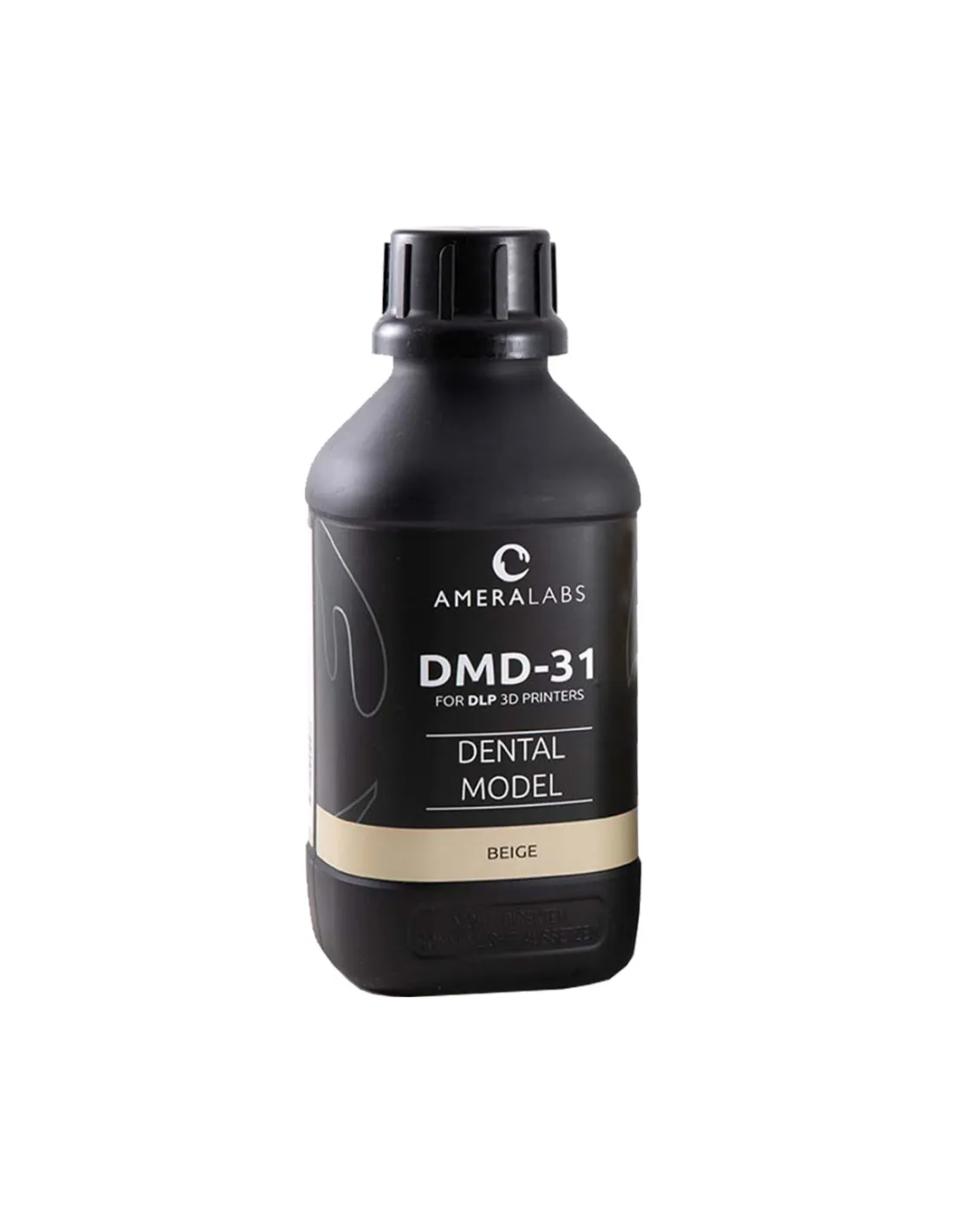
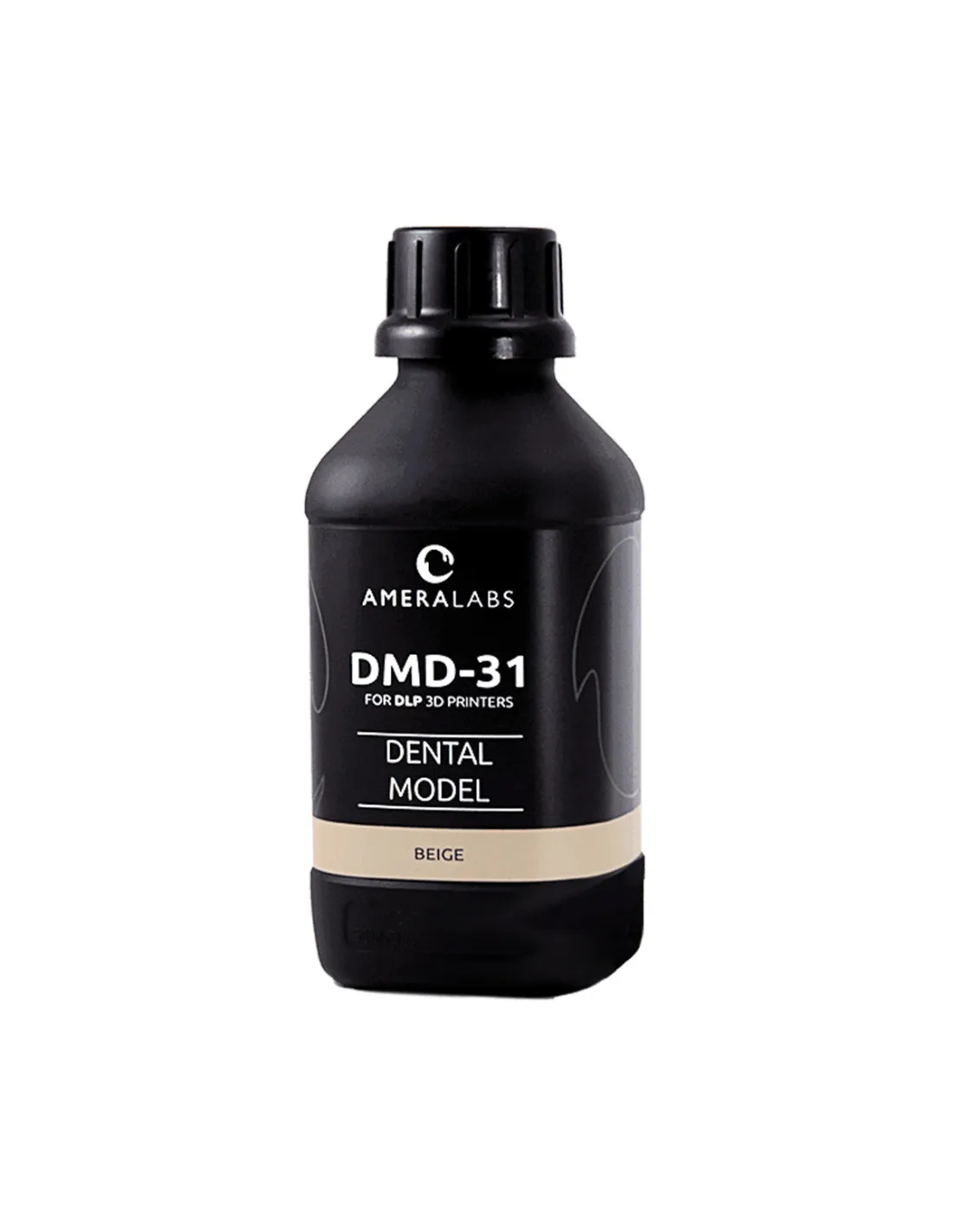
The Ameralabs DMD-31 Dental Beige 3D Resin is a high-precision photopolymer resin specifically formulated for dental applications on MSLA and LCD printers. Its low shrinkage, excellent dimensional stability and beige finish make it the preferred choice for study models, surgical guides and dental prototypes that demand anatomical accuracy and repeatable results.
Technical specifications
| Parameter |
Value |
| Family |
Dental photopolymer resin (MSLA/LCD) |
| Color |
Beige |
| Application |
Dental |
| Shrinkage |
Low |
| Dimensional stability |
Excellent |
| Brittleness |
Non-brittle |
| Odour |
Low |
| Cure speed |
Fast |
| Printing technology |
MSLA / LCD (UV photopolymerisation) |
What it is used for
The DMD-31 Dental Beige is aimed at dental laboratories, clinics and technicians who need high-fidelity prints in a colour that facilitates communication with the patient. Its formulation balances rigidity and toughness, preventing breakage in fine geometries such as crown margins or interproximal areas.
- Dental study and diagnostic models
- Working models for prosthesis fabrication
- Crown and bridge prototypes in the planning phase
- Intraoral alignment and positioning guides
- Models for thermoforming of splints and retainers
- Patient presentations in natural tooth beige colour
- Quality control and fit verification before definitive materials
How to use it
- Shake the bottle thoroughly before pouring — the resin can settle over time. A minimum of 60 seconds of manual shaking is sufficient.
- Pour the resin into the printer's FEP vat avoiding bubble formation. If necessary, allow to rest for 2–3 minutes before starting the print.
- Set the exposure parameters in your slicer according to the profile recommended by Ameralabs for your printer. Start with the official values and adjust in small increments if needed.
- Print with appropriate supports. For dental geometries with fine overhangs, use medium supports with a light contact point to make removal easier without damaging margins.
- When the print is finished, remove the build plate and allow excess resin to drip back into the vat for 30–60 seconds.
- Wash the part with 99.9% isopropyl alcohol in two successive baths: the first for coarse cleaning (60–90 s) and the second for finishing (30–45 s). Do not over-expose the part to isopropyl alcohol, as it can cause embrittlement.
- Allow to air-dry or use compressed air to remove any remaining solvent before post-curing.
- Post-cure in a UV chamber following the times indicated by Ameralabs for the DMD-31. Insufficient post-curing leaves the part without its final mechanical properties; excessive post-curing can cause embrittlement.
- Remove supports after post-curing using fine-tipped pliers, a scraper or a scalpel, depending on the working area.
- Inspect the margins and, if necessary, apply a light final sanding with fine-grit sandpaper (600–800) to remove support marks.
Tips and advice
Managing unused resin
If you are not going to print for several days, filter the leftover resin from the vat and return it to the original bottle using a 190-micron mesh filter. Store the bottle tightly closed, in a cool place away from direct sunlight. Resin left exposed in the vat can partially polymerise under ambient light and contaminate the rest of the bottle if not filtered.
Exposure calibration for dental detail
Dental geometries require a very fine balance between underexposure (loss of detail at margins, delamination) and overexposure (bleeding in fine areas, loss of fit). Always print an exposure matrix calibration piece before changing resin or batch. Adjust layer time in increments of 0.1–0.2 s. For high-power monochromatic printers, times are usually shorter, between 1.5 and 3 s depending on panel power.
Controlled post-curing for optimal mechanical properties
Post-curing is just as critical as printing. Use a chamber with rotation to ensure uniform exposure. Submerge the part in water during post-curing if your chamber allows it: this reduces ambient oxygen and improves the homogeneity of surface curing. Consult the manufacturer's technical data sheet for exact times according to part size, and do not extrapolate times from other resins with different formulations.
Frequently asked questions
Is this resin suitable for intraoral use?
The DMD-31 Dental Beige is formulated for dental laboratory applications such as study models, prototypes and positioning guides. For applications involving prolonged intraoral contact (definitive prostheses, night splints) always consult the technical data sheet and current regulations (EU 2017/745 for medical devices). If you need a resin with biocompatibility certification for direct intraoral use, verify the specific batch classification with the manufacturer.
Which printers are compatible with this resin?
The DMD-31 Dental Beige is compatible with MSLA/LCD printers operating at standard UV wavelengths (385–405 nm). It is especially recommended for 4K or 8K monochromatic screen printers, which offer the resolution needed for fine dental geometries. If you have a printer such as the Phrozen Sonic MEGA 8K V2, you will achieve excellent results with this resin by adjusting the corresponding exposure profile.
What is the best solvent for washing the parts?
The recommended wash is with 99.9% isopropyl alcohol in two successive baths. Avoid lower-purity isopropyl alcohol (96% or below), as residual water can affect the part surface and cause surface whitening. Do not use acetone or other strong solvents, which degrade the already-cured polymer.
Can I mix this resin with other resins from the same manufacturer?
Mixing resins of different formulations is not recommended, even if they are from the same manufacturer. Each resin has its own photoinitiator profile, viscosity and cure times, individually optimised. Mixing them can cause inconsistencies in polymerisation, colour stratification and loss of mechanical properties.
What is the difference between beige and grey colour in a dental resin?
The choice of colour is primarily functional and communicative. Beige (like the DMD-31 Dental Beige) simulates the natural tooth shade, which facilitates presenting models to the patient and improves visualisation of occlusal areas in a clinical context. Grey offers greater contrast for structured-light scanner digitisation and for visual inspection of fine anatomical details. The chemical formulation of both variants is equivalent in mechanical properties.
How should I store the resin correctly?
Store the bottle tightly closed, in an upright position, in a cool (15–25 °C), dry place protected from sunlight and UV light. Avoid extreme temperatures: excessive heat can accelerate degradation and freezing can alter the homogeneity of the formulation. Once opened, use the bottle within a reasonable timeframe and always filter the resin before returning it to the bottle if it has been in the vat.
What should I do if the part is still tacky after post-curing?
Surface tackiness after post-curing is usually caused by oxygen inhibition on the outer surface, insufficient washing or a short post-cure cycle. Solution: make sure the isopropyl alcohol wash completely removes uncured resin, dry thoroughly before post-curing and increase the UV exposure time. Submerging the part in water during post-curing also reduces oxygen inhibition.
Can this resin be sanded and polished after printing?
Yes. Once post-cured, the DMD-31 Dental Beige can be progressively wet-sanded from 400 to 2000 grit to remove layer lines or support marks. For a glossy finish, you can finish with acrylic polishing compound. Always work wet to avoid frictional heat build-up, which can generate microcracks in fine areas.