Shopping Cart


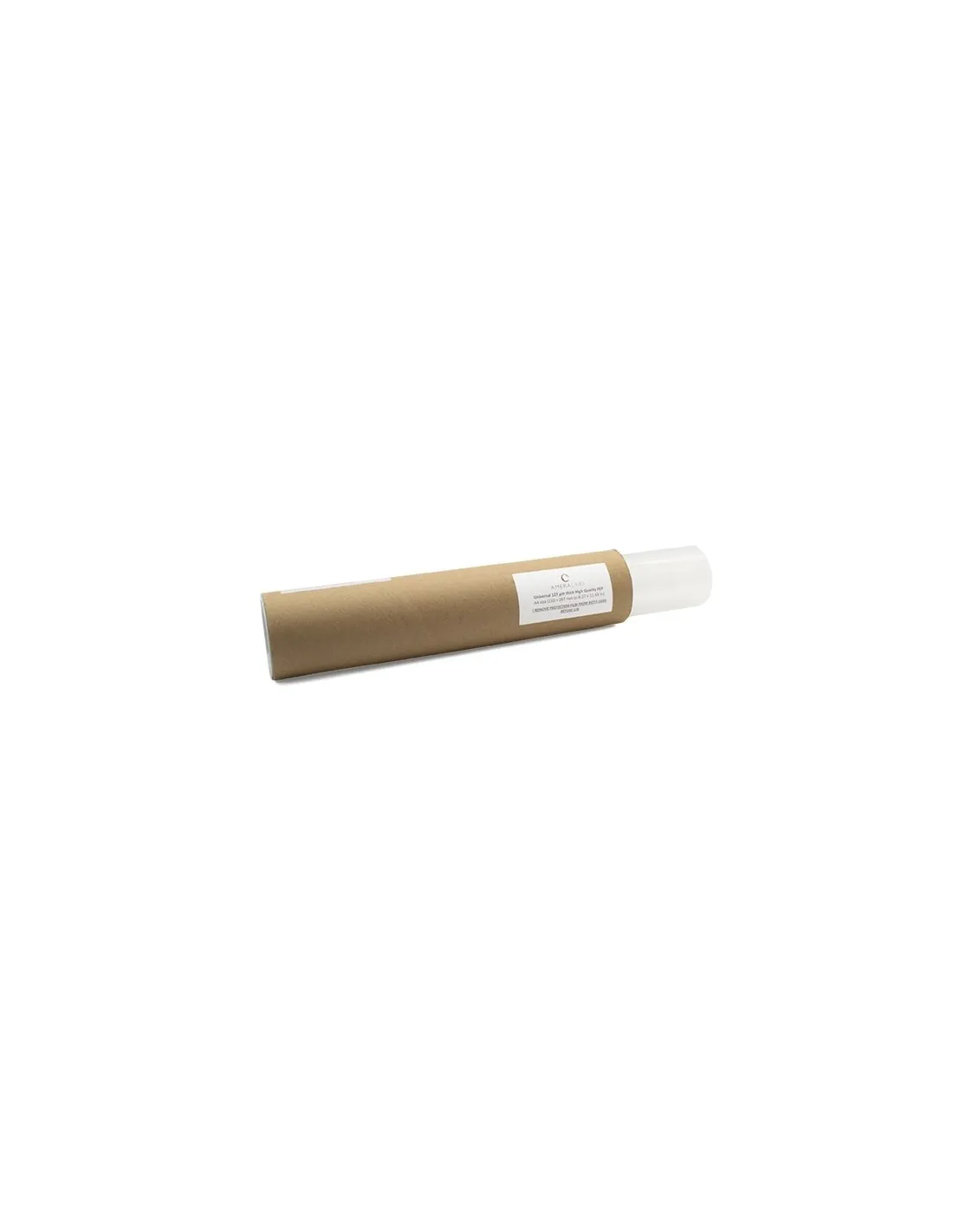
FEP film 280x450mm 150 microns .
220120320
€30.00
36,30 € Tax incl.
36,30 € Tax incl.
Optical-grade FEP film, 280x450mm, 150 microns. Pre-cut with protective film. Compatible with large-format resin 3D printers.
The optical-grade FEP (Fluorinated Ethylene Propylene) film is the key component of the VAT in any LCD or MSLA resin 3D printer. This 280x450mm sheet at 150 microns thickness is designed for large-format printers, offering exceptional UV transmission, ultra-low surface energy and chemical resistance that translates into parts with better finish and longer VAT service life.
Technical specifications
| Parameter | Value |
|---|---|
| Material | FEP (Fluorinated Ethylene Propylene) |
| Grade | Optical |
| Dimensions | 280 x 450 mm |
| Thickness | 150 microns (μm) |
| UV/Visible Transmission | Excellent, no significant refraction or reflection |
| Surface energy | Ultra-low (non-stick) |
| Chemical resistance | High |
| Thermal resistance | High |
| Protective film | Yes, on both sides |
What it is used for
The FEP film is the bottom membrane of the resin VAT in LCD/MSLA printers. Its function is to allow UV light to pass through and cure the resin layer by layer, while acting as a non-stick surface that facilitates the release of each printed layer. The 150-micron thickness is especially suited for large-format printers where greater film rigidity and durability are required.
- Replacement of worn, opaque or marked FEP film in the VAT
- Large-format resin 3D printers (screens larger than 8 inches)
- Applications requiring greater film durability and mechanical resistance
- Printing with technical resins, ABS-Like, ceramic resins or high-viscosity resins
- Preventive VAT maintenance to maintain print quality
- Use in workshops with high print workloads requiring frequent film changes
How to use it
- Before handling the film, put on powder-free nitrile gloves to avoid fingerprints and skin oil contamination.
- Remove the VAT from the printer and completely strip out the old FEP film along with any cured resin residue.
- Clean the VAT frame with 99.9% isopropyl alcohol and allow to dry completely.
- Remove the protective film from one side of the FEP film just before mounting — not before.
- Place the film over the VAT frame, centering it. The 280x450mm film is large enough for most large-format printers; trim it with scissors if necessary.
- Secure the film to the frame with the VAT screws, tensioning evenly and progressively in a cross pattern (like changing a wheel) to avoid wrinkles.
- Remove the protective film from the second side once the film is mounted on the frame.
- Perform the bed leveling process before starting the first print with the new film.
- Print a simple test piece to confirm that release is correct and there are no resin leaks.
Usage tips
Correct tensioning: the key to good results
A poorly tensioned film is the number one cause of layer adhesion failures and premature part detachment. When tightening the VAT screws, do so in a cross pattern and in several passes with increasing force. The film should be taut but not over-tensioned — a low-pitched sound when tapped gently (like a drum) indicates the correct tension. A high-pitched sound indicates over-tensioning, which can cause premature tearing.
When to change the film
The 150-micron thickness offers greater durability than standard 127-micron films, but it is not indefinite. Replace the film when you notice any of the following signs: visible opacity or cloudiness to the naked eye, marks or scratches in the print area, small perforations or areas where resin has penetrated, or when parts start showing marks on their bottom face. Do not wait for the film to be completely perforated — a resin leak can damage the printer's LCD screen.
Storage and handling
Store unused films in a dry place away from direct sunlight, with the protective films on both sides. Avoid folding or rolling them, as flex marks can affect optical transmission. If you need to cut the film to size, use clean scissors with a continuous cut to avoid irregular edges that could create stress points.
Frequently asked questions
What FEP film thickness should I choose for my printer?
It depends on the size and type of printer. The 150-micron film, like this one, is suited for large-format printers (screens of 8 inches or more) where greater rigidity and durability are needed. The standard 127-micron is the most common for mid-size printers. The 50-micron is used in printers that require maximum light transmission or in advanced printing techniques. If you are unsure which to choose, the 150-micron is a conservative and long-lasting choice for any medium or large-format printer.
How often does the FEP film need to be changed?
There is no fixed number of hours — it depends on usage, resin type and part size. As a rough guide, a 150-micron film can handle between 1 and 3 kg of printed resin before showing visible signs of wear. The most practical approach is to inspect it visually before each long print session: if there is cloudiness, scratches or deformation, it is time to replace it. Do not delay for the sake of saving money — the cost of the film is minimal compared to an LCD screen damaged by a resin leak.
Why do my parts stick to the film instead of lifting with the platform?
This is one of the most common problems in resin 3D printing and can have several causes. A dirty, opaque or poorly tensioned FEP film increases the release force and causes the part to prefer adhering to the film. Other factors include overexposure of the first layers, a poorly leveled or too-close print platform, or overly aggressive lift speed settings. Check the film condition and tension first before adjusting print parameters.
Can I clean the FEP film with isopropyl alcohol?
Yes. 99.9% isopropyl alcohol is the recommended cleaning product for FEP film. Apply it with a soft cloth or lint-free paper using gentle movements — never scrub hard or use abrasive objects that could scratch the surface. Avoid acetone and other aggressive solvents, as they can damage or deform the film.
Do both protective films need to be removed before mounting the film?
Not simultaneously. The correct process is to first remove the film from the side that will be in contact with the VAT frame during mounting, and remove the film from the inner side (the one in contact with the resin) once the film is already secured to the frame. This avoids fingerprints and contamination on the optical face of the film during handling.
Is this film compatible with all types of photopolymer resin?
Yes. FEP is chemically inert to virtually all photopolymer resins for 3D printing: standard resins, ABS-Like, flexible resins, high-temperature resins, ceramic resins and dental resins. Its ultra-low surface energy ensures release even with high-viscosity resins.
What personal protection do I need when changing the FEP film?
The FEP film itself is not toxic, but during the replacement process you will be in contact with uncured photopolymer resin, which is irritating and sensitizing. Always use powder-free nitrile gloves and work in a ventilated space. If handling resin for extended periods or in enclosed spaces, consider using a mask with organic vapour filter.
What is the difference between FEP film and nFEP or PFA film?
Standard FEP is the most widely used material due to its balance of optical transmission, non-stick properties and cost. nFEP (nano-FEP) is a variant with a surface treatment that further improves release, ideal for highly adhesive resins or parts with large contact surfaces. PFA offers greater thermal resistance. For most applications with conventional printers, 150-micron FEP is the most practical and cost-effective choice.
No reviews
Tap to zoom