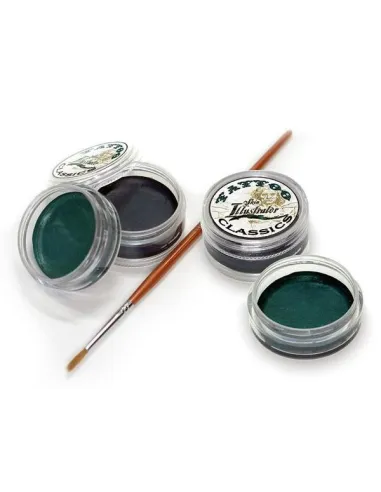
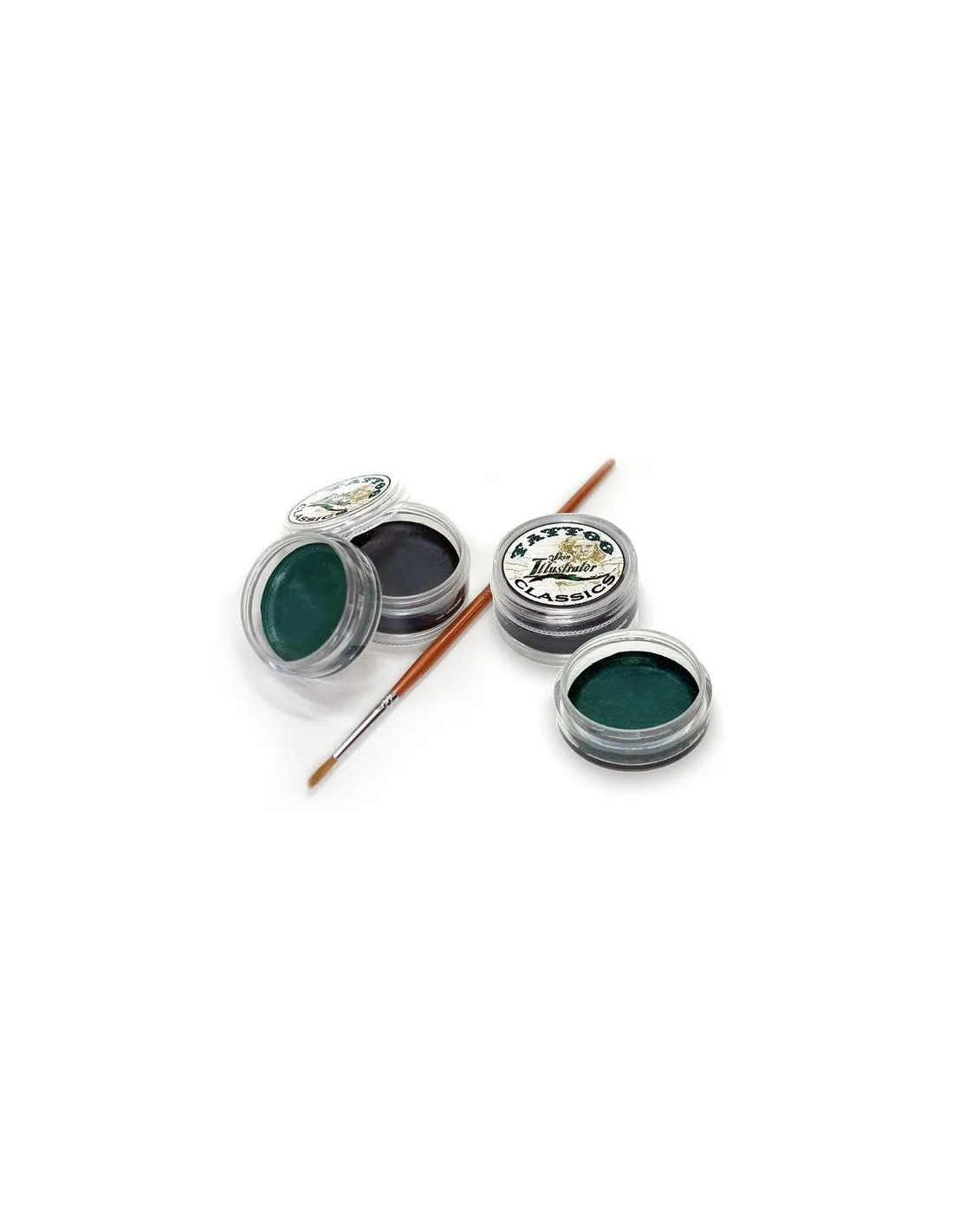
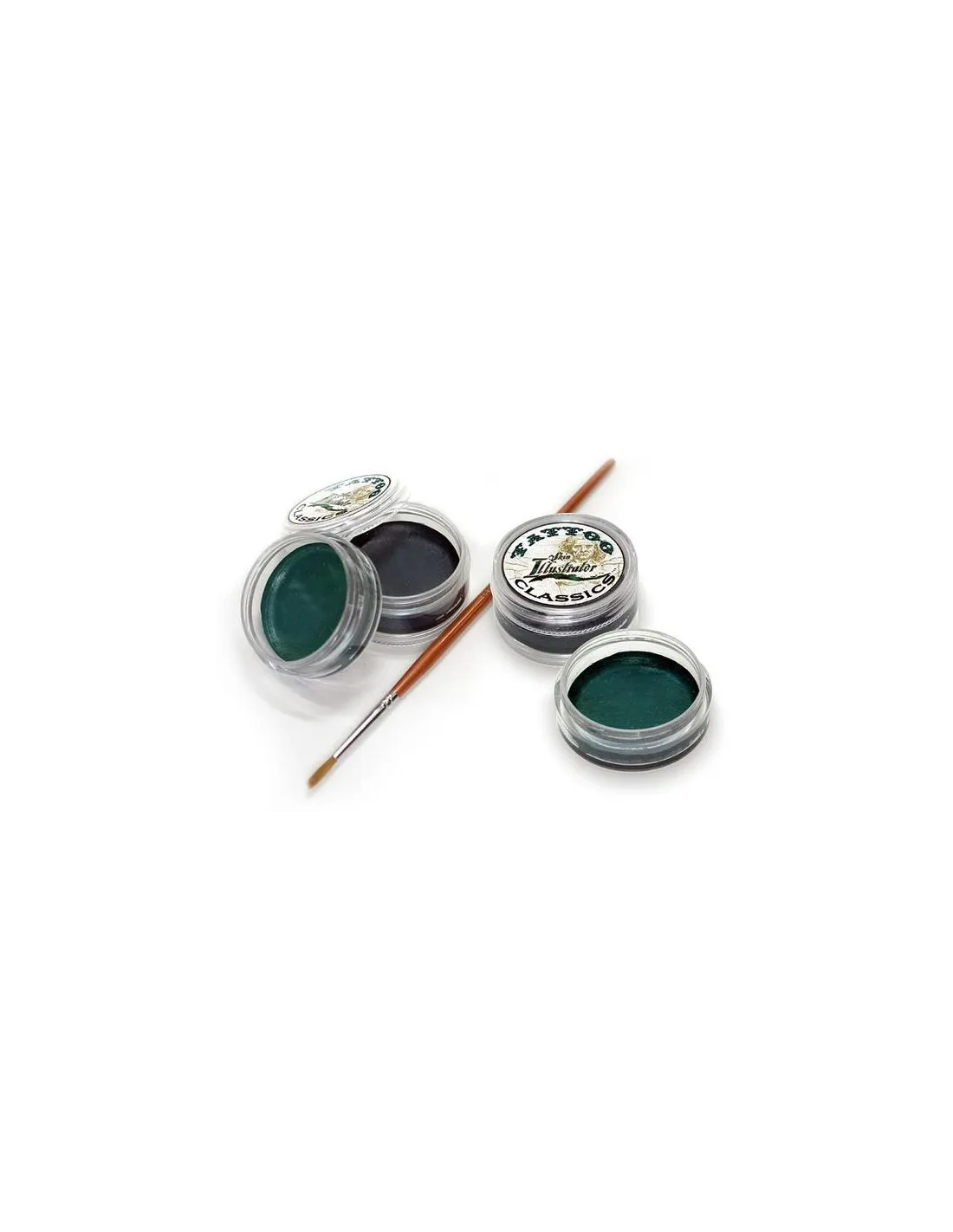
The Skin Illustrator Classic Tattoo Pack is a solid alcohol-based makeup specifically designed to recreate tattoos with an authentic look, from faded old-school style to tribal and historical designs. With two classic colours — black and aged green — in a single pack, it offers exceptional coverage and superior resistance on skin, silicone and latex, making it the go-to tool for special effects and film makeup artists.
Technical specifications
| Format | Pack of 2 solid colours |
|---|
| Base | Alcohol (alcohol-based) |
|---|
| Compatible surfaces | Skin, silicone, latex |
|---|
| Activation | Skin Illustrator Activator, Slow Activator or isopropyl alcohol 99% |
|---|
| Removal | Telesis Super Solv or Telesis Makeup Remover |
|---|
| Colours included | Classic black + Aged green |
|---|
| Recommended use | Special effects, film, television, theatre, body painting |
|---|
What it is used for
This pack is designed for SFX makeup professionals who need to recreate realistic-looking tattoos with an aged or contemporary finish. The two tones allow you to build designs with depth and nuance without needing a full palette.
- Old-school and worn-look tattoos for film and television productions
- Recreating tribal, prison or historical designs on an actor's skin
- FX makeup on silicone or latex prosthetics
- Tattoo-finish body painting for photo shoots
- Theatrical characterisation with effects requiring durability on stage
- Pre-production tests and tattoo design presentations on artificial skin
How to use it
- Prepare the surface: make sure the skin, silicone or latex is clean, dry and free of grease.
- Activate the colour: dampen a fine brush or makeup sponge with isopropyl alcohol 99% or with the specific Skin Illustrator activator.
- Pick up the colour: run the activated brush across the surface of the solid until you achieve the desired pigment load.
- Apply the design: draw or stamp the tattoo directly onto the surface. Work in layers to build intensity and detail.
- Adjust the ageing: blend black and green to achieve the exact worn tone. The aged green over black adds the characteristic patina of classic tattoos.
- Seal if necessary: on skin, you can set with an alcohol-based fixing spray for greater durability on set.
- Remove the makeup when finished using Telesis Super Solv or Telesis Makeup Remover — never with water or 70° alcohol.
Usage tips
Controlling intensity and ageing
The key to a convincing tattoo lies in the dilution of the colour. With less activator you get more intense and defined lines; with more activator, the colour spreads and becomes translucent, ideal for simulating faded ink beneath the skin. Work the green over the still-wet black to blend the tones and achieve the greenish patina effect of classic tattoos.
Application on prosthetics and synthetic materials
On silicone, apply the colour in very thin layers and allow to dry between coats. isopropyl alcohol 99% correctly activates the pigment without damaging the prosthetic surface. On latex, always test on a small area before the final application, as some latex formulations may react with the solvent. Never use 70° alcohol, MEK, acetone or water as an activator: they alter the colour texture and reduce adhesion.
Storage and material cleaning
Store the solids with the lid tightly closed and away from direct heat. If the surface of the solid hardens due to residual evaporation of the activator, clean it with a dry cloth before using again. Clean brushes immediately after each session with isopropyl alcohol to prevent the pigment from drying and hardening the bristles.
Frequently asked questions
Can this makeup be used directly on skin without prior preparation?
Yes, but the skin must be clean, dry and free of creams or oils. Skin oils prevent alcohol-based makeup from adhering. If the skin is very oily, first apply a little isopropyl alcohol 99% to degrease and allow it to evaporate before starting.
How long does the effect last on skin during a long shoot?
The Skin Illustrator Classic Tattoo Pack has notable resistance once dry, but in areas of heavy movement or intense sweating it may require touch-ups. For greater durability during long shoots, apply an alcohol-based sealer over the finished design.
Is it compatible with all types of prosthetic silicone?
Yes, it is compatible with the encapsulated and painted platinum siliconas commonly used in SFX makeup prosthetics. Activate the colour with isopropyl alcohol 99% and apply in thin layers. If the prosthetic has a layer of fresh intrinsic paint, wait until it has fully cured before applying the makeup.
Can it be mixed with other Skin Illustrator palettes?
Yes. All colours in the Skin Illustrator range are miscible with each other. You can combine the tones in this pack with colours from the Skin Illustrator FX Palette to expand the range of effects, or with the Flesh Tone Palette to blend the tattoo with the actor's skin more naturally.
What solvent is used to remove the makeup?
The Skin Illustrator Classic Tattoo Pack is removed with Telesis Super Solv or Telesis Makeup Remover. Do not use water, 70° alcohol, acetone or MEK: they are not effective at removing the colour and may irritate the skin or damage the prosthetic.
Is it suitable for sensitive or allergy-prone skin?
Skin Illustrator is formulated for professional use in special effects makeup and is routinely used in film and television productions. However, if the actor has sensitive skin or a history of cosmetic allergies, always perform a patch test 24 hours before the full application.
Can I use it with an airbrush?
The solid format of this pack is not directly compatible with an airbrush. If you need airbrush application, Skin Illustrator offers a liquid version of its Tattoo Classics colours, specifically designed for that application system.
What is the difference between activating with the specific activator and with isopropyl alcohol?
The specific Skin Illustrator activator and the Slow Activator are formulated to control drying speed and improve adhesion under demanding shooting conditions. isopropyl alcohol 99% is a valid and cost-effective alternative for workshop use or testing, but it dries faster and may require greater skill during application. Never use 70° alcohol: the water it contains alters the colour and reduces adhesion.