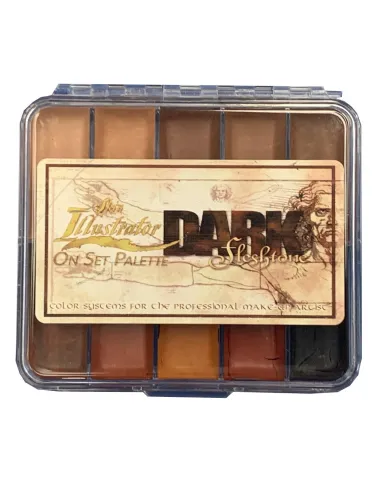
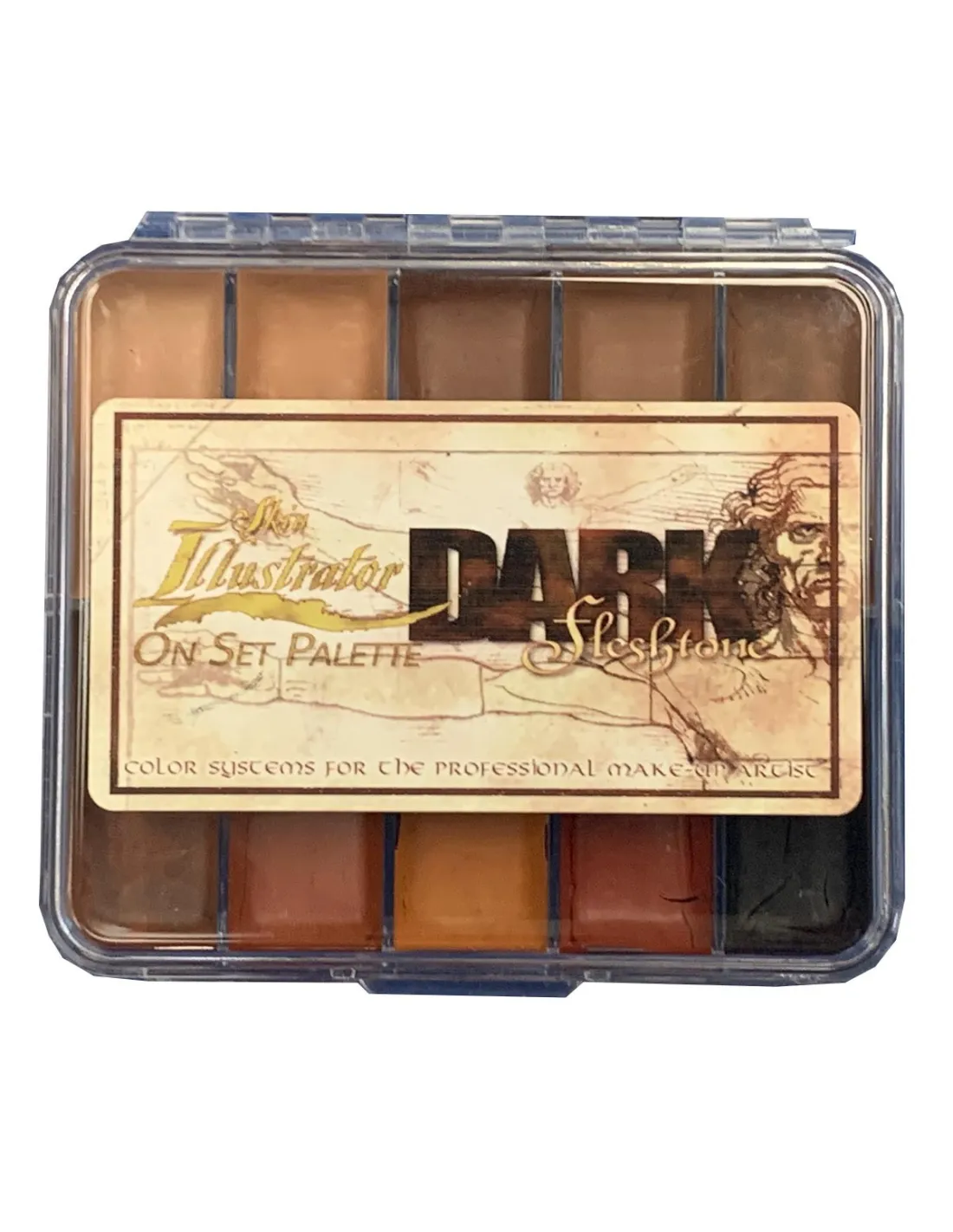
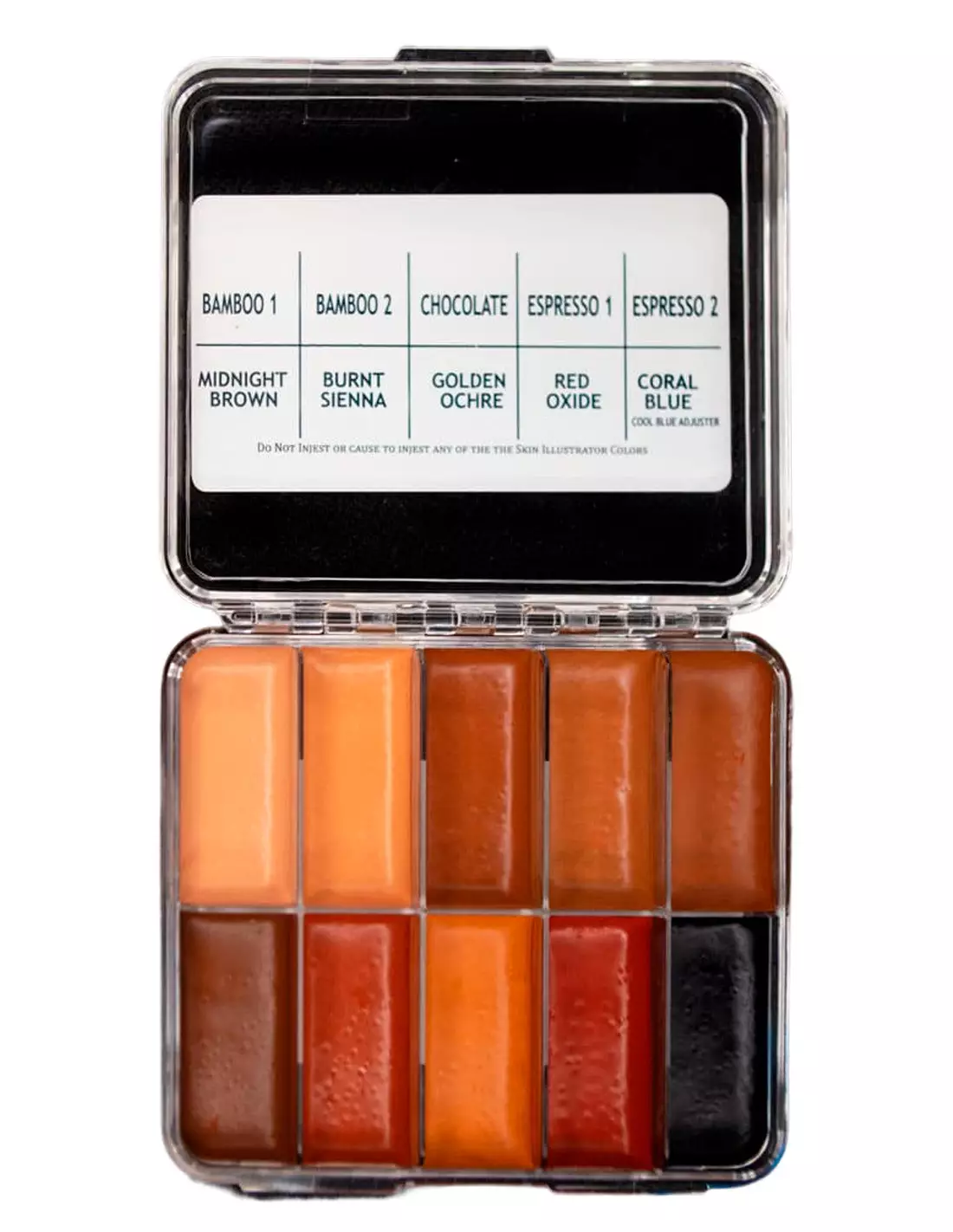
The Skin Illustrator On Set Dark Flesh Tone Palette is the compact pocket version of the industry-standard Dark Flesh Tone palette for special effects makeup. It contains the same 10 dark flesh tone colours in a portable format designed for quick touch-ups on set. Whether you work with silicone prosthetics, latex or directly on skin, this palette gives you the coverage and staying power that professional work demands.
Technical specifications
| Feature | Detail |
|---|
| Product type | Alcohol-activated makeup palette (ink palette) |
| Number of colours | 10 |
| Colour range | Dark flesh tones |
| Format | Compact "On Set" (mini pocket version) |
| Compatible surfaces | Natural skin, silicone, latex |
| Recommended activator | Skin Illustrator Activator, Skin Illustrator Slow Activator or isopropyl alcohol 99.9% |
| Removal | Telesis Super Solv or specific alcohol makeup remover |
What it is used for
This palette is designed for special effects artists and professional makeup artists who need dark skin tones with real coverage and on-set durability. Its compact format makes it ideal for keeping on hand throughout filming or performance.
- Painting and detailing silicone prosthetics in dark tones
- Special effects makeup applied directly to skin
- Touch-up of latex prosthetics on set
- Colour blending of prosthetic edges with the actor's skin
- Long-duration theatrical and cinematic character work
- Shading, glazing and detailing wounds and ageing effects on dark skin tones
How to use it
- Make sure the surface (skin, silicone or latex) is clean, dry and free of grease.
- Activate the colour you need by applying a few drops of isopropyl alcohol 99.9%, Skin Illustrator Activator or Slow Activator directly onto the colour pan or the brush.
- Mix the colours on the palette to achieve the exact shade you need.
- Apply with a brush, sponge or airbrush onto the surface. Drying is fast once the alcohol evaporates.
- Layer thin coats to build depth and texture without losing translucency.
- To remove the makeup, use a dedicated alcohol makeup remover (Telesis Super Solv or equivalent). Never use water, acetone or 70° alcohol.
Tips and tricks
Activate the colour correctly
Always use isopropyl alcohol 99.9% or the line's dedicated activators. 70° alcohol contains water and ruins the pigment consistency: colour becomes uneven and adhesion drops dramatically. MEK and acetone are also out.
Work in thin layers
Alcohol inks are highly concentrated. It is better to build up the tone in several light layers than to try to cover in one go. This allows greater control over the final colour, especially at prosthetic edges where the transition to the actor's skin must be seamless. If you need to slow down working time, use the Slow Activator instead of straight IPA.
Airbrush for perfect integration
For base coats and broad glazes over silicone prosthetics, thin the colours with activator and work with an airbrush. You will achieve smoother transitions and a more realistic finish. Clean the airbrush immediately afterwards with IPA 99.9% to prevent the inks from drying inside.
Frequently asked questions
What is the difference between this palette and the full-size version?
The On Set version contains exactly the same colours as the standard-size Skin Illustrator Dark Fleshtone Palette, but in smaller pans and a compact case designed to fit in your on-set kit. If you work in a fixed studio or workshop, the full-size version offers more product; if you need mobility, the On Set is the logical choice.
Can these inks be used directly on skin?
Yes. The Skin Illustrator On Set Dark Flesh Tone Palette is specifically formulated for application on human skin, as well as on silicone and latex. It is one of the few alcohol makeup lines with a proven track record of dermatological use in professional film and television productions.
What activates this type of alcohol makeup?
You can activate the colours with isopropyl alcohol 99.9%, Skin Illustrator Activator or Skin Illustrator Slow Activator. Never use 70° alcohol, water, MEK or acetone: they alter the formula and ruin coverage and adhesion.
How is alcohol makeup removed?
It is removed with a dedicated alcohol makeup remover, such as Telesis Super Solv. Water will not remove it. Do not use acetone near sensitive areas or on silicone prosthetics, as it can damage the material.
Can I mix colours from different Skin Illustrator palettes?
Yes, all products in the Skin Illustrator line are fully compatible with each other. You can combine the dark tones in this palette with those from the Flesh Tone Palette, the Complexion Palette or the FX Palette to greatly expand your working range.
Does it work well with an airbrush?
Yes. By thinning the colours with activator or IPA 99.9% to the right viscosity, Skin Illustrator inks work perfectly in an airbrush. It is the recommended technique for broad base coats and smooth transitions on silicone prosthetics.
How long does the makeup last once applied?
Skin Illustrator alcohol inks have very high resistance once dry. They withstand sweat, heat from set lighting and moderate contact throughout long shooting days — which is precisely the standard they are designed for. Final durability depends on surface preparation and working conditions.
Can this palette be used on encapsulated silicone?
Yes. The Skin Illustrator On Set Dark Flesh Tone Palette is a standard choice for painting on encapsulated silicone prosthetics. Adhesion to silicone is good and it allows layering to achieve realistic translucency effects. For intrinsic silicone painting (colouring within the silicone mass), dedicated pigments of a different type are used.