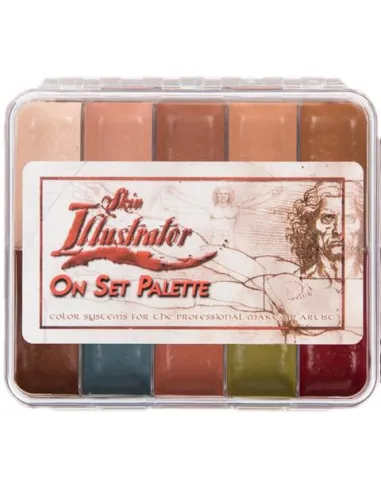
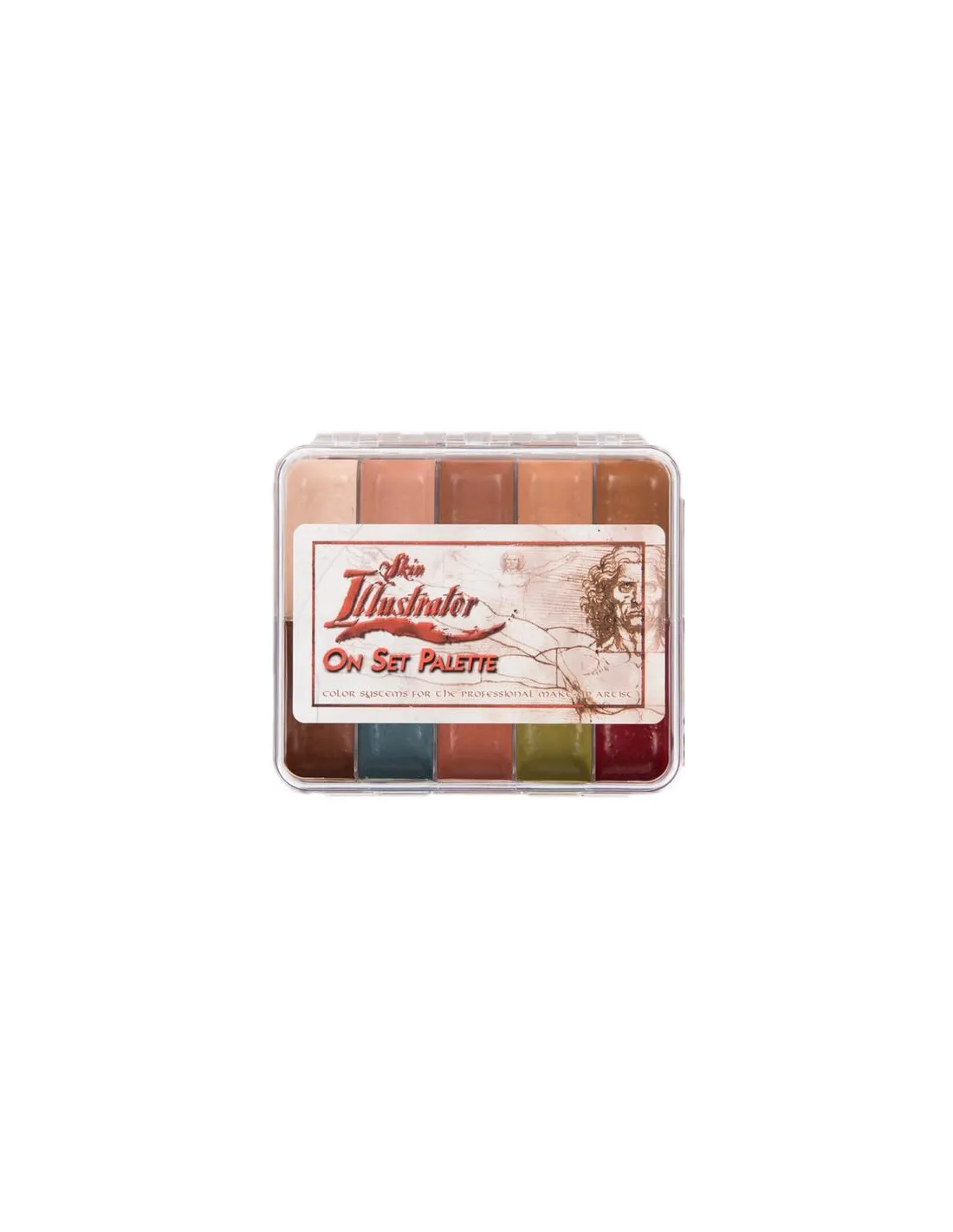
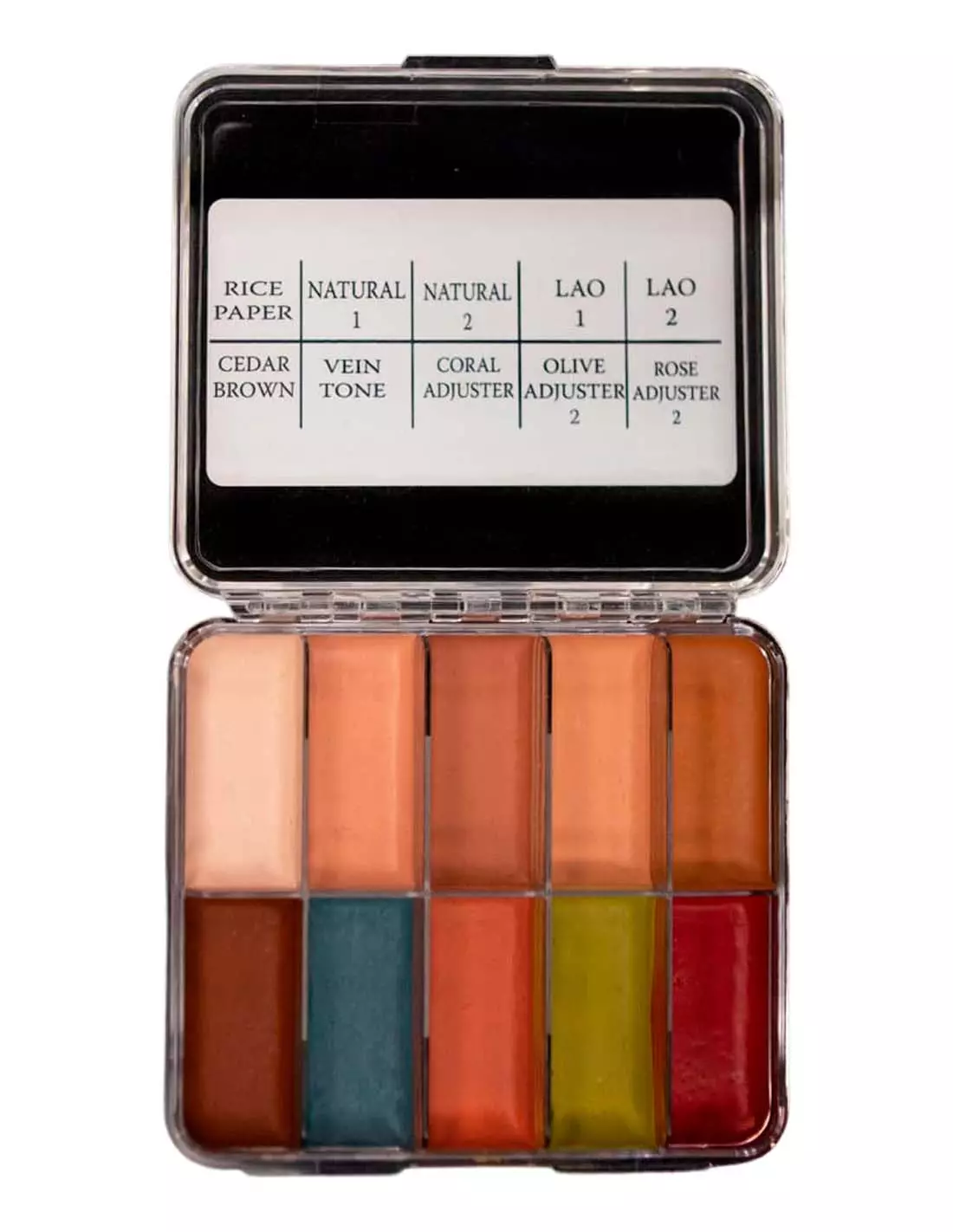
The Skin Illustrator On Set Flesh Tone Palette is the compact pocket version of the classic Skin Illustrator Flesh Tone Palette, the industry standard in FX makeup. It brings together the 10 essential flesh tones in a travel format designed for quick touch-ups on set, with the same coverage and durability as the full-size palette. Compatible with skin, silicone and latex, it is an essential tool for any special effects artist.
Technical specifications
| Format | Compact palette (pocket / on set) |
|---|
| Number of colours | 10 flesh tones |
|---|
| Pigment type | Alcohol-based ink |
|---|
| Compatible surfaces | Skin, silicone, latex |
|---|
| Recommended activator | Alcohol activator (Skin Illustrator Activator or Slow Activator) / isopropyl alcohol 99% |
|---|
| Removal | Telesis Super Solv or specific solvent |
|---|
| Range reference | "On Set" (compact) version of the Flesh Tone Palette |
|---|
What it is used for
This palette is formulated to bring prosthetics and character makeups to life directly on skin or on silicone and latex pieces. Its compact format makes it the ideal option when space and time are limited, without sacrificing the full chromatic range of flesh tones.
- Painting and shading silicone and latex prosthetics on set
- Continuity makeup: quick touch-ups between takes
- Wound, burn and skin effect makeups for film and television
- High-durability theatrical and stage makeup
- Colour correction and tone adjustment on already painted pieces
- Body painting work with long-lasting hold
How to use it
- Make sure the surface (skin, silicone or latex) is clean, dry and free of grease.
- Activate the chosen colour by applying a few drops of isopropyl alcohol 99%, Skin Illustrator Activator or Slow Activator directly onto the pigment cake or into a mixing palette.
- Load the brush or sponge with the right amount of activated pigment and apply in thin, progressive layers.
- Allow brief drying time between layers to control intensity and prevent runs.
- Mix tones directly on the palette or on the surface to achieve custom shades.
- To remove, use Telesis Super Solv or the appropriate solvent for the surface.
Important — compatible activators and solvents: Always activate colours with
isopropyl alcohol 99% or the range-specific activator. Never use 70% alcohol, MEK, acetone or water: they alter the formula, reduce adhesion and may damage the surface. For makeup removal, use only solvents formulated for alcohol-based inks.
Usage tips
Tone mixing and colour building
Always work from less to more pigment. Start with very diluted glazes in alcohol to establish the base tone and progressively add dry layers. Mix on the palette or directly on the skin to create natural transitions between tones. The Skin Illustrator Complexion Palette is an ideal complement if you need to extend the range with redness, cyanosis or correction pigments.
Use on silicone and latex prosthetics
Before painting a silicone piece, make sure it is fully cured and clean. Alcohol-based inks penetrate porous silicone and deliver a very natural, integrated colour result. When painting latex, apply layers with particular care to avoid saturating or cracking the surface. For more detailed work or greater tonal complexity, consider combining this palette with the Skin Illustrator FX Palette.
Palette maintenance and cleaning
If pigments dry out between uses, reactivate them with a small amount of isopropyl alcohol 99% directly onto the cake. Clean brushes immediately after use with alcohol to prevent ink from polymerising in the bristles. Store the palette closed, away from heat sources and direct light to preserve the pigments.
Frequently asked questions
Can these inks be used directly on skin without prior preparation?
Yes. The Skin Illustrator On Set Flesh Tone Palette is formulated to be applied directly onto clean, dry skin. However, to improve durability and prevent sweat or grease from interfering, it is recommended to degrease the area before application.
Which alcohol is recommended to activate the colours?
It is essential to use isopropyl alcohol 99% or the range-specific activators (Skin Illustrator Activator or Slow Activator). 70% alcohol contains too much water and compromises the adhesion and finish of the colour.
Is this palette compatible with silicone prosthetics?
Yes. Skin Illustrator alcohol-based inks are one of the most widely used pigmentation systems for silicone prosthetics in the film and television industry. They penetrate the silicone surface delivering a very natural, integrated result.
How long does the makeup last once applied?
The Skin Illustrator On Set Flesh Tone Palette offers excellent durability for on-set use: it resists sweat, grease and the usual friction during a shooting day. In extreme conditions (intense heat, makeup on highly mobile areas), applying additional layers or a compatible setting spray is recommended.
How is this makeup removed?
The most effective way to remove Skin Illustrator alcohol-based inks is with Telesis Super Solv or a solvent specifically designed for this type of makeup. Avoid dry rubbing; apply the solvent with a gauze pad or cotton round and allow it to work for a few seconds before wiping off.
What is the difference between this palette and the full-size version?
The On Set is the compact version of the standard Skin Illustrator Flesh Tone Palette. It contains exactly the same 10 flesh tones in a pocket format designed for on-set use and quick touch-ups. The formulation and pigment quality are identical.
Can it be mixed with other palettes from the same range?
Yes. All Skin Illustrator palettes share the same alcohol base, making them fully compatible with each other. Combining the Flesh Tone On Set with the Dark Fleshtone Palette or the Complexion Palette greatly expands the chromatic possibilities.
Is it suitable for long-duration makeups in film productions?
Absolutely. The Skin Illustrator range is an industry standard in film and television productions precisely because of its durability and coverage. The On Set format is specifically designed for agile touch-ups between takes during long shooting days.