Shopping Cart



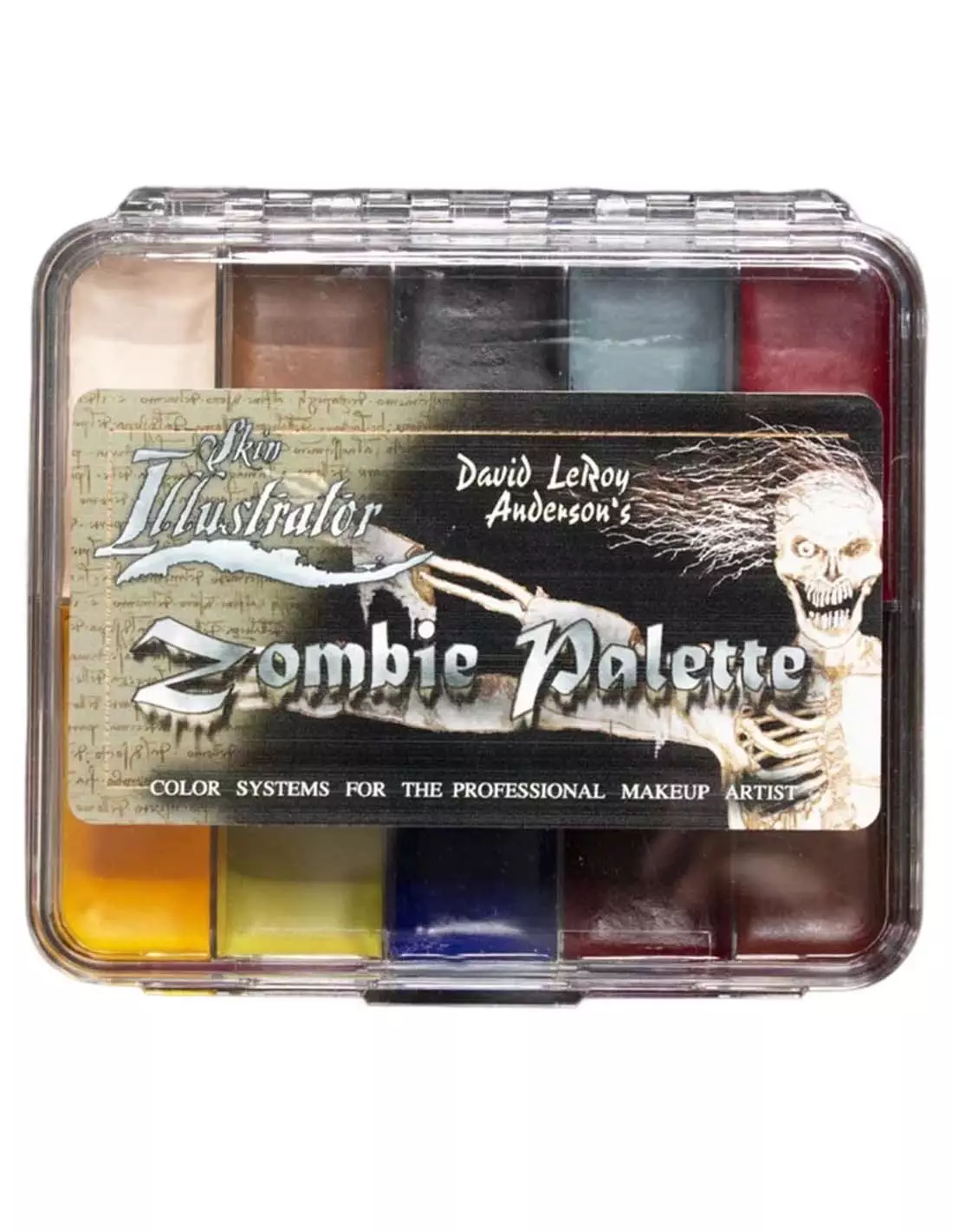
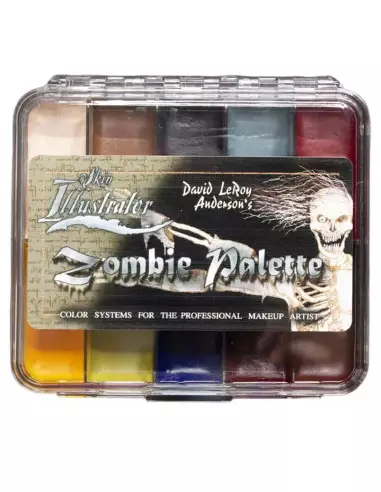
Skin Illustrator On Set Zombie Palette " David Leroy Anderson"
270026004
€64.00
77,44 € Tax incl.
77,44 € Tax incl.
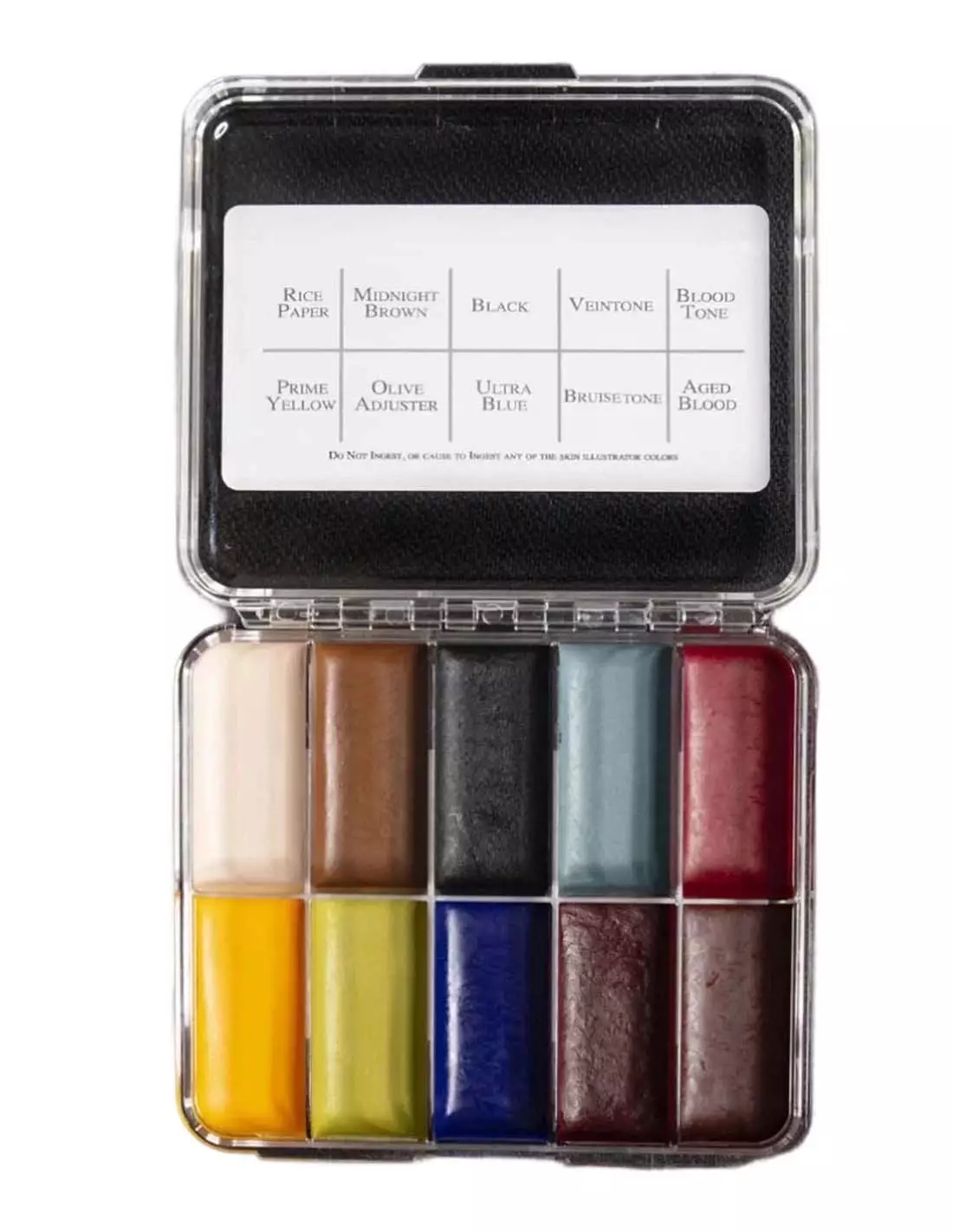
Skin Illustrator On Set Zombie alcohol makeup palette, designed by two-time Oscar winner David LeRoy Anderson. 10 colors for skin, silicone and latex.
The Skin Illustrator On Set Zombie palette is a collection of 10 alcohol-based colors custom-designed by two-time Oscar winner David LeRoy Anderson for his work on productions such as "Dawn of the Dead". Compact, high-coverage and with exceptional resistance, it is the professional reference for undead characterisations, necrotic wounds and decomposition effects on skin, silicone and latex.
Technical specifications
| Product type | Alcohol makeup palette (ink palette) |
|---|---|
| Number of colors | 10 |
| Version | On Set (compact format) |
| Compatible surfaces | Human skin, silicone, latex |
| Recommended activator | Skin Illustrator Activator / Skin Illustrator Slow Activator / isopropyl alcohol 99% |
| Removal | Telesis Super Solv or equivalent solvent |
| Use | Special effects makeup (SFX), zombie characterisation, wounds, necrosis |
What it is used for
This palette is designed for special effects makeup professionals who need colors specifically formulated to recreate the appearance of dead, putrefied or damaged tissue. The colour range was selected by David LeRoy Anderson precisely for its suitability in characterising the undead with total credibility on screen.
- Zombie and undead characterisation for film, television and theatre
- Simulation of necrotic wounds, dead tissue and putrefaction
- Painting and detailing on silicone and latex prosthetics
- Shading and glazing on skin for death and disease effects
- Touch-ups on set thanks to the compact On Set format
- Makeup effects for photography, music videos and horror productions
How to use it
- Make sure the surface to be painted — skin, silicone or latex — is clean, dry and free of grease or residues.
- Activate the desired color with a few drops of Skin Illustrator Activator, Slow Activator or isopropyl alcohol at 99% (never use 70° alcohol, acetone, MEK or water).
- Load the brush with just the right amount of activator and work the color on the palette until you achieve the desired consistency.
- Apply to the surface with a brush, sponge or airbrush depending on the effect desired. Work in thin layers for greater control.
- Allow to dry between layers. Drying is fast thanks to the alcohol base.
- Layer colors to create depth, glazes and realistic decomposition effects.
- To set and extend the wear, you can seal it with a fixative compatible with the surface.
- To remove the makeup, use Telesis Super Solv or a suitable professional solvent.
Usage tips
Controlling color intensity
The amount of activator determines the opacity and fluidity of the color. With little activator you get a dense, high-coverage paste ideal for impact areas; with more activator you achieve translucent glazes perfect for transitions and shading at the perimeter of wounds or areas of skin discolouration.
Mixing colors on the palette
You can freely mix the 10 colors on the palette to expand the range. The tones of the Zombie palette are designed to work in combination: use the greens and greys for necrosis areas, the browns and purples for deep bruising, and the desaturated ochres to simulate dry or mummified skin. If you need to extend the range towards flesh tones, combine it with the Skin Illustrator Flesh Tone Palette or the Dark Fleshtone Palette.
Compatibility with prosthetics and artificial surfaces
Skin Illustrator alcohol inks adhere and cure correctly on silicone and latex without the need for additional priming in most cases. However, on encapsulated silicone or surfaces with special finishes, always perform a test in a hidden area before the final work. For general SFX effects on silicone, complement with the Skin Illustrator FX Palette.
Frequently asked questions
What are these colors activated with?
The colors in the Skin Illustrator On Set Zombie palette are activated with Skin Illustrator Activator, Skin Illustrator Slow Activator or isopropyl alcohol at 99%. The Slow Activator is useful when you need more working time. Never use 70° alcohol, acetone, MEK or water: they alter the formula and ruin the coverage.
Can it be used directly on skin without prior preparation?
Yes, it is suitable for direct application on clean, dry human skin. No base or primer is required. The skin must be free of creams, oils or sweat to ensure adhesion. On very dry skin or skin with heavy hair, a light prior preparation improves the result.
Does it also work on silicone and latex prosthetics?
Yes. The Skin Illustrator On Set Zombie palette is specifically formulated to paint on silicone, latex and skin. It is the system used by professional special effects teams to colour prosthetics and full-body characterisations.
How long does the makeup last once applied?
The resistance is very high for an alcohol-based makeup: it withstands sweat, shooting heat and the typical wear of a working day. For extended use or extreme conditions, it can be easily touched up on set thanks to the compact On Set format.
How is this makeup removed?
It is removed with Telesis Super Solv or a professional solvent for alcohol-based makeup. On skin, apply the solvent with a cotton pad and remove gently. On silicone or latex prosthetics, the process is the same; always verify that the solvent does not damage the prosthetic material.
Can it be used with an airbrush?
Yes. By activating the color with enough activator or isopropyl alcohol at 99% to achieve a very fluid consistency, Skin Illustrator colors can be applied with an airbrush. This allows for extremely smooth gradients and glazes, ideal for large body surfaces.
What is the difference between the On Set version and the full-size palette?
The On Set version is a compact format designed for convenient use on the shooting set or makeup set. It contains the same formula and colors as the large version, but in smaller-capacity wells for greater portability and speed when touching up during work.
Can I mix these colors with those from other Skin Illustrator palettes?
Yes. All Skin Illustrator palettes share the same alcohol-based formula and are fully compatible with each other. Combining the Zombie palette with the Flesh Tone Palette or the Complexion Palette greatly expands the characterisation possibilities.
No reviews
Tap to zoom