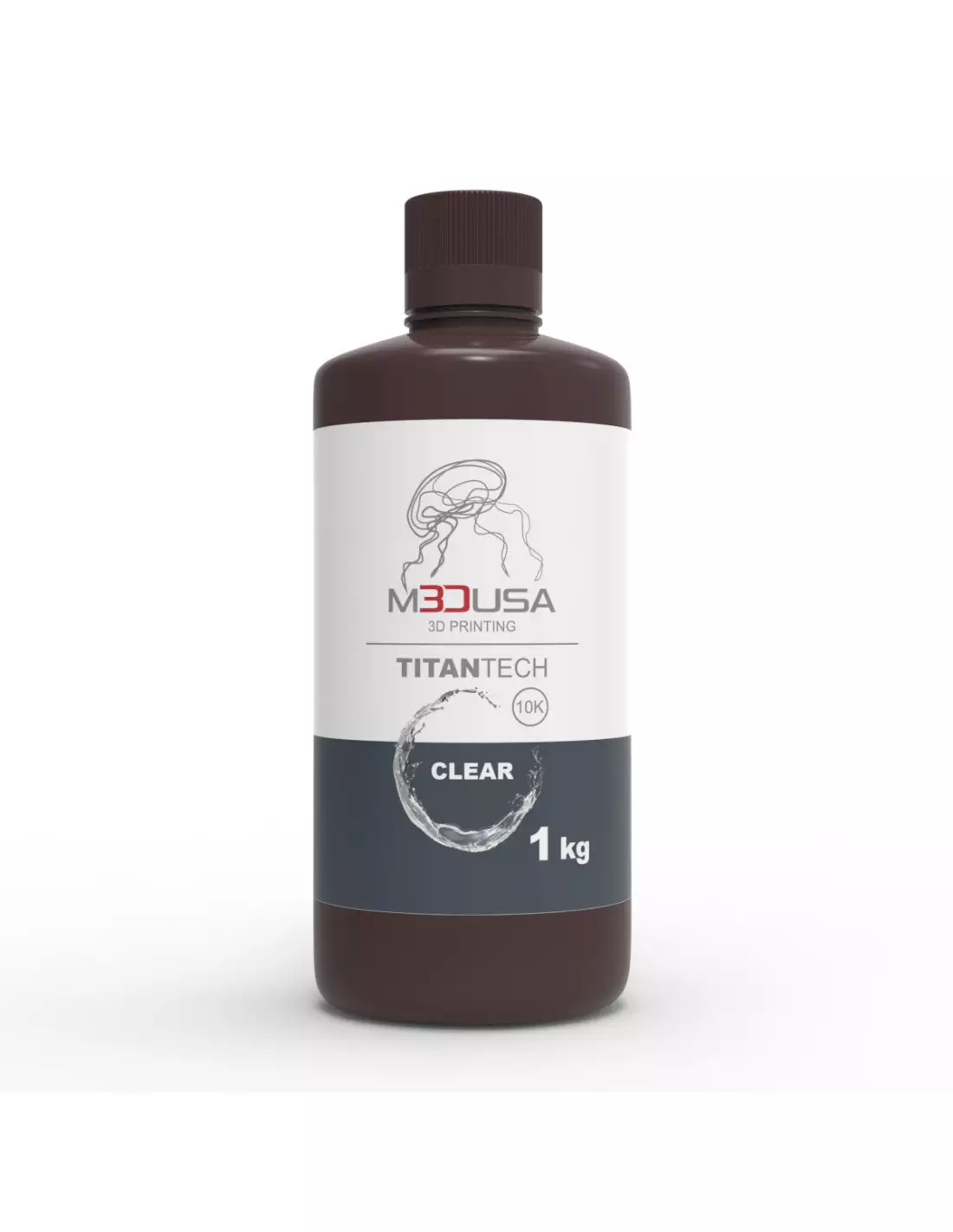
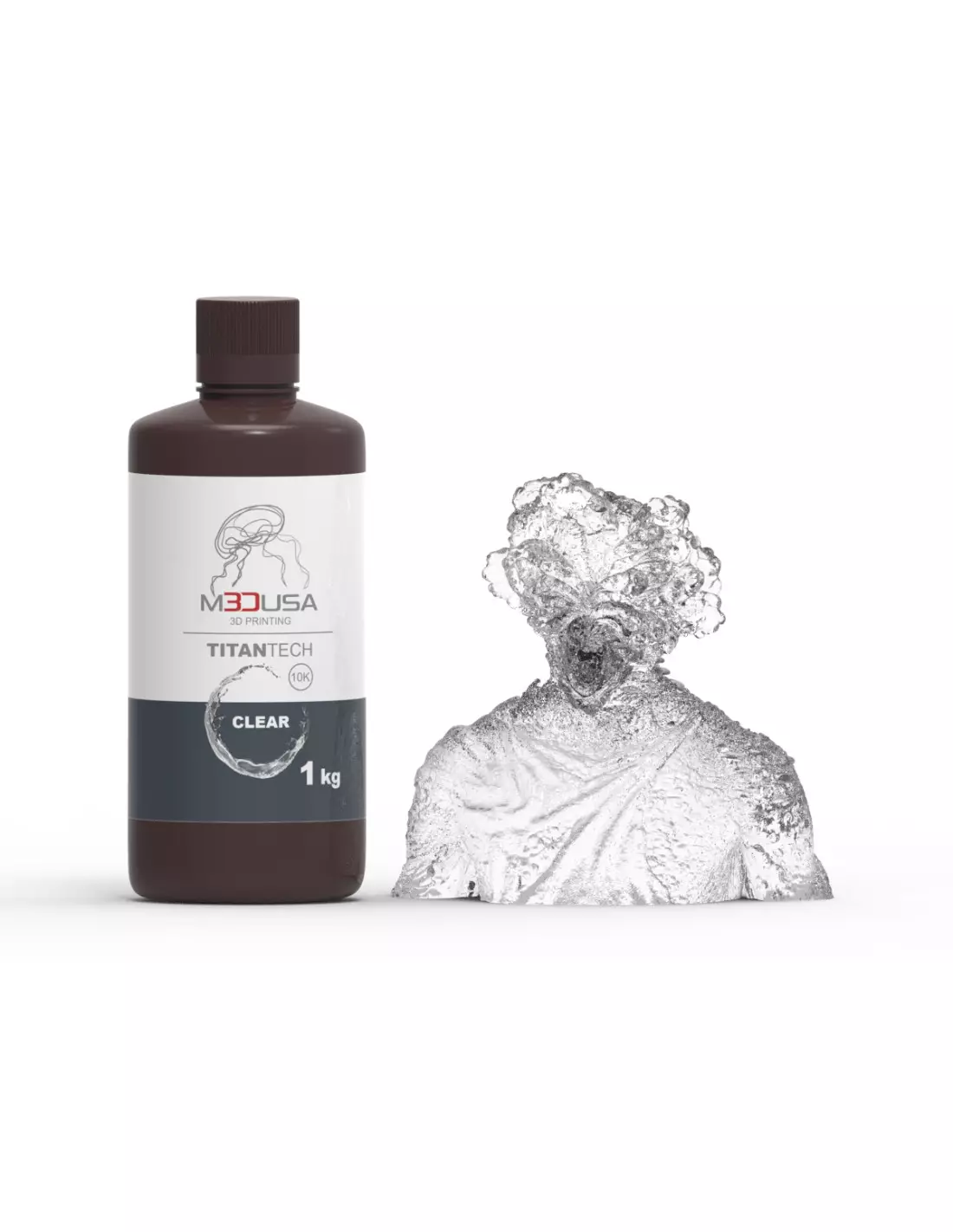
M3DUSA Titan-Tech Clear is a high-performance transparent photopolymer resin designed for LCD 3D printers with a wavelength range of 385–405 nm. With mechanical properties similar to ABS, it delivers smooth surfaces, high dimensional accuracy and minimal shrinkage, making it a solid choice for both functional prototyping and applications where optical clarity is critical.
Technical specifications
| Feature | Value |
|---|
| Colour | Transparent |
| Type | High Definition / Standard |
| Mechanical properties | ABS-type (toughness and scratch resistance) |
| Compatible wavelength | 385–405 nm |
| Printing technology | LCD / MSLA |
| Format | 1 kg bottle |
What it is used for
Titan-Tech Clear is designed for projects that require combining mechanical strength with transparency. Its precise finish and dimensional stability make it particularly suitable in engineering, design and fine-detail part manufacturing environments:
- Functional prototyping with mechanical strength requirements
- Optical or translucent parts (lenses, diffusers, covers)
- Engineering models where internal visual inspection is relevant
- Architecture or product models and mock-ups with a clean finish
- Accessories and decorative parts that require visual clarity
- Jewellery and small precision objects where detail is critical
How to use it
- Shake the bottle well before pouring the resin into the printer vat. The components tend to settle over time.
- Pour the required amount into the vat without exceeding the maximum level indicated by the printer manufacturer.
- Set the print parameters in your software (exposure time per layer, base layers, lift speed) according to the light output of your machine. Run exposure tests if this is your first time using this resin.
- Start the print and monitor the first layers to confirm that adhesion to the build plate is correct.
- Once printing is complete, carefully remove the part and remove any excess liquid resin.
- Wash the part in isopropyl alcohol 99.9% to remove uncured resin. Perform two successive washes for a cleaner result.
- Dry the part and post-cure it under UV light (curing station or UV lamp) until the surface is no longer tacky.
- If you want greater optical transparency, sand progressively with fine-grit sandpaper and apply a polished finish.
Caution: Liquid resin is irritating to skin, eyes and respiratory tract. Always work in a ventilated space, wear nitrile gloves, safety goggles and a mask if necessary. Avoid direct contact with uncured resin. Liquid waste must not be poured down the drain: cure it under UV light before disposal in accordance with local chemical waste regulations.
Usage tips
Exposure time adjustment
Exposure time is the most critical parameter with transparent resins. Excessive exposure produces yellowed parts or loss of detail in thin areas; insufficient exposure results in poorly adhered layers or brittle parts. Use an Exposure Validation Matrix before running long prints. With high-power printers, times are usually shorter than with mid-range machines.
Working temperature
Resin viscosity increases in cold environments, which can cause filling issues in fine details and affect interlayer adhesion. The optimal working temperature is between 20 and 28 °C. If the workshop is cold, warm the bottle for a few minutes in warm water (never in a microwave or near direct heat sources) before pouring.
Maximising transparency during post-curing
To achieve the greatest clarity in transparent parts, wash with two baths of clean isopropyl alcohol 99.9% and dry completely before UV post-curing. Excessive post-curing can yellow the part: follow the recommended times. If you need high-quality optical transparency, progressive mechanical sanding (from grit 400 up to 2000 or higher) followed by polishing with a polishing compound is the most effective method.
Frequently asked questions
Which printers is this resin compatible with?
M3DUSA Titan-Tech Clear is compatible with LCD/MSLA resin 3D printers that operate at wavelengths between 385 and 405 nm. This covers the vast majority of current-market resin printers with a monochromatic screen. Always check your machine's wavelength before use.
What is the difference between a transparent resin and a standard coloured resin?
Transparent resins such as Titan-Tech Clear allow light to pass through the part, which is useful for optical parts, diffusers or models where you want to see the interior. Opaque coloured resins block light transmission, which makes post-cure control easier but prevents that functionality. In terms of mechanical strength, both can be equivalent if they share the same chemical base.
Can I mix this resin with other resins in the same wavelength range?
Mixing resins from different references or manufacturers is not recommended, as the photoinitiators and additives may be incompatible, leading to uneven curing, loss of mechanical properties or unpredictable results. If you need a similarly coloured resin with different characteristics, the safest approach is to use each product separately.
How long can I store the resin without using it?
Store the resin in its original tightly sealed bottle, in a dark, dry place at a stable temperature (between 15 and 25 °C). Kept away from direct sunlight and heat sources, the resin can remain in good condition for several months. Always shake before use, especially after prolonged storage. If the resin shows lumps, gel or an unusual odour, do not use it.
How do I clean the vat if I have uncured resin left in it?
If you are not going to print for several days, pour the leftover resin from the vat back into the bottle using a paint strainer to retain any cured particles. Clean the vat with isopropyl alcohol 99.9%, taking care not to damage the FEP film. Do not pour liquid resin down the drain.
Does this resin require UV post-curing?
Yes. Like all LCD photopolymer resins, Titan-Tech Clear requires UV post-curing once printed and washed. Without this step, the part remains soft, tacky and with mechanical properties well below those specified. Post-curing completes polymerisation and ensures the final strength of the part.
Can I sand and polish parts printed with this resin?
Yes, and it is especially recommended if you are seeking high optical transparency. Sand progressively from coarse grits (400) to very fine (2000 or higher) wet, and finish with a polishing compound or plastic polish. The ABS-type properties of this resin make it manageable for mechanical post-processing.
Is it suitable for food contact or skin contact?
No. General-purpose photopolymer resins for 3D printing, including Titan-Tech Clear, are not certified for direct food contact or prolonged skin contact. For food-contact or medical applications, resins with specific certification for that use must be used.