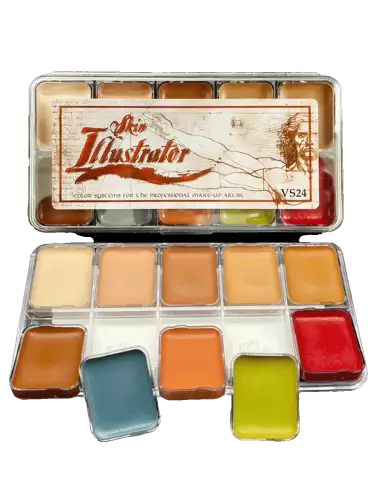
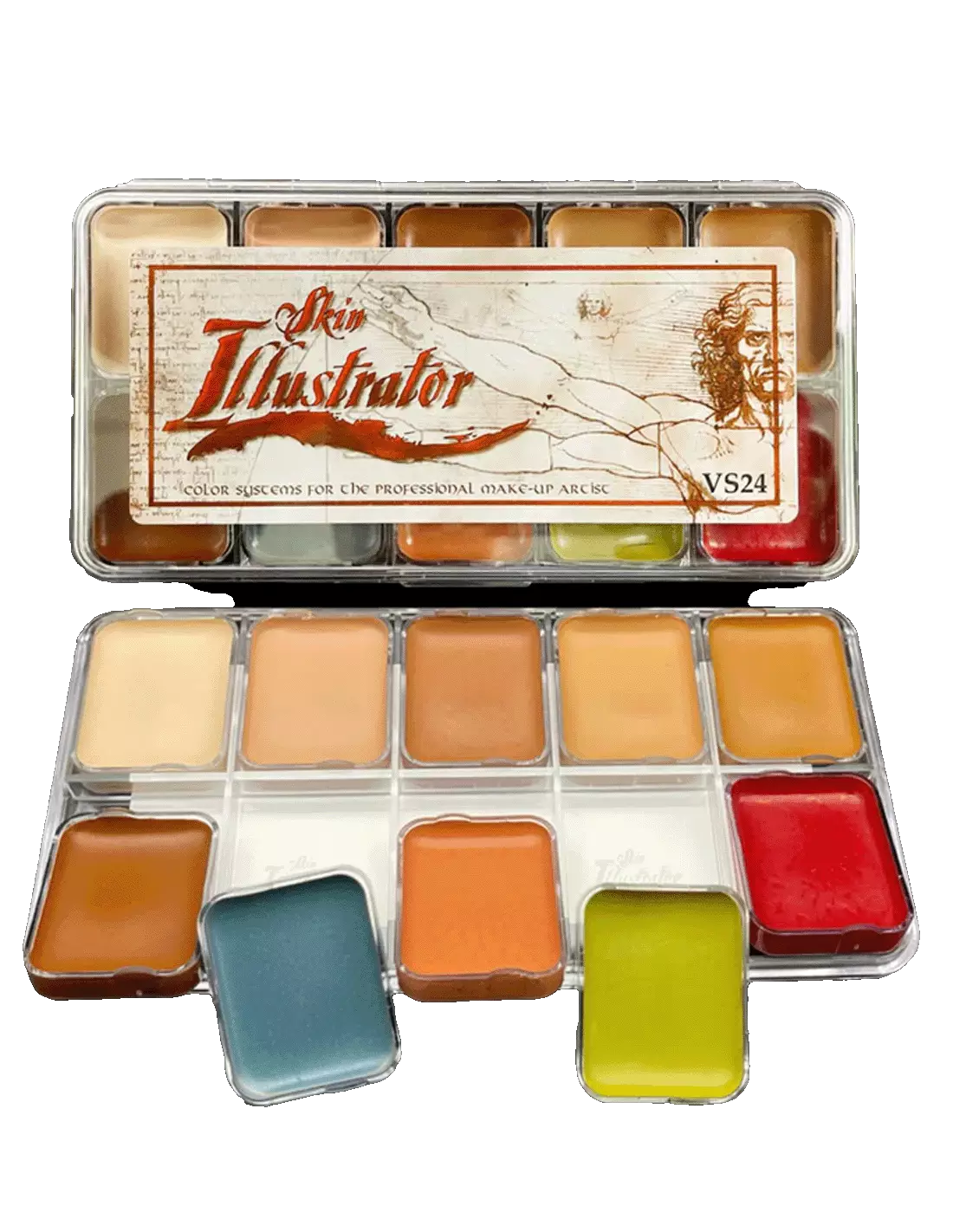
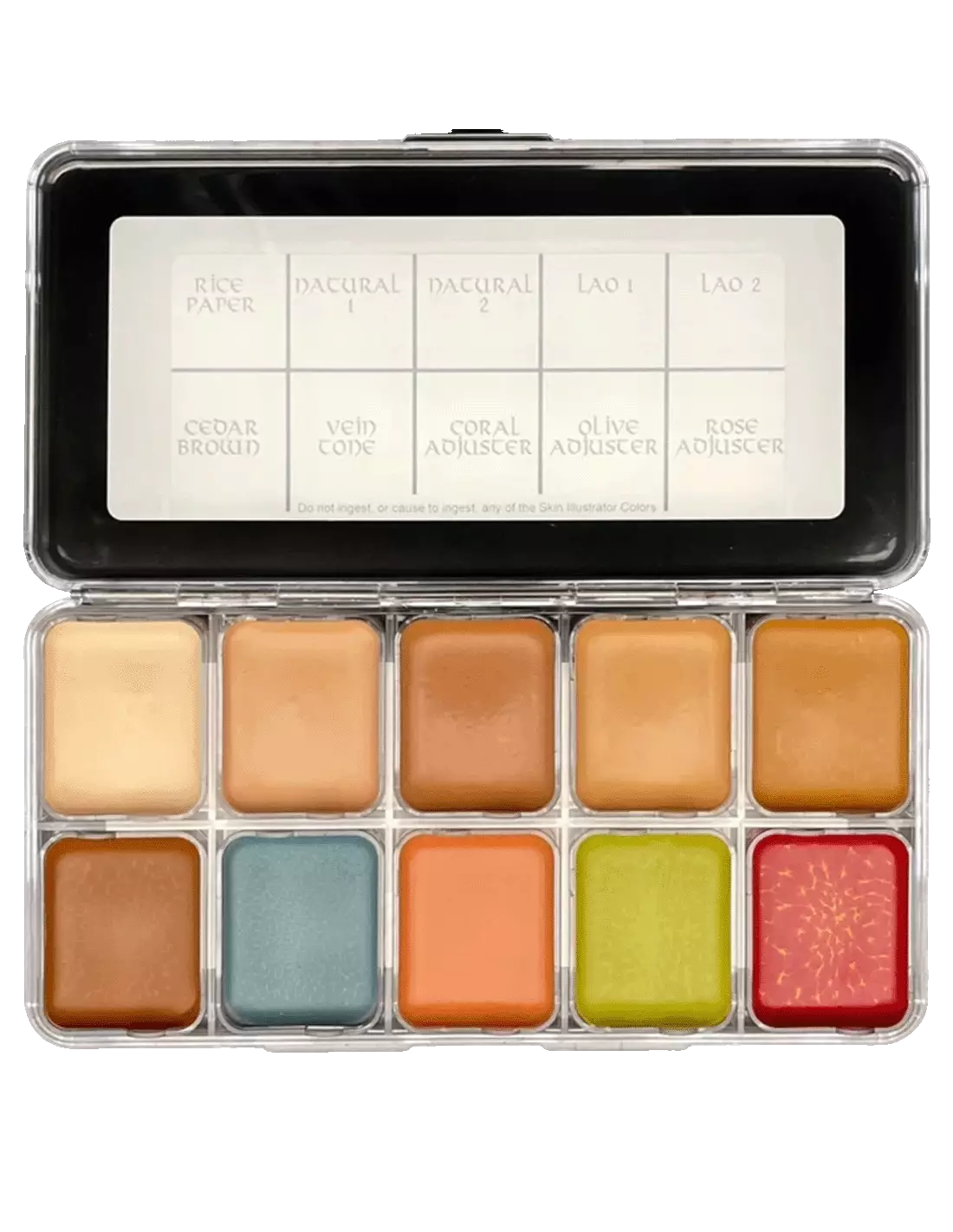
The Skin Illustrator Replaceable Cell Flesh Tone Palette is the modular version of the classic flesh tone palette: same 10 reference colours for character makeup work, with the advantage that each cell is individually removable and interchangeable. When one of the shades runs out, you replace it without discarding the entire palette. Ideal for special effects professionals, film and television makeup artists, and theatrical character makeup artists who work at volume and need to optimise costs.
Technical specifications
| Feature | Detail |
|---|
| Number of colours | 10 |
| Colours included | Rice Paper, Natural 1, Natural 2, Lao 1, Lao 2, Cedar Brown, Vein Tone, Coral Adjuster, Olive Adjuster, Rose Adjuster |
| Cell system | Individually removable and interchangeable |
| Availability | Full palette or individual cell |
| Activation | Skin Illustrator Activator, Slow Activator or 99% isopropyl alcohol |
| Removal | Telesis Super Solv |
| Compatible surfaces | Skin, silicone, latex |
| Durability | High durability and resistance to sweat and movement |
What it is used for
This palette is designed specifically for building and shading realistic flesh tones in professional character makeup work. The 10 colours cover a wide range of skin tones and allow you to mix, adjust and fine-tune any base shade. Compatible with the main prosthetic makeup surfaces.
- Special effects makeup for film, television and advertising
- Theatrical and performing arts character makeup
- Painting and detailing silicone and latex prosthetics
- Shade matching between natural skin and prosthetic pieces
- Airbrush and brush application on skin of different phototypes
- Shade adjustment with correctors (coral, olive, rose) to neutralise or modify base tones
- Spot replacement of depleted colours without renewing the entire palette
How to use it
- Select the colour or colours you need for the application.
- Activate the required amount of pigment with a few drops of Skin Illustrator Activator or Slow Activator on the cell, or with a few drops of 99% isopropyl alcohol applied directly or from a spray.
- Mix the activated pigment with a brush or sponge until you achieve the desired consistency.
- Apply to the skin, silicone prosthetic or latex piece using a fine brush, flat brush or airbrush.
- Allow to dry completely between layers to achieve greater coverage and durability.
- To remove the makeup, use Telesis Super Solv following the manufacturer's instructions.
- When a cell runs out, remove it and replace it with an individual cell of the same colour, without needing to replace the rest.
Important: Always activate with
99% isopropyl alcohol (IPA 99%). Do not use 70% alcohol, MEK, acetone or water: these solvents do not correctly activate the pigments and may ruin the finish or damage the prosthetic. For removal, use only Telesis Super Solv.
Usage tips
Cell management and palette optimisation
One of the main advantages of this palette is the independent replacement of colours. The adjuster shades (Coral, Olive and Rose) tend to last longer than base shades such as Natural 1 or Natural 2, which are used up faster on long-duration projects. Replace only the depleted cells and keep the rest in perfect condition. Individual cells are available separately at Feroca, making this palette the most cost-effective option for intensive professional use.
Activation and consistency for different techniques
For airbrush work, activate with more 99% isopropyl alcohol to achieve a more fluid consistency. For brush or sponge, use less activator and work the pigment dry for greater coverage. The Slow Activator extends working time, which is useful when you need to blend several shades or work on large surfaces without the product drying too quickly.
Integrating prosthetics with natural skin
The key to good integration lies in the adjustment shades: use Rose Adjuster for skin with a cool or rosy undertone, Coral Adjuster for warm tones and Olive Adjuster for olive or greenish skin. Apply thin layers and build up gradually to achieve the transition between the prosthetic edge and real skin. On silicone, Skin Illustrator adhesion is particularly good; on latex, make sure the surface is clean and grease-free before painting.
Frequently asked questions
Can this makeup be used directly on skin without a prosthetic?
Yes. The Skin Illustrator Replaceable Cell Flesh Tone Palette is formulated to be applied directly to skin, as well as to silicone and latex. It is commonly used for shade matching, aged skin or wound characterisation, and full-body makeup on shoots and live productions.
What is used to activate this type of makeup?
The colours in this palette are activated with Skin Illustrator Activator, Skin Illustrator Slow Activator or 99% isopropyl alcohol. It is essential to use IPA at 99%, never at 70%, and never water, acetone or MEK, as these products do not correctly activate the formula.
How long does the makeup last once applied?
Skin Illustrator Flesh Tone offers very high durability once dry. It withstands sweat, handling and the usual movement on sets and stages. For greater durability in extreme conditions, apply in thin layers and allow each layer to dry thoroughly. Removal requires Telesis Super Solv; water and conventional soaps will not remove it.
What is the difference between this palette and the standard version?
The Skin Illustrator Flesh Tone Palette standard version includes the same 10 colours in a fixed format. The replaceable cell version allows each colour to be removed and replaced independently, which is more cost-effective in the long run for professionals who use certain shades far more frequently than others.
Can these colours be used with an airbrush?
Yes. By activating with enough 99% isopropyl alcohol to achieve a fluid consistency, the palette colours can be applied perfectly with an airbrush. This is a common technique for achieving smooth transitions and gradients on silicone prosthetics.
How is this makeup removed from skin or a prosthetic?
The recommended method is Telesis Super Solv, which effectively dissolves Skin Illustrator pigments from both skin and silicone and latex surfaces. Do not use water or soap as the primary method, as they are not sufficient to completely remove the product.
Is it suitable for sensitive skin or allergies?
The Skin Illustrator system is widely used in professional productions on skin. If the artist or actor has particularly sensitive skin, it is recommended to carry out a patch test in advance before an extensive application. If in doubt, consult the manufacturer's full technical data sheet.
Can I buy only the colours I use most without purchasing the full palette?
Yes. That is precisely the advantage of the replaceable cell system: you can purchase individual cells of the colours that run out first in your workflow, without needing to buy a complete new palette. Check availability of individual cells for this palette at Feroca.