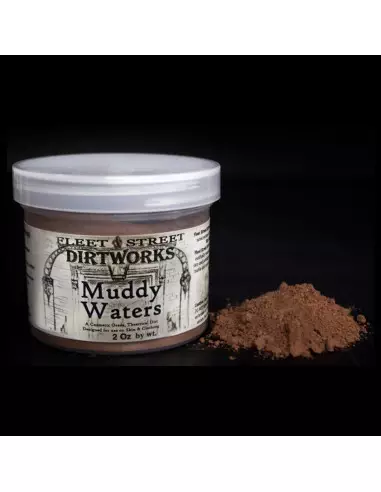
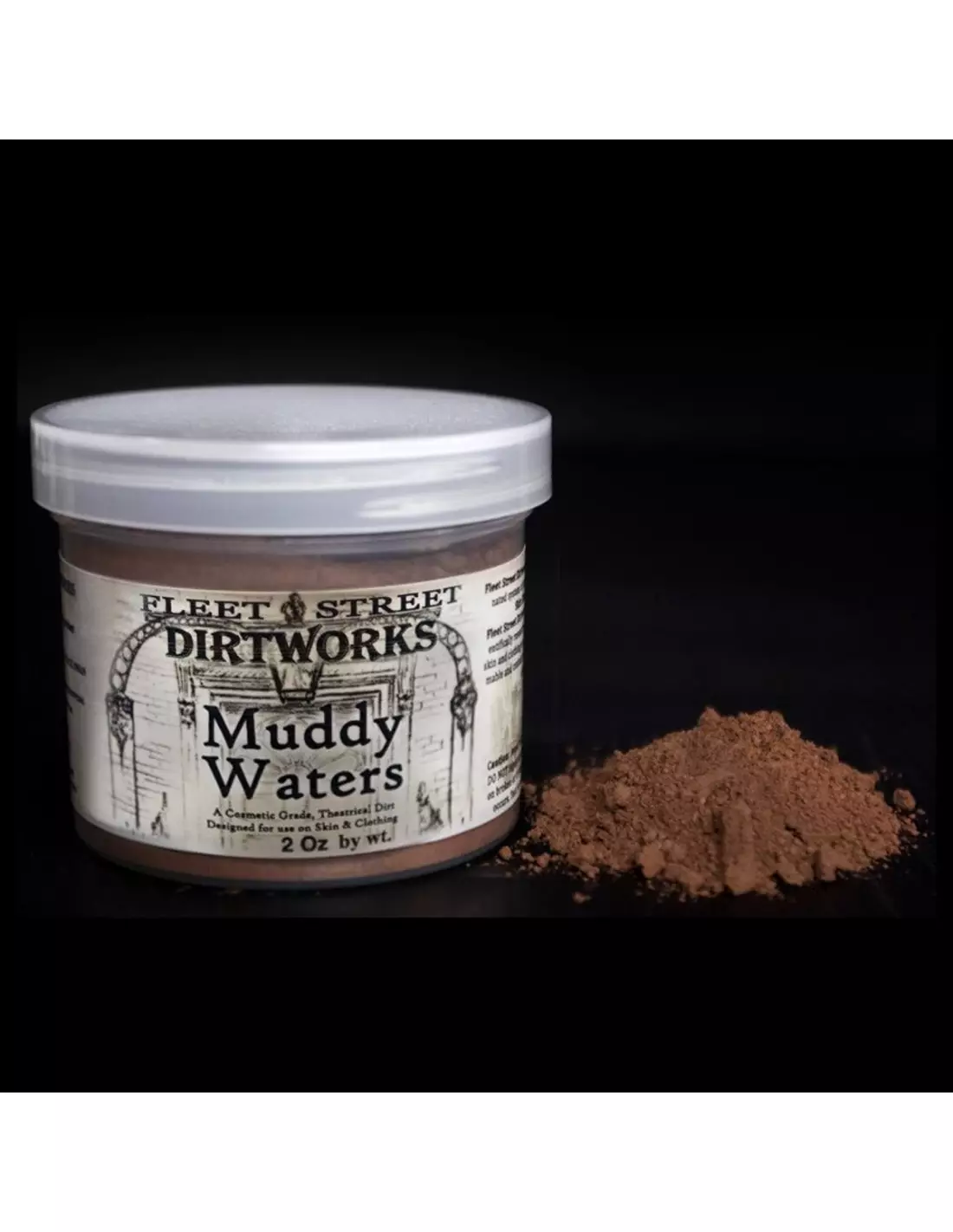
Fleet Street DirtWorks Powders are a powder colour system specifically designed to create dirt, grime and ageing effects on skin. Free from talc, silica and walnut shell, they are the safest dirt-effect powders on the market: use them alone or in combination with Skin Illustrator palettes and liquids for greater complexity and realism.
Technical specifications
| Feature |
Detail |
| Format |
Loose powder |
| Use |
Direct application on skin or over base makeup |
| Safety |
No talc, no silica, no walnut shell |
| Skin safe |
Yes |
| Compatibility |
Skin Illustrator Palettes, Skin Illustrator Liquids, Skin Illustrator Glazing Gels, DirtWorks Grime Sprays |
| Recommended applicator |
Fleet Street DirtWorks Dirt Bag |
What it's used for
DirtWorks are designed for special effects makeup artists, character designers and artists working in film, television and theatre who need to simulate dirt, dust, grime or skin ageing quickly and safely. They are also useful in artistic makeup, photography and live-action roleplay where a "worn-down" look is part of the character design.
- Dirt and grime effects on skin for theatrical and film character work
- Skin ageing for period characters, survivors, zombies or vagrants
- Mattifying and shine reduction in special effects makeup
- Combination with Skin Illustrator Flesh Tone Palette to blend the dirt effect with the base skin tone
- Texture reinforcement on already-painted silicone prosthetics
- Use in combination with the Skin Illustrator Complexion Palette to tailor the dirt effect to different skin tones
- Dust and earth effects on darker tones using the Skin Illustrator Dark Fleshtone Palette
How to use
- Prepare the skin or surface with the base makeup and background colours you need (Skin Illustrator or another compatible system).
- Load the Fleet Street DirtWorks Dirt Bag with a small amount of DirtWorks powder.
- Apply by gently tapping onto the areas you want to dirty up: folds, wrinkles, facial hollows, neck, hands.
- Blend any excess with a clean soft-bristle brush or with the Dirt Bag itself, using light circular motions.
- Layer additional thin coats to increase the intensity of the effect or create tonal variation.
- If you want to set the result or add a wet texture, combine with Skin Illustrator Glazing Gels or DirtWorks Grime Sprays applied before or on top.
- To remove the product, clean with water and mild soap or with your usual makeup remover.
Tips and tricks
Work in thin layers
The key with DirtWorks is gradual build-up. A single thick layer looks artificial and can flake off easily. Apply a small amount of powder in several passes, checking the result under natural light or the set lighting between each layer.
Combine with a wet base for better adhesion
On bare skin, the powder settles well but may come off with sweat. If the actor will be sweating heavily or the session is long, first apply a base with Skin Illustrator Glazing Gel or a specific setting product: the powder will adhere better and last longer without touch-ups. On silicone prosthetics, always apply it over already-set paint.
Reserve different mixes per area
Real dirt is not uniform: the temples, neck and nasolabial folds accumulate more than the forehead or cheeks. Load your Dirt Bag with different amounts of powder and work area by area so the effect has visual coherence. If you need a more earthy or more greyish tone, blend the powder directly in the container before loading the applicator.
Frequently asked questions
Is this type of powder safe to use directly on skin?
Yes. Fleet Street DirtWorks Powders are formulated without talc, crystalline silica or walnut shell — common ingredients in other character-makeup powders that can be irritating or harmful when inhaled. They are suitable for direct application on healthy skin.
Can I use it without any other makeup product?
Yes, DirtWorks work as a standalone product applied directly to skin. However, the result is more realistic and longer-lasting when combined with a colour base (such as Skin Illustrator palettes) that contextualises the dirt effect.
What type of applicator works best?
The recommended applicator is the Fleet Street DirtWorks Dirt Bag, a porous pouch designed to distribute the powder evenly and in a controlled manner. You can also use dense-bristle powder brushes or latex sponges for more targeted work.
Can it be applied over silicone prosthetics?
Yes. DirtWorks are a standard finishing complement for platinum silicone prosthetics. Always apply them as the last step, over already-set paint, to matt down residual shine and add a dirt texture that blends the prosthetic with the surrounding skin.
How is the product removed at the end of the day?
Fleet Street DirtWorks Powders are easily removed with water and mild soap or with your usual makeup remover from your workflow. They do not require specific solvents or harsh products.
Is it compatible with any special effects makeup system?
It is specifically optimised to work with the entire Skin Illustrator range: palettes, liquids and Glazing Gels. It is also compatible with DirtWorks Grime Sprays for more complex effects. In general, it can be used over any dry and set makeup base, although optimal compatibility is with the Fleet Street / Skin Illustrator ecosystem.
How much do I need for a full character?
It depends on the extent of the effect (face, neck, arms, body) and the desired intensity. For a moderate facial dirt effect on a single character, a small amount is sufficient. The product goes a long way thanks to its loose powder format and thin-layer application.
Can I mix different powder shades to customise the dirt colour?
Yes. You can mix different variants or combine the powder with compatible dry pigments to create custom shades (more reddish earth, more greyish charcoal, etc.). Do this directly in the applicator container before loading the Dirt Bag.