Shopping Cart


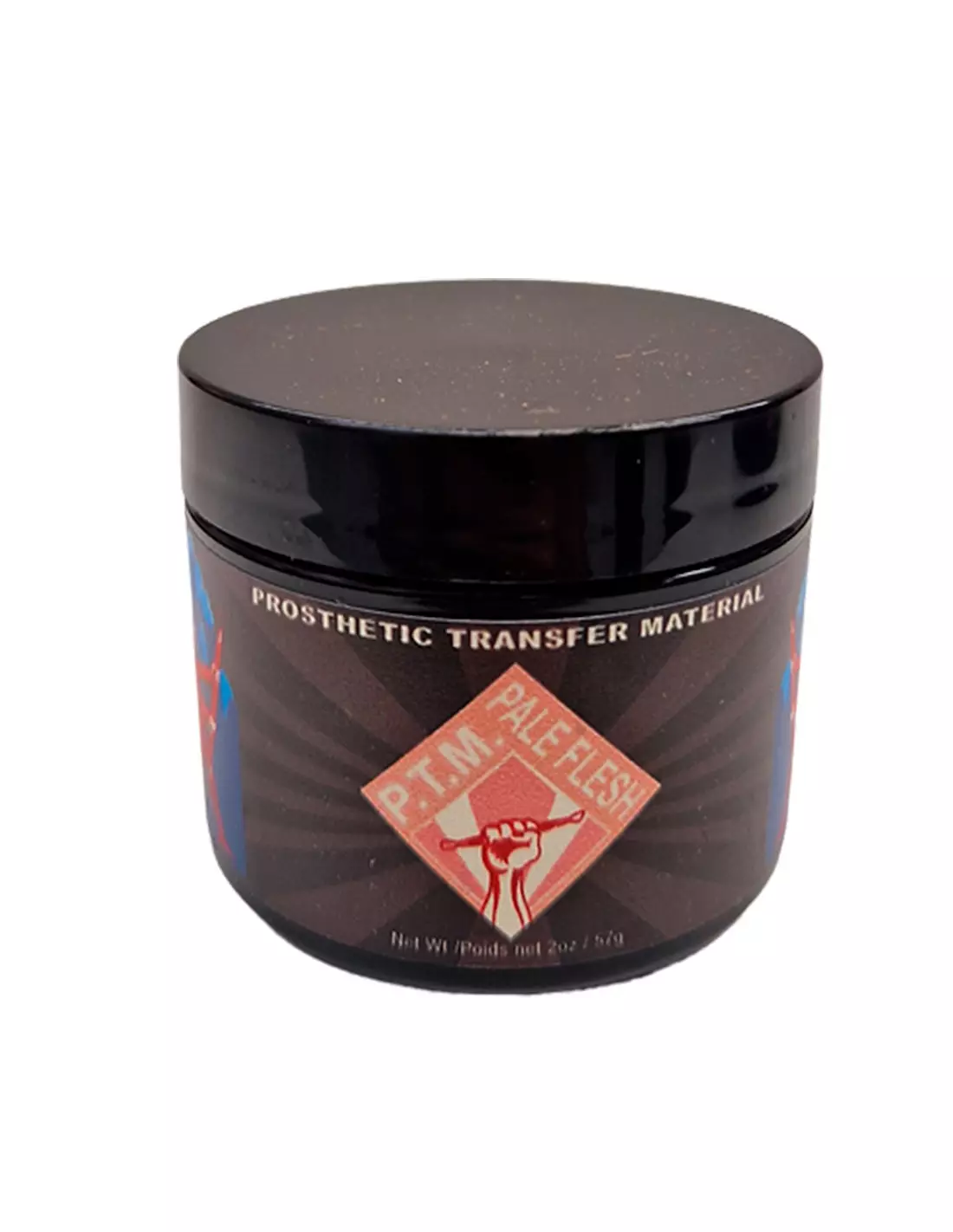
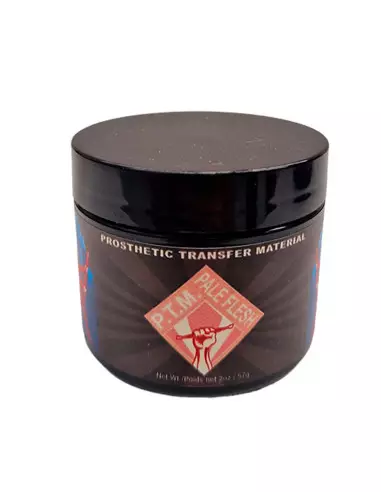
PTM - Pale Flesh
591400500
€35.00
42,35 € Tax incl.
42,35 € Tax incl.
PTM Pale Flesh, light caucasian skin tone formulated by Christien Tinsley. Ideal for high-quality SFX prosthetic transfers.
PTM Pale Flesh is a next-generation flesh tone formulation designed specifically for creating prosthetic transfers and special effects. Developed by renowned professional Christien Tinsley, this reference offers a light caucasian skin tone noticeably whiter than Light Flesh, with the right balance of white and pink pigment to blend naturally on fair skin with minimal blush correction.
Technical specifications
| Feature | Detail |
|---|---|
| Colour | Pale Flesh (pale skin tone) |
| Formulator | Christien Tinsley |
| Product type | PTM (Prosthetic Transfer Material) |
| Main use | Creating transfers for prosthetics and SFX |
| Compatible skin tones | Light caucasian skin |
| Availability | Two sizes |
What it's used for
PTM Pale Flesh is designed for character makeup, special effects and prosthetic makeup professionals who need skin transfers with a completely natural appearance on fair skin tones. Its formulation allows you to create transfer elements directly on PTM-specific paper, ready to apply on the actor's or model's skin.
- Creating prosthetic transfers for film, television and theatre
- Special effects makeup (SFX) with a realistic finish
- Character makeup requiring a pale or light caucasian skin tone
- Prosthetic makeup applications in low and high budget productions
- Training practice in artistic makeup and SFX schools
- Blending with other PTM references to create custom tone gradients
How to use it
- Prepare your work surface and have the PTM transfer paper from Neill's Materials to hand.
- Spread PTM Pale Flesh onto the transfer paper in thin, even layers, following the design of the prosthetic or element you want to create.
- If you need to adjust the tone, blend with PTM Clear to lighten or with PTM Light Flesh for a slightly warmer tone.
- Allow each layer to dry completely before applying the next to achieve the desired thickness and opacity.
- Once the transfer is dry, cut it to the required shape.
- Apply the transfer to clean, dry skin, pressing gently to ensure adhesion.
- Carefully remove the backing paper and seal the transfer with a suitable makeup or fixing product.
- Add the minimum blush details needed to blend the tone with the actor's skin.
Tips for use
Thin layers for greater realism
Apply PTM in very thin layers and allow to dry between each one. Thin layers provide greater translucency and a more natural finish than a single thick layer. This is especially important with Pale Flesh, whose high white pigment content can appear opaque if applied too heavily.
Mixing tones to customise
Pale Flesh is the perfect base for very fair skin, but you can fine-tune the tone by blending it with PTM Clear if you need greater transparency, or with PTM Light Flesh to add a rosy warmth. Always do a skin tone test on the actor before production.
Storage and preservation
Keep the container tightly closed when not in use and store at room temperature, away from heat sources and direct sunlight. Before each use, shake or stir the product well to ensure the pigments are properly dispersed.
Frequently asked questions
What paper should I use to create transfers with PTM?
For best results with PTM Pale Flesh you need the PTM and tattoo-specific transfer paper from Neill's Materials, available at Feroca in a pack of 10 A4 sheets. This paper is formulated to release the transfer correctly onto skin without damaging the integrity of the material.
Can I mix different PTM tones together?
Yes. PTM Pale Flesh is fully compatible with all other PTM references in the Feroca catalogue. You can blend it with PTM Clear to reduce opacity or with PTM Light Flesh for a warmer intermediate tone. Mixing allows you to customise the tone precisely for each actor.
What skin type is this tone best suited for?
PTM Pale Flesh is formulated to blend naturally with light caucasian skin tones. It is noticeably whiter than the Light Flesh tone, making it ideal for very pale skin or when portraying characters with a sickly, ghostly or period appearance. It requires very little blush correction for a convincing finish.
How many layers should I apply for a good result?
The number of layers depends on the desired effect. Generally, two to four thin layers provide an optimal balance between opacity and transfer flexibility. Applying too many layers can make the transfer stiffer and harder to integrate onto skin.
How long should I leave each layer to dry?
Allow each layer to dry completely before applying the next. Drying time varies depending on layer thickness, temperature and ambient humidity, but typically ranges from a few minutes to about fifteen minutes. The material is ready when it loses its wet, shiny appearance.
How does the transfer adhere to skin?
Once the transfer is dry and cut on the paper, it is applied directly to clean, dry, grease-free skin. Press gently so the material makes contact with the skin and remove the backing paper. For greater durability, seal with a suitable fixing product for prosthetic makeup.
Is the product available in different sizes?
Yes, PTM Pale Flesh is available in two container sizes, making it suitable for both one-off projects and productions with a higher workload. Check the available options on the Feroca product page.
Who developed the PTM formula?
The PTM (Prosthetic Transfer Material) line was developed by Christien Tinsley, one of the most recognised professionals in the special and prosthetic makeup industry worldwide. His formulation is specifically designed to facilitate the creation of high-quality transfers with a realistic and professional result.
No reviews
Tap to zoom