Shopping Cart



3D Scanner Creality Otter
220100800
**AVAILABLE UPON REQUEST
€900.00
1.089,00 € Tax incl.
1.089,00 € Tax incl.
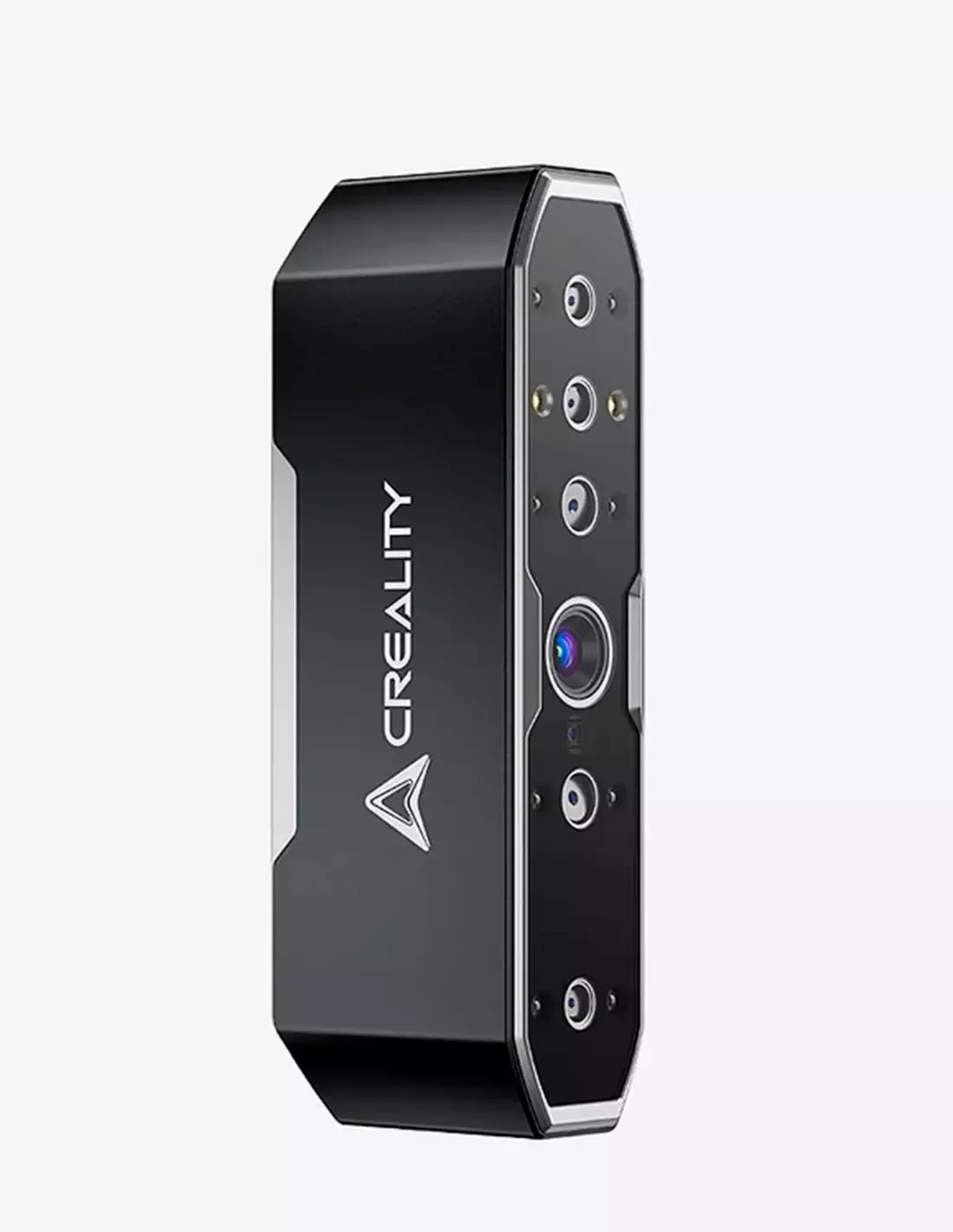
Portable Creality Otter 3D scanner with 0.02 mm accuracy, spray-free scanning, 24-bit colour capture and a range of 10 to 2000 mm.
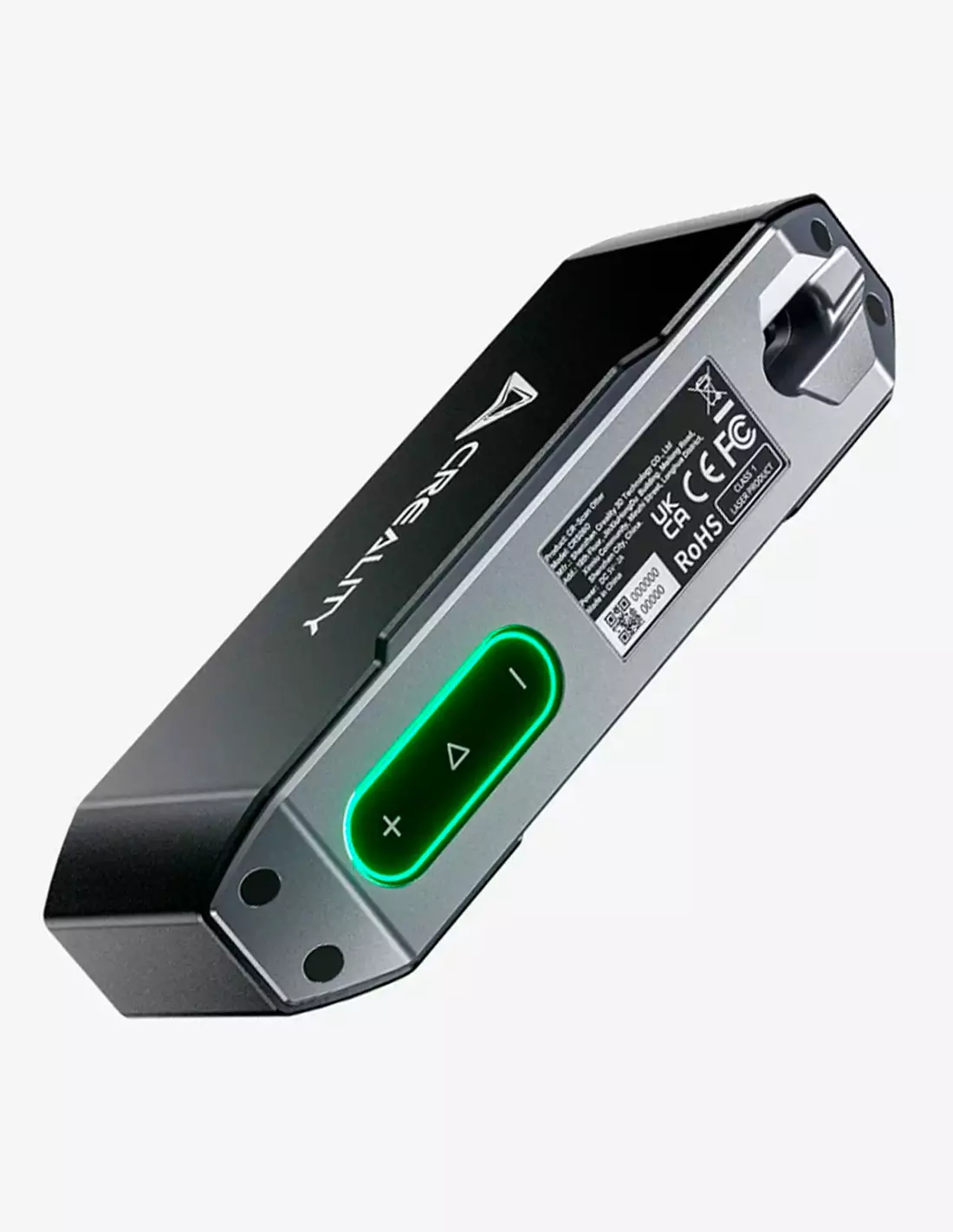
The Creality Otter is a portable 3D scanner designed for professionals and advanced users who need high-precision captures without complex preparation. With a four-lens stereo vision system and accuracy up to 0.02 mm, it digitises objects from 10 mm to 2000 mm, including black or metallic surfaces with no contrast spray required.
Technical specifications
| Feature | Value |
|---|---|
| Accuracy | Up to 0.02 mm |
| Optical system | Stereo vision with 4 lenses |
| Scanning range | 10 mm – 2000 mm |
| Colour capture | 24-bit (full colour) |
| Spray-free scanning | Yes (including black and metallic surfaces) |
| Type | Handheld portable |
| Stabilisation | Advanced, smooth and continuous scanning |
What it's used for
The Creality Otter is designed for any professional workflow where you need to convert a physical object into a digital model with fidelity and speed. Its applications range from part reproduction to the creation of 3D content for special effects and artistic production.
- Digitising sculptures and models for moulding or 3D printing
- Capturing human anatomy (head, hands, body) for FX prosthetics or character design
- Reverse engineering of mechanical or industrial parts
- Documentation and archiving of unique pieces or artistic heritage
- Creating 3D assets for video games, animation and audiovisual production
- Dimensional quality control in workshop or factory
- Integration into 3D printing and CNC milling workflows
How to use it
- Connect the scanner to a compatible computer or device and install the management software (Creality Scan or compatible).
- Place the object to be scanned on a stable surface or on a turntable if the object allows it.
- Select the appropriate scanning mode based on the size and surface type of the object (object mode, head mode, body mode, etc.).
- Start scanning and move the scanner slowly around the object, maintaining an optimal working distance. The stabilisation system will compensate for sudden movements.
- Review the point cloud generated on screen in real time and make sure to cover all areas of the object, especially cavities and edges.
- Once the scan is complete, apply the mesh fusion and optimisation process in the software.
- Export the model in the required format (OBJ, STL, PLY, etc.) for use in your workflow.
Usage tips
Object preparation
Although the Creality Otter works without spray even on black or metallic surfaces, highly reflective or transparent objects may produce incomplete data. In those cases, a light coat of temporary scanning spray or the placement of reference markers noticeably improves the quality of the final result.
Lighting and environment
Work in an environment with diffuse and consistent lighting. Direct sunlight or intense spotlights can interfere with the optical sensors and reduce scanning accuracy. If capturing colour in 24-bit, balanced lighting is especially important for obtaining faithful textures.
Integration with moulding and FX workflows
In special effects production, the Creality Otter is a key tool for digitising heads, hands or anatomical parts that are later sculpted and moulded in silicone or resin. The resulting 3D model can be used to print negative moulds, generate reference positives, or design custom-fitted prosthetics before moving on to the physical work with workshop materials.
Frequently asked questions
Is it necessary to apply contrast spray before scanning?
No. The Creality Otter is designed to work without contrast spray, including black, metallic or low-reflectance surfaces. On highly transparent objects or those with intense specular reflections, a light temporary surface treatment can improve results, but it is not necessary in the vast majority of situations.
What is the minimum and maximum object size I can scan?
The Creality Otter scanning range goes from 10 mm to 2000 mm, making it suitable for both small parts such as buttons or jewellery details, and large objects such as busts, panels or medium-sized furniture.
Can I capture colour with this scanner?
Yes. The Creality Otter captures texture and colour in 24-bit, allowing you to obtain models with full chromatic information — useful for documentation, realistic visualisation, digital content production, or makeup and paint reference in special effects work.
What software does it work with?
The scanner is compatible with Creality Scan software and other point cloud and 3D mesh processing applications. Standard export formats (STL, OBJ, PLY) ensure integration with modelling, 3D printing and CNC milling programmes.
What sets this scanner apart from other models in a similar range?
The Creality Otter stands out with its four-lens stereo vision system, which provides greater stability and continuity during scanning compared to two-lens systems. Its ability to work without spray on difficult surfaces and its 0.02 mm accuracy place it at a competitive level for professional use. If you need to compare with other options available at Feroca, you can check the Escáner 3D Revopoint Miraco or the Escáner 3D Revopoint POP 3.
Is it suitable for scanning people or body parts?
Yes. The Creality Otter can be used to scan heads, hands and other body parts, making it especially useful in special effects production, FX prosthetics design or character creation for animation and video games. The advanced stabilisation helps capture subjects that are not completely still.
Can I use the scanned model directly for 3D printing or making a mould?
Yes, although the model typically requires a mesh cleaning and optimisation process in the software before sending it to print or using it as a base for mould design. The scan output is a polygon mesh that you can edit with 3D modelling programmes before moving on to physical production.
Do I need specialist training to use it?
The Creality Otter is aimed at users with basic knowledge of 3D workflows. It does not require advanced technical training to achieve good results, although becoming familiar with mesh processing software makes it easier to get the most out of the scanner's accuracy.
No reviews
Tap to zoom