Shopping Cart



3D Scanner Revopoint Miraco
220100710
Temporarily out of stock
€1,210.00
1.464,10 € Tax incl.
1.464,10 € Tax incl.
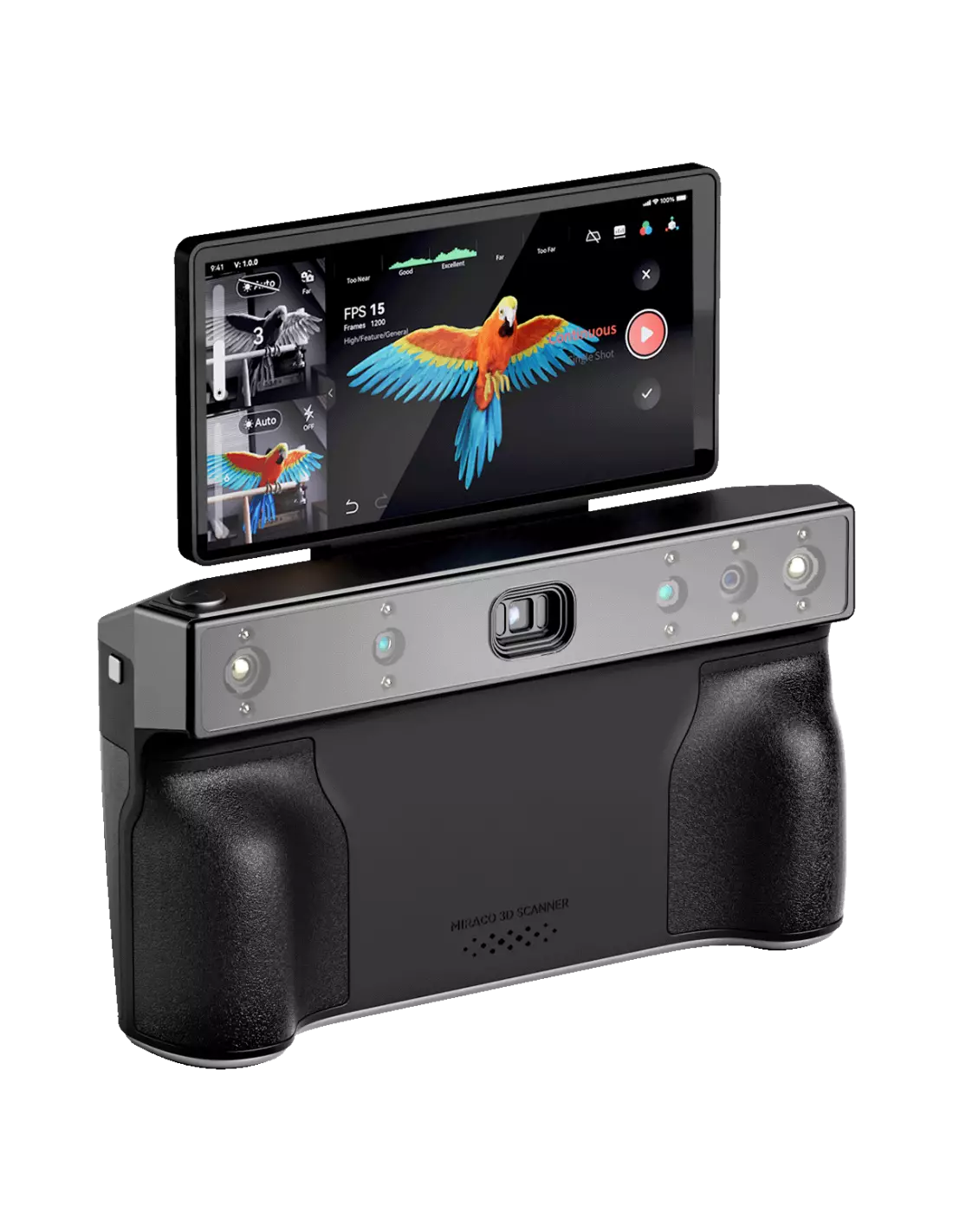
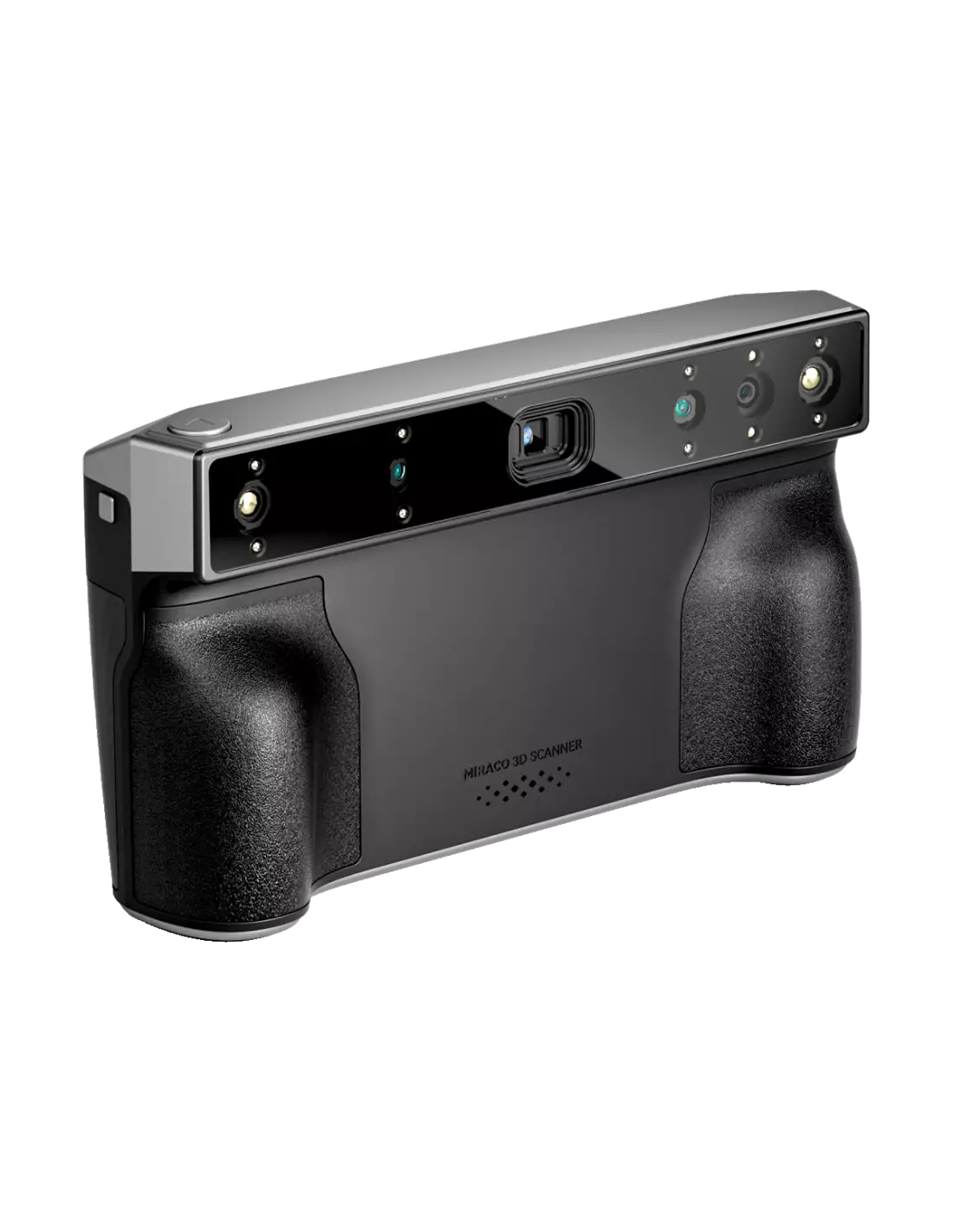
Revopoint Miraco portable 3D scanner. No PC or smartphone required. Precision up to 0.02 mm, 48 MP camera and 2 hours battery life.
The Revopoint Miraco is a high-precision autonomous 3D scanner that works completely independently: no computer or smartphone required during the capture process. With accuracy up to 0.02 mm and an integrated 48-megapixel camera, it is a professional tool designed for those working in design, prosthetics, special effects, restoration or reverse engineering who need reliable results directly in the field.
Technical specifications
| Precision | Up to 0.02 mm |
|---|---|
| Accuracy | Up to 0.05 mm |
| Color camera | 48 megapixels |
| Battery life | 2 hours of continuous scanning |
| Scanning modes | Single scan and continuous scan |
| Connectivity | Autonomous (no PC or smartphone required) |
What it's used for
The Miraco is designed for professionals and semi-professionals who need to capture real geometries in digital format with high fidelity. Its applications range from the special effects workshop to the industrial design studio:
- Digitising sculptures and clay or foam models for subsequent processing in 3D software
- Creating digital bases for FX prosthetics from the actual anatomy of the actor or model
- Reverse engineering of mechanical or artistic parts
- Documentation and archiving of unique pieces, original sculptures or prop elements
- Scanning objects of large and small size thanks to its adaptable capture modes
- Dimensional quality control in production or artisan manufacturing
- Generating meshes for direct 3D printing or CNC milling
How to use it
- Fully charge the Miraco before the session to ensure maximum battery life of 2 hours.
- Turn on the device and select the appropriate scanning mode: single for small or static objects, continuous for wider coverage.
- Place the object to be scanned on a stable surface or use the turntable if the object allows it.
- Point the scanner at the object and adjust the working distance according to the Miraco's integrated screen indicators.
- Start the scan and move the device slowly and evenly to capture all areas of interest.
- Review the point cloud in real time directly on the scanner's screen to detect areas with missing data.
- Finish the capture and export the mesh file from the device itself or connect it to the computer to process it in REVOSCAN software.
- Clean and optimise the mesh in the software before sending it to printing, milling or your workshop workflow.
Usage tips
Prepare the object surface properly
Highly reflective, transparent or deep black surfaces make data capture difficult. If you are scanning a silicone or latex sculpture, or any material with a glossy finish, apply a matte powder thinly and evenly over the piece before scanning. This noticeably improves the quality of the point cloud without damaging the original.
Control ambient lighting
Direct sunlight or very intense spotlights can interfere with the Miraco's sensors. Work in an environment with diffuse and consistent lighting. If scanning outdoors, find shade or wait for even light to get better results.
Use continuous mode for large-format objects
For scanning full heads, torsos or large-format prop structures, continuous scanning mode is the most efficient. Maintain a slow, steady movement speed and always overlap previous passes so the software can correctly align the frames.
Frequently asked questions
Can I scan without connecting it to a computer?
Yes. The Revopoint Miraco is completely autonomous during capture. You do not need any computer or smartphone to scan. The integrated screen shows you the point cloud in real time and stores the data directly on the device. A computer connection is only necessary if you want to process or export the mesh using REVOSCAN software.
What size objects can I scan?
The Miraco is versatile and allows scanning of both small objects (jewellery pieces, miniatures, prosthetic details) and large-format elements (heads, torsos, full figures). For very small objects it is recommended to use single scanning mode with short distances; for large objects, continuous mode offers greater coverage.
What precision does this scanner offer?
The Revopoint Miraco achieves precision up to 0.02 mm and accuracy up to 0.05 mm. This makes it suitable for demanding applications such as creating FX prosthetics, dimensional quality control of parts or digitising sculptures with fine surface details.
How long does the battery last?
The Miraco's battery offers up to 2 hours of continuous scanning on a full charge and features fast charging. For long field sessions, it is recommended to carry a compatible external battery or plan recharging breaks.
Can I capture colour in the scan?
Yes. The Miraco incorporates a 48-megapixel camera that captures the surface colour of the object during scanning. This allows you to obtain meshes with realistic colour texture, very useful for documentation, special effects or design presentations.
What software do I need to process the scans?
Revopoint includes REVOSCAN software, compatible with Windows and Mac, for cleaning, merging and exporting meshes. The capture process does not require external software, but to optimise the mesh and export it in formats such as OBJ, STL or PLY you will need to install it on your computer.
Does it work well with silicone or latex materials?
Translucent or glossy materials, such as some silicones or unpigmented latex, can make capture difficult. The simplest solution is to apply a superficial matte powder before scanning. Once scanning is complete, the powder is easily removed without damaging the piece.
How does it differ from other portable scanners?
The main difference of the Miraco compared to other portable scanners is its total autonomy: it works without depending on any external device during capture. It also combines high precision (0.02 mm), a 48 MP camera for true colour and two scanning modes in a single compact device. If you are looking for a more affordable alternative to get started, Feroca also has the Revopoint POP 3 or the Creality Otter available.
No reviews
Tap to zoom