Shopping Cart


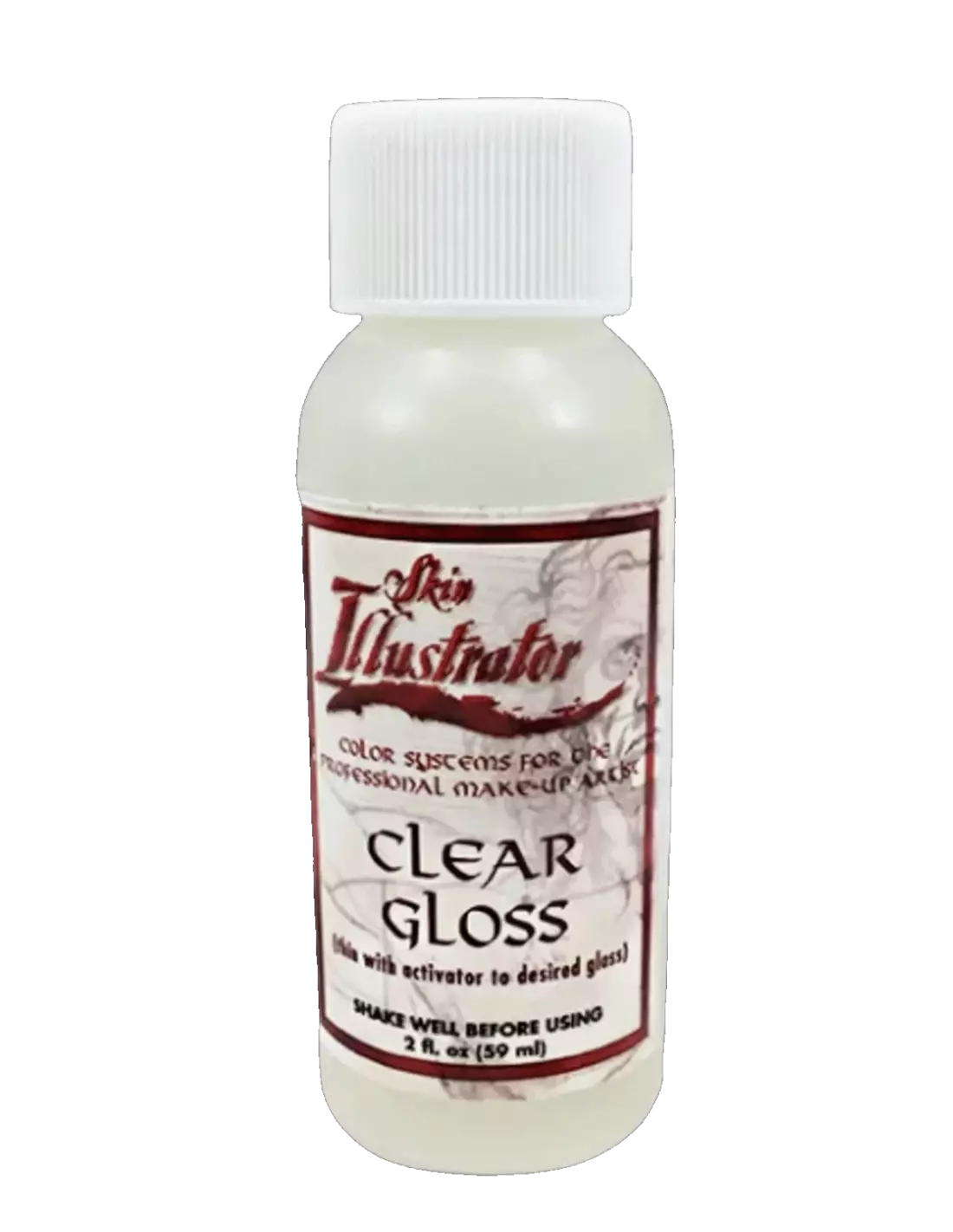
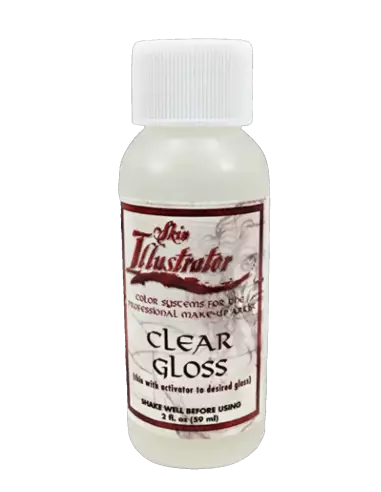
Skin Illustrator Clear Gloss 60ml 2oz
270065000
€32.00
38,72 € Tax incl.
38,72 € Tax incl.
Ultra-gloss glass-like finish for special effects makeup on skin. Dries in 1-2 min per coat. 60 ml bottle.
Skin Illustrator Clear Gloss is an ultra-high-gloss finishing product originally developed by Oscar-winning makeup artist Ve Neill for the film AI: Artificial Intelligence. It is formulated to create a glass or mannequin effect on skin, ideal for high-end special effects. With a drying time of 1 to 2 minutes per coat, it allows the effect to be built up in a controlled, progressive manner.
Technical specifications
| Feature | Value |
|---|---|
| Finish | Glossy (glass-like) |
| Drying time per coat | 1-2 minutes |
| Volume | 60 ml / 2 oz |
| Application | Brush or airbrush |
| Use | On skin, special effects and FX makeup |
What it is used for
Clear Gloss is designed to create high-end visual effects in film, television, theatre and photography production. Its glass-like finish makes it an essential tool whenever the goal is to replicate the look of non-organic materials on skin.
- Mannequin or porcelain doll effect on the face or body
- High-gloss glass finish in special effects makeup
- Creating robotic, android or synthetic appearances
- Gloss finishing on latex or foam latex prosthetics
- Film production, music videos and artistic photography sessions
- Selective zone coverage for matte/gloss contrast effects using products such as HD Matting Spray Clear
How to use it
- Prepare the skin, making sure it is clean and dry. The base makeup must be completely set before applying Clear Gloss.
- Pour a small amount of product onto a palette or clean container.
- Apply a first thin coat with a flat-tip brush or with an airbrush for greater uniformity.
- Allow to dry for 1 to 2 minutes before applying the next coat.
- Repeat the process, adding progressive coats until the desired level of gloss and depth is achieved.
- Avoid applying the product inside the nasolabial folds (smile lines) so that the model can move and speak naturally without the effect cracking.
- If you want to alternate glossy areas with matte areas, combine it with HD Matting Spray Clear or HD Matting Spray Shinto on areas that should not shine.
Usage tips
Airbrush vs brush
Although the product can be applied with a brush, the airbrush provides more uniform coverage and eliminates brushstroke marks, resulting in a smoother, more photogenic finish. If using a brush, opt for one with synthetic bristles and apply with minimal pressure to avoid dragging previous coats.
Areas to avoid for greater durability
The most valued tip among professionals working with this product is to avoid applying it to areas of maximum facial movement: the inside of the nasolabial folds, the corners of the lips and the upper eyelids. Keeping those areas clear ensures the effect remains intact throughout the entire session, even when the model talks or gestures.
Combining with other finishes
To achieve a realistic synthetic skin or android effect, the key lies in contrast. Apply Clear Gloss on the natural highlight points of the face (forehead, cheekbones, nose, chin) and use HD Matting Spray Clear on shadow areas. You can also explore Skin Illustrator Glazing Gels if you need a glossy finish with additional colour or texture.
Frequently asked questions
Is this type of product safe to apply directly on skin?
Yes. Skin Illustrator Clear Gloss is specifically formulated for use on skin in professional special effects makeup contexts. Even so, as with any cosmetic product used on set, it is recommended to carry out a patch test on a small area before full application, especially on sensitive skin.
How many coats are needed to achieve the full gloss effect?
It depends on the level of gloss sought. In most applications, between 2 and 4 coats are sufficient to achieve a glass-like finish. Each coat must dry for 1 to 2 minutes before applying the next. For more extreme effects, additional coats can be added without any problem.
Can it be applied over latex or foam latex prosthetics?
Yes. Clear Gloss works well over prosthetics that are already painted and sealed. Make sure the prosthetic paint is completely dry and set before applying the gloss, to prevent the product's solvent from affecting the underlying layers.
Is it compatible with an airbrush?
Yes, and in fact it is the recommended tool. The airbrush allows the product to be distributed very uniformly and in a controlled manner, especially on large surfaces or in areas difficult to reach with a brush. Use low pressure to prevent the product from pooling in specific areas.
What is the difference between this product and the Glazing Gels?
The Skin Illustrator Glazing Gels have a denser texture and can include pigmentation or colour effects. Clear Gloss is completely transparent and of a more fluid consistency, designed exclusively to add gloss without adding colour, making it ideal for working over already-finished makeup.
How is the product removed at the end of the session?
Clear Gloss is removed with standard professional on-set makeup removers, such as oils or cosmetic-grade micellar cleansers. On areas where several coats have been applied, a couple of passes may be needed to remove the product completely.
Can it be used to create sweat or wet skin effects?
Yes. Although its primary function is the mannequin or android effect, in controlled doses applied selectively, Clear Gloss can convincingly simulate a wet or sweaty skin finish. In that case, apply a single thin coat rather than several.
No reviews
Tap to zoom