Shopping Cart



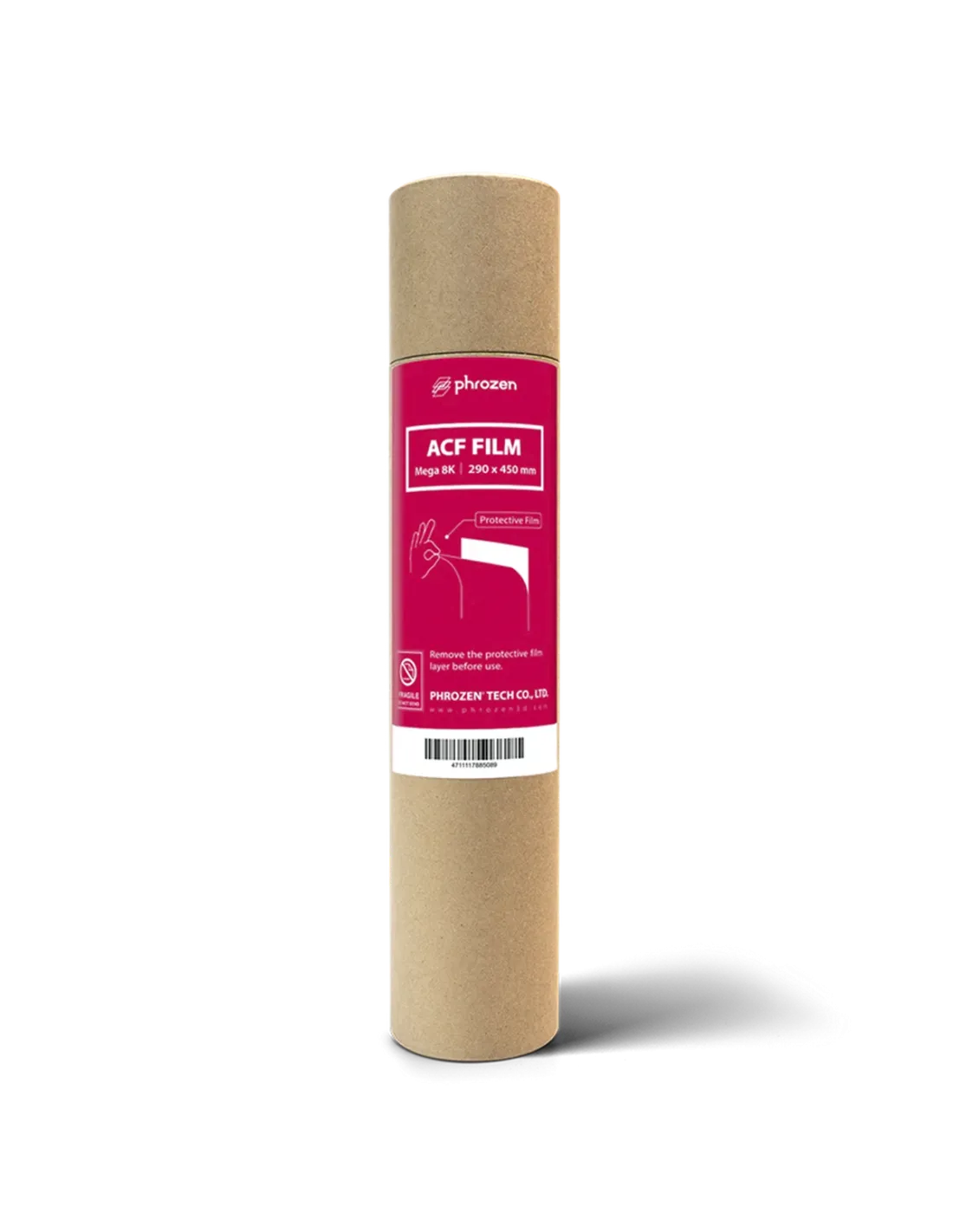
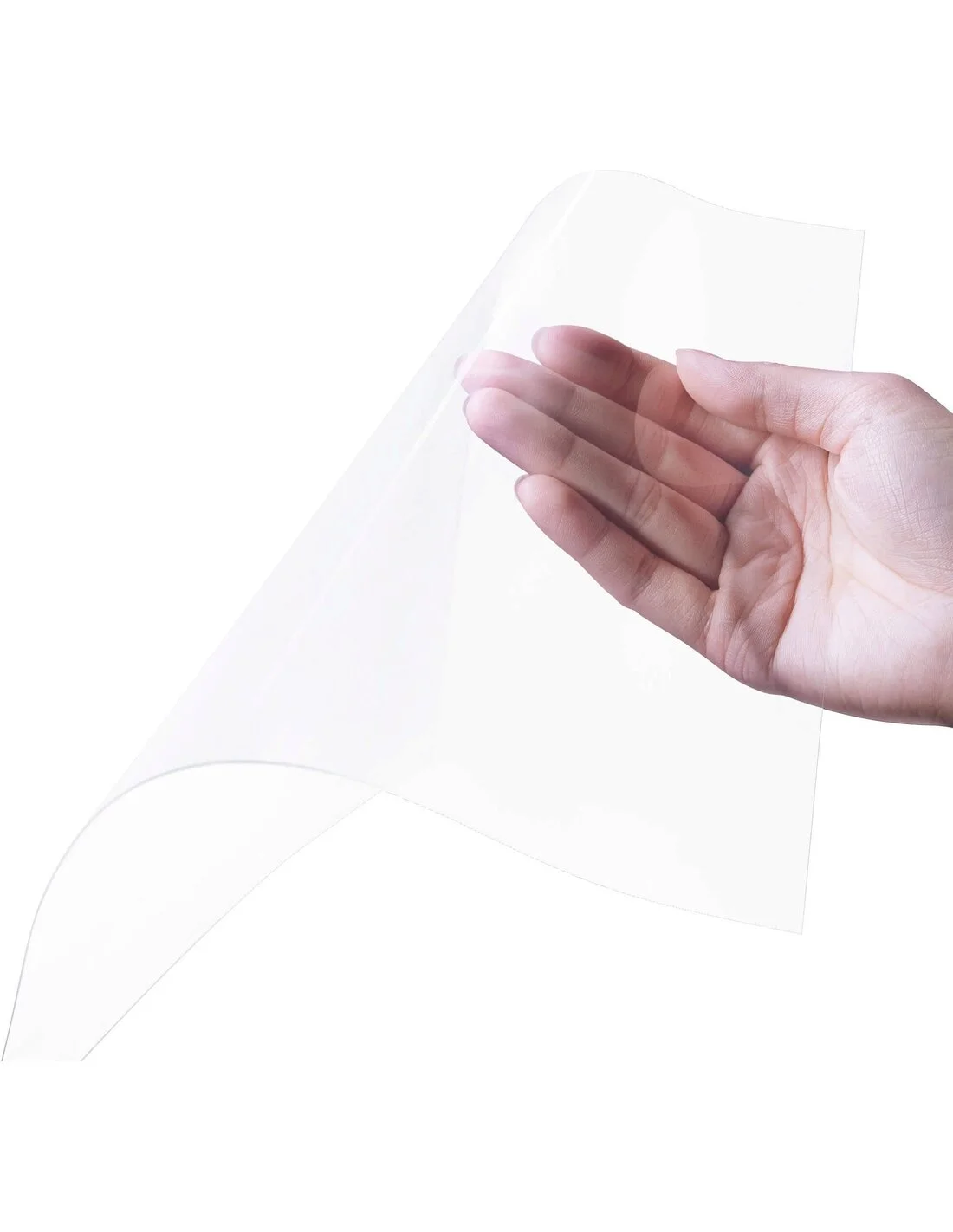
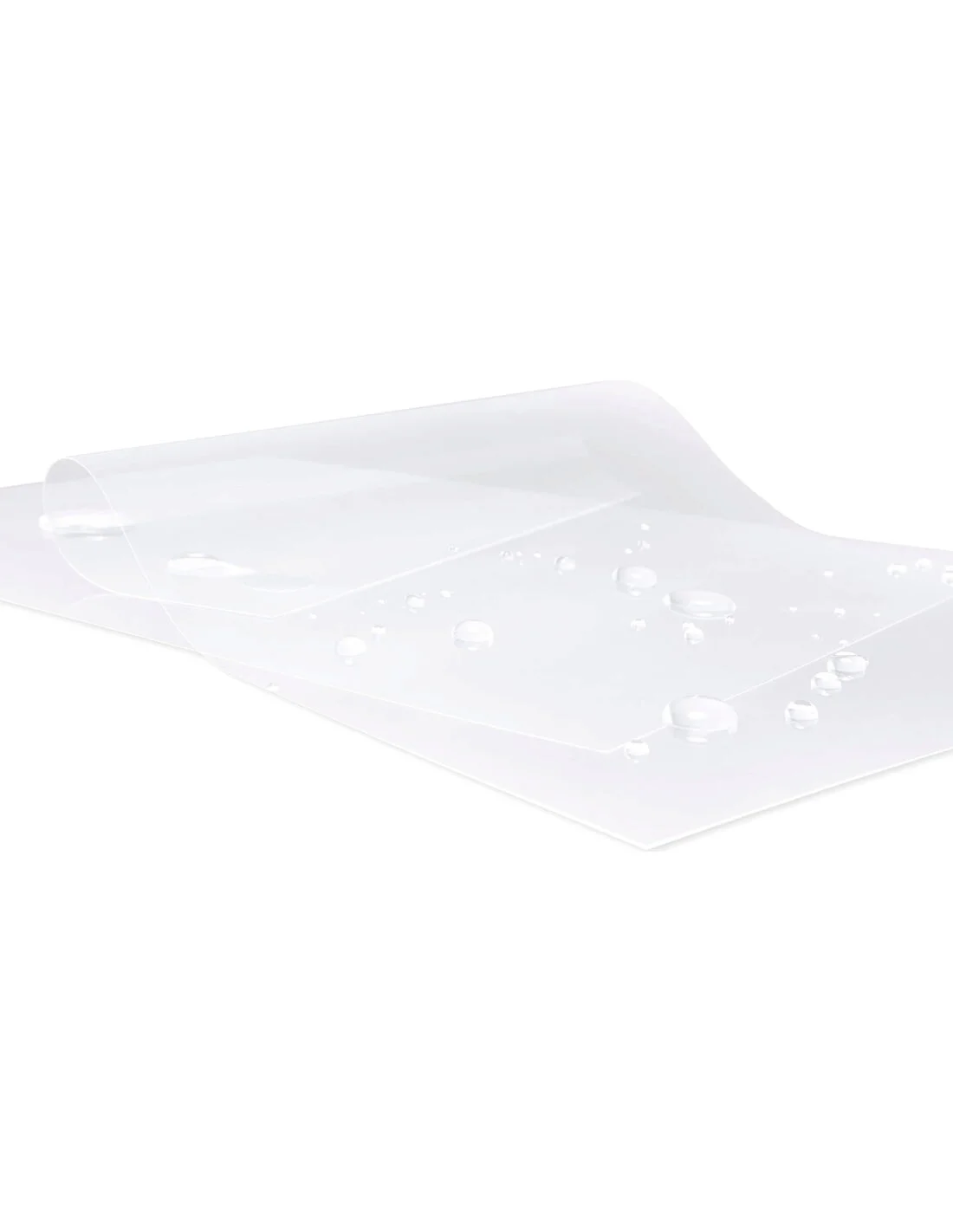
Film ACF Phrozen 450x290 mm - Sonic Mega 8K/8K S
220120231
€50.00
60,50 € Tax incl.
60,50 € Tax incl.
Phrozen ACF film 450x290 mm, 300 microns, for Sonic Mega 8K and 8K S. Smoother and less adhesive than FEP/nFEP: cleaner release and faster print speeds.
The original Phrozen ACF film for the Sonic Mega 8K and Sonic Mega 8K S printers is the consumable that makes the difference when you need to print large parts with precision and without adhesion issues. Its composite surface with non-stick coating is significantly smoother than FEP and nFEP (PFA) films, which translates into cleaner part release, faster print speeds and better LCD screen protection.
Technical specifications
| Material | ACF (composite film with non-stick coating) |
|---|---|
| Color | Transparent |
| Thickness | 300 microns (0.3 mm) |
| Dimensions | 450 x 290 mm |
| Compatible printers | Phrozen Sonic Mega 8K / Sonic Mega 8K S |
| Presentation | 1 unit or pack of 3 units |
| Manufacturer reference (pack of 3) | 63010050142002 |
| Mounting orientation | Shiny side facing the resin vat / matte side facing the LCD screen |
What it's used for
This ACF film is the contact consumable between the resin and the LCD screen of your printer. It replaces the nFEP (PFA) film or the standard FEP film when you want to improve print performance, especially on large-format projects. Its main applications include:
- Printing large-scale models with large per-layer contact surfaces
- Reducing supports on complex models thanks to lower peel force
- Dental and jewellery printing, where surface precision is critical
- Series production or intensive use where higher print speeds are required
- Replacing worn film to protect the printer's LCD screen
How to use it
- Remove the resin vat from the printer and empty it. Clean resin residues with 99.9% isopropyl alcohol. Wear nitrile gloves throughout the process.
- Loosen the screws on the tensioning frame holding the current film and carefully remove the old film without scratching the vat.
- Thoroughly clean the frame and the vat to remove any resin residue or dirt.
- Place the new ACF film over the vat, correctly identifying the sides: the shiny side must face upwards (towards the resin) and the matte side downwards (towards the LCD screen).
- Tension the film evenly from the edges while tightening the frame screws in a cross pattern, to avoid wrinkles or loose areas.
- Check that the film is perfectly flat and wrinkle-free before reassembling the vat onto the printer.
- Run a test print to verify correct operation before starting long jobs.
Usage tips
When it's time to replace the film
The ACF film is a consumable and its service life depends on print volume. Replace it when you notice any of these symptoms: loss of tension (the film sags), visible scratches, increasing opacity that reduces UV light transmission, or persistent marks from parts that have stuck. Don't wait for it to fail completely: a film in poor condition can damage the LCD screen, which is far more costly to repair. Check the condition of the LCD screen protective film at the same time.
Take advantage of the lower peel force
ACF allows you to reduce the lift distance between layers and increase lift speed compared to what you would use with FEP or nFEP. Start with a moderate reduction (10–20%) and adjust based on results. This is especially worthwhile in long production runs or parts with large per-layer contact surfaces, where print time can be reduced significantly.
Handling and storage
Always handle the film with clean nitrile gloves: grease fingerprints can affect tensioning adhesion and UV light transmission. Store spare units in a dry place, away from direct sunlight and heat sources, protected in their original packaging. Avoid placing objects on top of stored film to prevent permanent creases.
Frequently asked questions
What is the difference between an ACF film and a FEP or nFEP film?
FEP and nFEP (PFA) films are the most widely used standard consumables. ACF is a composite film with a special non-stick coating that offers a smoother surface, easier part release and allows printing at higher speeds. In practice, this means fewer print failures on large parts, the possibility of reducing supports and less wear on the LCD screen by lowering separation forces.
Is it compatible with any 3D printing resin?
Yes, the Phrozen ACF film is compatible with virtually all standard photopolymer resins (standard, ABS-Like, water-washable, flexible, dental, casting...). It is not specific to any particular resin formulation.
How do I know when I need to replace the film?
There are several clear indicators: the film loses tension and sags, scratches or marks appear on the surface, it becomes progressively opaque, or you notice that parts are sticking more frequently. Any of these symptoms indicates it is time to replace it. Waiting too long increases the risk of cured resin damaging the LCD screen.
How often does the film need to be replaced?
It depends on print volume and the type of parts. With intensive use it may be necessary every few weeks; with occasional use it can last several months. There is no fixed number of hours or prints: periodic visual inspection is the best guide. Having spare units available (pack of 3) avoids unplanned downtime.
In which direction should the ACF film be mounted?
Orientation matters: the shiny side must face upwards, in contact with the resin in the vat, and the matte side downwards, facing the LCD screen. Mounting it the wrong way around can reduce its effectiveness and affect print quality.
Can I use this film with other large-format printers?
This film measures 450 x 290 mm and is designed specifically for the Phrozen Sonic Mega 8K and Sonic Mega 8K S printers. Before using it with another printer, check that the frame dimensions and tensioning system are compatible.
Are there any special risks when handling the film during installation?
The film itself presents no specific hazards, but during the replacement you will be in contact with photopolymer resin residues, which are irritating. Always wear nitrile gloves and work in a well-ventilated area. The isopropyl alcohol used for cleaning also requires basic precautions (keep away from flames, ensure ventilation).
Does the ACF film improve the surface quality of printed parts?
The smoother surface of ACF can contribute to a slightly better finish on the contact face of parts compared to conventional FEP films, although final surface quality depends primarily on screen resolution and print parameters. The most notable benefit is the reduction in peel force, rather than a dramatic improvement in resolution.
9788409105861
No reviews
Tap to zoom