Shopping Cart


Film Protector para Pantalla LCD, Sonic Mega 8K/S
220120400
€40.00
48,40 € Tax incl.
48,40 € Tax incl.
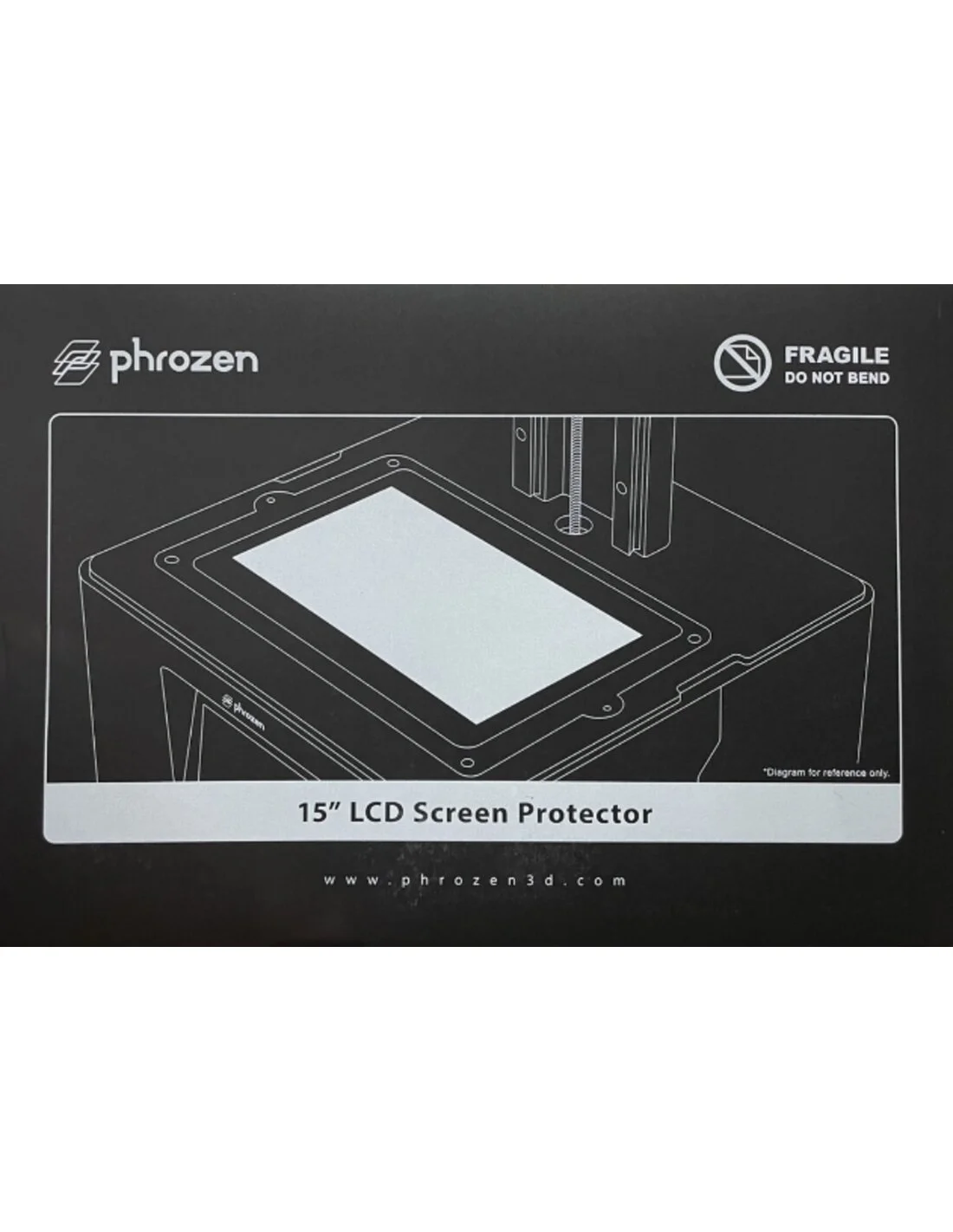
LCD screen protective film for the Phrozen Sonic Mega 8K/S. Protects against scratches, resin and wear to extend the lifespan of the screen.
The LCD screen protective film for the Phrozen Sonic Mega 8K/S is an essential accessory for any user who wants to extend the lifespan of their resin printer. It acts as a physical barrier between the FEP/nFEP and the screen, preventing resin splashes, accidental scratches, and daily wear from damaging such a critical and costly component as the LCD panel.
Technical specifications
| Feature | Detail |
|---|---|
| Compatibility | Phrozen Sonic Mega 8K/S |
| Function | LCD screen protection against resin, scratches and wear |
| Accessory type | Maintenance consumable |
What it is used for
This protective film is designed exclusively for the Phrozen Sonic Mega 8K/S and serves an essential preventive maintenance function in resin 3D printing. When placed over the LCD screen, it absorbs the impact of contact with the photopolymer resin and protects the panel from irreversible damage.
- Protect the LCD screen from resin splashes and spills during printing.
- Prevent scratches caused by tools, spatulas or handling of the FEP tray.
- Reduce accumulated screen wear from continuous UV exposure cycles.
- Make cleaning of the print area easier without directly damaging the panel.
- Extend the lifespan of the LCD panel and defer its costly replacement.
How to use it
- Turn off the printer and carefully remove the resin tray to expose the LCD screen.
- Clean the LCD screen surface with a dry, clean microfibre cloth, removing any resin residue or dust.
- Make sure the screen is completely dry and free of residue before proceeding.
- Remove the backing layer from the film and align it over the screen, starting from one edge to avoid air bubbles.
- Press gently with your fingers or a rigid card from the centre towards the edges to eliminate any bubbles.
- Check that the film is properly adhered and aligned before replacing the tray.
- Replace the film whenever you notice visible damage, hardened resin build-up or loss of adhesion.
Usage tips
Apply it under good lighting conditions
Install the film in a well-lit environment to easily spot any air bubbles or misalignment. A small deviation can affect print sharpness in large formats such as the Sonic Mega 8K/S.
Replace it regularly
Although the film is durable, it is not permanent. Check it after each deep cleaning of the tray. If you notice opaque areas, deep scratches or cured resin that cannot be cleaned without risk, it is time to replace it. A film in poor condition can interfere with the uniformity of UV exposure and compromise print quality.
Clean on the film, not on the screen
When cleaning the print area, always do so on the film and with products compatible with photopolymer resins. Avoid using metal spatulas directly on the film; use flexible plastic tools to avoid generating scratches that reduce its protective effectiveness.
Frequently asked questions
Is it necessary to use a protective film on a resin printer?
It is not mandatory, but it is highly recommended. The LCD screen is one of the most delicate and expensive components of a resin printer. The protective film acts as a sacrificial layer: if it gets damaged, it is simply replaced at a minimal cost compared to the price of an LCD panel. In large-format printers like the Phrozen Sonic Mega 8K/S, protecting the screen from day one is an economically smart decision.
How often should the protective film be replaced?
It depends on usage. In intensive production environments, it may need to be replaced every few weeks. For home or semi-professional use, it can last several months. The clearest sign that it is time to replace it is the appearance of deep scratches, opaque areas or cured resin that cannot be removed with conventional cleaning.
Does the film affect print quality?
A film in good condition and correctly applied does not noticeably affect print quality. However, if it has air bubbles, significant scratches or embedded cured resin, it can cause irregularities in UV exposure and therefore defects in the printed parts. That is why it is important to inspect it and replace it when necessary.
Can I use a generic film or one from another printer?
It is not recommended. Each film is cut and designed to fit precisely to the exact dimensions of the screen of a specific model. An incorrectly sized film may leave unprotected areas, overlap with internal components of the printer or peel off easily. This film is specifically manufactured for the Phrozen Sonic Mega 8K/S.
How do I remove bubbles when applying it?
The most effective technique is to start applying the film from one edge, tilting it at an angle and letting it adhere gradually while pressing with a rigid plastic card or similar tool, working from the centre towards the edges. If a small bubble appears, you can try pushing it towards the nearest edge with your finger. If the bubble persists or is large, it is best to carefully peel off the film and repeat the process.
Does the film also protect against UV light?
The protective film is designed primarily to mechanically protect the screen against resin splashes and scratches, not as a UV filter. Protection against UV radiation is managed by the printer's own internal components. However, by preventing resin from coming into direct contact with the screen, it also prevents resin from curing and adhering to the panel, which would cause permanent damage.
Where exactly is the film placed inside the printer?
The film adheres directly to the surface of the LCD panel, that is, the flat area that is exposed when the resin tray is removed. It is the surface that emits UV light and that comes into contact with the bottom of the FEP tray during printing. Before applying it, make sure this surface is perfectly clean and dry.
No reviews
Tap to zoom