Shopping Cart



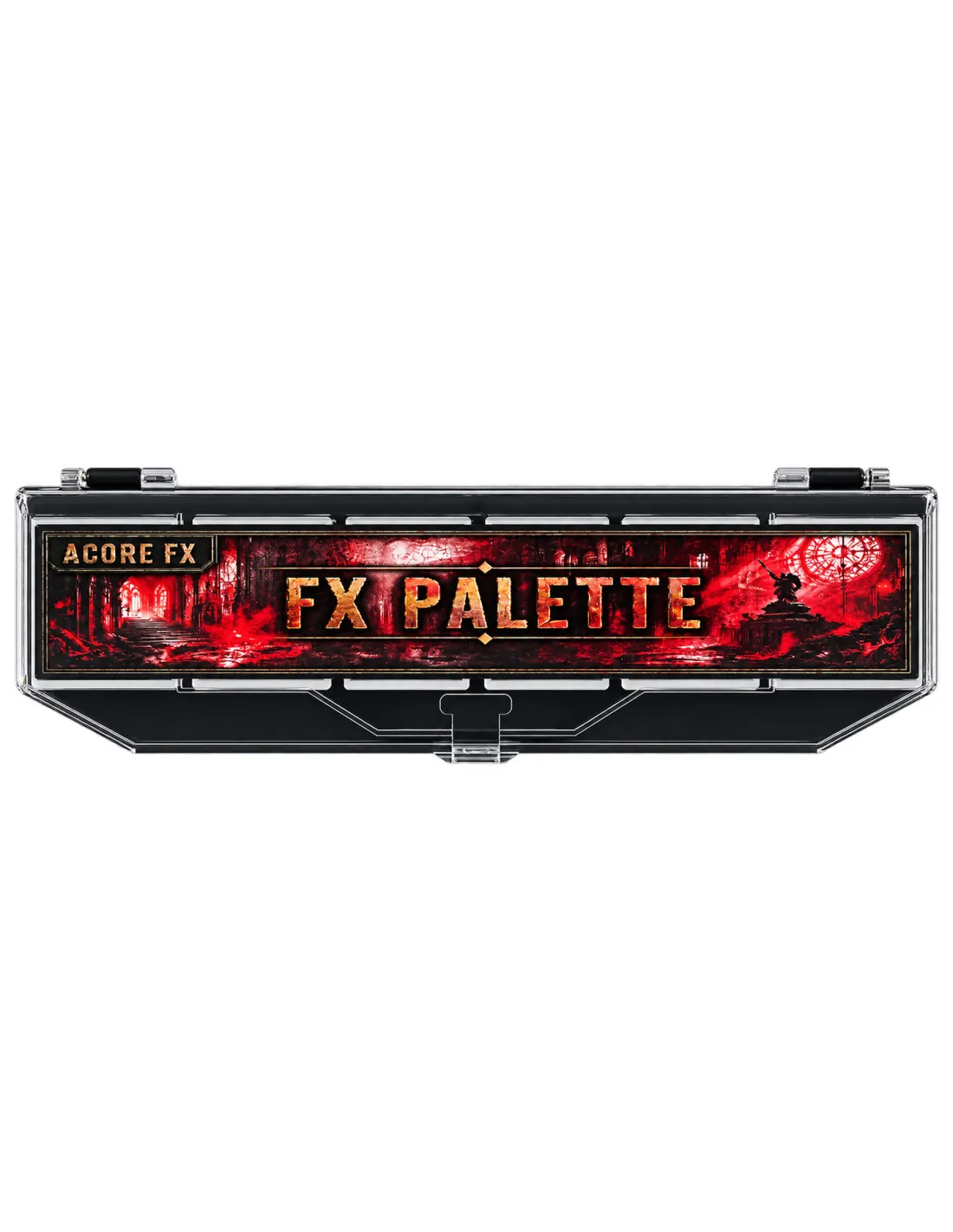
Acore FX - FX Palette
270016002
€33.05
39,99 € Tax incl.
39,99 € Tax incl.
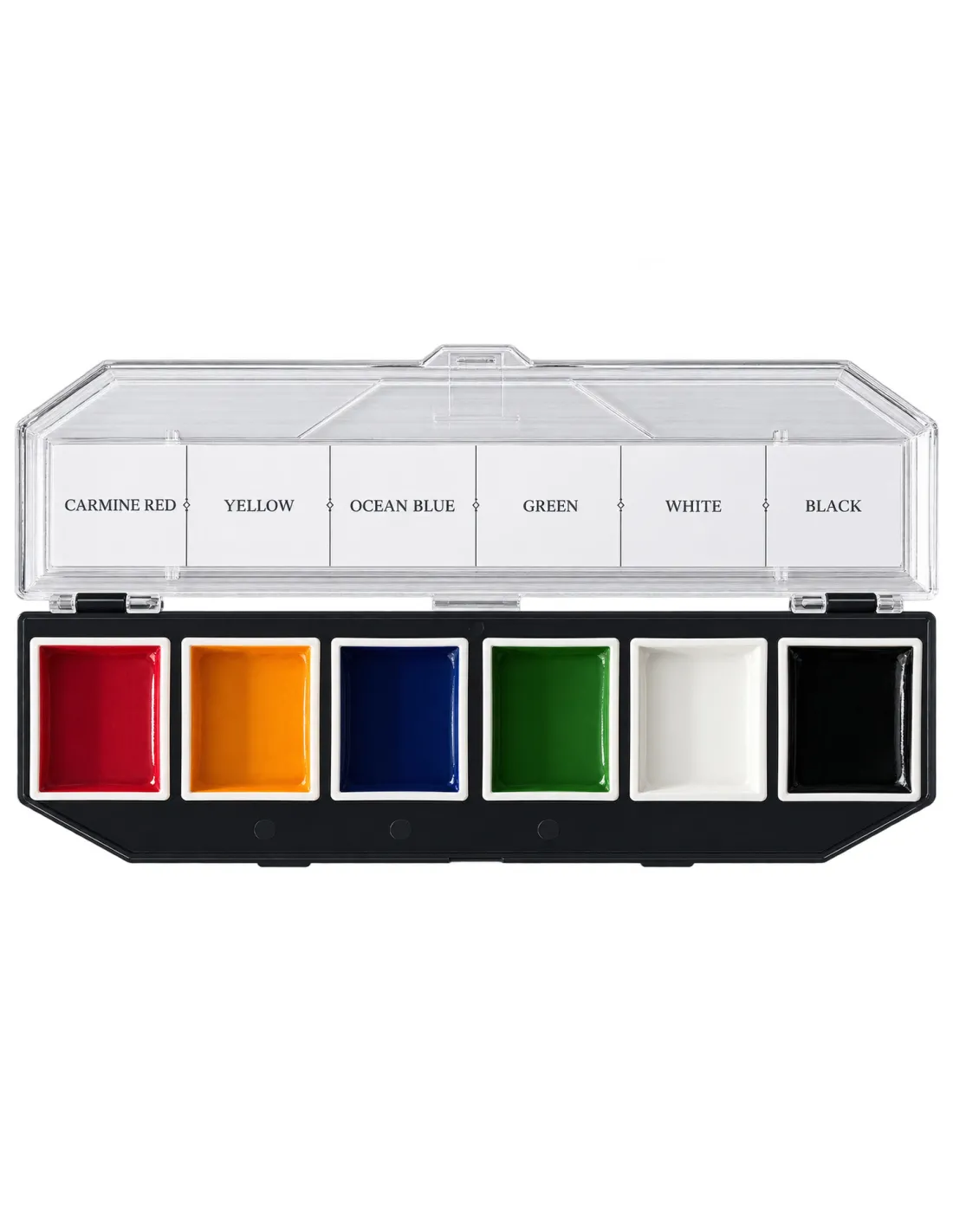
Alcohol-activated makeup palette with 6 primary colours (Carmine Red, Yellow, Ocean Blue, Green, White, Black) for mixing your own special effects shades. Includes 99% isopropyl alcohol activator (30 ml).
Acore FX - FX Palette is an alcohol-activated makeup palette with 6 highly pigmented primary colours: Carmine Red, Yellow, Ocean Blue, Green, White and Black. Since these are base colours rather than pre-mixed shades, you can build and fine-tune the full range of special effects yourself — wounds, bruises, burns and skin pathology — with exactly the hue and intensity each job needs. It includes a 99% isopropyl alcohol activator (30 ml) to activate the colours.
Technical specifications
| Parameter | Value |
|---|---|
| Product type | Alcohol-activated makeup palette |
| Number of colours | 6 |
| Colours included | Carmine Red, Yellow, Ocean Blue, Green, White, Black |
| Format | Removable cell palette |
| Compatible surfaces | Natural skin, silicone, latex |
| Activation | 99% isopropyl alcohol (IPA) or an alcohol-based makeup activator |
| Main use | Professional SFX, character makeup |
What it's used for
The FX Palette is designed for special effects makeup artists who prefer to start from primary colours and build their own working palette, rather than relying on factory-mixed shades:
- Creating bruises by mixing Carmine Red, Ocean Blue and Yellow in different proportions and stages
- Simulating burns by combining Carmine Red with Yellow
- Cyanosis, pathology or diseased-skin effects with Ocean Blue and Green
- Adjusting opacity, highlights and shadow with White and Black
- Wound, scar and trauma characterisation for film, theatre and audiovisual productions
- The ideal companion to Acore FX - Skin Palette for blending the effect with the actor's skin tone
How to use it
- Prepare the surface: make sure the skin, silicone or latex is clean, oil-free and dry before starting.
- Wet the brush: dampen the brush or sponge with 99% isopropyl alcohol or the alcohol-based makeup activator.
- Load the colour: touch the desired colour on the palette with the damp brush. More activator gives more transparency; less activator gives more opacity.
- Mix your shade: combine two or more colours directly on the palette or on the working surface until you reach the exact hue you're after.
- Apply and blend: work in short strokes and blend the edges for a natural transition. Let it dry briefly between layers.
- Layer up: add depth by layering different tones — for example, a fresh bruise (red-purple) evolving into yellow-green tones at the edges.
- Remove the makeup: clean off with isopropyl alcohol or a gentle oil-based makeup remover once finished.
Usage tips
Work with proportions, not pure colours
The six FX Palette colours are designed to be mixed together. A fresh bruise usually starts from a base of Carmine Red with a touch of Ocean Blue; as the effect "ages", bring in Yellow and Green at the edges. Test your proportions on the back of your hand before applying to the final piece.
Control opacity with the amount of activator
The dilution level with 99% isopropyl alcohol determines whether the colour behaves as a transparent glaze or an opaque pigment. For subtle effects, work in thin, transparent layers; for heavier coverage, load more colour on the brush with less activator.
Pair it with the Skin Palette for extra realism
The FX Palette gives its best results when applied over a skin-tone base. Use Acore FX - Skin Palette first to match the actor's or prosthetic's tone, then build the injury effect on top so the edges blend convincingly.
Frequently asked questions
What activates these colours?
Acore FX - FX Palette colours are activated with 99% isopropyl alcohol or a dedicated alcohol-based makeup activator. The alcohol must be 99% grade: 70% alcohol contains too much water and won't activate the formula correctly.
Can it be used directly on skin?
Yes, it's formulated for use on natural skin as well as silicone and latex. As with any makeup product, if the performer has sensitive skin it's advisable to do a patch test on a small area before full application.
Why primary colours instead of pre-mixed shades?
Working with base colours gives you full control over the final result: you can adjust intensity, exact hue and the stage of the effect (fresh, evolving, healing) on the fly, rather than relying on a fixed factory tone that may not suit the skin or lighting of a given job.
Does it work on silicone and latex?
Yes, it's compatible with both surfaces. Make sure the prosthetic or piece is clean and free of release-agent residue before painting.
How is this makeup removed?
Remove it with isopropyl alcohol or a gentle oil-based makeup remover, using gauze or a cotton pad. Avoid plain water, acetone and MEK as removal methods.
What's the difference from Acore FX - Skin Palette?
Acore FX - Skin Palette is designed to recreate natural skin tones (Ivory, Coral Balance, Deep Skin, Cocoa Brown, Onyx Black and Rose 3) and blend prosthetics believably with the performer's skin. The FX Palette, instead, provides saturated primary colours for building the injury effect itself. Both are designed to be used together.
Can I mix the colours together?
Yes, that's exactly what they're designed for. All six colours are fully miscible with each other and with the Skin Palette colours, either on the palette itself or directly on the working surface.
No reviews
Tap to zoom