Shopping Cart



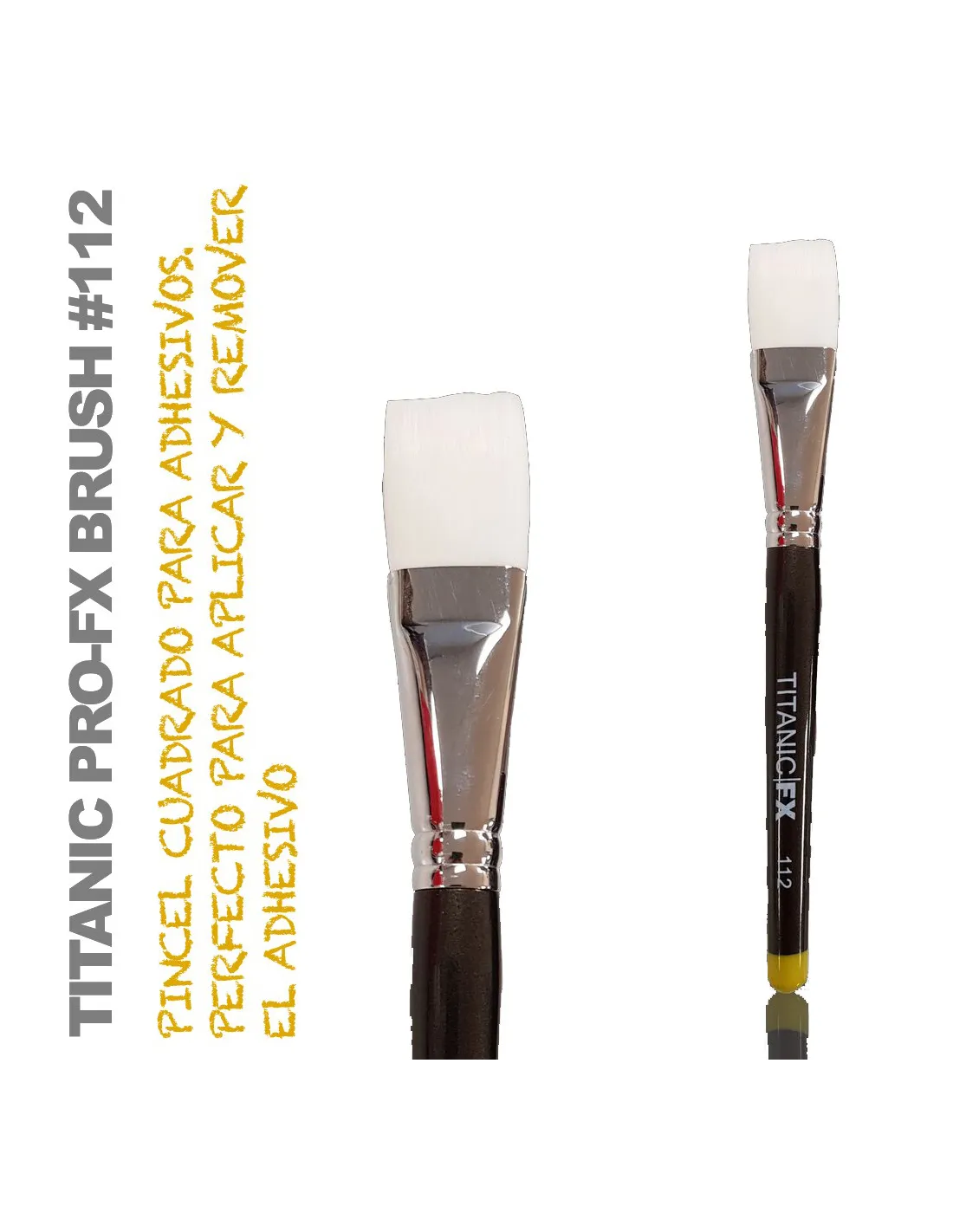
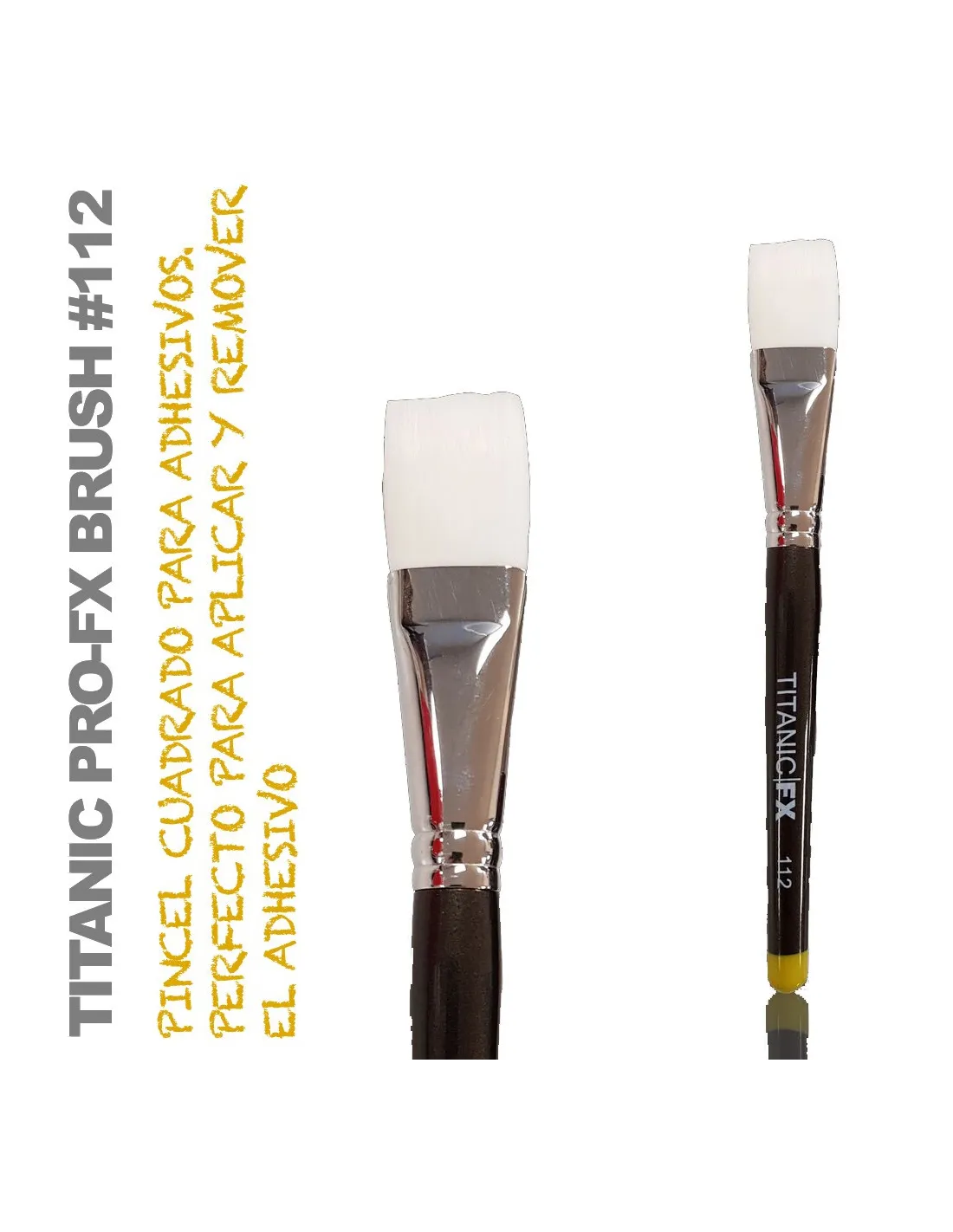
TITANIC PRO-FX BRUSH 112 -Square Point Remover-
615012000
€20.00
24,20 € Tax incl.
24,20 € Tax incl.
Square-tip brush for applying and removing adhesives on FX prosthetics. Solvent-resistant synthetic vegan bristles.
The Titanic Pro-FX Brush 112 is a square-tip brush designed specifically for prosthetics work in special effects makeup: apply and remove adhesives with precision and control. Made with ethically sustainable materials and synthetic vegan bristles that withstand contact with solvents, it is the go-to tool for FX makeup artists and professional character makeup artists.
Technical specifications
| Feature | Detail |
|---|---|
| Tip shape | Square (flat) |
| Bristle type | Synthetic vegan |
| Solvent resistance | Yes — solvent-resistant ferrule adhesive |
| Primary use | Application and removal of adhesives for FX prosthetics |
| Family | Titanic Pro-FX Brush |
| Sustainability | Ethically sustainable materials, no animal bristles |
What it is used for
The Brush 112 is designed for everyday use in the workshop and on set. Its square tip offers a uniform contact surface, ideal both for depositing adhesive onto skin or the prosthetic and for lifting and removing edges cleanly. The bristles do not degrade with the solvents commonly used in FX makeup, which considerably extends the brush's service life.
- Applying prosthetic adhesives (spirit gum, medical adhesives, silicone adhesives) onto skin or the edge of the piece.
- Removing and detaching prosthetics with remover, dissolving the adhesive in a controlled manner without damaging the piece.
- Spreading and levelling adhesives on flat areas of the prosthetic before positioning.
- Blending and softening the edges of silicone or latex prosthetics during application.
- Applying intrinsic paints and colour layers onto silicone prosthetic pieces.
- Work on film shoots, theatre and events where speed and precision in application are required.
How to use it
- Clean the brush before first use by running the bristles through clean solvent to remove any manufacturing residue.
- Load the brush with a moderate amount of adhesive or remover: the square tip allows for a uniform deposit without excess.
- To apply adhesive, spread it in thin layers over the edge of the prosthetic or the corresponding skin area, according to the adhesion technique you are using.
- To remove the prosthetic, lightly soak the bristles with the appropriate remover and introduce the brush at the edge of the piece, working gradually inward without pulling on the prosthetic.
- Clean the brush after use with the appropriate solvent — the synthetic bristles and solvent-resistant bonded ferrule ensure the brush does not fall apart in the process.
- Gently dry the bristles and store the brush with the tip protected or facing upward to maintain the square shape.
Usage tips
Control the amount of product on the bristles
The square tip makes it easier to load more product than a fine round brush, which can lead to over-application. Remove excess on the rim of the container before applying: with prosthetic adhesives, less is more, and thin layers ensure better adhesion and a cleaner edge.
Dedicate one brush to each function
Even though the bristles withstand solvents, mixing adhesive and remover on the same brush can contaminate the product and reduce its effectiveness. Keep one Brush 112 for applying and another for removing: the cost is minimal and the result is far more predictable on set or during a session.
Maintenance to extend the brush's life
After each session, clean the brush with the solvent appropriate for the adhesive used and finish with warm water and mild soap if the adhesive allows. Never leave the bristles submerged in solvent for extended periods. Store the brush upright or in a case with the tip free from pressure so the square shape is preserved over time.
Frequently asked questions
What advantage does a square tip have over a round one in FX makeup?
The square tip covers flat surfaces more uniformly and allows you to work the straight edges of prosthetics with greater control. The Brush 112 is especially useful for spreading adhesive along the edge of a piece without the product building up at a specific point, which is more common with round tips.
Do these bristles withstand isopropyl alcohol and other common FX solvents?
Yes. The synthetic vegan bristles of the Brush 112 are designed to resist contact with solvents commonly used in prosthetics work. In addition, the ferrule is bonded with an adhesive specifically formulated not to give way with these products, so the bristles do not come loose during cleaning.
Can this brush be used to apply intrinsic silicone paints?
Yes. The square tip of the Brush 112 is suitable for spreading layers of intrinsic or extrinsic paint onto silicone prosthetics. For very fine detail work or precise lines, complement it with a narrower-tipped brush such as the Titanic Pro-FX Brush 101.
How often should I clean the brush during a makeup session?
Whenever you switch products or notice the bristles are accumulating dry residue. During long sessions, clean the Brush 112 between the application and removal phases to avoid contaminating the products and to maintain a clean, predictable application.
Is it suitable for use on sensitive skin or with latex allergies?
The Brush 112 bristles are synthetic vegan, free from latex and animal-derived materials, so the brush itself presents no risk of latex allergic reaction. Tolerance will depend on the adhesive or product you apply with it, not on the brush.
How long does this type of brush last with regular professional use?
With proper maintenance — cleaning after each use and appropriate storage — brushes in the Titanic Pro-FX range have a long service life. The combination of solvent-resistant synthetic bristles and reinforced ferrule makes them significantly more durable than conventional cosmetic brushes in FX environments.
Can I use this brush to apply liquid latex in layers?
Yes, although latex can build up at the base of the bristles if not cleaned quickly after each layer. For intensive latex work, clean the brush with warm water between layers while the latex is still fresh. Once dry, latex is difficult to remove from any brush.
Is this brush part of a wider range?
Yes. The Brush 112 belongs to the Titanic Pro-FX Brush range, which includes specialised brushes for different FX makeup techniques: fine liners, angle brushes, removers and modelling tools. You can combine several models according to the needs of each session.
No reviews
Tap to zoom