Shopping Cart



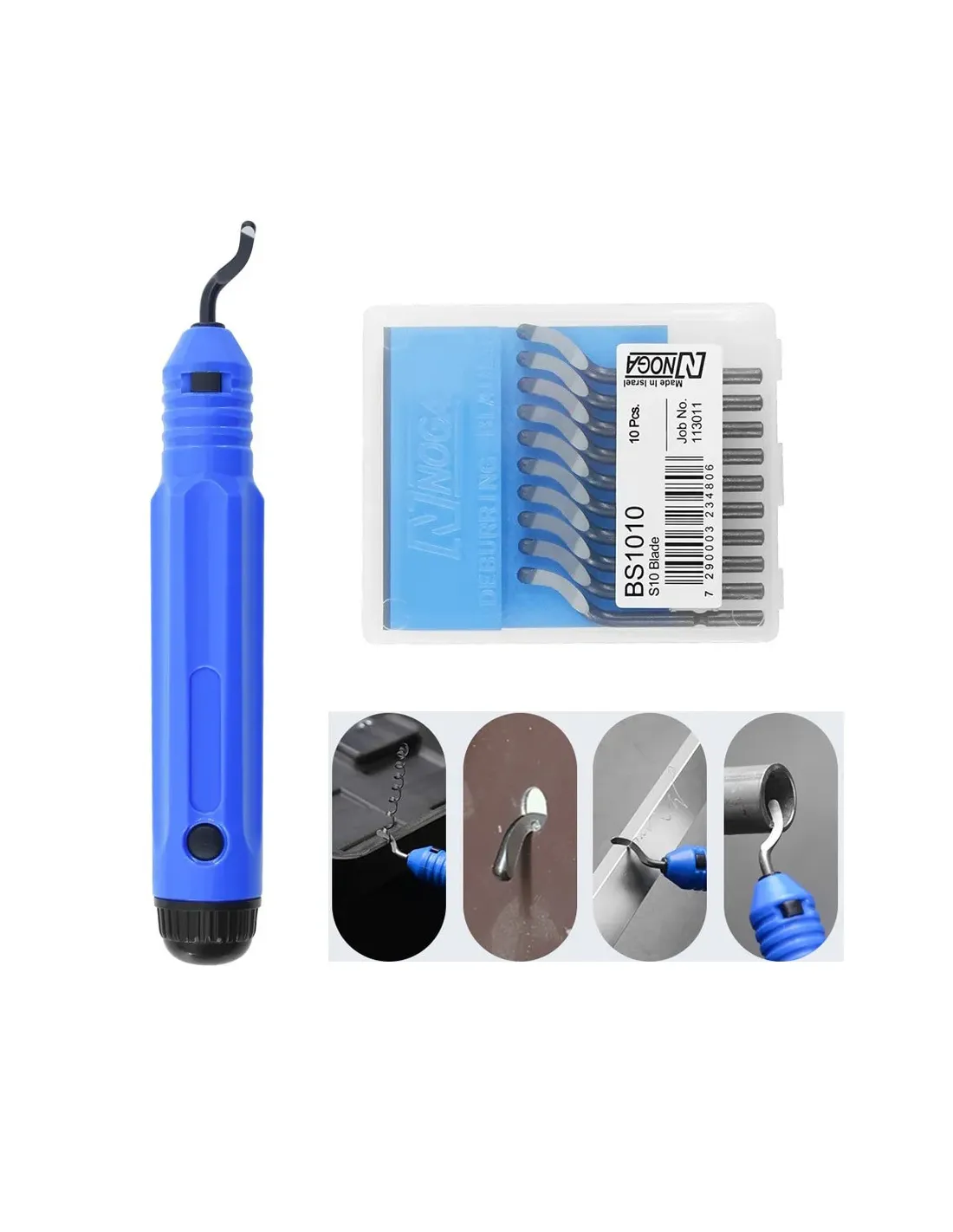
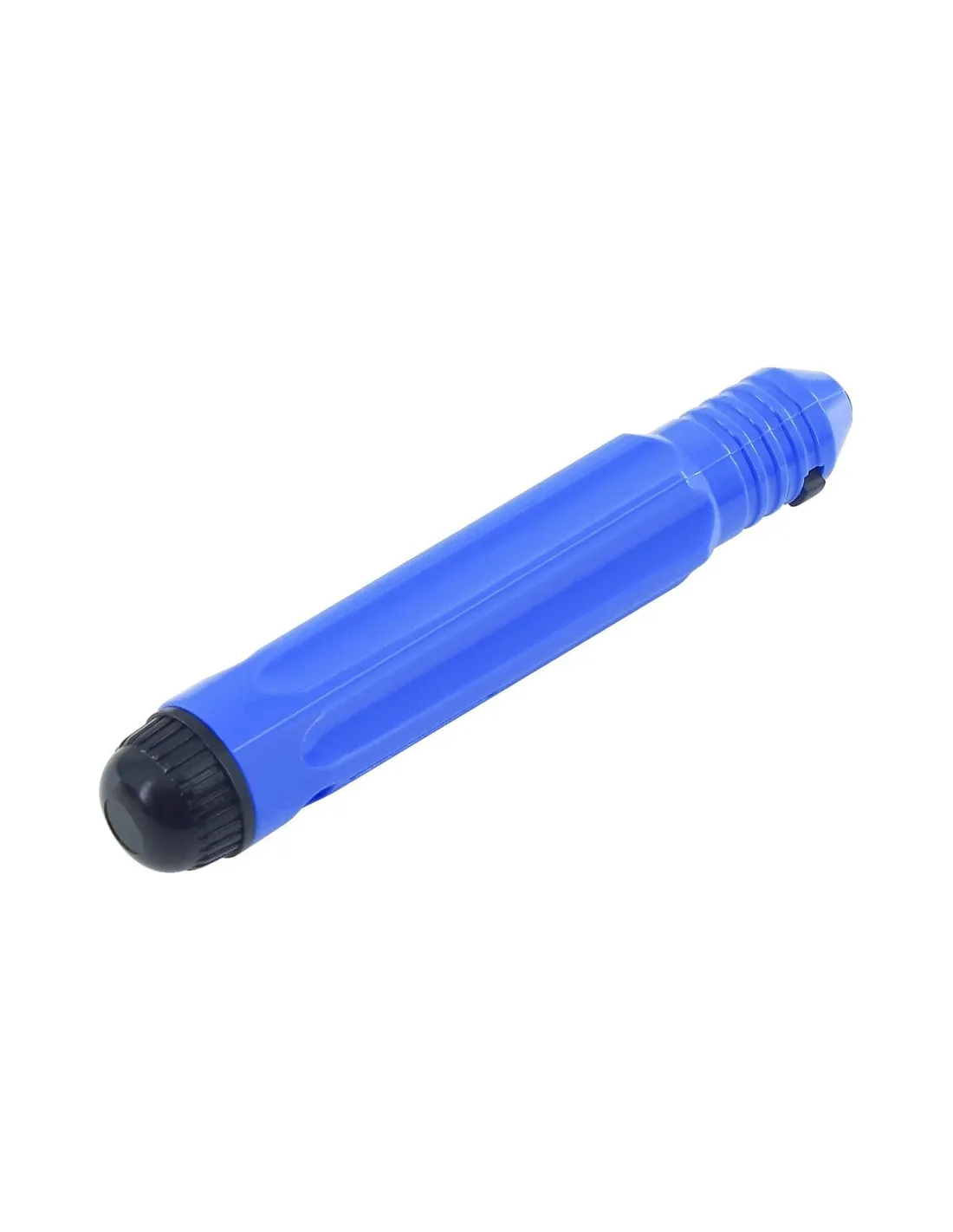
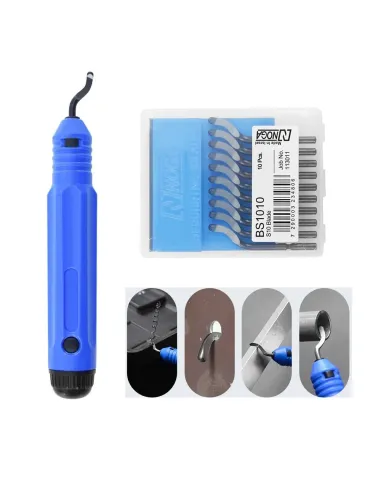
3D Burr Cutter
615027220
€10.50
12,71 € Tax incl.
12,71 € Tax incl.
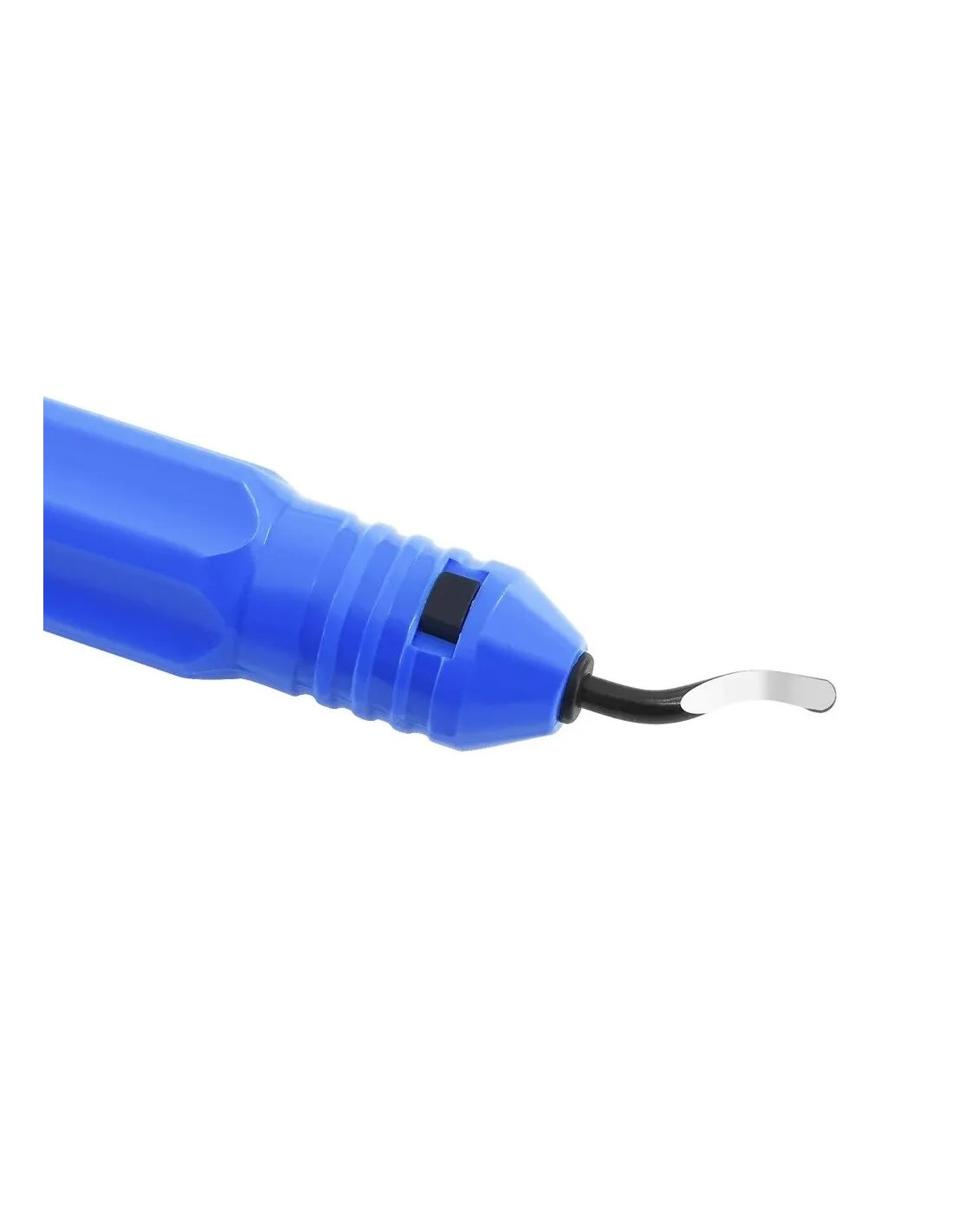
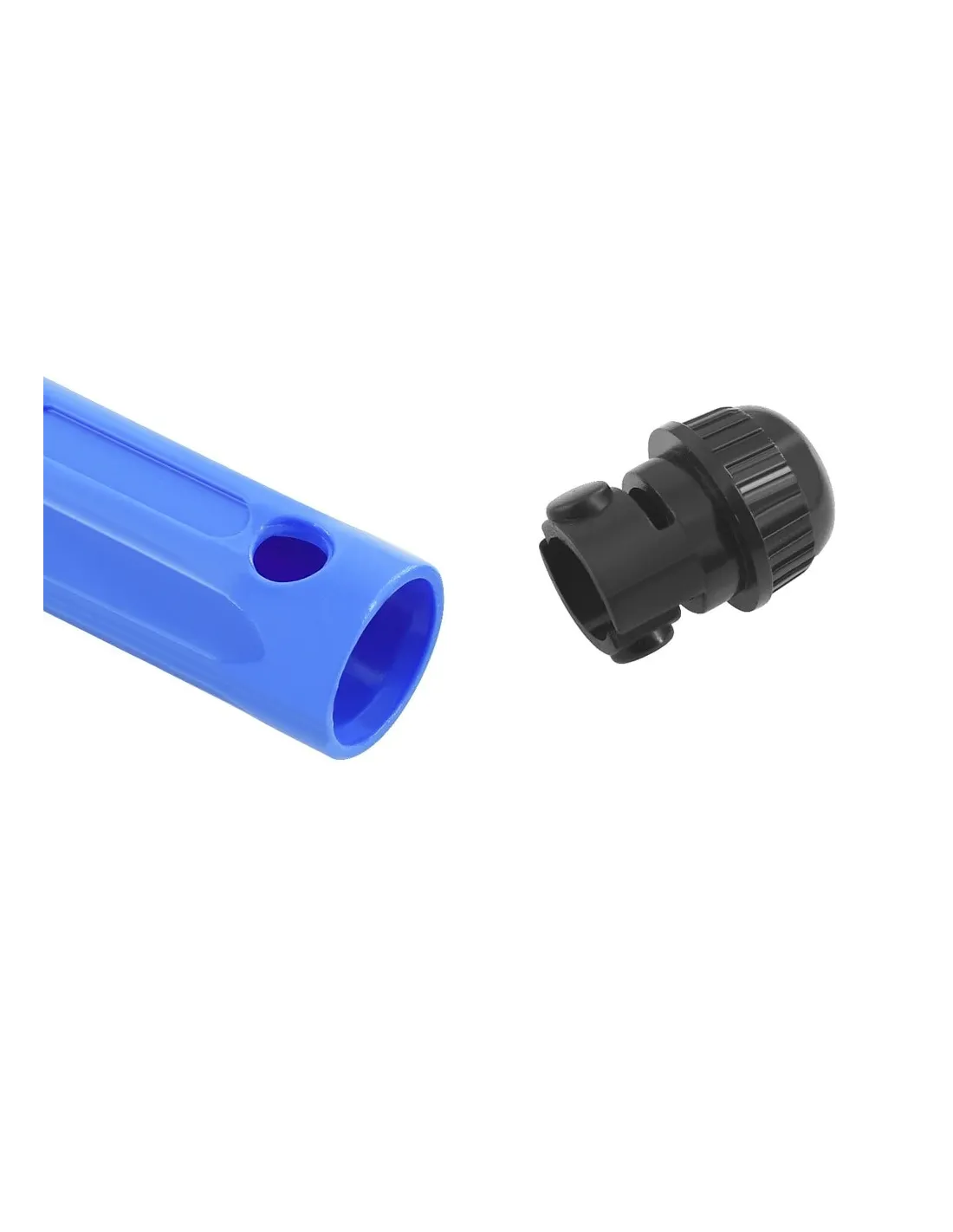
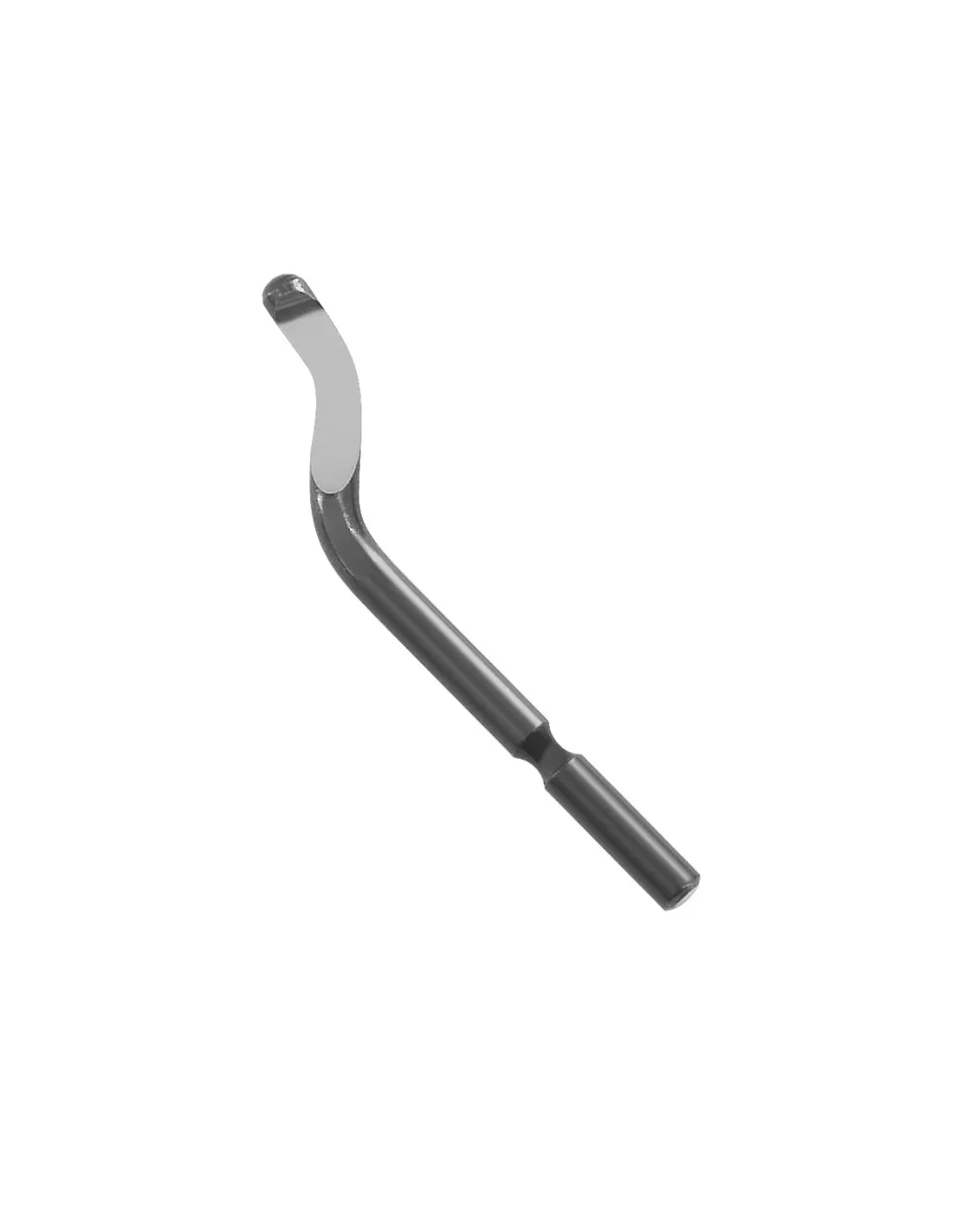
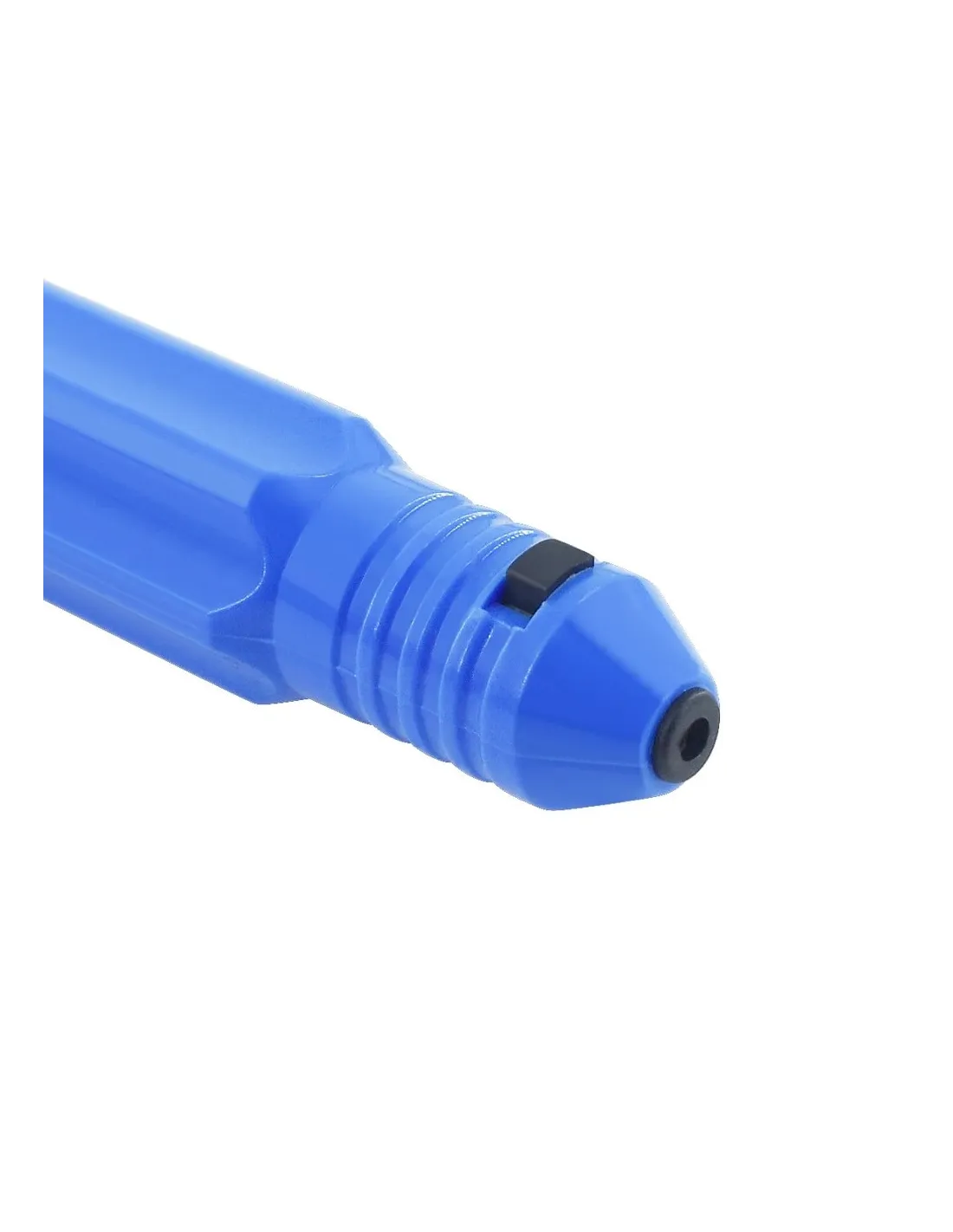
Manual deburring cutter for 3D printing. 11 mm effective cutting blade, total length 47 mm. Ideal for filament and resin parts.
The 3D deburring cutter is the manual finishing tool every 3D printing user needs at hand. With an effective cutting blade of 11 mm and a total length of just 47 mm, it removes supports, burrs and excess material with precision on filament and resin parts, with no electricity or additional equipment required.
Technical specifications
| Specification | Value |
|---|---|
| Tool type | Manual deburring cutter |
| Effective cutting length (blade) | 11 mm |
| Total length | 47 mm |
| Main use | Finishing of 3D printed parts (FDM and resin) |
| Operation | Manual, no electricity required |
| Material compatibility | PLA, ABS, PETG, photopolymer resins and other printing plastics |
What it is used for
Designed for post-processing work in 3D printing, this cutter is the fastest and most controlled solution to get a part ready without marks or imperfections. Its compact size allows you to work in hard-to-reach areas where scissors or a craft knife cannot get in with precision.
- Removal of supports on FDM parts (PLA, ABS, PETG, etc.)
- Trimming of burrs on photopolymer resin printed parts
- Cleaning of layer lines or excess material in fine-detail areas
- Edge finishing on prototypes and functional models
- Retouching parts before sanding or painting
- Use in scale modelling, model making and special effects with printed parts
How to use it
- Make sure the printed part is fully cured (resin) or cool (FDM) before handling it.
- Hold the part firmly on a stable surface or with your free hand, keeping the area to be worked visible.
- Place the cutter blade at the base of the support or burr, as close as possible to the surface of the part.
- Apply gentle, controlled pressure with a levering or sliding motion. Avoid forcing at extreme angles to avoid damaging the part.
- Remove the excess material and check the result. Repeat the process on any areas that require it.
- If any residual marks remain, continue finishing with fine sandpaper or a scraping tool.
Usage tips
Work with fully cured resin parts
In resin printing, attempting to remove supports before full post-curing can leave white marks or tear material from the part. Leave the part under UV light for at least the time recommended by the resin manufacturer before using the cutter.
Cut position: the closer to the part, the better the result
The contact point between the support and the part is always the weakest. Place the blade as close as possible to the surface to cut at that point and minimise the residual material that will later need sanding. A grazing angle gives better results than a perpendicular cut.
Combine it with other finishing tools
The deburring cutter is the first step in post-processing, not the last. For a professional finish, combine it with progressive-grit sandpaper, a precision scalpel or a curved scissors for hard-to-reach areas. For fibre or composite parts, a special carbon and kevlar scissors is the most suitable alternative.
Frequently asked questions
What 3D printing materials is this cutter suitable for?
This cutter is designed for the most common 3D printing materials: filaments such as PLA, ABS, PETG and similar, as well as UV-curing photopolymer resins. It is not intended for very hard or abrasive materials such as carbon fibre or kevlar, for which specific cutting tools are available in the Feroca catalogue.
Can I use this tool on uncured resin?
It is not recommended. Uncured or partially cured resin is flexible and soft, which makes clean cutting difficult and can cause deformations in the part. Always complete the full post-cure before removing supports with this cutter.
How do I get a clean cut without leaving a mark on the surface?
The key is the angle: position the blade as flush as possible with the surface of the part and cut at the base of the support, where contact with the part is minimal. If any protrusion remains, gentle sanding with fine grit removes it effortlessly.
Does it require maintenance or can the blade be replaced?
The cutter is built for continuous use with plastic and resin materials, which are relatively soft. It requires no special maintenance beyond keeping it clean and dry. If the blade loses its edge with intensive use, the most practical approach is to replace the entire tool given its low price.
Is it safe to use? Do I need protective equipment?
Like any cutting tool, it requires basic caution: do not direct the blade towards the hand holding the part and use it with controlled movements. When working with cured resins, there is no added chemical risk, although in subsequent sanding environments it is advisable to wear a dust mask.
Where can I buy this product and other workshop materials?
You can buy it in the Feroca online store or at either of its two physical shops: Feroca Madrid (Calle Españoleto, 11 - 28010 Madrid) and Feroca Fuenlabrada (Sierra Elvira, 22 - 28946 Fuenlabrada).
What is the difference between this cutter and regular scissors for removing supports?
Conventional scissors do not allow precise access to tight areas or the grazing angle needed to cut at the base of the support without damaging the surface. This cutter, with its short blade and compact 47 mm body, offers far more control for fine detail work, especially on models with complex geometry.
No reviews
Tap to zoom