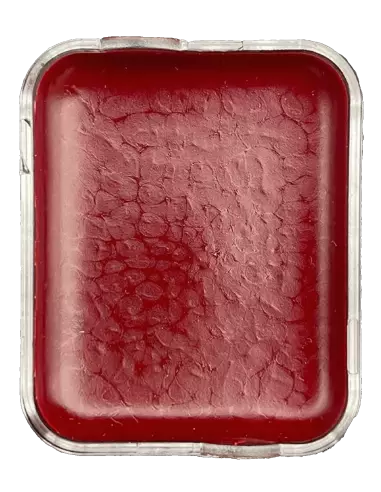
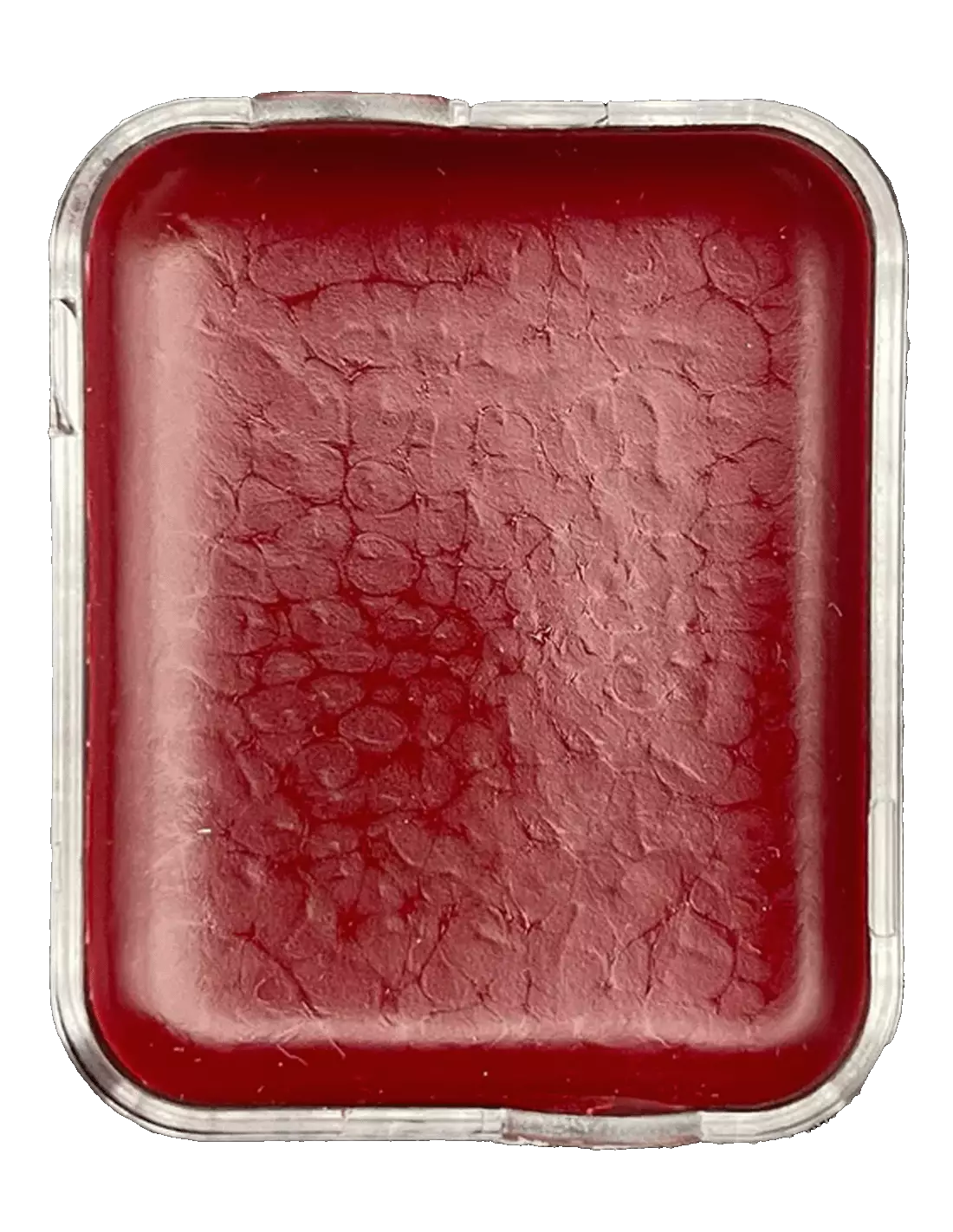
The Skin Illustrator Replaceable Cell FX Palette is a professional special effects makeup palette with 10 replaceable colours designed specifically for work on skin, silicone and latex. Its removable cell system lets you replenish only the colours that run out, making it an efficient and cost-effective solution for the SFX makeup professional.
Technical specifications
| Feature |
Detail |
| Number of colours |
10 |
| Colours included |
Blood Tone, Aged Blood, Bruise Tone, Ultra Blue, Black, Prime Red, Burnt Orange, Green, White (+ 1 additional) |
| Cell system |
Replaceable and individual |
| Recommended activator |
Skin Illustrator Activator / Skin Illustrator Slow Activator / isopropyl alcohol 99% |
| Compatible surfaces |
Natural skin, silicone, latex |
| Resistance |
High resistance and long-lasting |
| Removal |
Telesis Super Solv |
| Available formats |
Full palette / Individual cell |
What it is used for
This palette is aimed at special effects depicting wounds, bruises, aged blood and monster effects. The colour range is selected to create illusions of bodily damage, necrosis, bruising and extreme effects with a completely realistic finish.
- Characterisation of open wounds, cuts and lacerations
- Bruise and contusion effects on skin
- Painting on silicone and latex prosthetics for film and television
- Theatrical and horror special effects makeup
- Aged blood colouring and decomposition effects
- Retouching and shading of SFX pieces made in the studio
How to use it
- Prepare the surface making sure it is clean, dry and free of grease or oils.
- Activate the desired colour by moistening a brush or sponge with isopropyl alcohol 99%, Skin Illustrator Activator or Skin Illustrator Slow Activator. Never use 70° alcohol, MEK, acetone or water.
- Load the brush with the right amount of colour. The pigments have high coverage, so a small amount is sufficient.
- Apply on skin, silicone or latex prosthetics with gentle strokes, layering to increase intensity or create gradients.
- Allow to dry briefly between layers. Drying speed depends on whether you use the standard activator or the Slow Activator.
- Blend colours directly in the cell or on the skin to achieve custom tones.
- To remove the makeup, use Telesis Super Solv with a cotton pad or suitable brush.
- When a cell runs out, remove it and replace it with an individual cell of the same colour, with no need to purchase a new palette.
Usage tips
Choose the activator based on the working time you need
Isopropyl alcohol 99% activates colours quickly and is ideal when you need to work fast or dry between layers without delay. Skin Illustrator Slow Activator extends working time and makes blending and colour mixing easier, especially useful for complex work on large prosthetics or elaborate characterisations. Never use alcohol below 99% strength or substitutes such as water or acetone, as they alter the formula and can damage the makeup or the surface.
Make the most of the cell system to optimise costs
One of the greatest advantages of this palette is its removable cell system. Instead of replacing the entire palette when a specific colour runs out — typically blood tones and black are the most consumed in special effects — you can purchase only the corresponding cell. This significantly reduces material expenditure in the medium and long term, especially in productions with high SFX makeup demand.
Thin layers for greater control and realism
Skin Illustrator colours have very high pigmentation. Always apply in thin, progressive layers: it is much easier to add intensity than to remove colour once applied. For bruise effects, work the purple and blue tones first as a deep base, then layer reds and yellows on top to mimic the real evolution of a contusion. The final result is far more convincing with this chromatic layering technique.
Frequently asked questions
Can this makeup be used directly on skin without prior preparation?
Yes, the colours in the Skin Illustrator FX Palette are formulated to be applied directly on clean, dry skin. Make sure the area is free of creams, oils or excessive sweat before applying, as grease hinders adhesion. No prior primer is needed, although a clean base always improves the result.
What alcohol should I use to activate the colours?
You must use isopropyl alcohol at 99%. Lower-grade alcohols (70°) contain too much water, which interferes with the formula and can cause a poor finish or damage the surface. Do not use MEK, acetone or water as substitutes either.
Does it work on silicone prosthetics?
Yes. The Skin Illustrator FX Palette is one of the most widely used references in professional production precisely because of its compatibility and adhesion on silicone. The colours penetrate and bond to the material without cracking, offering a durable finish even on pieces with movement.
How long does the makeup last once applied?
Skin Illustrator colours have exceptional resistance once dry. Under normal filming or on-stage conditions, they hold for hours without smearing or losing intensity, even with moderate sweating. On silicone or latex applications, durability is even greater as they are not exposed to the skin's natural secretions.
How is this makeup removed at the end of the day?
Skin Illustrator makeup is easily removed with Telesis Super Solv applied with a cotton pad or brush. Do not use water alone or conventional oil-based makeup removers, as they are not effective with this formula. On silicone or latex, apply the solvent carefully to avoid degrading the material.
Can I mix the colours together?
Yes. The palette colours are completely miscible with each other. You can mix them in the cell itself, on a clean surface or directly on the skin or prosthetic to achieve intermediate or custom tones. This flexibility is key to achieving convincing chromatic effects for bruises, necrosis or wounds at different stages of healing.
Can I buy just the cell of a specific colour without purchasing the full palette?
Yes. The Skin Illustrator FX Palette is available both as a full palette and as individual cells. This allows you to replenish only the colour that has run out or purchase individual colours to complete other Skin Illustrator palettes.
Is this palette compatible with other Skin Illustrator palettes?