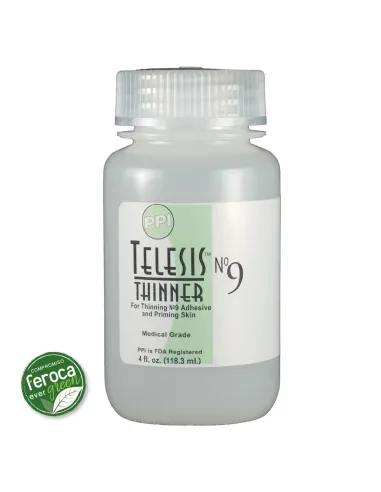
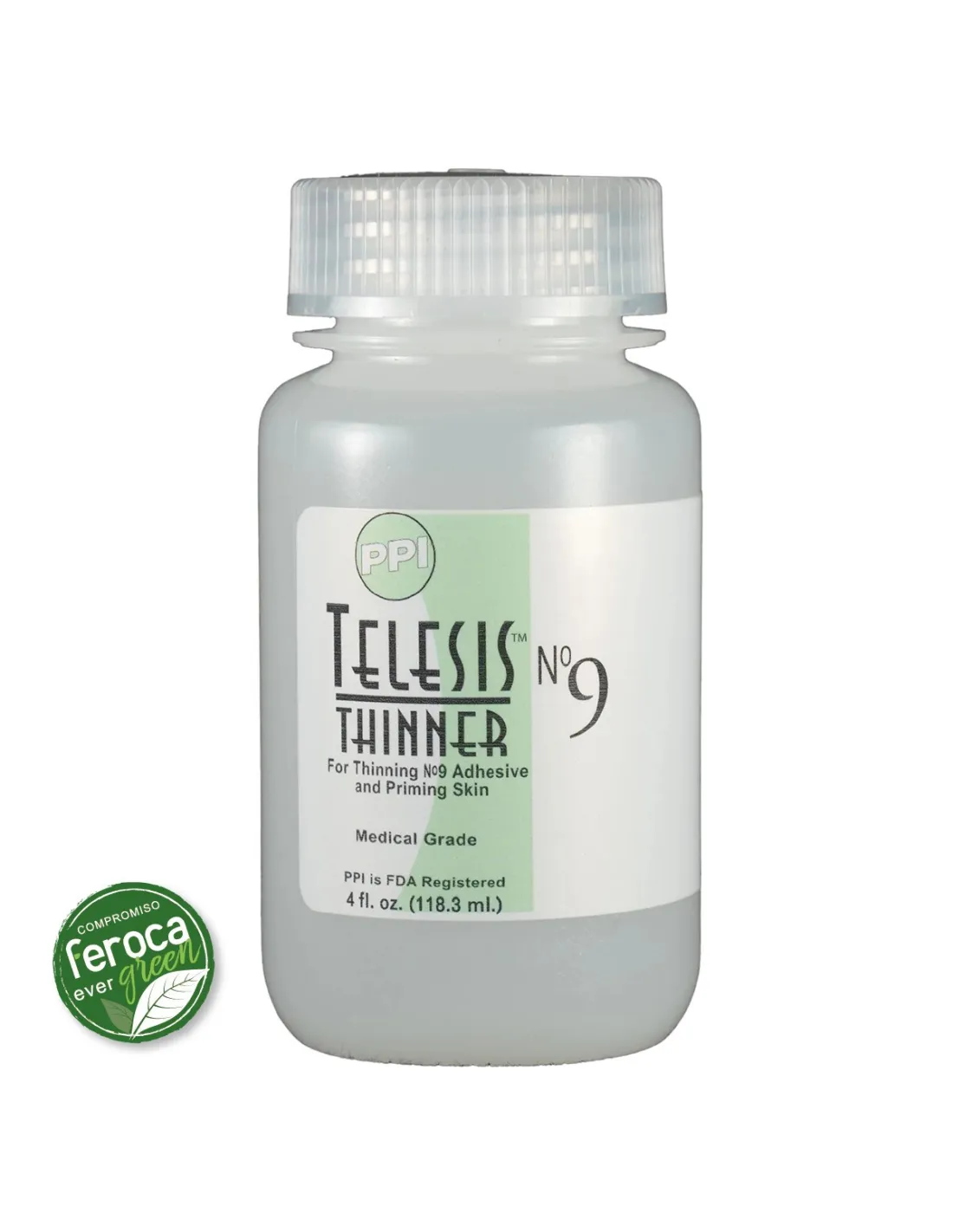
Telesis 9 Thinner is the medical-grade thinner formulated specifically for use with the Telesis 9 silicone adhesive. It serves both to adjust the viscosity of the adhesive and to prime the skin before application, reducing drying time to virtually instant and maximising the adhesion of prosthetics and special effects on real skin. Tested by independent laboratories, it contains no known carcinogens, fertility-affecting toxins or cyto-toxins.
Technical specifications
| Property |
Value |
| Product type |
Thinner / skin primer |
| Grade |
Medical (FDA licensed manufacturer) |
| Compatibility |
Telesis 9 silicone adhesive |
| Main function |
Adhesive thinning and skin priming |
| Dermal irritation |
Tested to minimise skin irritation |
| Toxicity |
No known carcinogens or cyto-toxins |
| Manufacturer |
PPI Premier Products Inc. |
What it is used for
Telesis 9 Thinner has two fundamental uses when working with prosthetics and special effects on skin: thinning the adhesive when viscosity is too high and acting as a skin primer to accelerate adhesive curing. It is a standard product on film sets, in theatre, FX makeup and medical or aesthetic prosthetic applications.
- Thinning Telesis 9 when a more fluid consistency or thin-layer application is required.
- Priming the skin of an actor or patient before bonding a silicone prosthetic, reducing drying time to virtually instant.
- Preparing skin surfaces for maximum adhesion with platinum silicone prosthetics.
- Facilitating work in high-temperature conditions or when adhesive evaporation is faster than usual.
- Achieving thinner, more breathable adhesive layers in long-duration skin applications.
How to use it
- Clean and degrease the skin area where you are going to apply the prosthetic thoroughly. The skin must be completely free of sweat, oils and residue.
- Apply a thin layer of Telesis 9 Thinner directly onto the skin with a fine brush or sponge. Allow it to partially evaporate for a few seconds.
- While the skin is primed, apply Telesis 9 to the back of the silicone prosthetic.
- Bring both surfaces together (primed skin + prosthetic with adhesive). The bond forms almost immediately thanks to the priming effect.
- Press gently and hold for a few moments to ensure full contact across the entire surface.
- If you need to thin the adhesive rather than prime the skin, add small amounts of Thinner to the Telesis 9 and mix well until the desired consistency is reached. Work in small portions to avoid waste.
- To remove the prosthetic, use the specific Telesis Silicone Remover. Do not pull the prosthetic off dry.
Usage tips
Right amount of primer
Apply the Thinner in very thin layers on the skin. Excess product can create a film that interferes with adhesion rather than improving it. Ideally, an almost imperceptible layer should remain before applying the adhesive. If you notice the skin is excessively shiny or wet, wait a few additional seconds before applying Telesis 9.
Progressive adhesive thinning
When using the Thinner to adjust the viscosity of Telesis 9, add the thinner drop by drop and mix well between each addition. Over-thinning reduces adhesive strength. For most prosthetic applications it is not necessary to thin by more than 10–15% of the adhesive volume.
Working conditions and storage
Work in well-ventilated spaces. Close the container tightly after each use to prevent product evaporation. Store away from heat sources and direct light. Once opened, use it within a reasonable period to ensure maximum effectiveness. If the Thinner has lost fluidity or appears cloudy, do not use it on skin.
Frequently asked questions
Is it safe to apply this thinner directly on the skin?
Yes. Telesis 9 Thinner is formulated to medical grade and has been tested by independent laboratories to minimise dermal irritation. It contains no known carcinogens or cyto-toxins. It is one of the reference thinners in the makeup and medical prosthetics industry precisely because of its proven safety in contact with human skin.
Can I use this thinner with other silicone adhesives?
Telesis 9 Thinner is formulated specifically for use with the Telesis 9 adhesive. If you are working with Telesis 8, use the Telesis 8 Thinner, which is designed for that adhesive. Mixing incompatible thinners and adhesives can compromise adhesion and safety on skin.
What is the advantage of priming the skin before bonding the prosthetic?
Applying the Thinner to the skin before bonding the prosthetic acts as an activator for the Telesis 9 adhesive. When the two prepared surfaces come into contact (primed skin + prosthetic with adhesive), curing is greatly accelerated, achieving an almost instantaneous bond. This makes working on set or stage easier, where time is critical, and improves the final strength of the adhesion.
How do you remove a prosthetic bonded with Telesis 9?
To remove the prosthetic safely, use the specific Telesis Silicone Remover. Apply it to the edges of the prosthetic and work gradually to dissolve the adhesive without damaging the skin. Do not try to pull the prosthetic off dry, as this could cause irritation or damage both the skin and the prosthetic.
How much thinner should I add to the adhesive to reduce its viscosity?
Add the Thinner gradually and in small amounts, mixing well between each addition. As a general guideline, it is rarely necessary to exceed 10–15% of the adhesive volume. Over-thinning reduces adhesive strength. Always work in small portions to better control the result.
Do I need this product to work with FX prosthetics?
It is not strictly essential, but highly recommended if you regularly use Telesis 9. The Thinner improves adhesive efficiency, reduces working time and allows viscosity adjustment when temperature or humidity conditions require it. In professional film, theatre or FX environments, having the correct thinner on hand is part of the basic working kit.
Is it different from Telesis 8 Thinner?
Yes. Although they fulfil similar functions, Telesis 8 Thinner is formulated for the Telesis 8 adhesive, while Telesis 9 Thinner is optimised for Telesis 9. Each adhesive-thinner pair is designed to work together, so it is important to always use the thinner that corresponds to each adhesive.