Shopping Cart



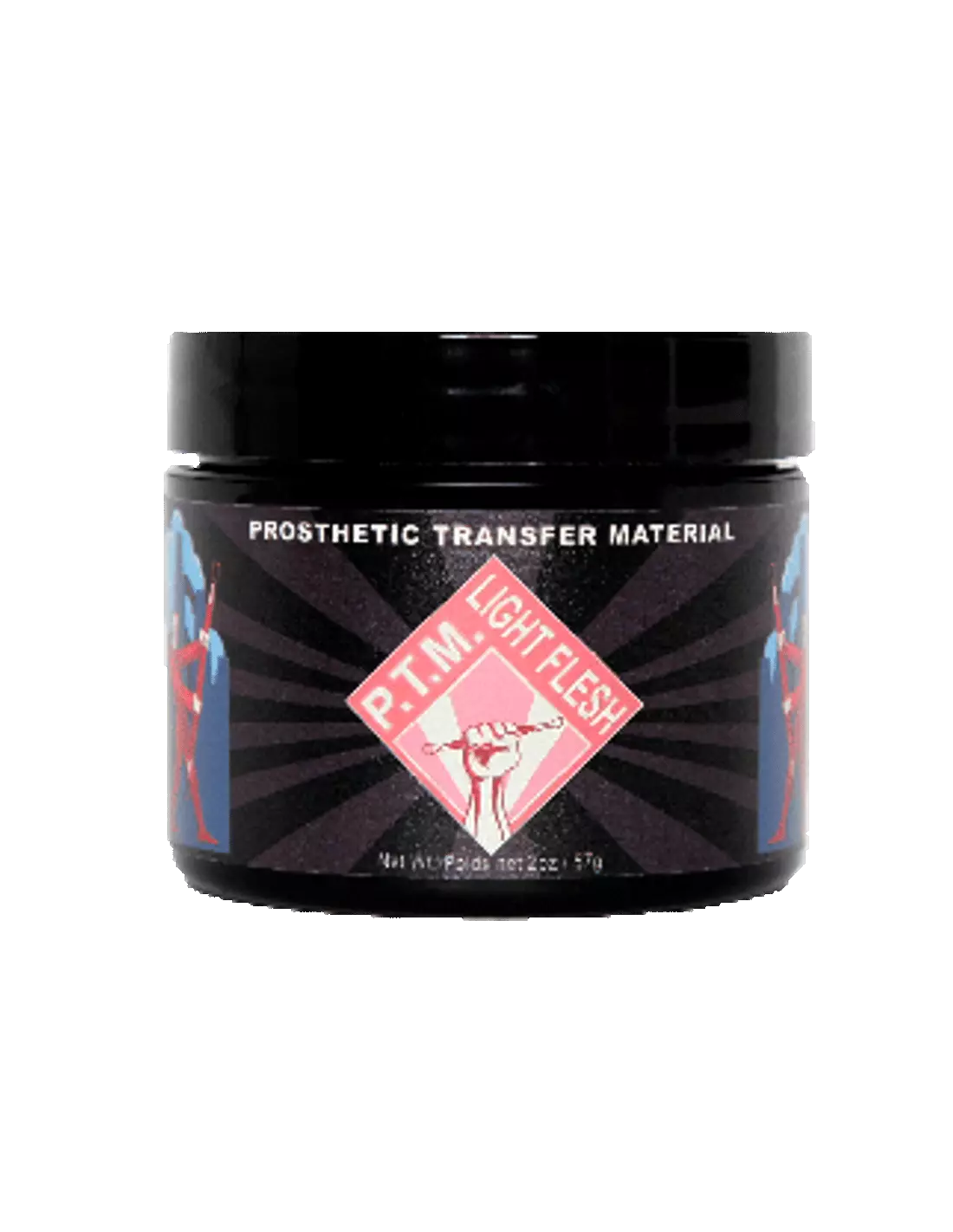
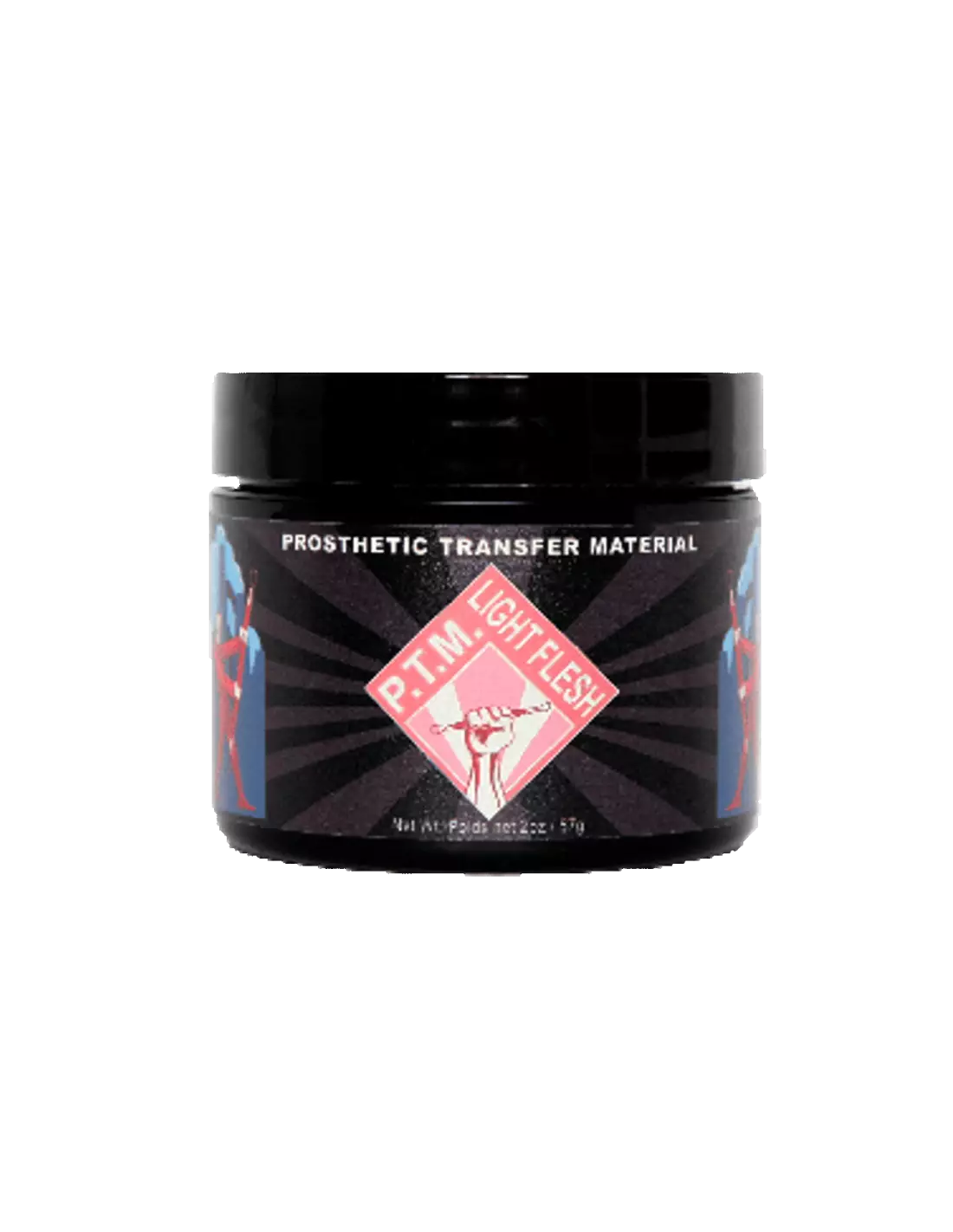
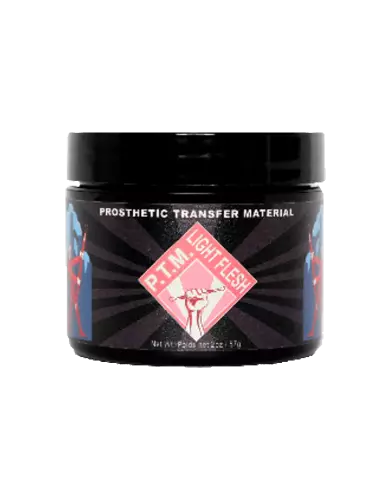
PTM - Light Flesh
591400100
€35.00
42,35 € Tax incl.
42,35 € Tax incl.
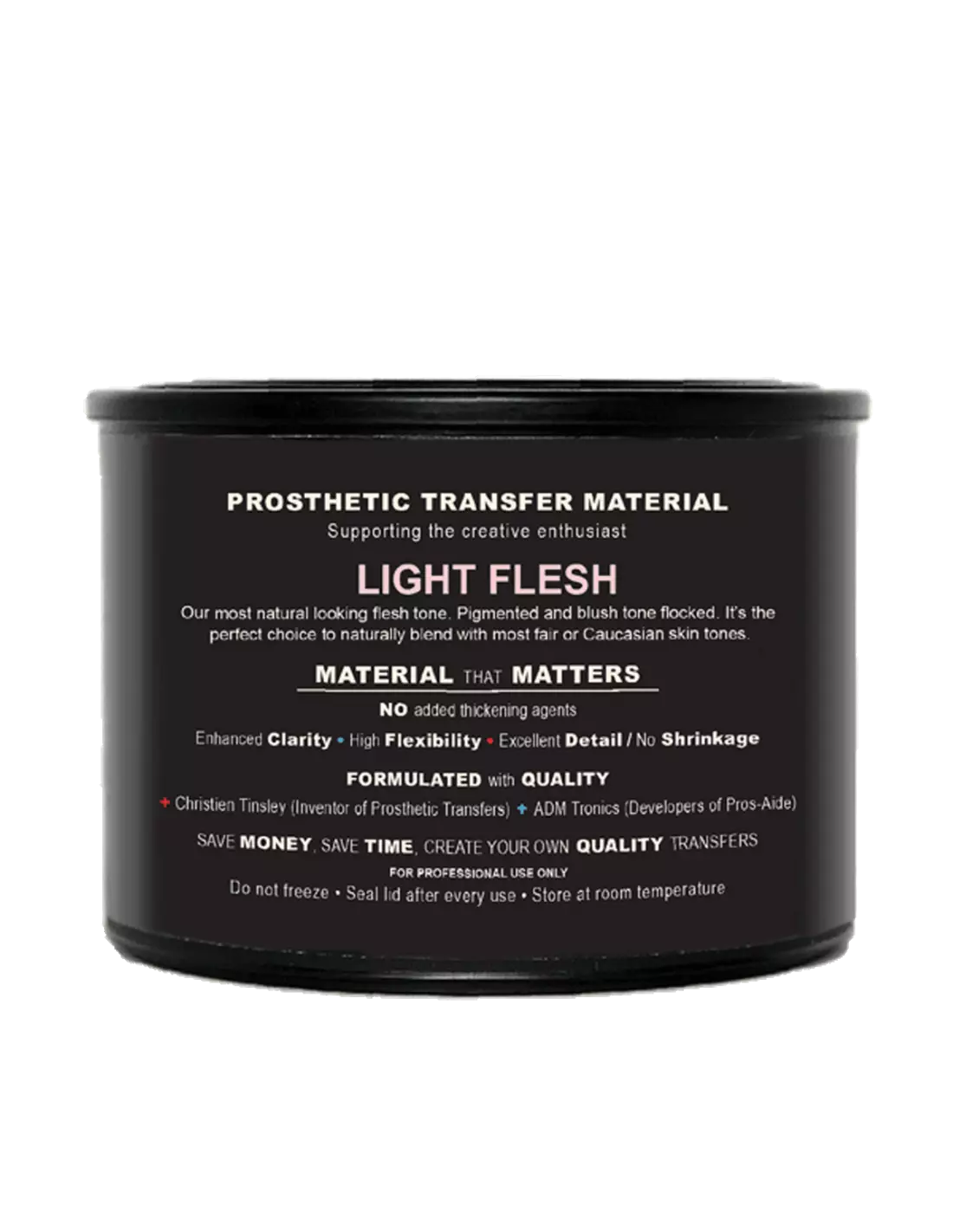
PTM Light Flesh: prosthetic transfer material in a light flesh tone, ideal for Caucasian skin tones. Formulated by Christien Tinsley.
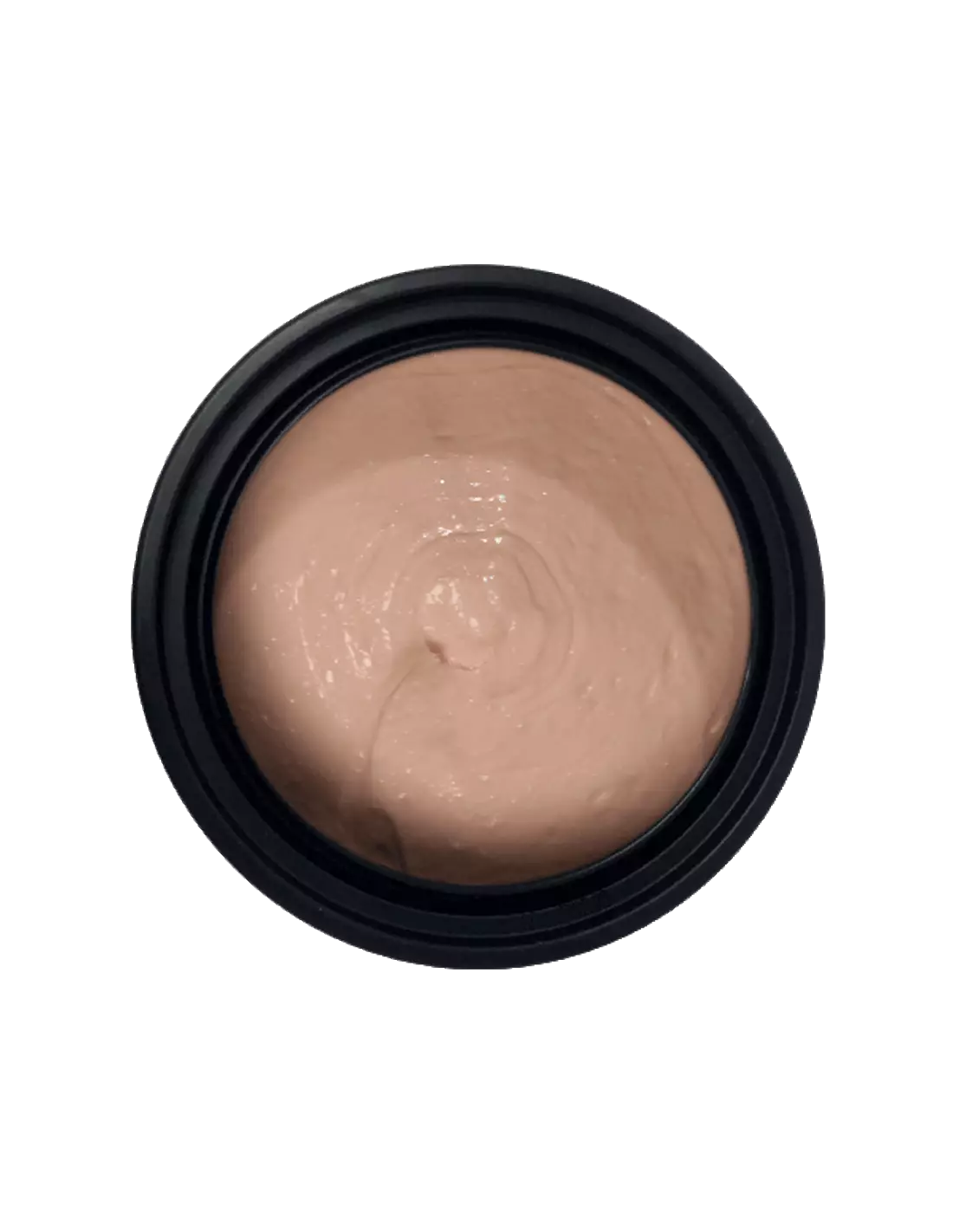
PTM Light Flesh is a high-quality prosthetic transfer material formulated by Christien Tinsley, the original creator of the PTM process. Its light flesh tone blends naturally with most Caucasian skin tones straight from the bottle, making it the most balanced alternative to the standard tone: not too pink, not too translucent, with a finish that minimises painting and touch-up time.
Technical specifications
| Feature | Detail |
|---|---|
| Trade name | PTM - Light Flesh |
| Colour | Light Flesh |
| Formulated by | Christien Tinsley |
| Product type | Prosthetic transfer material |
| Application | Straight from the bottle |
| Family | Prosthetics & SFX Transfers |
What it is used for
PTM Light Flesh is designed for the creation of high-definition prosthetic transfers in makeup special effects. Its light flesh tone is the preferred choice when working with Caucasian skin tones, as it minimises corrective painting time and delivers a finished result in fewer steps. It is compatible with the main prosthetic transfer processes in the industry.
- Creation of Bondo Transfers straight from the bottle
- Fabrication of Pro-Bondo Transfers for complex prosthetic effects
- Production of high-definition Pros-Aide Transfers
- Character applications in film, television and theatre
- Special effects for wounds, scars and surface prosthetics
- Forensic and educational character work
- Projects requiring a base tone compatible with fair skin without additional cover painting
How to use it
- Prepare the work surface: make sure the mould or support is clean, dry and free of residue.
- Print or prepare the PTM transfer paper if you are making a transfer on paper before applying it to skin.
- Apply PTM Light Flesh straight from the bottle onto the desired surface in thin, even layers. Work with a brush or spatula depending on the type of transfer.
- Allow each layer to dry completely before applying the next. The number of layers determines the thickness and opacity of the final transfer.
- Once dry, carefully peel the transfer and apply it to the skin using a suitable adhesive for prosthetic transfers.
- If necessary, make minimal colour touch-ups using pigments compatible with special effects materials.
- For more complex wound or scar effects, combine with products from the Suture Set 1 or the Suture Set 2.
Usage tips
Thin layers for greater definition
Always apply in thin layers and allow each one to dry before continuing. Thick layers can create irregularities in the final transfer and make it harder to peel cleanly from the support. Patience at this stage is what separates a mediocre transfer from a professional-quality one.
Comparison with other PTM tones
If you are working with darker skin tones or need greater translucency, consider using PTM Clear for transition areas, or PTM Pink 5 if the actor's skin tone requires more warmth. Light Flesh is the ideal middle ground for neutral Caucasian skin tones.
Conservation and storage
Keep the bottle tightly closed, in a cool, dry place away from direct sunlight. Shake gently before each use to homogenise the material. If a dry film has formed on the surface of the product, carefully remove it before using the remaining contents.
Frequently asked questions
Can I use this material directly on skin without adhesive?
No. PTM Light Flesh is a transfer material, not an adhesive. You must create the transfer on a support (transfer paper or mould) and fix it to the skin using a suitable prosthetic adhesive. The transfer on its own has no adhesion to skin.
How many layers do I need to apply for a durable transfer?
It depends on the intended use and desired thickness. For lightweight surface transfers, 3–5 thin layers are usually sufficient. For prosthetics with more body or that need to withstand greater handling, you can build up to 8–10 layers or more, always allowing each layer to dry completely before applying the next.
Can it be painted over once applied to skin?
Yes. Although PTM Light Flesh is formulated to minimise the need for additional painting on Caucasian skin tones, you can touch up with pigments compatible with special effects materials to match the exact skin tone of the actor or to add character details.
What is the difference between this tone and the other available PTM tones?
PTM Light Flesh sits between PTM Clear (fully translucent, ideal for edges and transitions) and PTM Pink 5 (more pink, for skin tones with a warmer component). Light Flesh is the most natural and versatile tone for neutral or slightly golden Caucasian skin tones.
Is it compatible with standard transfer paper?
For best results, use the specific PTM transfer paper. Standard paper may not provide the right surface for clean peeling of the material, which can damage the transfer or reduce its final quality.
How long does each layer take to dry?
Drying time per layer depends on application thickness, temperature and ambient humidity. Under normal workshop conditions (20–25 °C, moderate humidity), each thin layer can dry in 10–20 minutes. You can use a cold-air dryer to speed up the process without altering the material.
Can it be used to make volumetric prosthetics or only for flat transfers?
PTM Light Flesh is ideal for thin-layer transfers and surface prosthetics. For prosthetics with considerable volume, it is better suited as a combination with other fill materials or as an outer finishing layer over a more structured base. For raised scar and wound effects, it works very well alongside the Prótesis Scarface.
Does it have an expiry date or shelf life?
Like most materials of this type, PTM Light Flesh has a limited shelf life. Store it in a cool, dry place away from direct light, with the bottle tightly closed. Check the packaging for the expiry date indicated by the manufacturer and do not use the product if it has developed lumps or its consistency has changed significantly.
No reviews
Tap to zoom